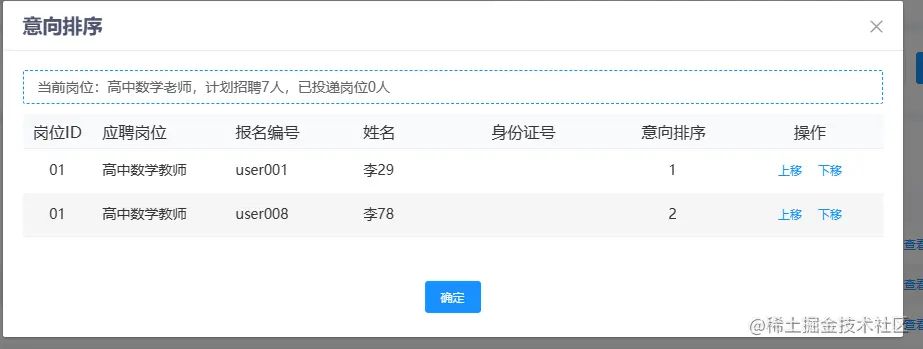
<el-table-column label="操作" :resizable="false" min-width="90" align="center">
							<template slot-scope="scope">
								<el-button @click.native.prevent="deleteRow(scope.$index, scope.row, 'up')" type="text"
									size="small">上移</el-button>
								<el-button @click.native.prevent="deleteRow(scope.$index, scope.row, 'down')"
									type="text" size="small">下移</el-button>
							</template>
						</el-table-column>
deleteRow(index, row, type) {
if (type === 'up') {
if (index === 0) {
return
}
this.tableData2[index].intt_ord = index
this.tableData2[index - 1].intt_ord = index + 1
this.tableData2.splice(index - 1, 0, (this.tableData2[index]))
this.tableData2.splice(index + 1, 1)
} else if (type === 'down') {
if (index === (this.tableData2.length - 1)) {
return
}
this.tableData2[index].intt_ord = index + 2
this.tableData2[index + 1].intt_ord = index + 1
this.tableData2.splice(index + 2, 0, (this.tableData2[index]))
this.tableData2.splice(index, 1)
}
},