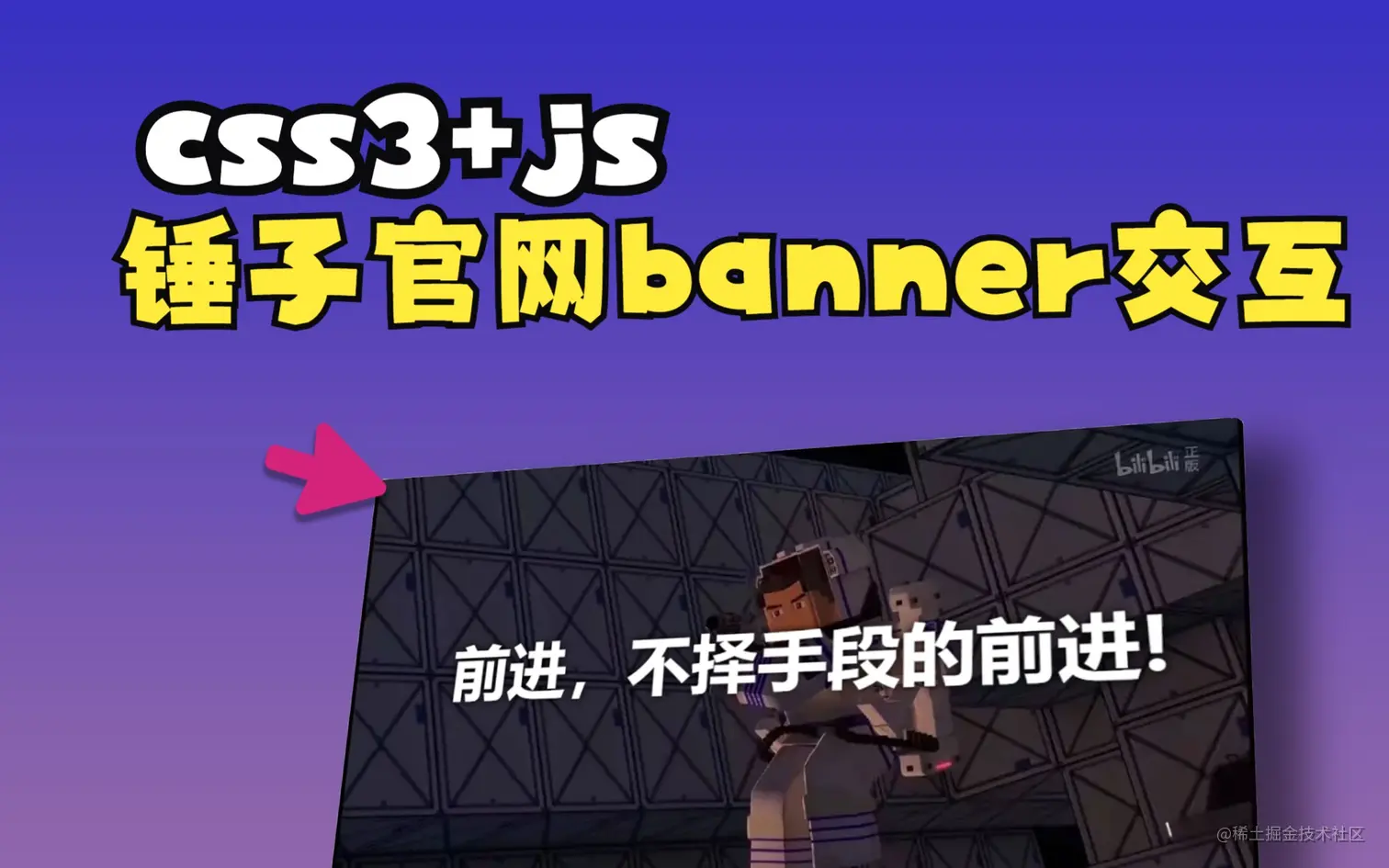
B站视频链接
<!DOCTYPE html>
<html lang="zh">
<head>
<meta charset="UTF-8">
<meta http-equiv="X-UA-Compatible" content="IE=edge">
<meta name="viewport" content="width=device-width, initial-scale=1.0">
<title>前进,不择手段的前进!</title>
<style>
body,html{
margin: 0 0;
padding: 0 0;
}
body{
height: 100vh;
width: 100vw;
display: flex;
justify-content: center;
align-items: center;
}
#imgGroup{
width: 50vw;
height: 50vh;
border-radius: 10px;
box-shadow: 0px 0px 35px rgba(133, 133, 133, 1);
display: flex;
align-items: center;
justify-content: center;
background: url('./bg.webp') no-repeat;
background-size: cover;
transition: all 0.3s;
will-change: transform;
}
#text{
font-size: 3.5vw;
font-weight: bold;
color: white;
text-shadow: 0px 0px 10px rgba(0, 0, 0, 1);
transition: all 0.3s;
will-change: transform;
}
</style>
</head>
<body>
<div id="imgGroup">
<div id="text">前进,不择手段的前进!</div>
</div>
</body>
<script type="text/javascript">
const imgGroupDom = document.getElementById('imgGroup');
const textDom = document.getElementById('text');
imgGroupDom.addEventListener('mousemove', e => {
const rect = imgGroup.getBoundingClientRect();
const mouseX = e.clientX - rect.left;
const mouseY = e.clientY - rect.top;
const centerX = rect.width / 2;
const centerY = rect.height / 2;
const rotateY = (mouseY - centerY) / 50;
const rotateX = (mouseX - centerX) / 80;
console.log('rect==>',rect);
console.log('e==>',e);
console.log('offset==>',imgGroup.offsetWidth,imgGroup.offsetHeight)
const scale = 1.05;
imgGroupDom.style.transform = `perspective(1000px) rotateX(${-rotateY}deg) rotateY(${rotateX}deg) scale(${scale})`;
imgGroupDom.style.boxShadow = `${-rotateX*10}px ${-rotateY*10}px 35px rgba(133, 133, 133, 0.5)`;
textDom.style.transform = `perspective(1000px) rotateX(${-rotateY*1.2}deg) rotateY(${rotateX*1.2}deg) translate3d(${-rotateX*1.2}px, 0px, 0px) scale(${scale*1.05})`;
});
imgGroup.addEventListener('mouseleave', () => {
imgGroupDom.style.transform = ``;
imgGroupDom.style.boxShadow = ``;
textDom.style.transform = ``;
});
</script>
</html>