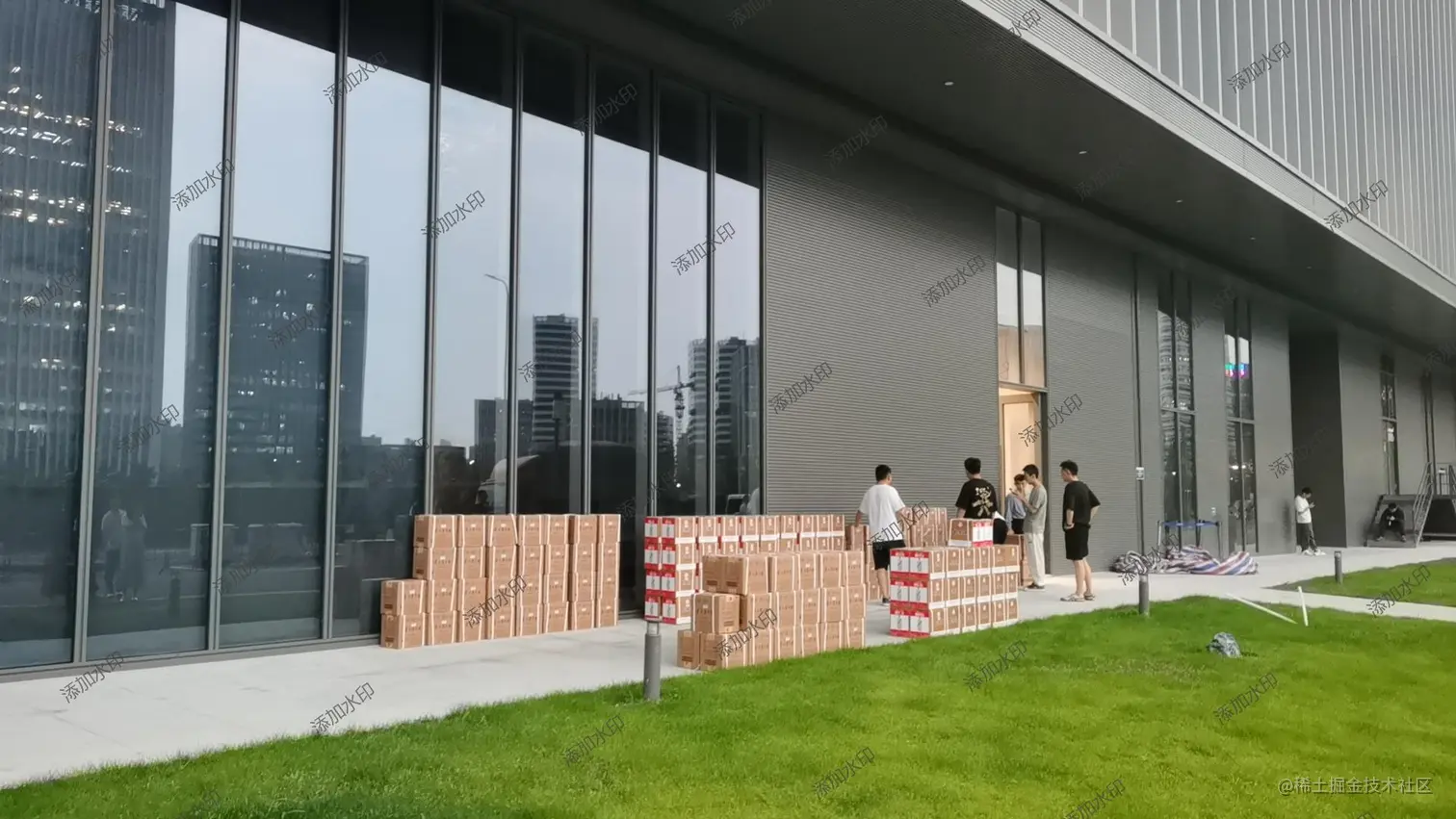
public static void main(String[] args) throws IOException {
long start = System.currentTimeMillis()
// 输入图片路径
String inputFile = "C:/Users/admin/Desktop/2023.jpg"
// 输出图片路径
String outputFile = "C:/Users/admin/Desktop/水印/2023_Graphics2D_ " + i + ".jpg"
// 水印文本内容,中文转Unicode
String watermarkText = "添加水印"
shuiyin2.markWithContent(inputFile, FONT, Color.darkGray, watermarkText, outputFile)
long end = System.currentTimeMillis()
System.out.println("水印添加时间:" + (end -start) + "毫秒")
}
// 水印字体
private static final Font FONT = new Font("微软雅黑", Font.PLAIN, 24)
// 透明度
private static final AlphaComposite COMPOSITE = AlphaComposite.getInstance(AlphaComposite.SRC_OVER, 0.6f)
// 水印之间的间隔
private static final int X_MOVE = 150
// 水印之间的间隔
private static final int Y_MOVE = 200
public static void markWithContent(String inputImgPath, Font font, Color markContentColor,
String waterMarkContent,
String outImgPath) throws IOException {
// 读取原图片信息
File srcFile = new File(inputImgPath)
File outFile = new File(outImgPath)
BufferedImage srcImg = ImageIO.read(srcFile)
// 图片宽、高
int imgWidth = srcImg.getWidth()
int imgHeight = srcImg.getHeight()
// 图片缓存
BufferedImage bufImg = new BufferedImage(imgWidth, imgHeight, BufferedImage.TYPE_INT_RGB)
// 创建绘图工具
Graphics2D graphics = bufImg.createGraphics()
// 画入原始图像
graphics.drawImage(srcImg, 0, 0, imgWidth, imgHeight, null)
// 设置水印颜色
graphics.setColor(markContentColor)
// 设置水印透明度
graphics.setComposite(COMPOSITE)
// 设置倾斜角度
graphics.rotate(Math.toRadians(-35), (double) bufImg.getWidth() / 2,
(double) bufImg.getHeight() / 2)
// 设置水印字体
graphics.setFont(font)
// 消除java.awt.Font字体的锯齿
graphics.setRenderingHint(RenderingHints.KEY_ANTIALIASING, RenderingHints.VALUE_ANTIALIAS_ON)
int xCoordinate = -imgWidth / 2, yCoordinate
// 字体长度
int markWidth = FONT.getSize() * getTextLength(waterMarkContent)
// 字体高度
int markHeight = FONT.getSize()
// 循环添加水印
while (xCoordinate < imgWidth * 1.5) {
yCoordinate = -imgHeight / 2
while (yCoordinate < imgHeight * 1.5) {
graphics.drawString(waterMarkContent, xCoordinate, yCoordinate)
yCoordinate += markHeight + Y_MOVE
}
xCoordinate += markWidth + X_MOVE
}
// 释放画图工具
graphics.dispose()
try (FileOutputStream fos = new FileOutputStream(outFile)) {
// 输出图片
ImageIO.write(bufImg, "jpg", fos)
fos.flush()
}
}
/**
* 计算水印文本长度
* 中文长度即文本长度
* 英文长度为文本长度二分之一
*/
public static int getTextLength(String text) {
//水印文字长度
int length = text.length()
for (int i = 0
String s = String.valueOf(text.charAt(i))
if (s.getBytes().length > 1) {
length++
}
}
length = length % 2 == 0 ? length / 2 : length / 2 + 1
return length
}