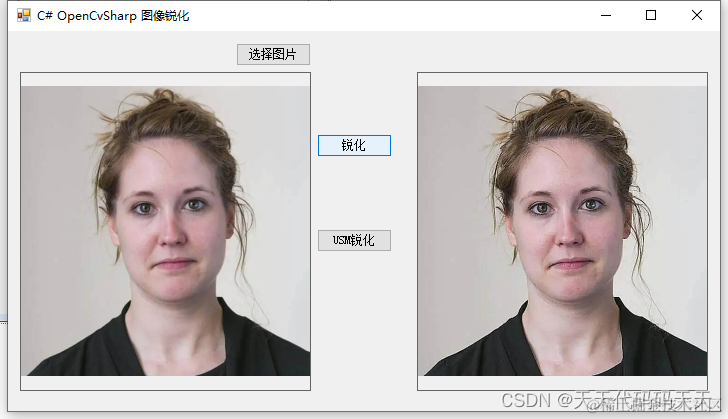
锐化
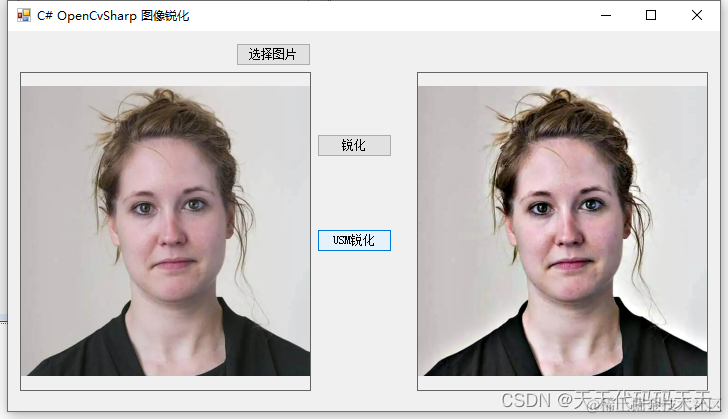
USM锐化
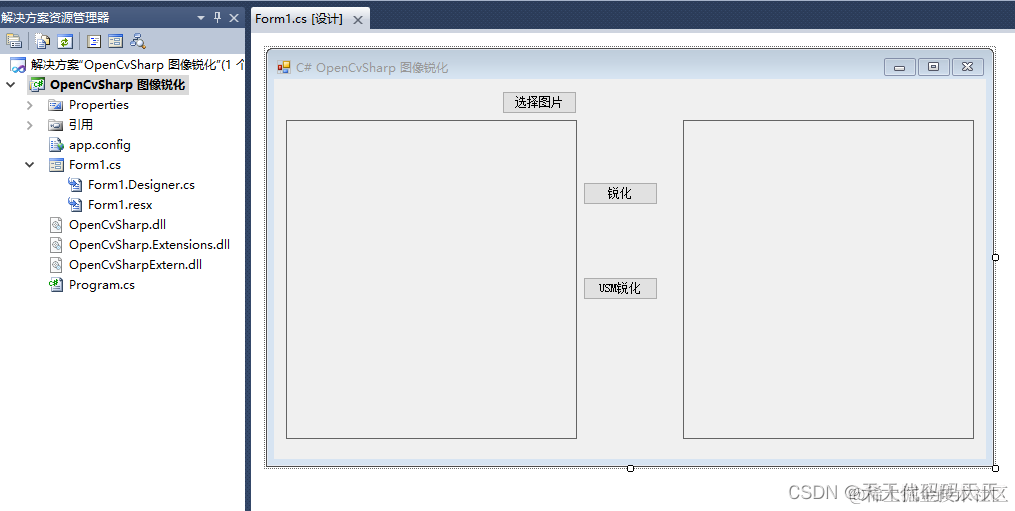
项目
代码
using System
using System.Collections.Generic
using System.ComponentModel
using System.Data
using System.Drawing
using System.Linq
using System.Text
using System.Windows.Forms
using OpenCvSharp
namespace OpenCvSharp_图像锐化
{
public partial class Form1 : Form
{
public Form1()
{
InitializeComponent()
}
string fileFilter = "*.*|*.bmp;*.jpg;*.jpeg;*.tiff;*.tiff;*.png"
string imgPath = ""
Mat mat
private void button2_Click(object sender, EventArgs e)
{
OpenFileDialog ofd = new OpenFileDialog()
ofd.Filter = fileFilter
if (ofd.ShowDialog() != DialogResult.OK) return
pictureBox1.Image = null
imgPath = ofd.FileName
pictureBox1.Image = new Bitmap(imgPath)
}
private void button1_Click(object sender, EventArgs e)
{
if (pictureBox1.Image == null)
{
return
}
mat = new Mat(imgPath)
// 定义锐化卷积核
InputArray kernel = InputArray.Create<float>(new float[3, 3] {
{ 0, -1, 0 },
{ -1, 5, -1 },
{ 0, -1, 0 } })
Cv2.Filter2D(mat, mat, mat.Type(), kernel)
Cv2.ConvertScaleAbs(mat, mat)
if (pictureBox2.Image != null)
{
pictureBox2.Image.Dispose()
}
pictureBox2.Image = OpenCvSharp.Extensions.BitmapConverter.ToBitmap(mat)
}
/// <summary>
/// USM锐化
/// </summary>
/// <param name="sender"></param>
/// <param name="e"></param>
private void button4_Click(object sender, EventArgs e)
{
/*
USM(Unshrpen Mask)算法是对原图像先进行一个高斯滤波
然后用原来的图像像素值减去一个系数乘以高斯滤波后的图像像素值
然后把得到的像素值归到0~255范围内
USM锐化增强算法可以去除一些细小的干扰细节和图像噪声
比一般直接使用卷积锐化算子得到的图像更可靠。
USM锐化公式如下:
(源图像– w*⾼斯模糊)/(1-w);其中w表⽰权重(0.1~0.9),默认为0.6
*/
if (pictureBox1.Image == null)
{
return
}
mat = new Mat(imgPath)
Mat blur = new Mat()
Mat usm = new Mat()
Cv2.GaussianBlur(mat, blur, new OpenCvSharp.Size(0, 0), 25)
Cv2.AddWeighted(mat, 1.5, blur, -0.5, 0, usm)
blur.Dispose()
if (pictureBox2.Image != null)
{
pictureBox2.Image.Dispose()
}
pictureBox2.Image = OpenCvSharp.Extensions.BitmapConverter.ToBitmap(usm)
}
}
}
Demo下载