<style>
.basic {
width: 300px;
height: 150px;
border: 1px solid black;
text-align: center;
}
.happy {
background: linear-gradient(217deg, rgba(255, 149, 0, 0.8), rgba(207, 170, 76, 0) 70.71%), linear-gradient(127deg, rgba(255, 89, 0, 0.8), rgba(211, 181, 72, 0) 70.71%), linear-gradient(336deg, rgba(255, 208, 122, 0.8), rgba(201, 159, 55, 0) 70.71%);
border: 1px solid yellow;
}
.sad {
background: rgb(77, 80, 102);
border: 1px solid blue;
}
.normal {
background: wheat;
border: 1px solid yellowgreen;
}
.atguigu1 {
background: skyblue;
}
.atguigu2 {
font-size: 30px;
font-weight: 600;
text-shadow: rgb(227, 28, 28) 8px 0 10px;
}
.atguigu3 {
border-radius: 25px;
}
</style>
<div id="root">
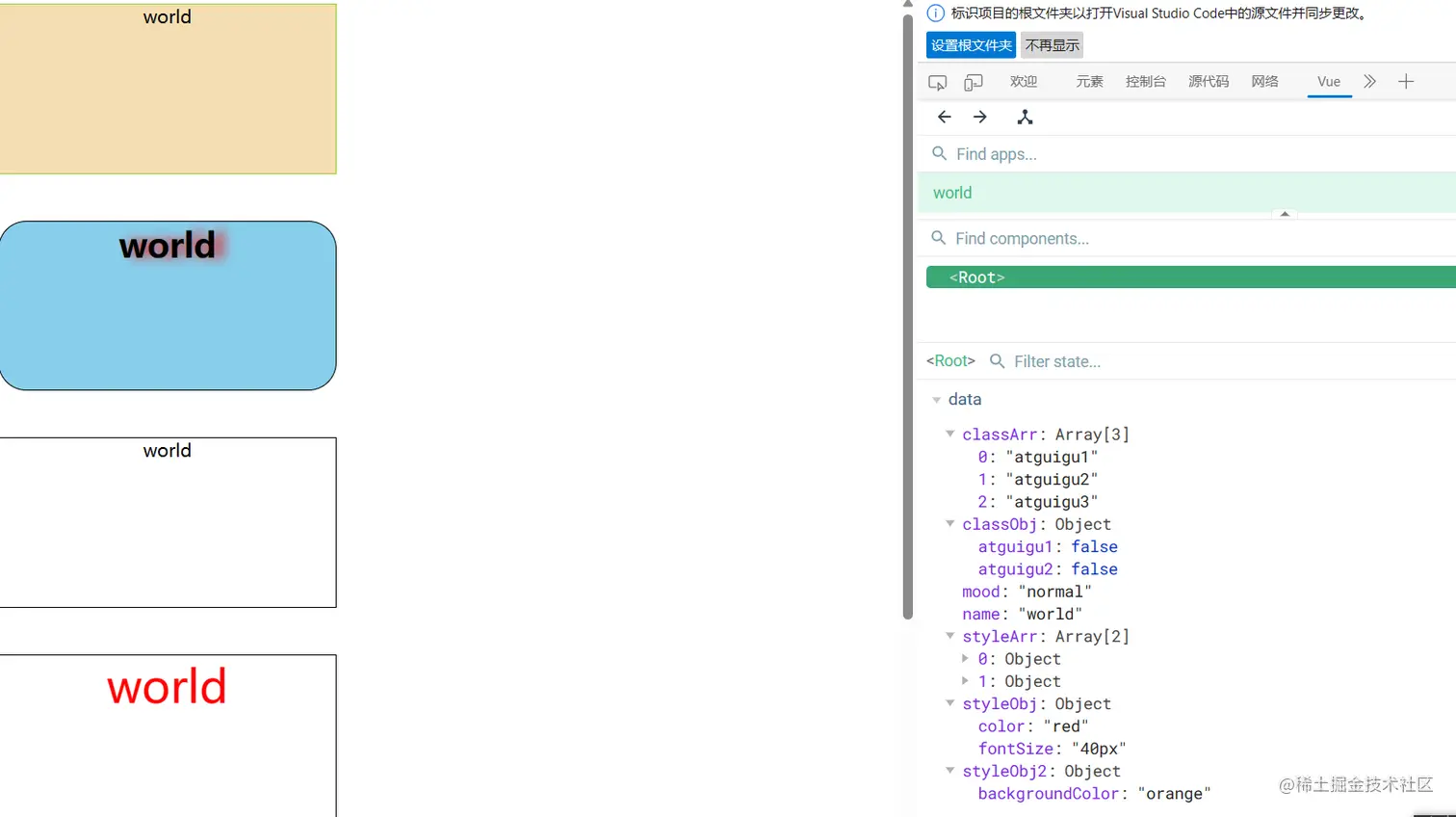
<div class="basic" :class="mood" @click="changeMood">{{name}}</div><br><br>
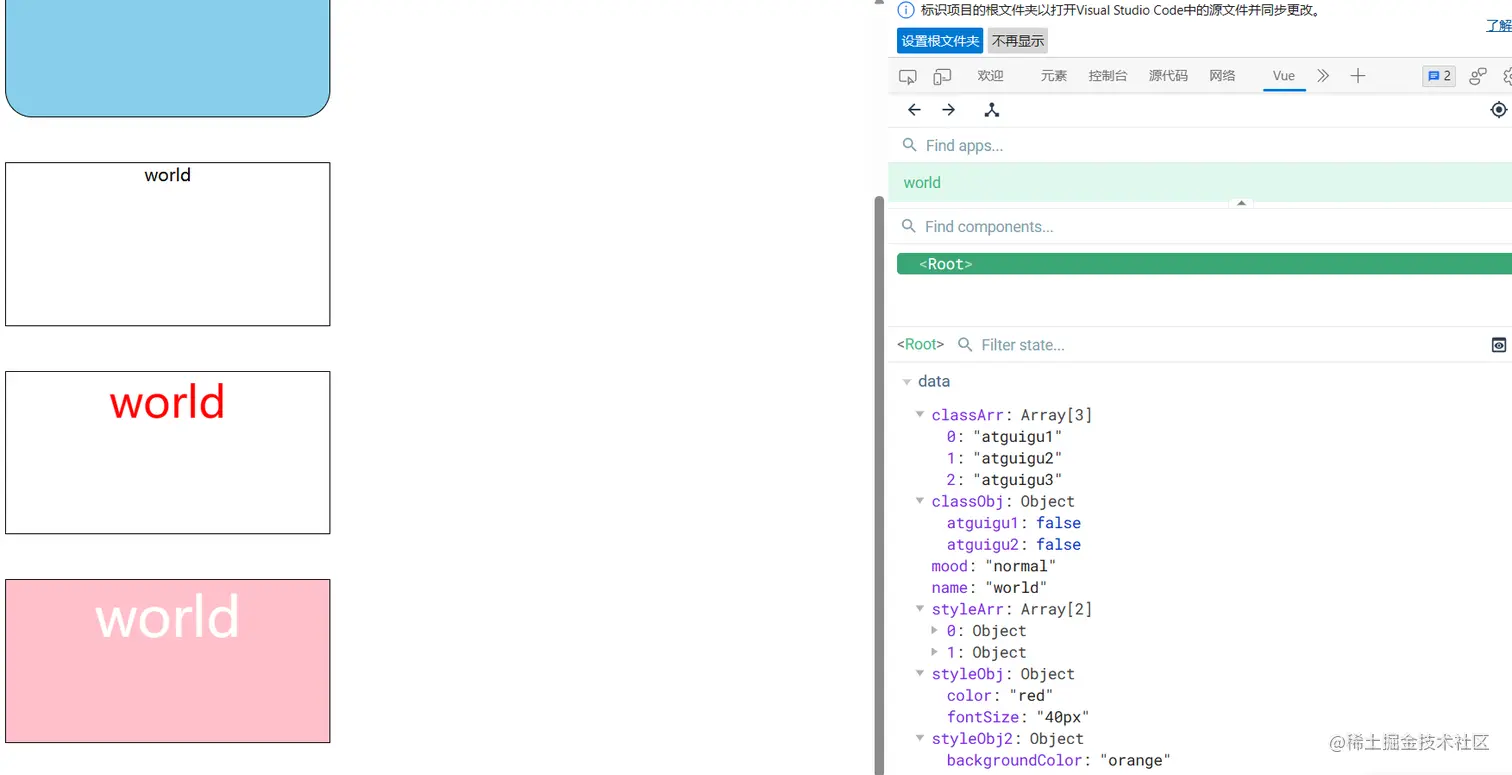
<div class="basic" :class="classArr">{{name}}</div><br><br>
<div class="basic" :class="classObj">{{name}}</div><br><br>
<div class="basic" :style="styleObj">{{name}}</div><br><br>
<div class="basic" :style="styleArr">{{name}}</div><br><br>
</div>
<script>
const vm = new Vue({
el: '#root',
data: {
name: 'world',
mood: 'normal',
classArr: ['atguigu1', 'atguigu2', 'atguigu3'],
classObj: {
atguigu1: false,
atguigu2: false
},
styleObj: {
fontSize: '40px',
color: 'red',
},
styleObj2: {
backgroundColor: 'orange'
},
styleArr: [
{
fontSize: '50px',
color: 'white',
},
{
backgroundColor: 'pink'
},
]
},
methods: {
changeMood() {
const arr = ['happy', 'sad', 'normal']
const index = Math.floor(Math.random() * 3)
this.mood = arr[index]
}
},
})
</script>

s.juejin.cn/ds/ikjaqyx/