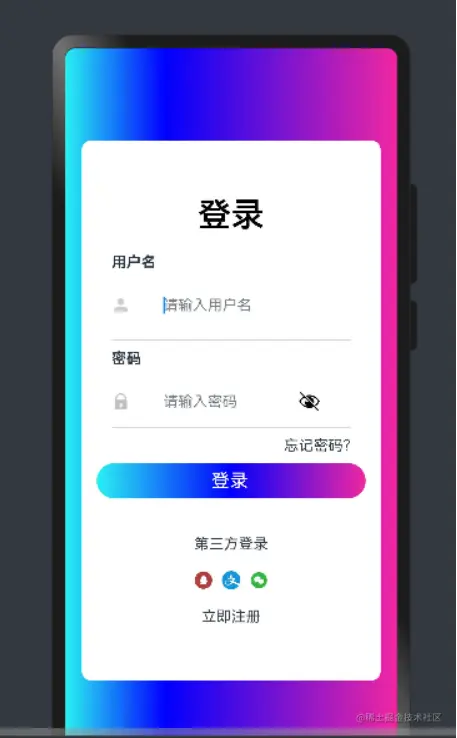
OpenHarmony制作登录界面
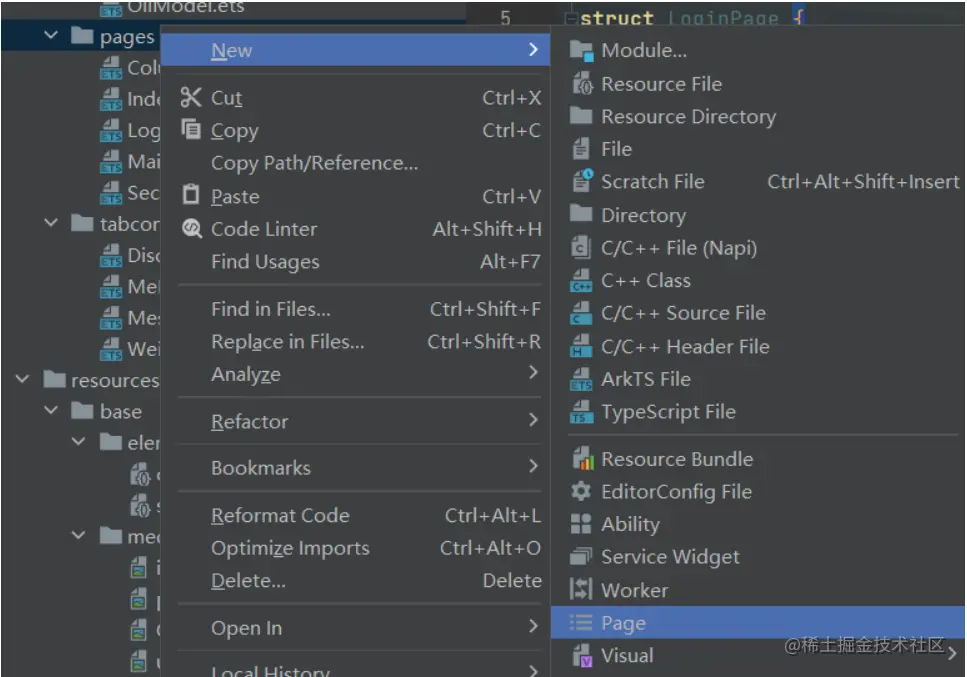
1. 新建一个page页‘Loginpage’
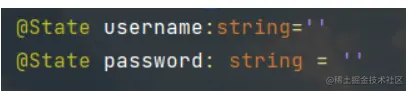
2. 定义username和password变量
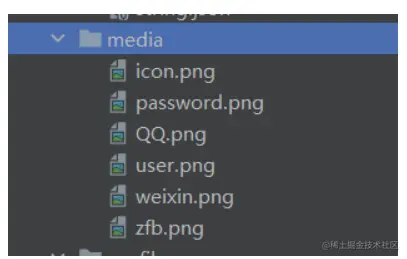
3. 导入图片(可以去阿里巴巴图标库中下载图片)
3. 设置页面
import router from '@ohos.router'
import cert from '@ohos.security.cert'
@Entry
@Component
struct LoginPage {
@State username:string=''
@State password: string = ''
build() {
Column(){
Column() {
Text('登录').fontColor(Color.Black).fontSize(36).fontWeight(600).margin({
bottom: 20
})
Column({ space: 10 }){
Text('用户名')
.fontWeight(FontWeight.Bold)
.margin({ bottom: 10 })
Row() {
Image($r("app.media.user")).width(20).margin({
right: 20
})
TextInput({
placeholder: "请输入用户名",
text: this.username
}).width("60%").onChange((val: string) => {
this.username = val
}).backgroundColor(Color.White)
}.margin({
bottom: 10
})
Divider().width("80%")
Text("密码")
.fontWeight(FontWeight.Bold)
.margin({ bottom: 10 })
Row() {
Image($r("app.media.password")).width(20).margin({
right: 20
})
TextInput({
placeholder: "请输入密码",
text: this.password
}).type(InputType.Password).width("60%").onChange((val: string) => {
this.password = val
}).backgroundColor(Color.White)
}.margin({ bottom: 10 })
}.alignItems(HorizontalAlign.Start)
Divider().width("80%")
Row() {
Blank()
Text("忘记密码?").margin({
top: 10,
bottom:10,
right:-40
})
}.width("60%")
Row(){
Text(" 登录")
.borderRadius(25)
.width('90%').height(38).linearGradient({
direction: GradientDirection.Left,
angle: 90,
colors: [[0xFF2AF1F1, 0.0], [0x0000ff, 0.5], [0xFFF127A2, 1.0]]
}).margin({
bottom: 40,
}).fontColor(Color.White).fontSize(20)
}
Text("第三方登录").margin({
bottom:20
})
Row({ space: 10 }) {
Image($r("app.media.QQ")).width(20)
Image($r("app.media.zfb")).width(20)
Image($r("app.media.weixin")).width(20)
}
Text("立即注册").margin({
top: 20
})
}
.width("90%")
.height("75%")
.alignItems(HorizontalAlign.Center)
.justifyContent(FlexAlign.Center)
.margin({
left: 20,
right: 20,
bottom: 100,
top: 100
}).backgroundColor(Color.White).borderRadius(10)
}.linearGradient({
direction: GradientDirection.Left,
angle: 90,
colors: [[0xFF2AF1F1, 0.0], [0x0000ff, 0.3], [0xFFF127A2, 1.0]]
})
}
}
4. 示例图片