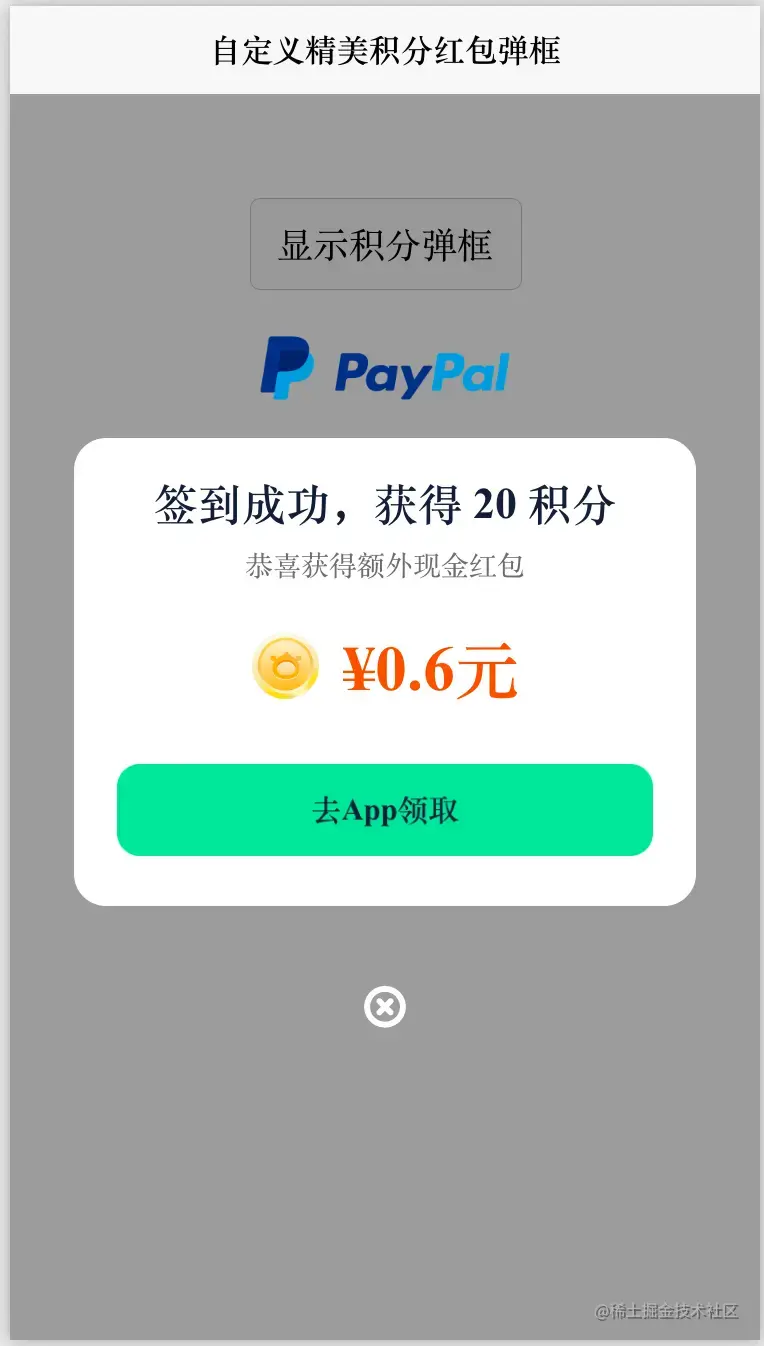
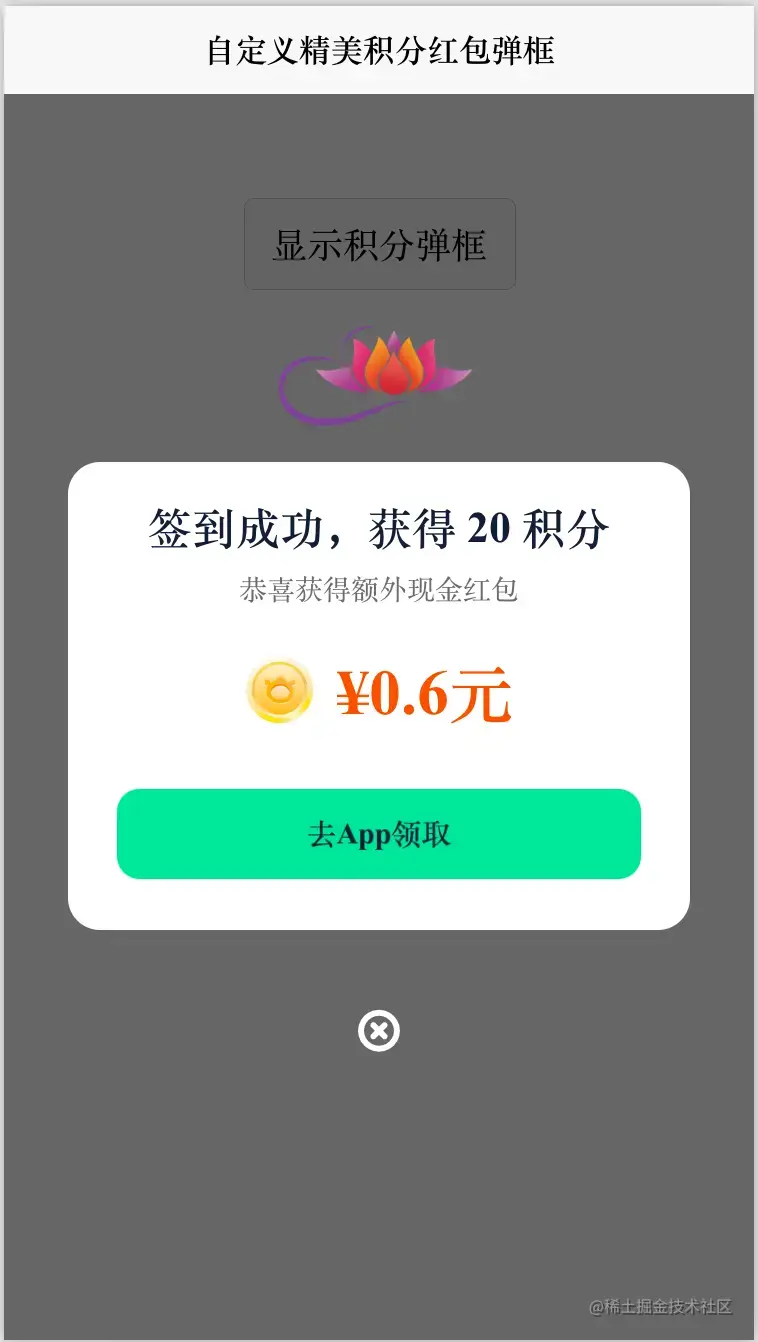
效果图如下:
# cc-downloadDialog
组件实现代码
<template>

	<scroll-view class="scroll" scroll-x='false' scroll-with-animation :scroll-into-view=" 'tab-' + scrollIntoView">
		<view class="swiperTab" @tap="handleTapTab"
			:class="'ignoreT2 ptp_exposure tab-item ' + (item.key === '4' ? 'anchor' : '') + ' ' + (index === active ? 'active' : '')"
			:data-index="index" data-ptpid="f6a7-18cd-9f87-3c05" v-for="(item, index) in tabList" :key="index"
			:id="'tab-' + index">
			{{ item.value }}
		</view>

	</scroll-view>
</template>

<script>
	export default {
		data() {
			return {
				active: 0,
				scrollIntoView: 0,
			};
		},
		props: {
			tabList: {
				type: Array,
				default: () => []
			}
		},
		methods: {
			// 修改tab下标
			handleTapTab: function(t) {
				var a = t.currentTarget.dataset.index;
				if (this.active !== a) {
					this.active = a;
					console.log('active =', this.active);
					this.scrollIntoView = Math.max(0, a - 1);

					// 执行父组件方法
					this.$emit('tabChange', {
						detail: {
							index: a
						}
					});
				}
			}
		}
	};
</script>
<style lang="scss" scoped>
	// @import './index.scss';

	.scroll ::-webkit-scrollbar {

		display: none;
		background-color: transparent;

	}

	.scroll {

		display: flex !important;
		flex-direction: row !important;
		flex-wrap: nowrap;
		white-space: nowrap;

	}

	.swiperTab {
		display: inline-flex;
		flex-direction: column;
		text-align: center;
		position: relative;
	}

	.tab-item {
		display: inline-block;
		min-width: 64rpx;
		color: #101d37;
		font-weight: 700;
		font-size: 28rpx;
		height: 106rpx;
		text-align: center;
		line-height: 124rpx;
		margin-right: 50rpx;
		position: relative;
		vertical-align: bottom;
		overflow: initial;
	}

	.tab-item.active {
		font-size: 36rpx;
	}

	.tab-item.active:after {
		content: '';
		width: 50rpx;
		height: 14rpx;
		position: absolute;
		bottom: 2rpx;
		left: 50%;
		margin-left: -25rpx;
		background: url('./icon_line.png') no-repeat;
		background-size: 100% 100%;
	}

	.tab-item:first-child {
		min-width: 84rpx;
		margin-left: 32rpx;
	}

	.tab-item:last-child {
		margin-right: 32rpx;
	}


	.anchor:before {
		width: 50rpx;
		height: 28rpx;
		position: absolute;
		content: '';
		top: 20rpx;
		left: 62rpx;
		background: url('./hot.png') no-repeat;
		background-size: 100% 100%;
	}
</style>
使用方法
<!-- show:是否显示 peanNum:获取的积分/豆数量 type:类型 word:按钮文字 money:金额 @close:关闭弹框事件  -->

<cc-downloadDialog :show="show" :peanNum="20" :type="1" word="去App领取" :money="0.6"

@close="closeDiologClick"></cc-downloadDialog>
HTML代码实现部分
<template>
<view class="content">
<view style="height: 52px;"></view>
<button @click="openDiologClick">显示积分弹框</button>
<cc-downloadDialog :show="show" :peanNum="20" :type="1" word="去App领取" :money="0.6"
@close="closeDiologClick"></cc-downloadDialog>
</view>
</template>
<script>
export default {
data() {
return {
show: false
}
},
onLoad() {
},
methods: {
openDiologClick() {
this.show = true;
},
closeDiologClick() {
this.show = false;
}
}
}
</script>
<style>
.content {
display: flex;
flex-direction: column;
}
</style>