1、下载
-
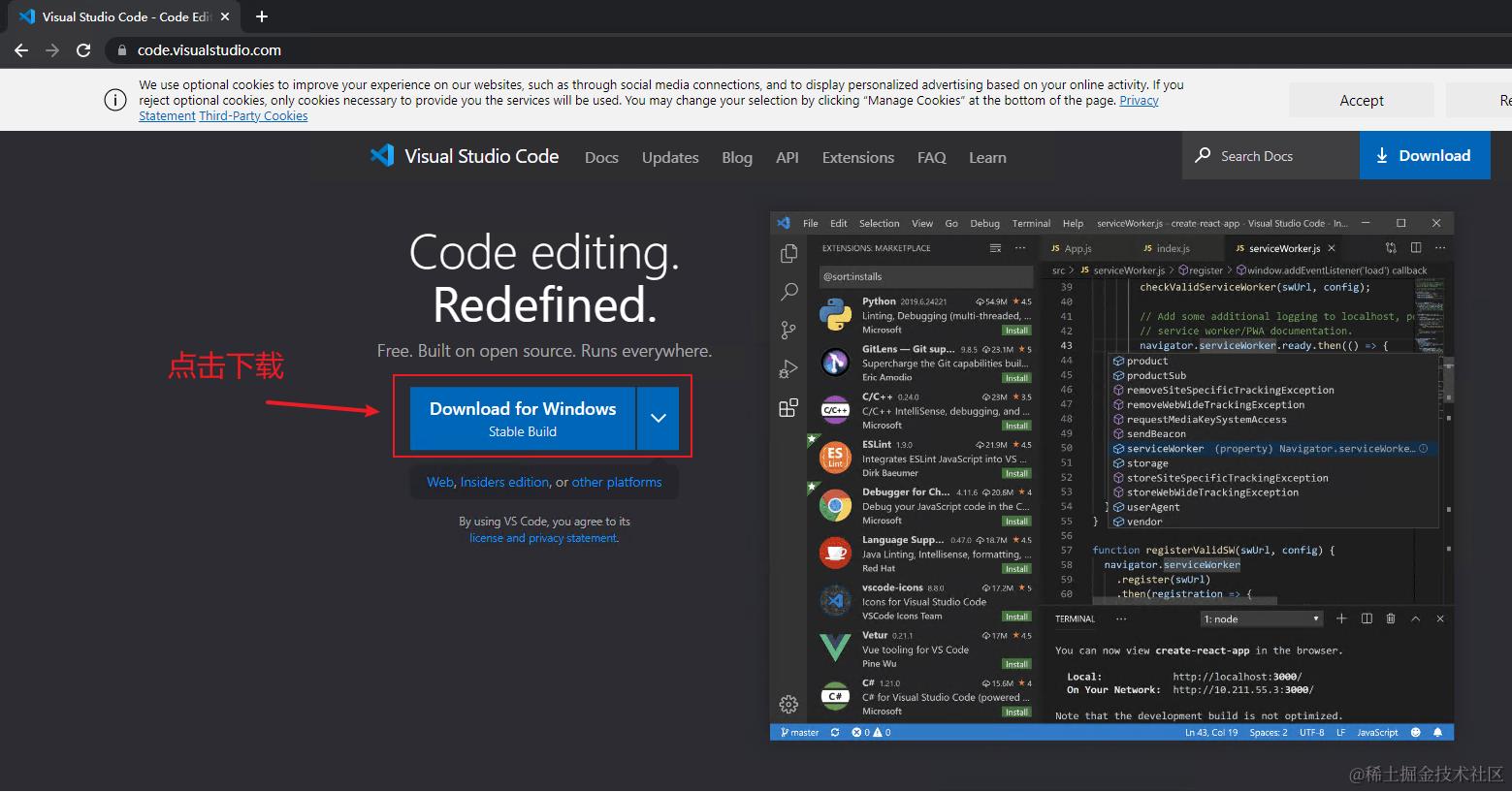
进入vscode官网
-
打开浏览器的下载内容管理,找到vscode下载任务,鼠标放在下载链接上并右击,点击复制链接地址
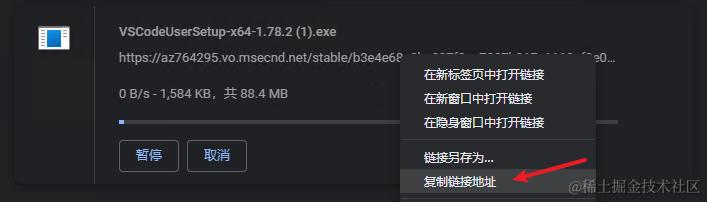
下载太慢?使用国内镜像
-
打开新窗口粘贴地址,并将域名改为:vscode.cdn.azure.cn(国内镜像,下载快)


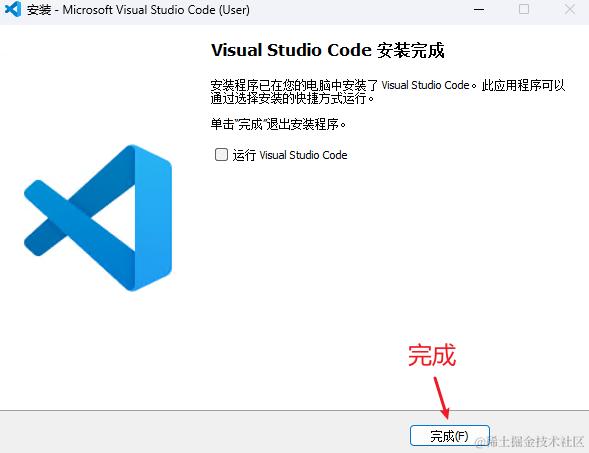
2、安装
-
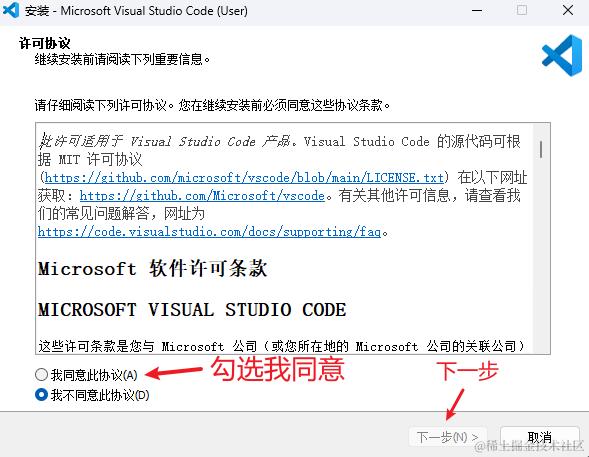
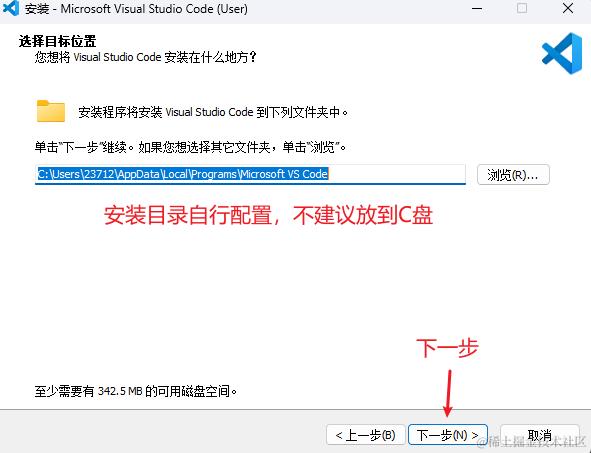
按顺序操作:
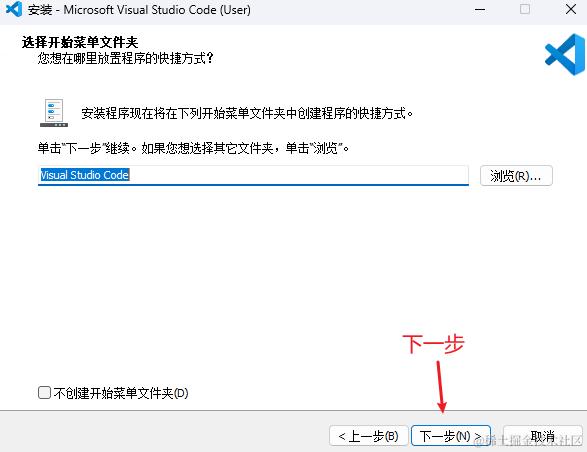
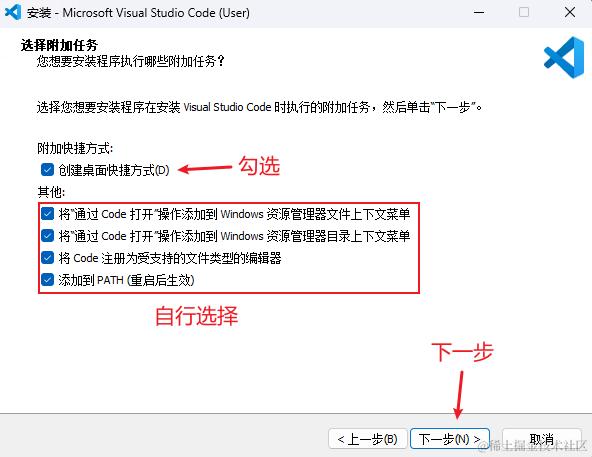
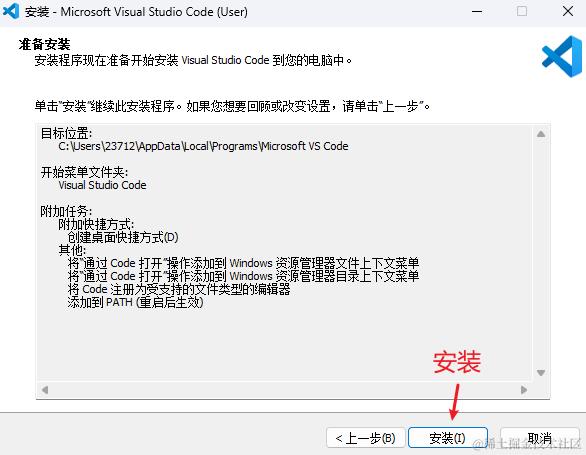
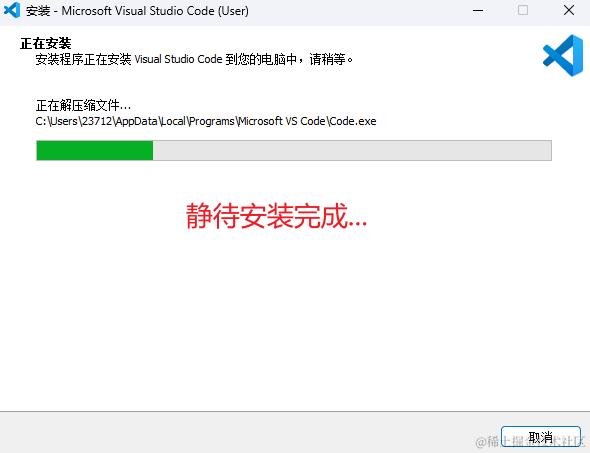

3、配置
-
vscode的配置:
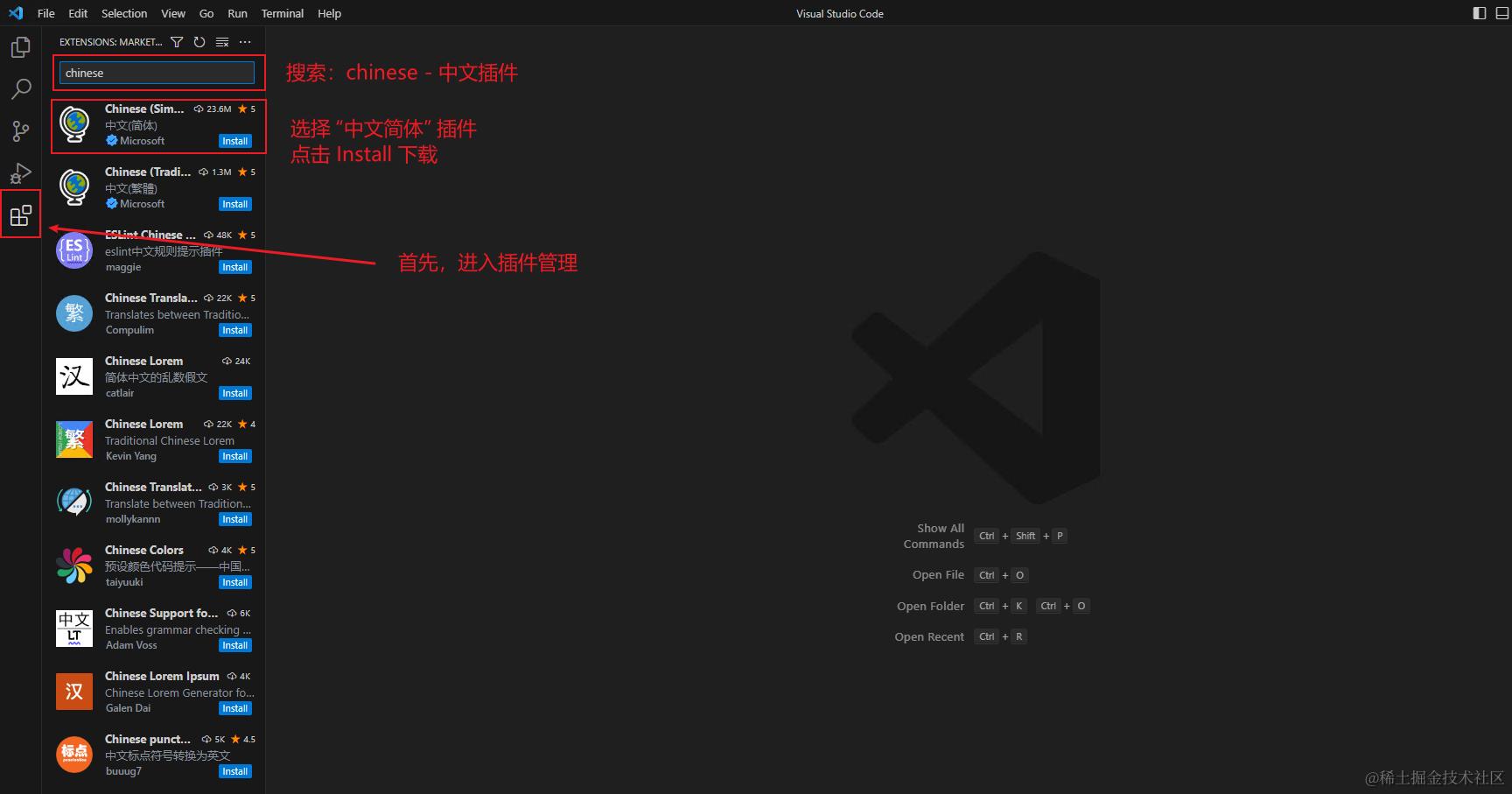
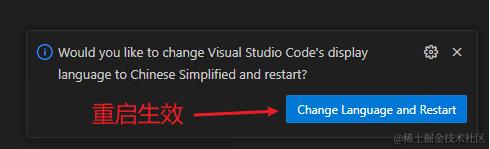
插件配置
其他插件
常用插件:
Live Server:html开发本地服务器(方便开发效果预览)
HTML CSS Support:html中的css类名称提示
Auto Rename Tag:html成对标签自动修改
indent-rainbow:html标签匹配高亮显示
Prettier - Code formatter:代码格式化(细节需要自行配置)
VSCode Great Icons:一套好看的图标
Markdown相关:
Markdown All in One:Markdown文件编写插件
markdownlint:Markdown语法检测插件
Markdown Preview Enhanced:Markdown文件效果预览
Vue相关:
Vetur:vue2插件(和Volar只能启用一个)
Vue - Official:vue3插件(和Vetur只能启用一个)
TypeScript Vue Plugin (Volar) - 已弃用,与Vue - Official合并:用于支持在 TS 中 import
.vue文件其他:
filesize:文件大小显示
Git Graph:git信息图形显示
Nested Comments:嵌套注释
CodeSnap:代码截图工具
background:编辑器背景图自定义
VSCode-Element-Helper:Element-UI代码提示
NGINX Configuration:Nginx语法高亮显示
nginx-format:Nginx配置文件代码格式化
naive-ui-helper:Naive-UI代码提示
Element Plus:Element-Plus代码提示(和VSCode-Element-Helper只能启用一个)
CodeGeeX:AI代码补全工具
Code Runner:脚本运行工具(包含Shell脚本)
shellman:Shell脚本代码补全/提示
shell-format:Shell脚本代码格式化
Live Sass Compiler:实时地将 SASS/SCSS 文件编译/转换为 CSS 文件
Tailwind CSS IntelliSense:Tailwind CSS 提示插件
XML:XML 文件格式化
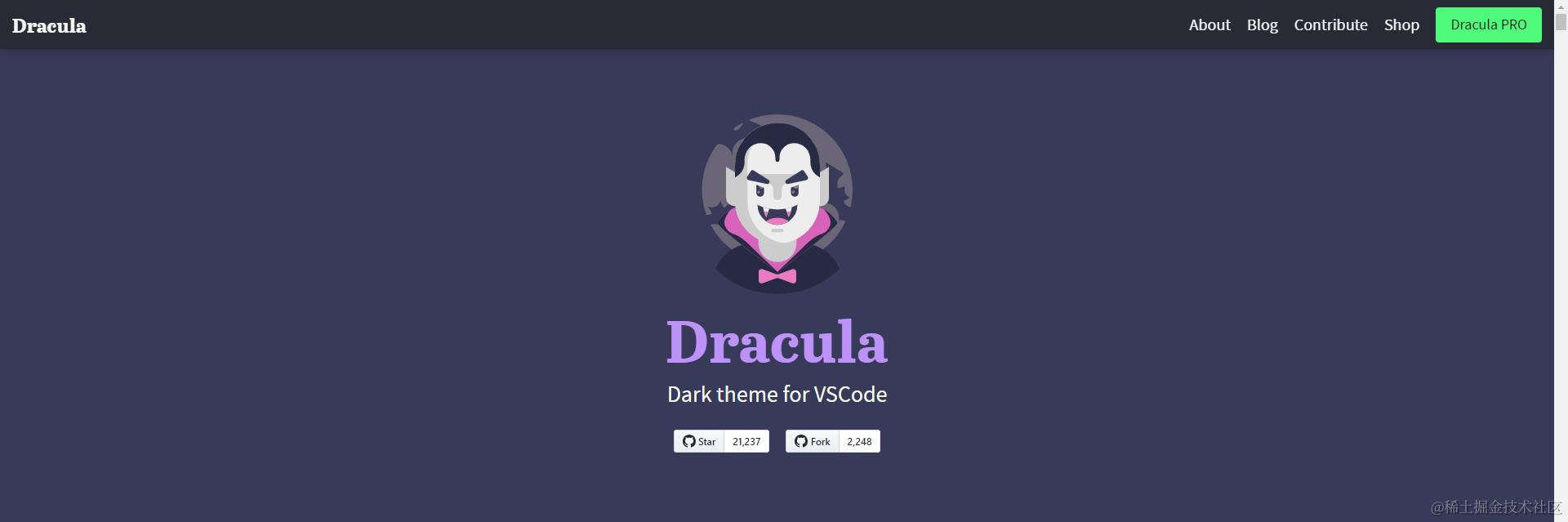
主题相关:
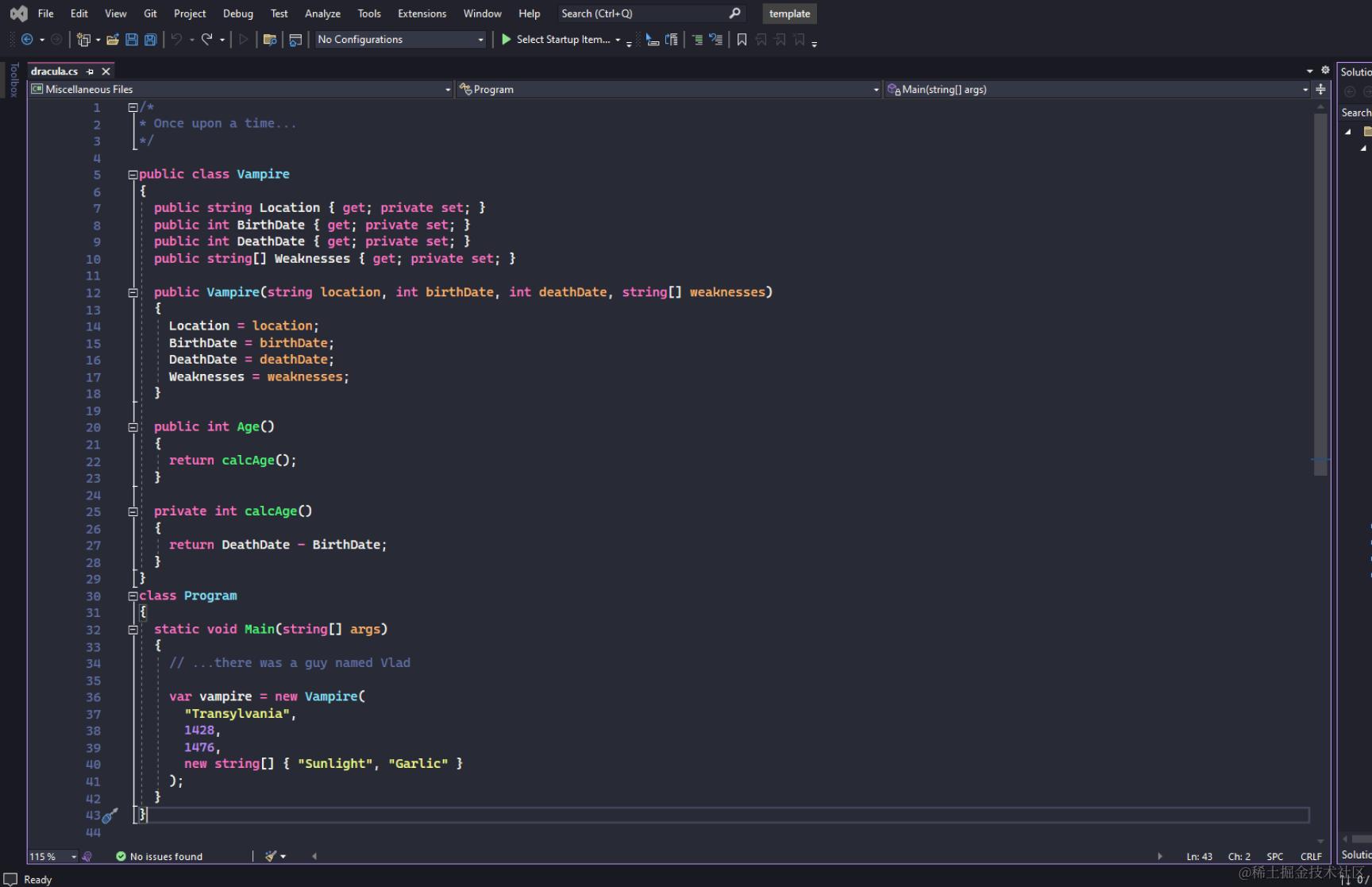
Dracula Official
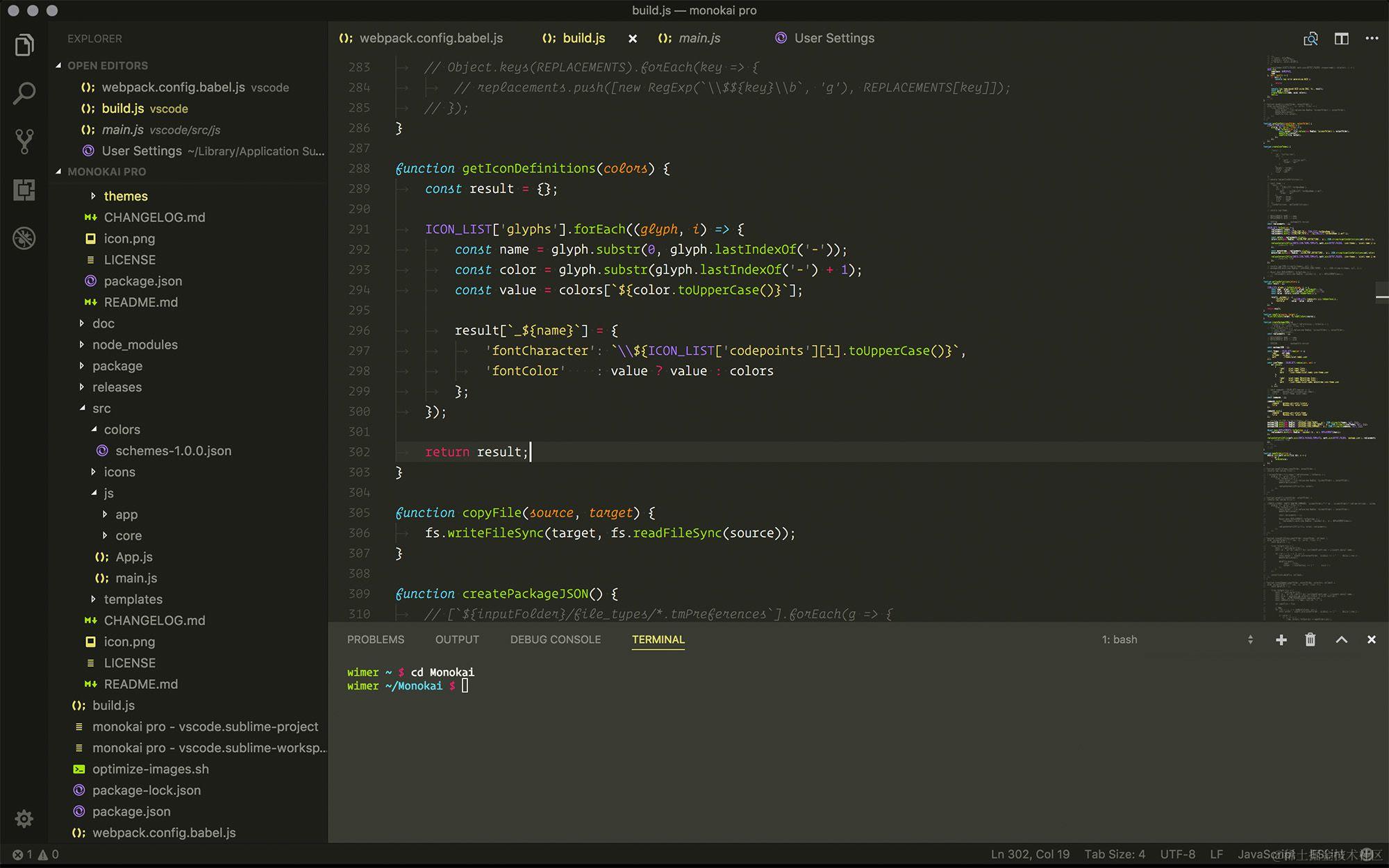
Monokai Pro
-
全局配置:
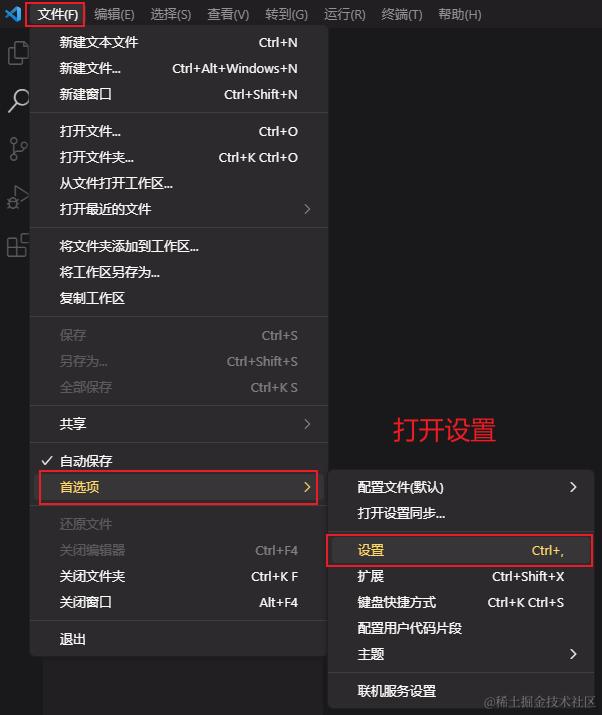
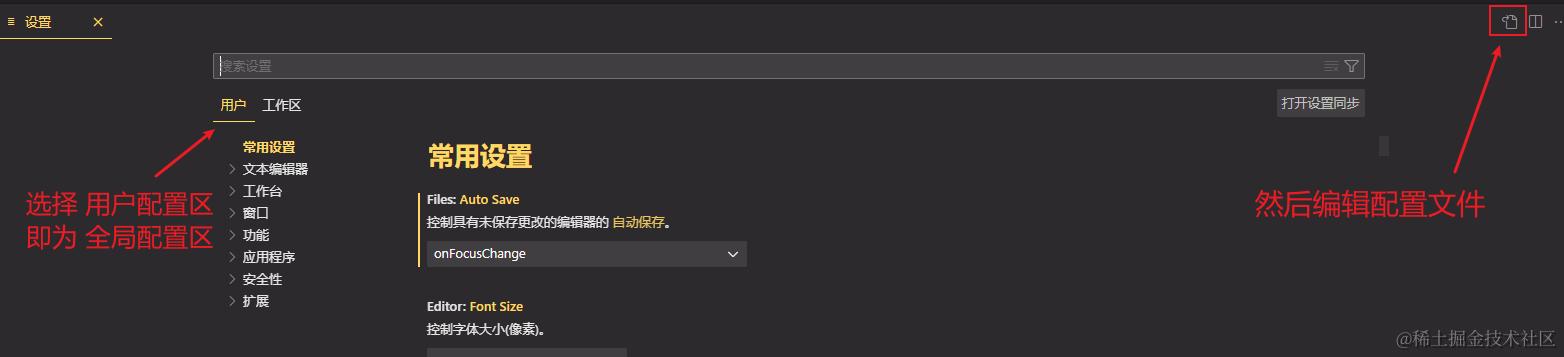
参考配置(熟悉者可自行配置,根据需求取舍)
{
  // 搜索排除文件
  "search.exclude": {
    "**/.vscode": true,
    "**/.git": true,
    "**/node_modules": true
  },
  // 不显示的文件
  "files.exclude": {
    "**/.git": true,
    "**/node_modules": true,
    "**/dist": true
  },
  // 当焦点离开时自动保存
  "files.autoSave": "onFocusChange",
  // 转换tab缩进为2个空格
  "editor.tabSize": 2,
  "editor.detectIndentation": true,
  "editor.insertSpaces": true,
  // html单行最大字符数量,配合prettier.htmlWhitespaceSensitivit配置可以避免较长的代码出现结束标签断行
  "html.format.wrapLineLength": 400,
  "prettier.htmlWhitespaceSensitivity": "strict",
  // 散文换行配置
  "prettier.proseWrap": "preserve",
  // javascript字符串变单引号(需要安装prettier插件)
  "prettier.singleQuote": true,
  // javascript行尾自动分号(需要安装prettier插件)
  "prettier.semi": true,
  // json项后面自动补逗号
  "prettier.trailingComma": "es5",
  // 换行符:crlf为windows平台,考虑跨平台可以修改了lf
  "prettier.endOfLine": "crlf",
  // html使用内置格式化功能
  "[html]": {
    "editor.defaultFormatter": "vscode.html-language-features"
  },
  // css文件格式化功能为prettier(需要安装prettier插件)
  "[css]": {
    "editor.defaultFormatter": "esbenp.prettier-vscode"
  },
  // javascript使用prettier格式化功能(需要安装prettier插件)
  "[javascript]": {
    "editor.defaultFormatter": "esbenp.prettier-vscode"
  },
  // json使用prettier格式化功能(需要安装prettier插件)
  "[json]": {
    "editor.defaultFormatter": "esbenp.prettier-vscode"
  },
  // vue文件格式化为prettier(需要安装prettier插件)
  "[vue]": {
    "editor.defaultFormatter": "esbenp.prettier-vscode"
  },
  // markdown文件格式化配置(需要安装markdown-all-in-one插件)
  "[markdown]": {
    "editor.defaultFormatter": "yzhang.markdown-all-in-one"
  },
  // json格式配置文件格式化功能为prettier(需要安装prettier插件)
  "[jsonc]": {
    "editor.defaultFormatter": "esbenp.prettier-vscode"
  },
  // 关闭插件推荐提醒
  "extensions.ignoreRecommendations": true,
  // Dracula Official主题设置(需要安装Dracula Official插件)
  "workbench.colorTheme": "Dracula",
  // 文件图标主题设置(需要安装VSCode Great Icons插件)
  "workbench.iconTheme": "vscode-great-icons",
  // 启动时不要显示欢迎页也打开编辑页
  "workbench.startupEditor": "none",
}
注:background插件配置
1、非全屏 - 只在代码编辑窗口生效
  "background.editor": {
    "useFront": true,
    "style": {
      "content": "''",
      "pointer-events": "none",
      "position": "absolute",
      "z-index": "99999",
      "width": "100%",
      "height": "100%",
      "background-position": "100% 100%",
      "background-repeat": "no-repeat",
      "opacity": 1
    }
  }

  "background.customImages": [
    "file:///盘符:/xxx/xxx.jpg"
  ],

"background.useFront": false,
2、全屏 - 整个界面都生效
"background.fullscreen": {
    "images": [
      "file:///盘符:/xxx/xxx.jpg"
    ],
    "opacity": 0.85,
    "size": "cover",
    "position": "center",
    "interval": 0

  },

  "background.editor": {
    "useFront": true,
    "style": {
      "content": "''",
      "pointer-events": "none",
      "position": "absolute",
      "z-index": "99999",
      "width": "100%",
      "height": "100%",
      "background-position": "100% 100%",
      "background-repeat": "no-repeat",
      "opacity": 1
    }
  }
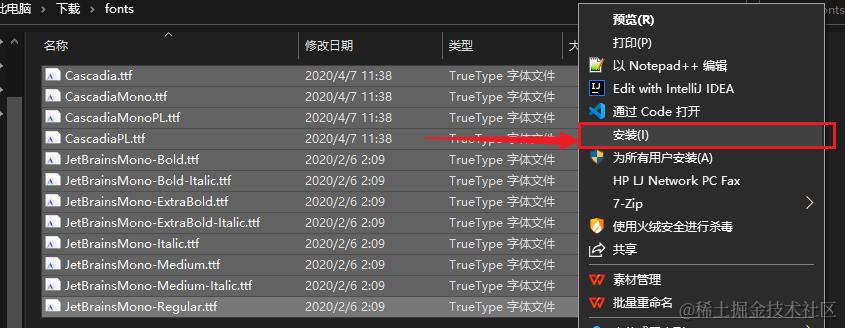
注:VsCode字体教程
下载:www.alipan.com/s/XKqB2ZmLf…
提取码:r4l5
文件位置:前端 > vscode的下载安装与配置 > fonts.zip
1、解压 fonts.zip
2、全选所有字体文件,右键 -> 安装,等待安装完成即可
注:Live Sass Compiler 插件参考配置
{
  "liveSassCompile.settings.autoprefix": [
    // ">1%"是指 通过全球使用情况统计信息选择出的高于1%使用率的浏览器版本。
    // "last 2 versions"是指 每个浏览器的最后2个版本。
    "> 1%",
    "last 2 versions"
  ],
  "liveSassCompile.settings.formats": [
    {
      "format": "expanded", // 出口css样式为展开格式
      "extensionName": ".css",
      "savePath": "~/../css", // null 为当前目录
      "savePathReplacementPairs": null // null 为不替换
    }
  ],
  "liveSassCompile.settings.generateMap": false, // 去掉编译时出现的css.map文件
  "liveSassCompile.settings.excludeList": ["/**/node_modules/**", "/.vscode/**"] // 排除的文件
}