#常用带事件处理的组件
- FloatingActionButton
- RaisedButton
- IconButton
- ToggleButton Flutter 1.9 新推出的一个组件;
#IconButton 案例 **icon:icon组件,可以用原生的封装; onPressed:匿名函数,实现的点击事件;
代码:**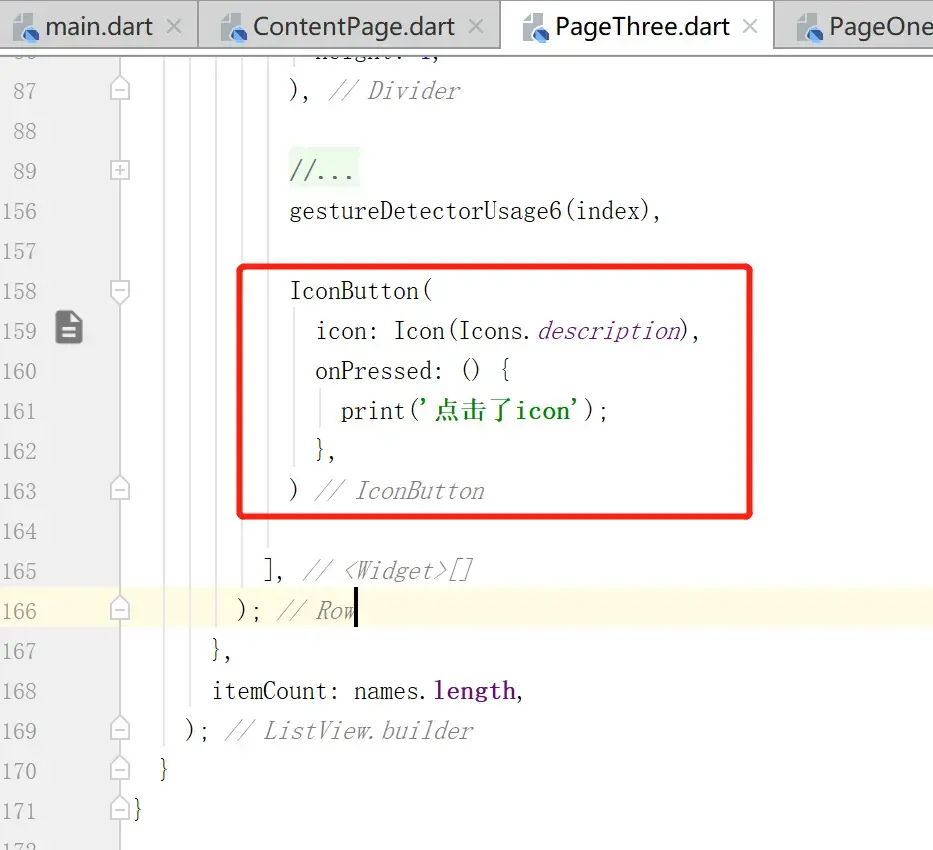 ``` IconButton( icon: Icon(Icons.description), onPressed: () { print('点击了icon $index'); }, ) ``` **运行效果: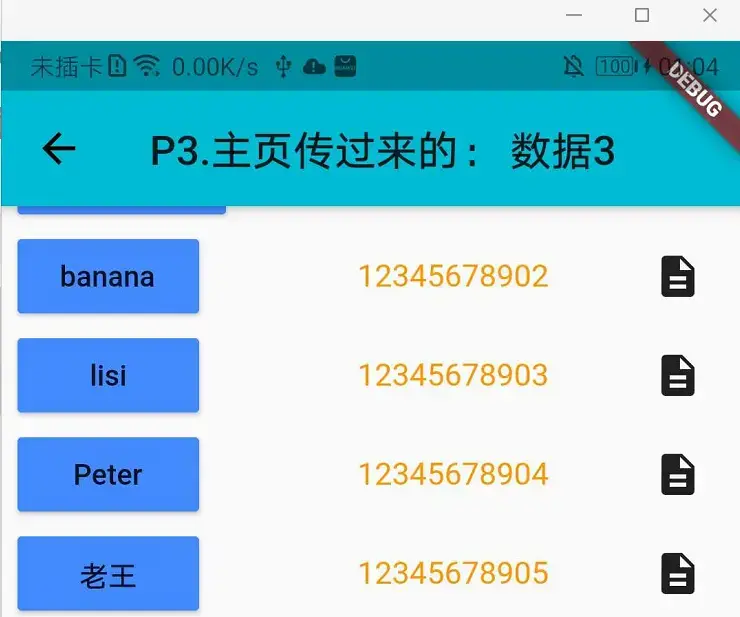 点击Icon图标:**
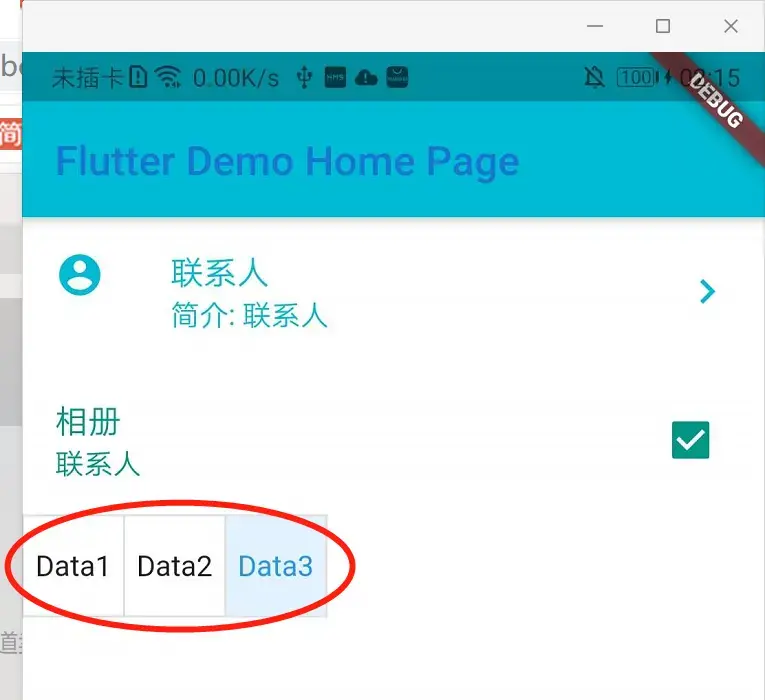
#ToggleButton 案例 **代码:**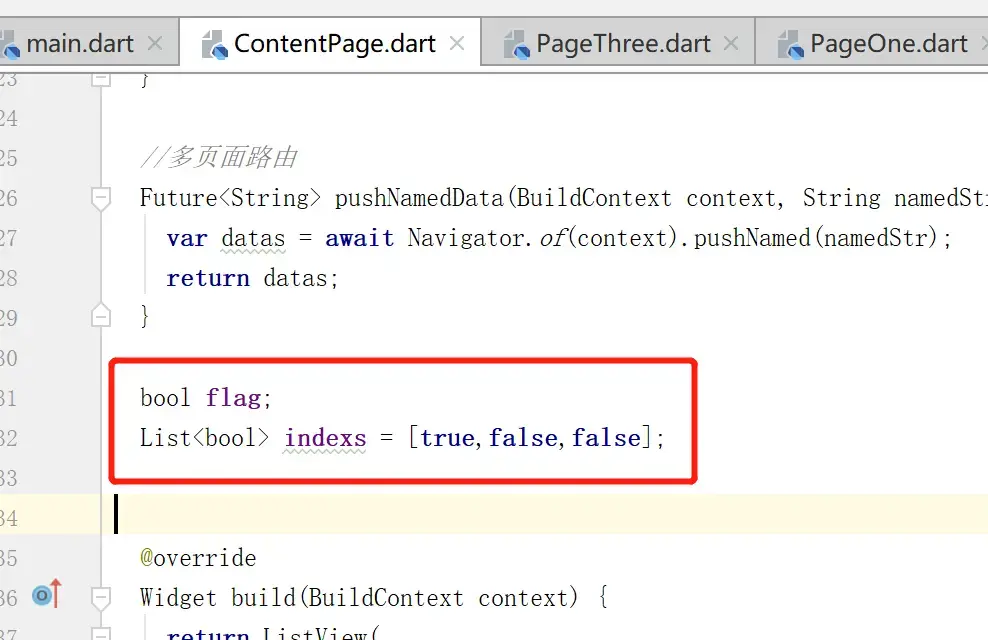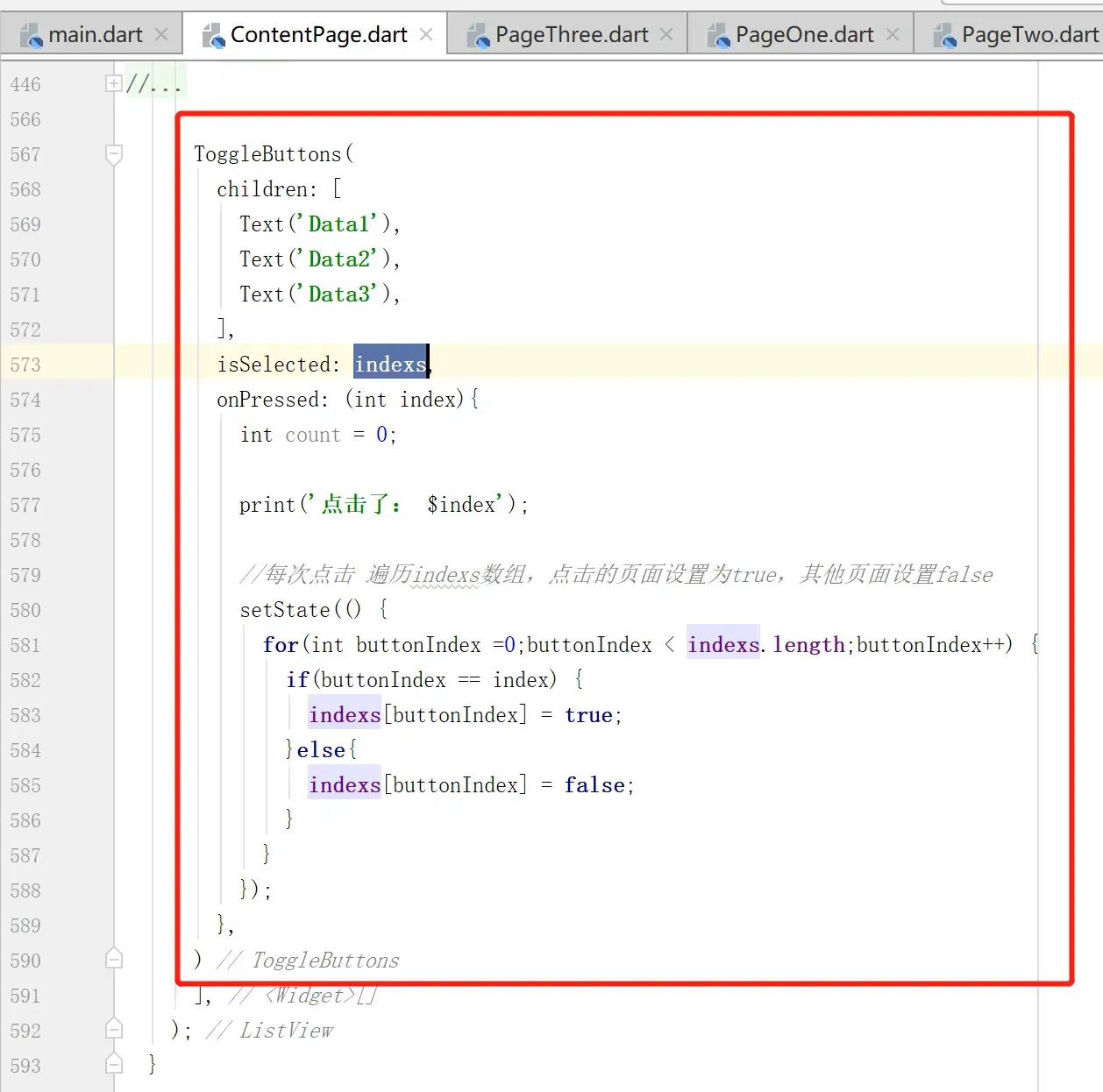 ``` List indexs = [true,false,false]; --------------------------------------------------------------------- ToggleButtons( children: [ Text('Data1'), Text('Data2'), Text('Data3'), ], isSelected: indexs, onPressed: (int index){ int count = 0;
      print('点击了: $index');

      //每次点击 遍历indexs数组,点击的页面设置为true,其他页面设置false
      setState(() {
        for(int buttonIndex =0;buttonIndex < indexs.length;buttonIndex++) {
          if(buttonIndex == index) {
            indexs[buttonIndex] = true;
          }else{
            indexs[buttonIndex] = false;
          }
        }
      });
    },
  )
**运行效果:**
<br>
<br><br><br><br>
---
参考自[CSDN的Flutter入门课程](https://edu.csdn.net/mycollege)