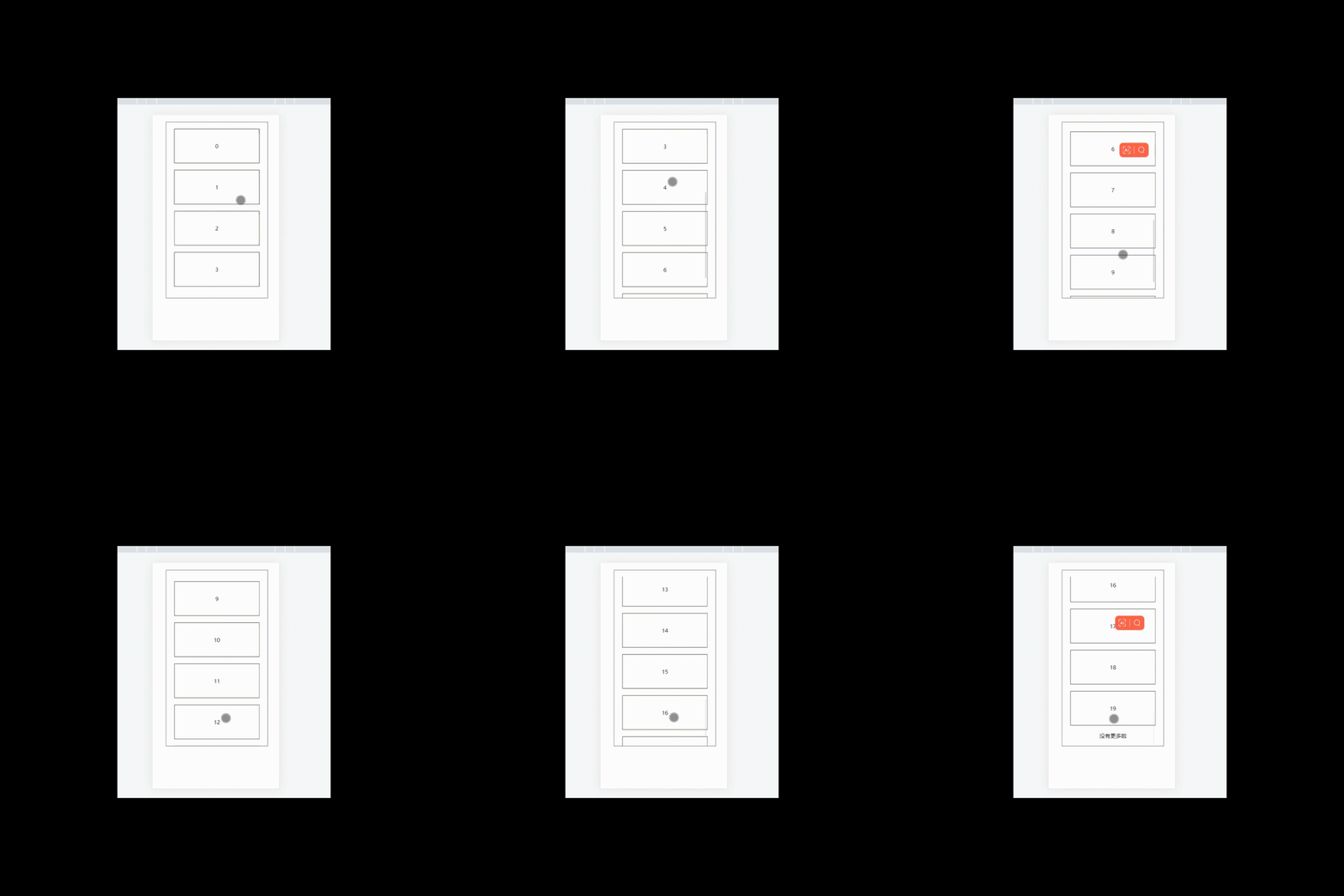
- 我们所需要实现的就是:下拉→滚动加载(可以添加加载中的字样)→直到拉不动(最后可以显示提示词啥的)
- 简易的画面,主要是实现的思想~
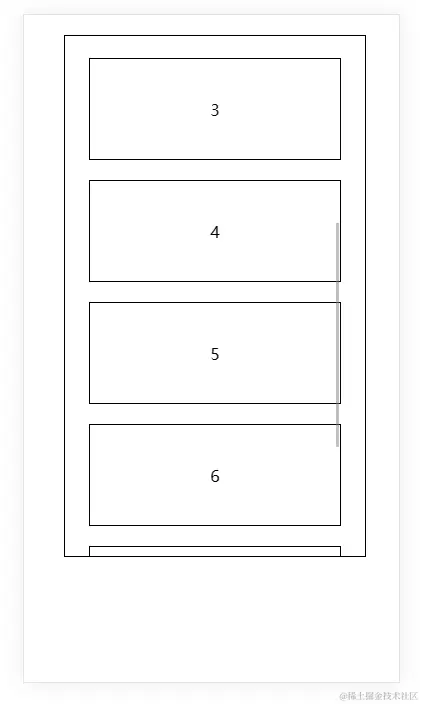
- 所有的代码如下:
```<template>
  <div>
    <div class="box">
      <div ref="rankingRef" class="subBox" @touchend="touchEnd">
        <div class="littleBox" v-for="(item,index) in list" :key="index">{{index}}</div>
        <div class="enough" v-if="20 <= list.length">没有更多啦</div>
      </div>
    </div>
  </div>
</template>
<script>
export default {
  name: "APP",
  data() {
    return {
      list: [1, 2, 3, 4],
      addList: [1, 2, 5],
      triggerDistance: 60
    };
  },
  methods: {
    touchEnd() {
      console.log("123  ----->  ", 123);
      // 下拉请求返回数据不能小于20
      if (20 <= this.list.length) {
        return;
      }
      // 元素的内容垂直滚动的高度 + 元素可视高度 + 阈值 > 元素的的所有的高度(卷起来+ 可视)
      if (
        this.$refs.rankingRef.scrollTop +
          this.$refs.rankingRef.offsetHeight +
          this.triggerDistance >
        this.$refs.rankingRef.scrollHeight
      ) {
        this.list.push(this.addList);
      }
    }
  }
};
</script>
<style  scoped>
.box {
  position: fixed;
  top: 20px;
  left: 40px;
  width: 300px;
  border: 1px solid #000;
  display: flex;
  flex-wrap: wrap;
  justify-content: center;
}
.subBox {
  overflow: scroll;
  height: 500px;
  margin-top: 20px;
}
.enough {
  display: flex;
  justify-content: center;
  align-items: center;
  margin-bottom: 20px;
}

.littleBox {
  width: 250px;
  height: 100px;
  border: 1px solid #000;
  display: flex;
  justify-content: center;
  align-items: center;
  margin-bottom: 20px;
}
</style>
- 接下来听我吹:样式就随意的巴拉巴拉~,这里的重点是需要理解几个属性,尽量用我立即的话说出来scrollTop:向下滚了多远(内容层顶部 到 可视区域顶部的距离)、offsetHeight:能看到的高度(元素可视高度)、scrollHeight:元素的实际的所有的高度;所以scrollTop+offsetHeight=scrollHeight,表示我手已经滑倒最底部了,细品一下~但是我们不可能就是说在底部才能继续滑动,肯定是底部上来一点把,所以要加上一个阈值triggerDistance
- 效果: