获取浏览器缩放比例
mounted() {
this.$nextTick(() => {
window.addEventListener("resize", () => {
});
});
},
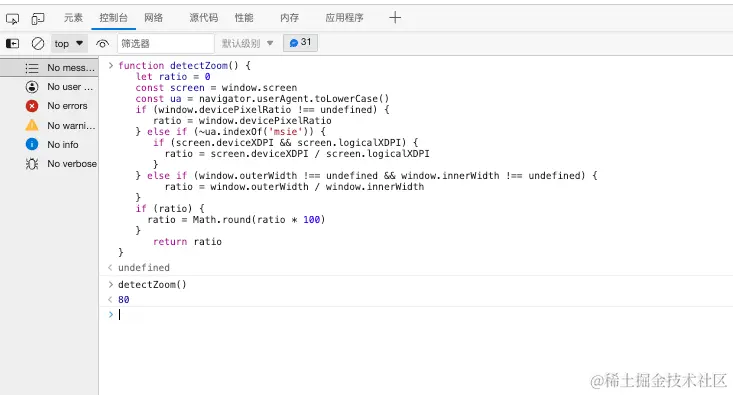
detectZoom() {
let ratio = 0
const screen = window.screen
const ua = navigator.userAgent.toLowerCase()
if (window.devicePixelRatio !== undefined) {
ratio = window.devicePixelRatio
} else if (~ua.indexOf('msie')) {
if (screen.deviceXDPI && screen.logicalXDPI) {
ratio = screen.deviceXDPI / screen.logicalXDPI
}
} else if (window.outerWidth !== undefined && window.innerWidth !== undefined) {
ratio = window.outerWidth / window.innerWidth
}
if (ratio) {
ratio = Math.round(ratio * 100)
}
return ratio
},
设置刷新页面后自动将浏览器缩放比例设置为80%
created() {
window.onload = window.onresize = function() {
document.body.style.zoom = 0.8
}
}
注意:在App.vue中设置,刷新会闪一下屏