报错

原因&解决
原因:node 17版本中的openssl和14版本的不同(老项目原本可以在node14版本下运行的) 即node版本过高
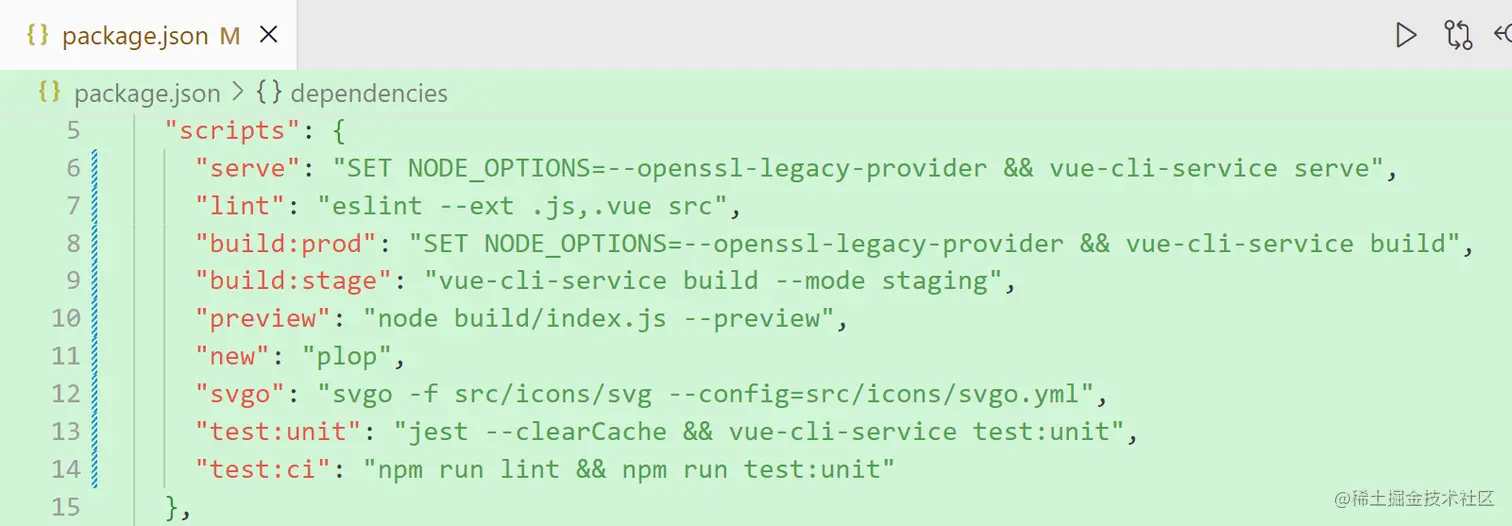
解决:找到package.json 文件,将scripts里面的脚本改成以下内容
"scripts": {
    "serve": "SET NODE_OPTIONS=--openssl-legacy-provider && vue-cli-service serve",
    "lint": "eslint --ext .js,.vue src",
    "build:prod": "SET NODE_OPTIONS=--openssl-legacy-provider && vue-cli-service build",
    "build:stage": "vue-cli-service build --mode staging",
    "preview": "node build/index.js --preview",
    "new": "plop",
    "svgo": "svgo -f src/icons/svg --config=src/icons/svgo.yml",
    "test:unit": "jest --clearCache && vue-cli-service test:unit",
    "test:ci": "npm run lint && npm run test:unit"
  },