body: Container(
color: Colors.orange,
child: CustomScrollView(
slivers: [
SliverToBoxAdapter(
child: FlutterLogo(size: 200,),
)
],
),
),
SliverFixedExtentList(delegate: SliverChildListDelegate(
[
Container(width: 100,height: 200,color: Colors.red,),
const SizedBox(),
Container(width: 100,height: 150,color: Colors.red,),
const SizedBox(),
Container(width: 100,height: 300,color: Colors.red,),
]
), itemExtent: 100),
SliverPrototypeExtentList(
delegate: SliverChildListDelegate(
List.generate(100, (index) => Text("data"))),
prototypeItem: Text("fkah\njkh"))
SliverFillViewport(delegate: SliverChildListDelegate(List.generate(3, (index) => Container(
color: Colors.primaries[index % 18],
)))),
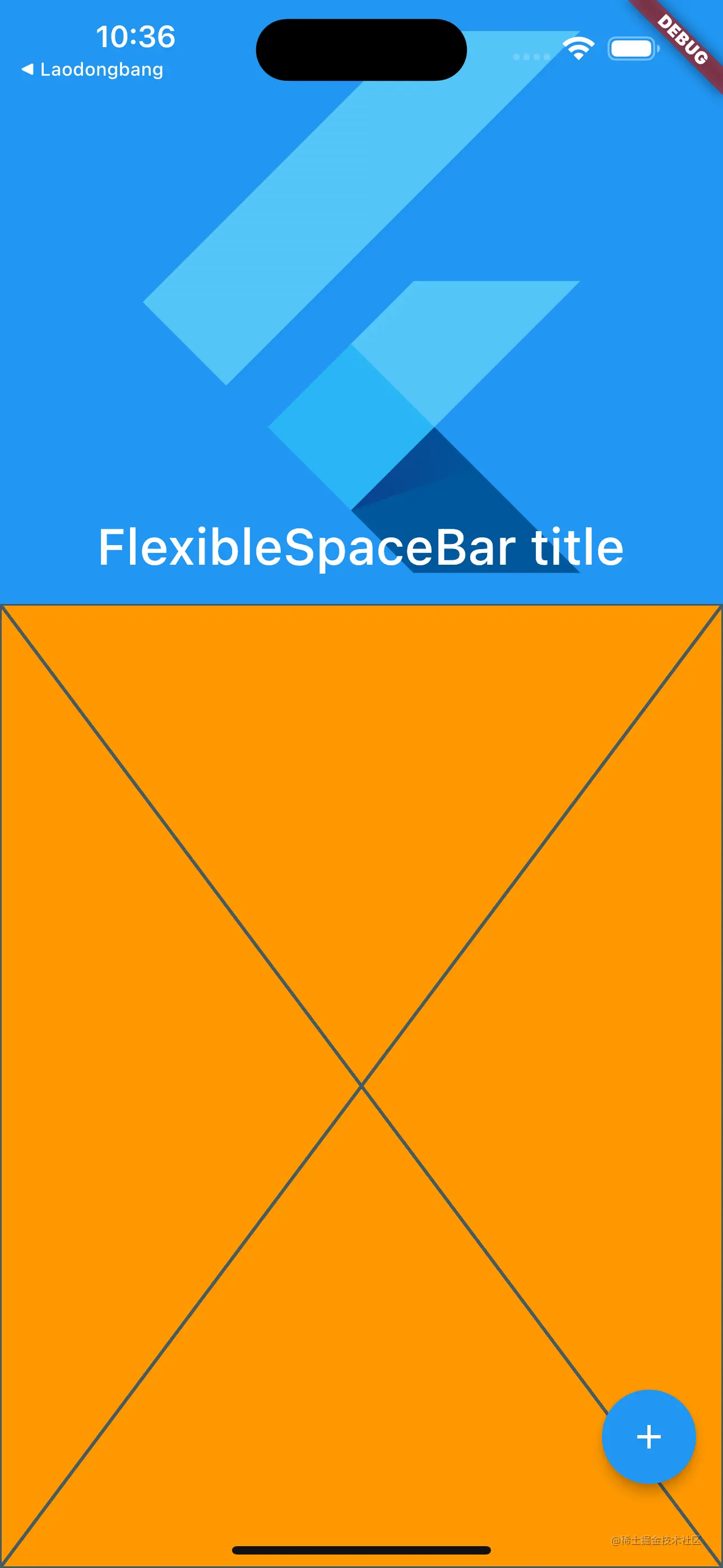
SliverAppBar(
title: Text("SliverAppbar"),
//pinned: true,//一直出现。
floating: true,//稍微的往下拉,AppBar就会一直出现
snap: true,
),
floating: true,
snap: true,
expandedHeight: 300,
flexibleSpace: FlexibleSpaceBar(
background: FlutterLogo(),
title: Text("FlexibleSpaceBar title"),
),
stretch: true,//允许往下拉
flexibleSpace: FlexibleSpaceBar(
background: FlutterLogo(),
title: Text("FlexibleSpaceBar title"),
stretchModes: [
StretchMode.blurBackground,
StretchMode.zoomBackground,
StretchMode.fadeTitle
],
),
collapseMode: CollapseMode.parallax,
SliverFillRemaining(
child: Placeholder(),
)
SliverLayoutBuilder(builder: (BuildContext context, SliverConstraints constraints) {
  print(constraints);
  return SliverToBoxAdapter();
},),
flutter: SliverConstraints(
//sliver正确的滚动方向,向左或者向下
AxisDirection.down,
//下一个组件放在那个方向
GrowthDirection.forward,
//现在滚动的状态
ScrollDirection.idle,
//当前的组件没有移出屏幕的话就是0, 移出屏幕的话就会显示距离屏幕的距离
scrollOffset: 0.0,
//还剩下有多少空间给你画。
remainingPaintExtent: 573.0,
//交错轴的方向上有
crossAxisExtent: 430.0,
crossAxisDirection: AxisDirection.right,
viewportMainAxisExtent: 932.0,
//缓存的内容
remainingCacheExtent: 823.0, cacheOrigin: 0.0)
SliverToBoxAdapter(child: Container(),),
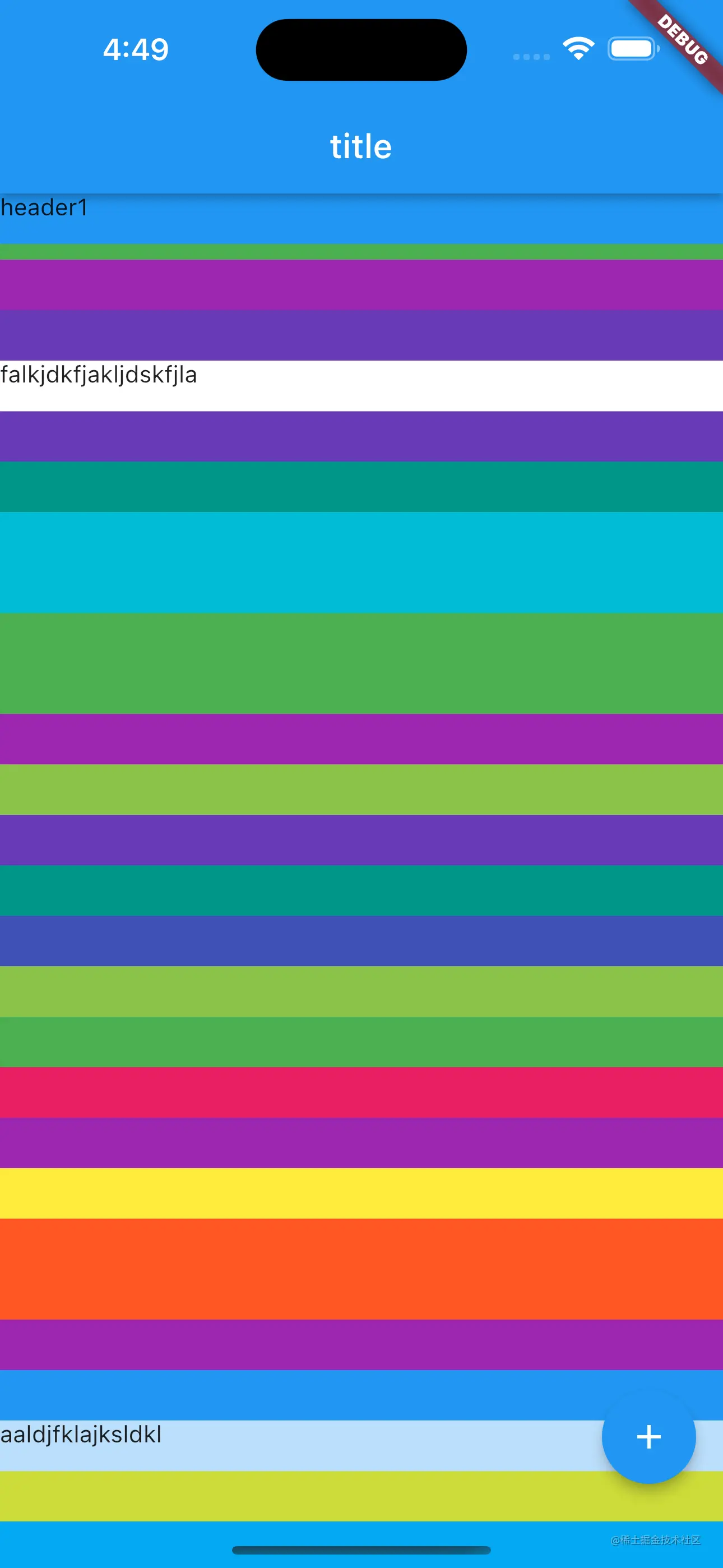
SliverPersistentHeader(delegate: MyDelegate(color: Colors.blue, title: "header1"),pinned: true,floating: true,),
SliverList(delegate: SliverChildListDelegate(
List.generate(20, (index) => Container(color: Colors.primaries[Random().nextInt(17)],height: 30,))
)),
SliverPersistentHeader(delegate: MyDelegate(color: Colors.white, title: "falkjdkfjakljdskfjla"),pinned: true,floating: false,),
SliverList(delegate: SliverChildListDelegate(
List.generate(20, (index) => Container(color: Colors.primaries[Random().nextInt(17)],height: 30,))
)),
SliverPersistentHeader(delegate: MyDelegate(color: Colors.blue[100]!, title: "aaldjfklajksldkl"),pinned: false,floating: false,),
SliverList(delegate: SliverChildListDelegate(
List.generate(20, (index) => Container(color: Colors.primaries[Random().nextInt(17)],height: 30,))
)),
SliverPersistentHeader(delegate: MyDelegate(color: Colors.pink, title: "alkdjfkljaksdjlkfkljkl"),pinned: false,floating: false,),
SliverList(delegate: SliverChildListDelegate(
List.generate(20, (index) => Container(color: Colors.primaries[Random().nextInt(17)],height: 30,))
)),