Nginx using Intro
笔者作为一个前端新手,正在为项目搭建环境。此帖记录了一些 Nginx 配置的相关过程。环境为阿里云的 Alibaba Cloud Linux 3.2104 LTS 64位,兼容 CentOS。
简单介绍 Basic Knowledge
Nginx是一款高性能的http 服务器/反向代理服务器及电子邮件(IMAP/POP3)代理服务器。
应用场景有
- http服务器。Nginx是一个http服务可以独立提供http服务。可以做网页静态服务器。
- 虚拟主机。可以实现在一台服务器虚拟出多个网站。例如个人网站使用的虚拟主机。
- 反向代理,负载均衡。当网站的访问量达到一定程度后,单台服务器不能满足用户的请求时,需要用多台服务器集群可以使用nginx做反向代理。并且多台服务器可以平均分担负载。
你的前端项目在写完编译后,生成一个 dist/ 文件夹的内容,它们需要服务器软件(例如 nginx,tomcat)才能完成部署。
安装 Install
你可从官方网站下载压缩包自行解压 nginx: download
答主使用的 yum 下载,配置更加容易。
yum install -y nginx
使用版本号检查是否成功安装
nginx -v

# Instance
➜  ~ nginx -v
nginx version: nginx/1.20.1
直接输入 nginx 即可启动
nginx
(为啥不报点 completed 之类的啊。什么输出都没有,有种没运行的感觉)
然后访问你的服务器 IP,或者本地 localhost 即可。(如果和笔者一样用的服务器的话,记得把 80 端口放行,否则也是不行的。)
成功则出现以下界面。
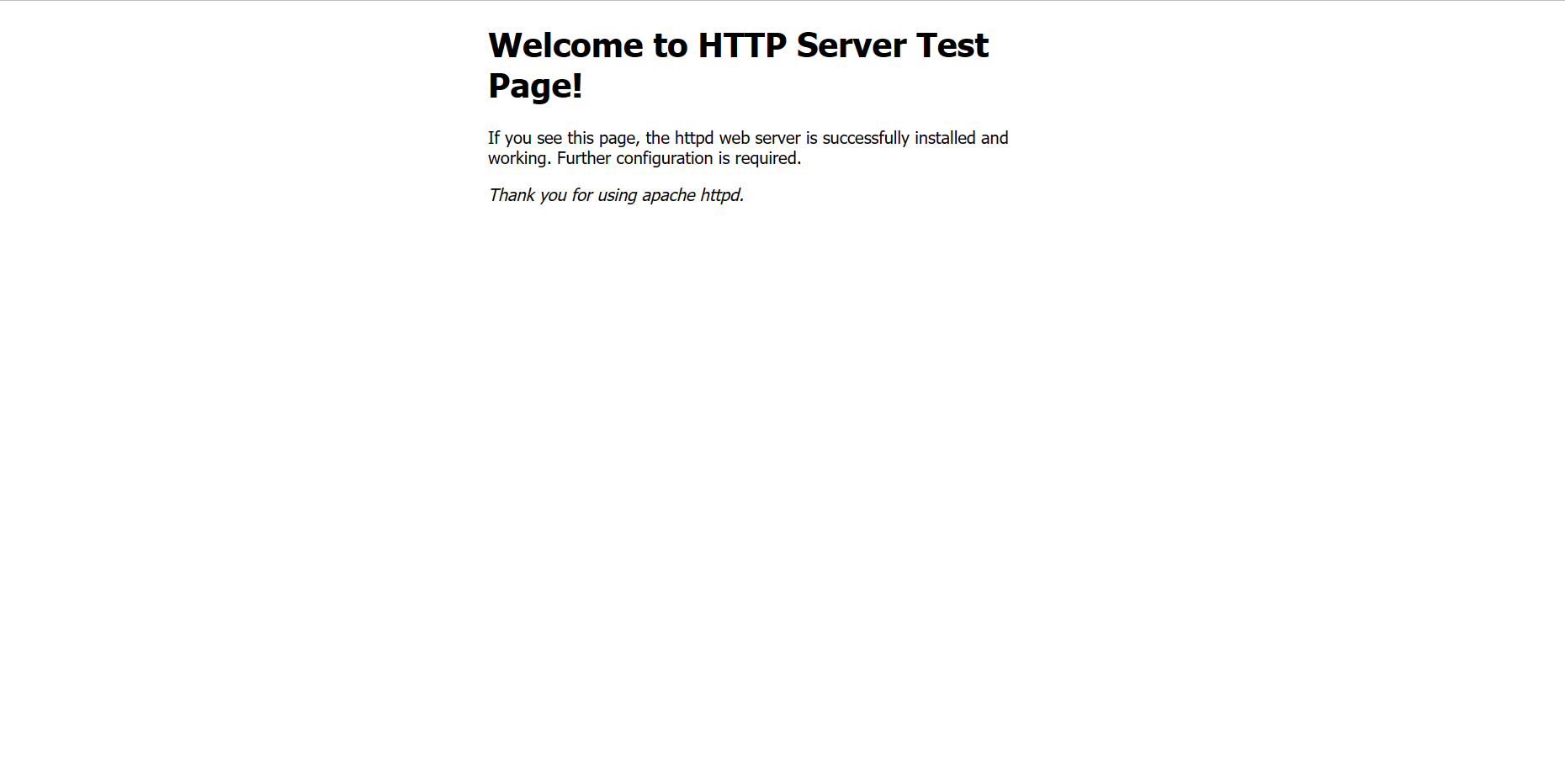
常用指令 Command
以下是几个常用的指令,
# 停止运行
nginx -s stop
# 重新加载
nginx -s reload

➜  ~ nginx -h
nginx version: nginx/1.20.1
Usage: nginx [-?hvVtTq] [-s signal] [-p prefix]
             [-e filename] [-c filename] [-g directives]

Options:
  -?,-h         : this help
  -v            : show version and exit
  -V            : show version and configure options then exit
  -t            : test configuration and exit
  -T            : test configuration, dump it and exit
  -q            : suppress non-error messages during configuration testing
  -s signal     : send signal to a master process: stop, quit, reopen, reload
  -p prefix     : set prefix path (default: /usr/share/nginx/)
  -e filename   : set error log file (default: /var/log/nginx/error.log)
  -c filename   : set configuration file (default: /etc/nginx/nginx.conf)
  -g directives : set global directives out of configuration file
从帮助列表中可见,-s 指的是向 nginx 发送一个信号。
修改nginx配置
使用指令了解 nginx 配置地址,
➜  ~ whereis nginx
nginx: /usr/sbin/nginx /usr/lib64/nginx /etc/nginx /usr/share/nginx /usr/share/man/man3/nginx.3pm.gz /usr/share/man/man8/nginx.8.gz
其中 /etc/nginx 是 nginx 的配置所在。cd 过去,
➜  ~ cd /etc/nginx
➜  nginx ls
conf.d                  koi-utf             scgi_params
default.d               koi-win             scgi_params.default
fastcgi.conf            mime.types          uwsgi_params
fastcgi.conf.default    mime.types.default  uwsgi_params.default
fastcgi_params          nginx.conf          win-utf
fastcgi_params.default  nginx.conf.default
这里的默认配置,也是你需要修改的配置是 nginx.conf。其中的 server 配置,
server {
    listen       80;
    listen       [::]:80;
    server_name  _;
    root         /usr/share/nginx/html;

    # Load configuration files for the default server block.
    include /etc/nginx/default.d/*.conf;

    # 配置默认的主页显示
    location / {
        try_files $uri $uri/ /index.html;
    }

    error_page 404 /404.html;
        location = /40x.html {
    }

    error_page 500 502 503 504 /50x.html;
        location = /50x.html {
    }
}
listen 是监听的端口,一般使用 80 端口,当然你可以自行修改,例如 8080 等。
server_name 用来设置虚拟主机服务名称,例如 anxiu.ink。配置方式有三种,精确匹配、通配符匹配、正则表达式匹配,你可以参考这篇博客。
root 是网页存放地址,也就是你编译前端工程后 /dist 内容下的东西。需要修改指向你的前端工程下的 /dist 地址。