JetpackCompose从入门到实战学习笔记9—Scaffold的简单使用
1.定义scaffold脚手架的item:
 var selectedItem by remember { mutableStateOf(0) }
        val items = listOf(
            Item("主页", R.drawable.home),
            Item("列表", R.drawable.list),
            Item("设置", R.drawable.settings)
        )
2.简单的首页布局:
topBar = {
TopAppBar(
title = {
Text(text = "主页")
},
navigationIcon = {
IconButton(onClick = { /*TODO*/ }) {
Icon(Icons.Filled.Menu, null)
}
}
)
},
3.底部导航栏:
 //添加底部导航栏
    bottomBar = {
        BottomNavigation() {
            items.forEachIndexed(){ index,item ->
                BottomNavigationItem(
                    selected = selectedItem == index,
                    onClick = { selectedItem = index },
                icon = {Icon(painterResource(item.icon),null)},
                alwaysShowLabel = true,
                label = { Text(text = item.name)})
            }
        }
    }
) {
    Box(
        modifier = Modifier.fillMaxSize(),
        contentAlignment = Alignment.Center
    ) {
        Text(text = "主页界面")
    }
}
4.data数据:
data class Item(
    val name:String,
    val icon:Int
)
5.完整代码如下:
package com.example.composemodifiterdemo
import android.annotation.SuppressLint
import android.graphics.BitmapFactory
import android.os.Bundle
import android.view.Menu
import androidx.activity.ComponentActivity
import androidx.activity.compose.setContent
import androidx.compose.foundation.layout.Box
import androidx.compose.foundation.layout.Column
import androidx.compose.foundation.layout.fillMaxSize
import androidx.compose.material.BottomNavigation
import androidx.compose.material.BottomNavigationItem
import androidx.compose.material.icons.Icons
import androidx.compose.material.icons.filled.Menu
import androidx.compose.material3.*
import androidx.compose.runtime.*
import androidx.compose.ui.Alignment
import androidx.compose.ui.Modifier
import androidx.compose.ui.input.key.Key.Companion.Menu
import androidx.compose.ui.res.painterResource
import androidx.compose.ui.tooling.preview.Preview
class ScaffoldSampleActivity : ComponentActivity() {
override fun onCreate(savedInstanceState: Bundle?) {
super.onCreate(savedInstanceState)
setContent {
scaffoldSample()
}
}
@SuppressLint("UnusedMaterial3ScaffoldPaddingParameter")
@OptIn(ExperimentalMaterial3Api::class)
@Preview
@Composable
fun scaffoldSample() {
var selectedItem by remember { mutableStateOf(0) }
val items = listOf(
Item("主页", R.drawable.home),
Item("列表", R.drawable.list),
Item("设置", R.drawable.settings)
)
Scaffold(
topBar = {
TopAppBar(
title = {
Text(text = "主页")
},
navigationIcon = {
IconButton(onClick = { }) {
Icon(Icons.Filled.Menu, null)
}
}
)
},
bottomBar = {
BottomNavigation() {
items.forEachIndexed(){ index,item ->
BottomNavigationItem(
selected = selectedItem == index,
onClick = { selectedItem = index },
icon = {Icon(painterResource(item.icon),null)},
alwaysShowLabel = true,
label = { Text(text = item.name)})
}
}
}
) {
Box(
modifier = Modifier.fillMaxSize(),
contentAlignment = Alignment.Center
) {
Text(text = "主页界面")
}
}
}
data class Item(
val name:String,
val icon:Int
)
}
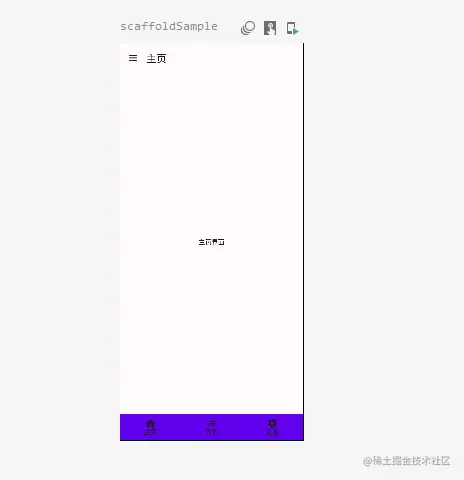
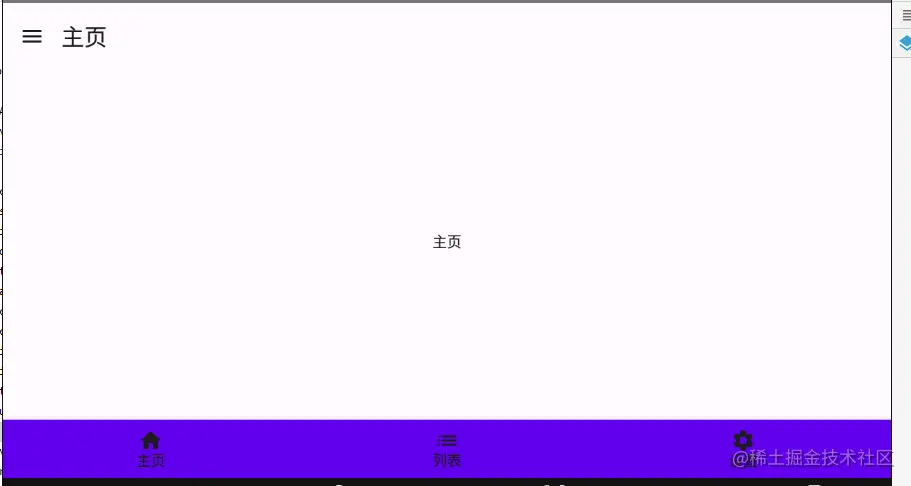
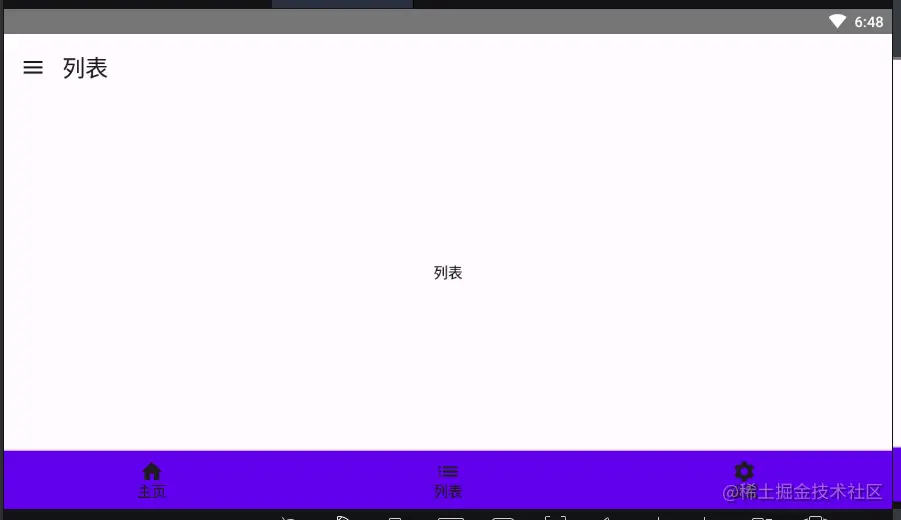
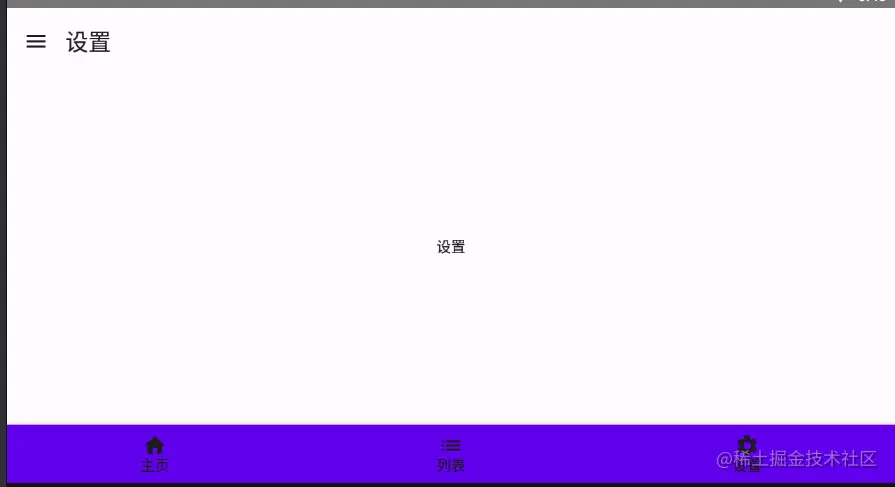

6.实现效果预览: