- 安装VirtualBox-6.0.12-133076-Win
- 安装vagrant_2.2.5_x86_64
- 新建一个目录,用于运行Centos7,例如:
D:\Vagrantfile
- 在vagrant官网 app.vagrantup.com/boxes/searc… 搜索centos7
- app.vagrantup.com/centos/boxe… 下载centos,下载完把virtualbox.box文件放在第三步中创建的目录下,并把文件名改为Centos7.box
- 在文件
D:\Vagrantfile下进行cmd命令操作vagrant box add --name 'centos7' Centos7.box
==> box: Box file was not detected as metadata. Adding it directly...
==> box: Adding box 'centos7' (v0) for provider:
box: Unpacking necessary files from: file:
box:
==> box: Successfully added box 'centos7' (v0) for 'virtualbox'!
- vagrant init centos7
A `Vagrantfile` has been placed in this directory. You are now
ready to `vagrant up` your first virtual environment! Please read
the comments in the Vagrantfile as well as documentation on
`vagrantup.com` for more information on using Vagrant.
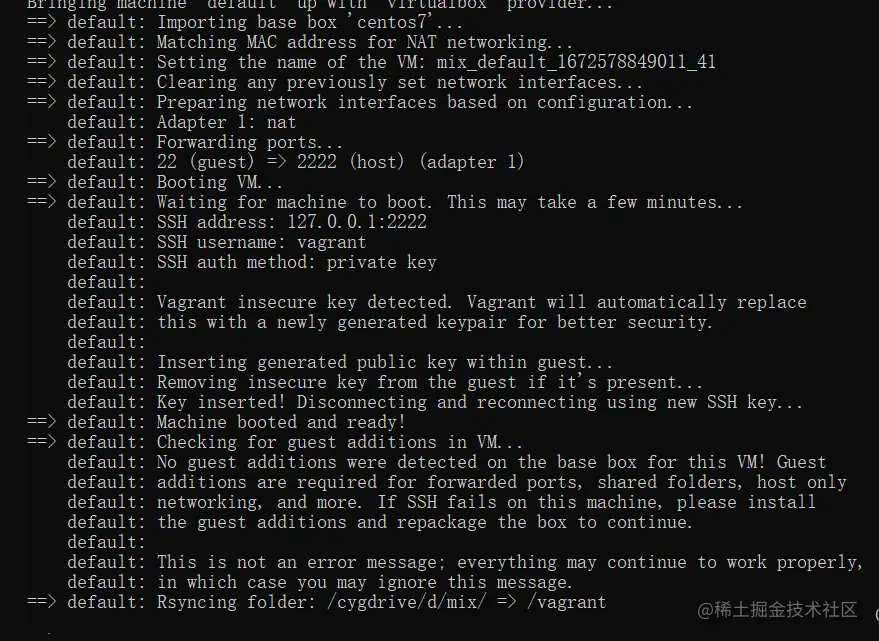
- vagrant up