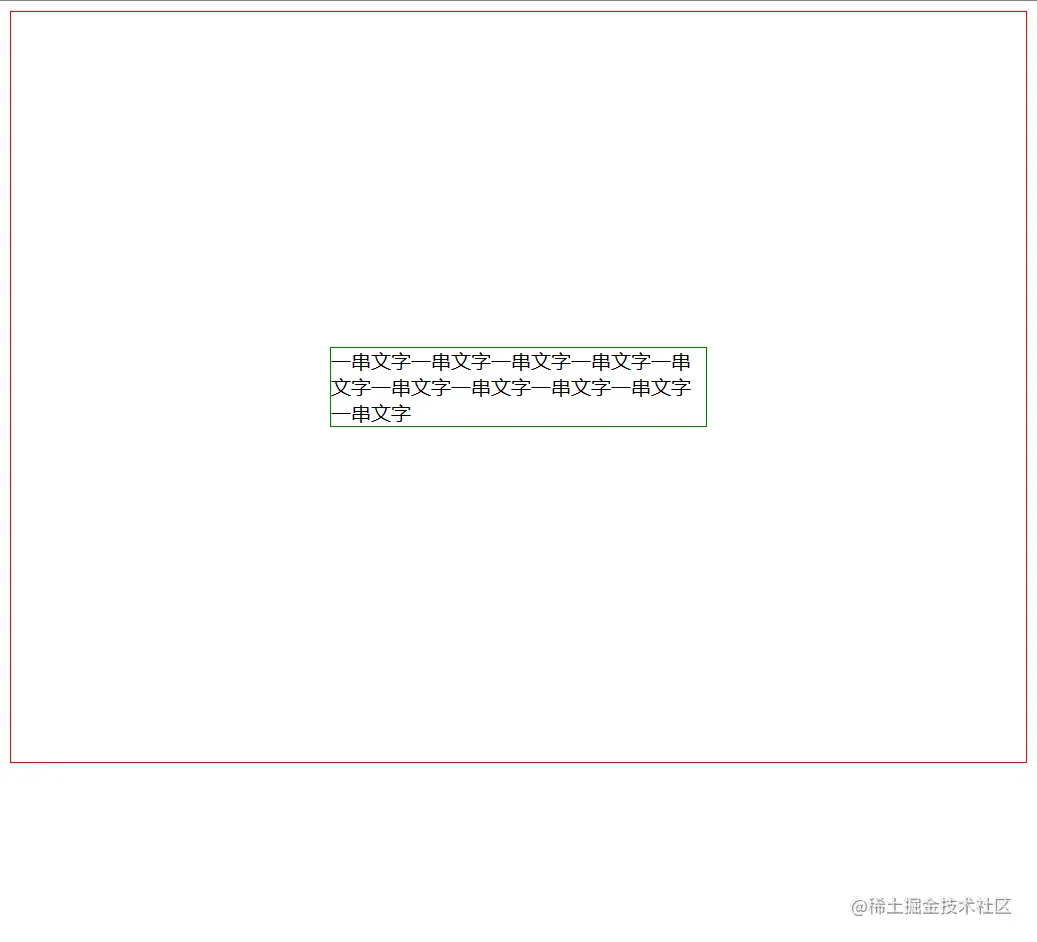
使用<table>
    <table class="parent">
      <tr>
        <td class="child">
          一串文字一串文字一串文字一串文字一串文字一串文字一串文字一串文字一串文字一串文字一串文字一串文字一串文字一串文字一串文字一串文字一串文字一串文字一串文字一串文字一串文字一串文字一串文字一串文字一串文字一串文字一串文字一串文字一串文字一串文字一串文字一串文字一串文字一串文字一串文字一串文字一串文字一串文字一串文字一串文字一串文字一串文字一串文字一串文字一串文字一串文字一串文字一串文字一串文字一串文字一串文字一串文字一串文字一串文字一串文字一串文字一串文字一串文字一串文字一串文字一串文字一串文字一串文字一串文字一串文字一串文字一串文字一串文字一串文字一串文字
        </td>
      </tr>
    </table>
.parent{
    border: 1px solid red;
    height: 600px;
  }

  .child{
    border: 1px solid green;
  }
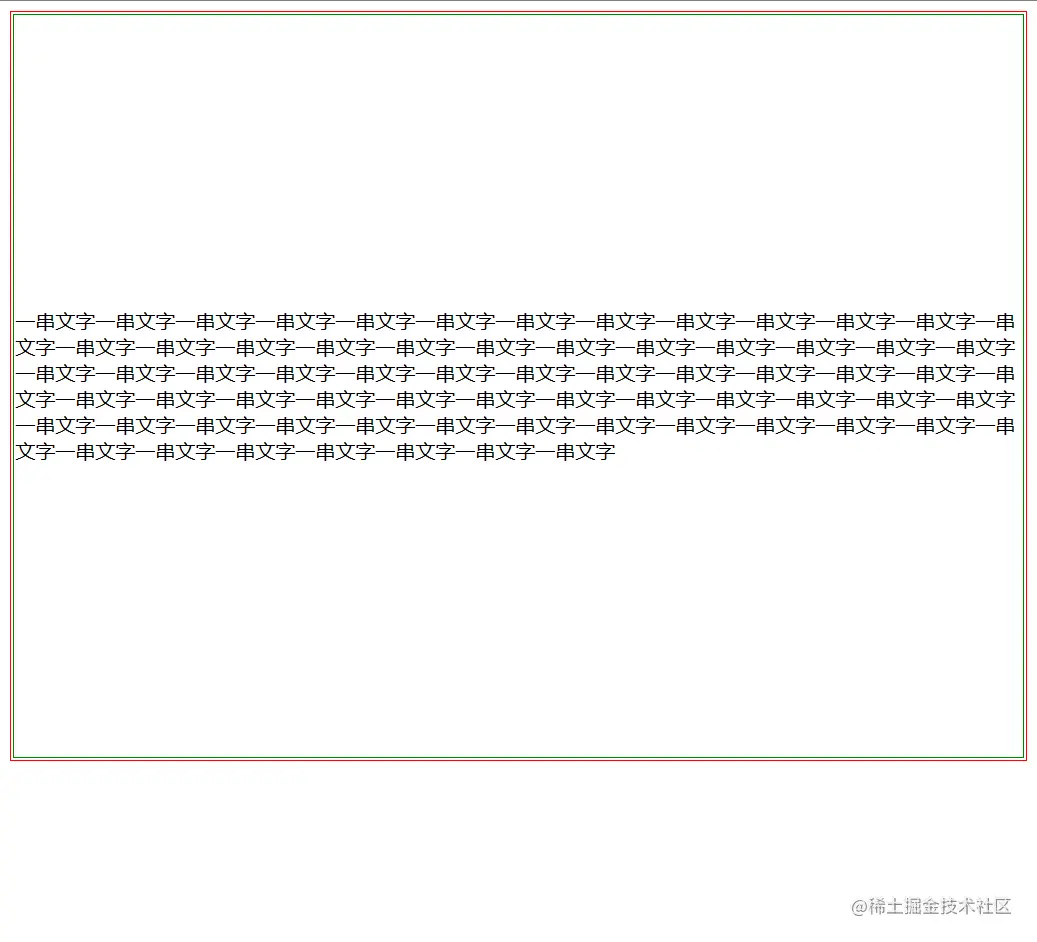
用100%高度的after 和before 加上inline-block
    <div class="parent">
      <div class="after"></div>   //这里的after与before可以用伪元素代替
      <div class="child">
        一串文字一串文字一串文字一串文字一串文字一串文字一串文字一串文字一串文字一串文字一串文字一串文字一串文字一串文字一串文字一串文字一串文字一串文字一串文字一串文字一串文字一串文字一串文字一串文字一串文字一串文字一串文字一串文字一串文字一串文字一串文字一串文字一串文字一串文字一串文字一串文字一串文字一串文字一串文字一串文字一串文字一串文字一串文字一串文字一串文字一串文字一串文字一串文字一串文字一串文字一串文字一串文字一串文字一串文字一串文字一串文字一串文字一串文字一串文字一串文字一串文字一串文字一串文字一串文字一串文字一串文字一串文字一串文字一串文字一串文字
      </div>
      <div class="before"></div>
    </div>
.parent {
  border: 1px solid red;
  height: 600px;
  text-align: center;
}

.child {
  border: 1px solid green;
  display: inline-block;
  width: 300px;
  vertical-align: middle;
}
.after {
  height: 100%;
  display: inline-block;
  outline: 3px solid red;
  vertical-align: middle;
}
.before {
  height: 100%;
  display: inline-block;
  outline: 3px solid red;
  vertical-align: middle;
}
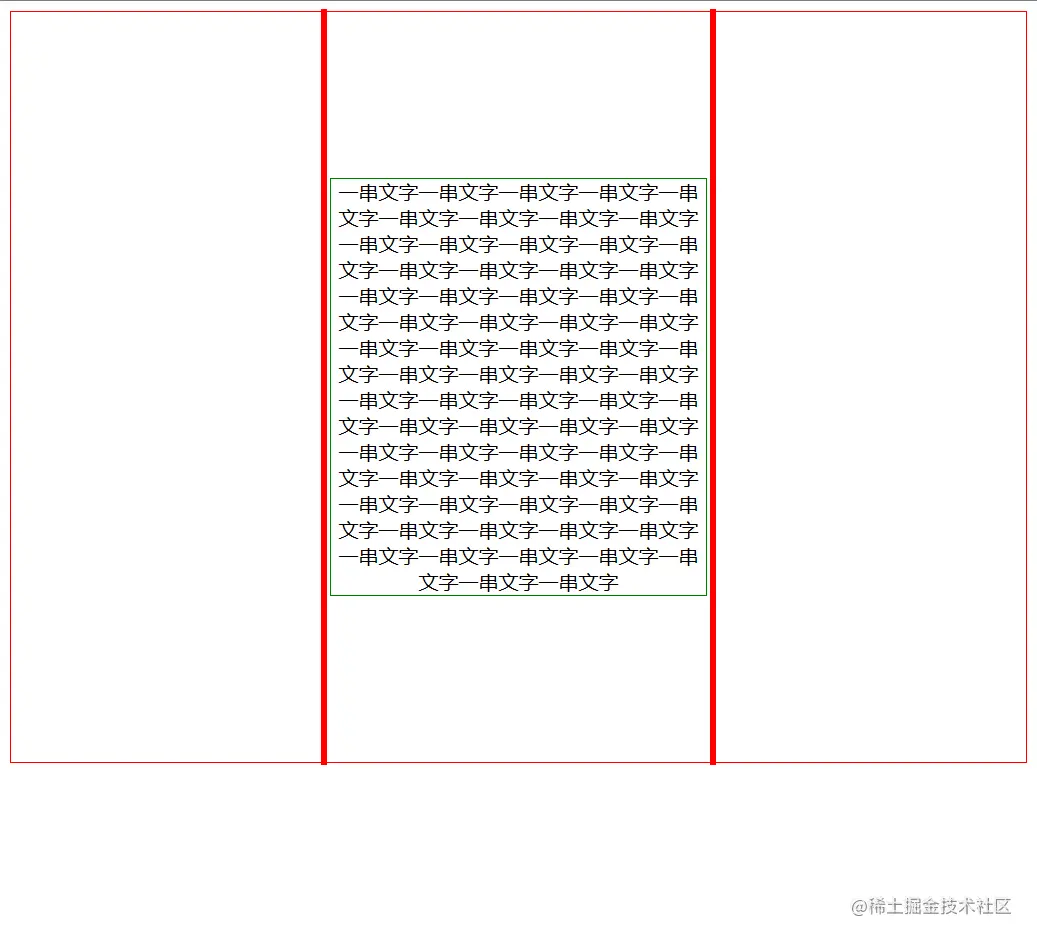
改变display,将div装成table
    <div class="table">
      <div class="tr">
        <div class="td">
          一串文字一串文字一串文字一串文字一串文字一串文字一串文字一串文字一串文字一串文字一串文字一串文字一串文字一串文字一串文字一串文字一串文字一串文字一串文字一串文字一串文字一串文字一串文字一串文字一串文字一串文字一串文字一串文字一串文字一串文字一串文字一串文字一串文字一串文字一串文字一串文字一串文字一串文字一串文字一串文字一串文字一串文字一串文字一串文字一串文字一串文字一串文字一串文字一串文字一串文字一串文字一串文字一串文字一串文字一串文字一串文字一串文字一串文字一串文字一串文字一串文字一串文字一串文字一串文字一串文字一串文字一串文字一串文字一串文字一串文字
        </div>
      </div>
    </div>
.table {
  display: table;
  border: 1px solid red;
  height: 600px;
}
.tr {
  display: table-row;
  border: 1px solid red;
}
.td {
  display: table-cell;
  border: 1px solid red;
  vertical-align: middle;
}

使用position和负margin
    <div class="parent">
      <div class="child">
        一串文字一串文字一串文字一串文字一串文字一串文字一串文字一串文字一串文字一串文字
      </div>
    </div>
.parent {
  border: 1px solid red;
  position: relative;
  height: 600px;
}

.child {
  border: 1px solid green;
  position: absolute;
  top: 50%;
  left: 50%;
  width: 300px;
  height: 100px;
  margin-top: -50px;
  margin-left: -150px;
}
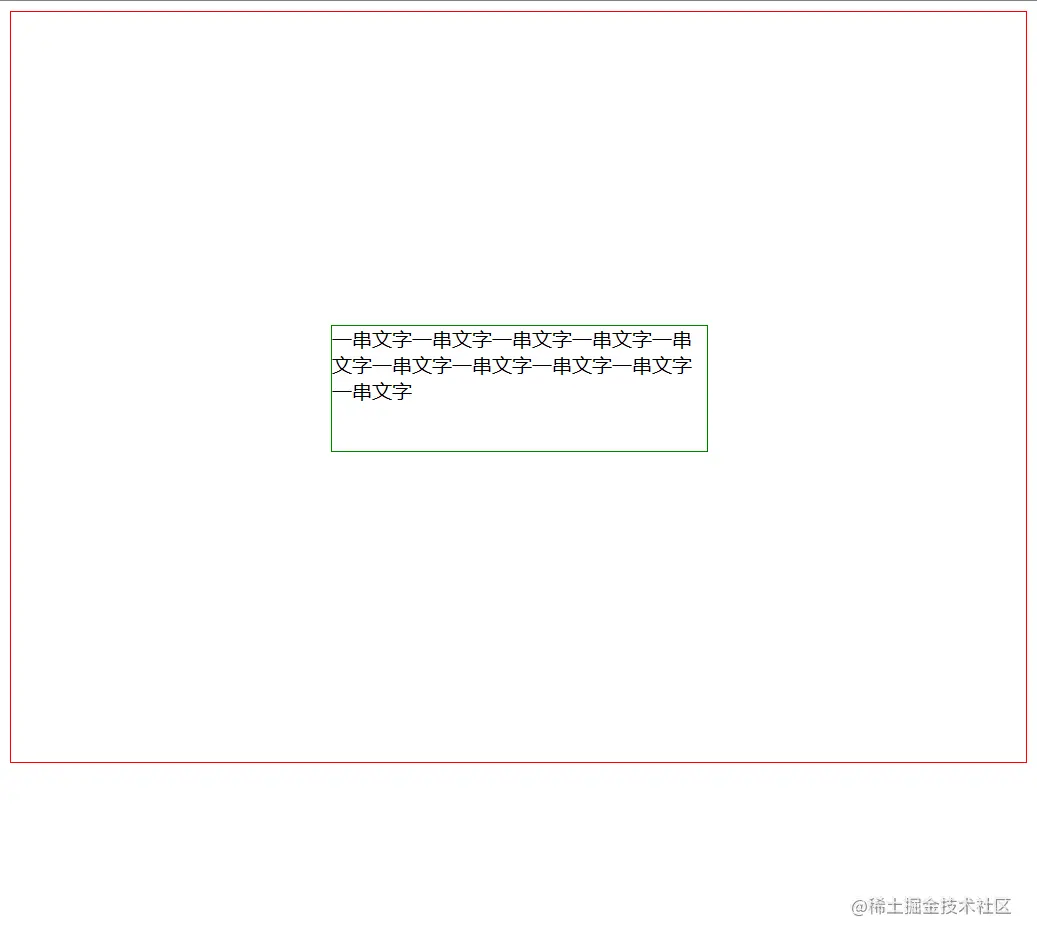
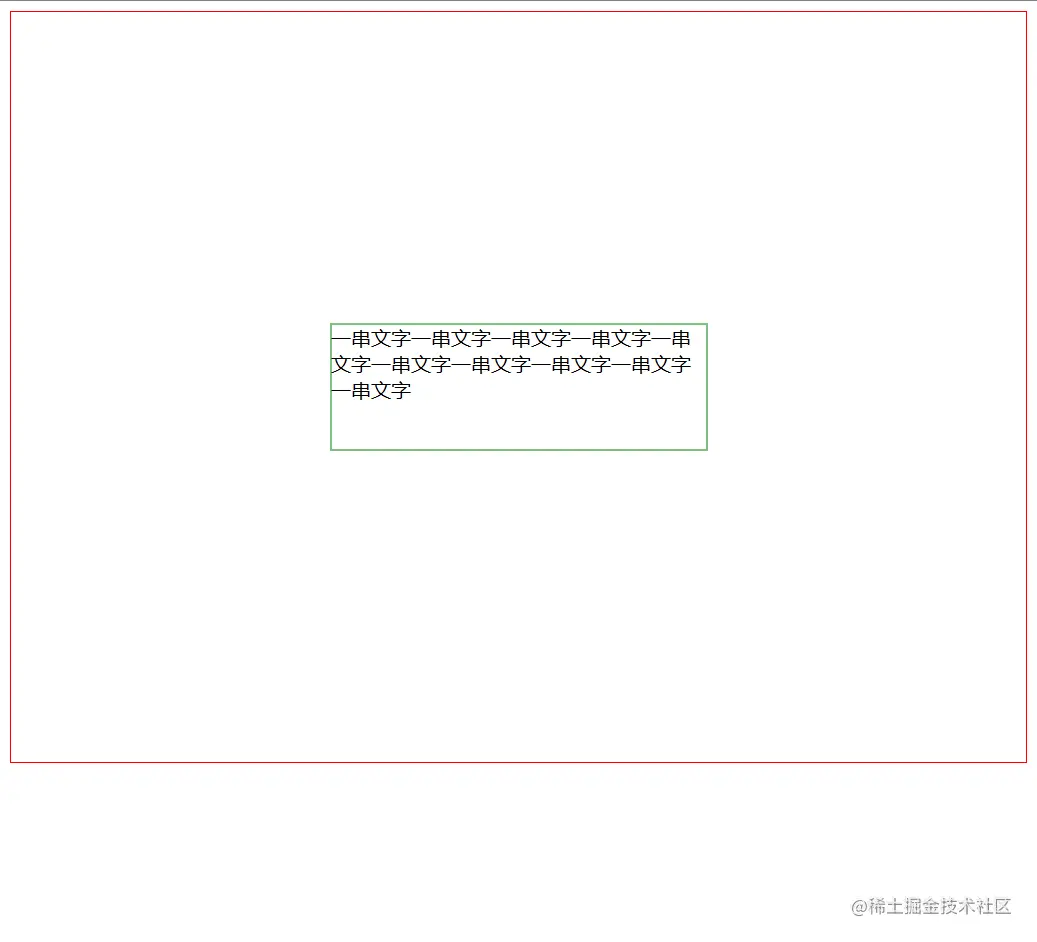
使用position 和translate
    <div class="parent">
      <div class="child">
        一串文字一串文字一串文字一串文字一串文字一串文字一串文字一串文字一串文字一串文字
      </div>
    </div>
.parent {
  border: 1px solid red;
  position: relative;
  height: 600px;
}

.child {
  border: 1px solid green;
  position: absolute;
  top: 50%;
  left: 50%;
  width: 300px;
  height: 100px;
  transform: translate(-50%, -50%);
}
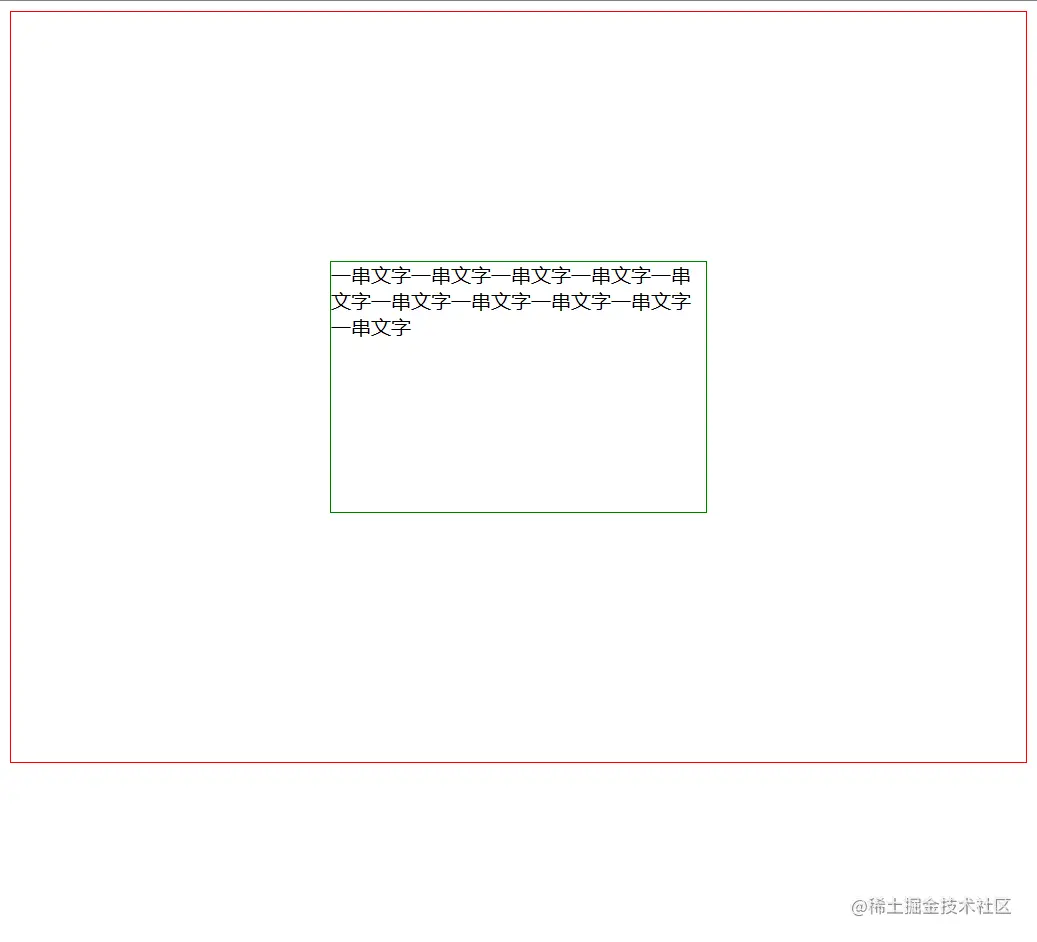
margin auto
    <div class="parent">
      <div class="child">
        一串文字一串文字一串文字一串文字一串文字一串文字一串文字一串文字一串文字一串文字
      </div>
    </div>
.parent {
  border: 1px solid red;
  position: relative;
  height: 600px;
}

.child {
  border: 1px solid green;
  position: absolute;
  width: 300px;
  height: 200px;
  margin: auto;
  top: 0;
  bottom: 0;
  left: 0;
  right: 0;
}
使用flex
    <div class="parent">
      <div class="child">
        一串文字一串文字一串文字一串文字一串文字一串文字一串文字一串文字一串文字一串文字
      </div>
    </div>
.parent {
  border: 1px solid red;
  display: flex;
  height: 600px;
  align-items: center;
  justify-content: center;
}

.child {
  border: 1px solid green;
  width: 300px;
}