

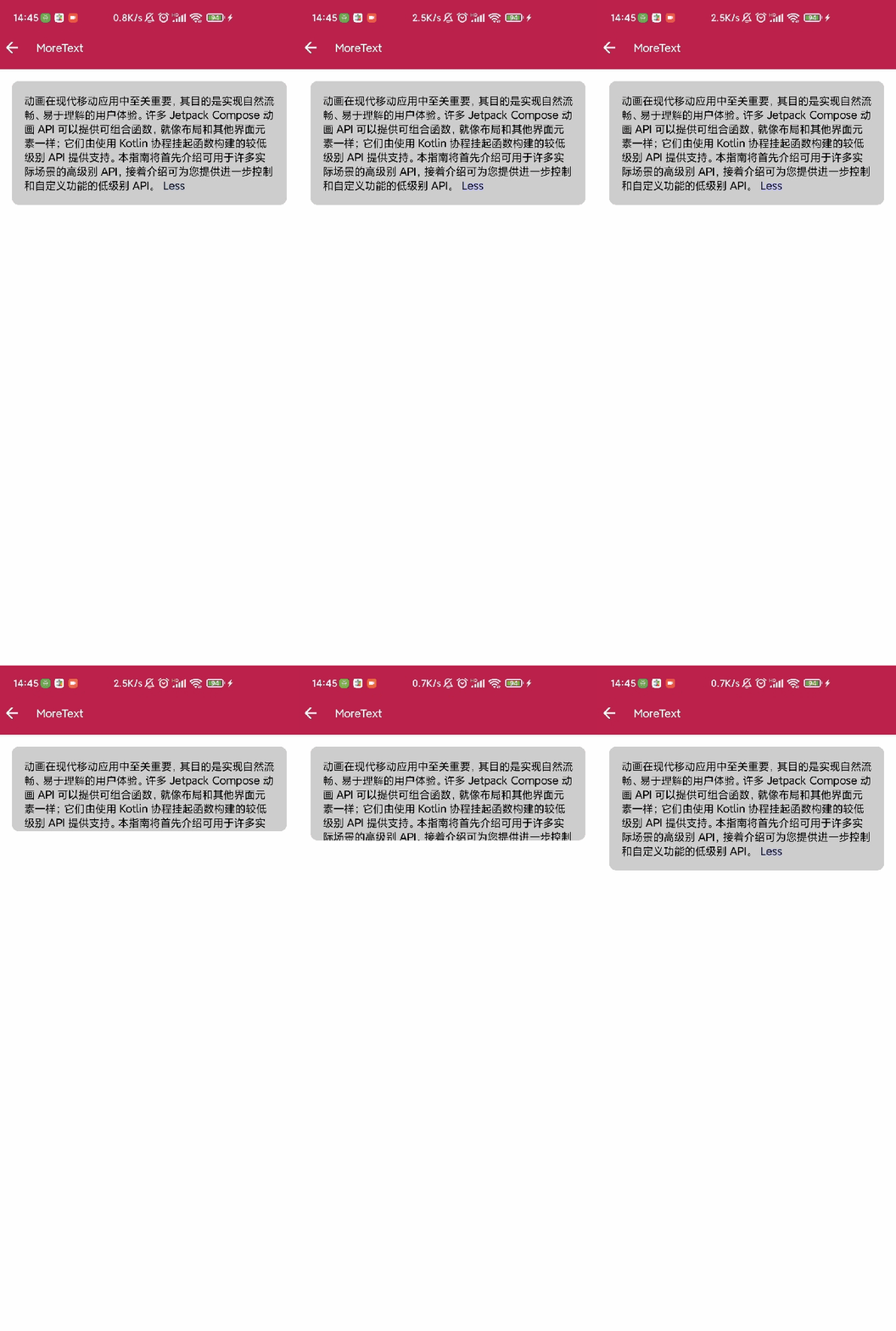
内容用Box等包裹一下
var expand by remember { mutableStateOf(false) }
        val endText = if (expand) "  Less" else "...More"
        val minLine = 2
        val text =
            "动画在现代移动应用中至关重要,其目的是实现自然流畅、易于理解的用户体验。许多 Jetpack Compose 动画 API 可以提供可组合函数,就像布局和其他界面元素一样;它们由使用 Kotlin 协程挂起函数构建的较低级别 API 提供支持。本指南将首先介绍可用于许多实际场景的高级别 API,接着介绍可为您提供进一步控制和自定义功能的低级别 API。"
//        val text =
//            "等哈哈哈哈哈"
        //如果小于 minLine
        var lessLine by remember {
            mutableStateOf(false)
        }


        Column(Modifier.padding(16.dp)) {
            var content by remember {
                mutableStateOf(text)
            }

            Box(
                Modifier
                    .fillMaxWidth()
                    .background(Color.LightGray, shape = RoundedCornerShape(9.dp))
                    .animateContentSize()
            ) {
                val annotatedText = buildAnnotatedString {
                    withStyle(style = SpanStyle(color = Color.Black)) {
                        append(content)
                    }
                    if(!lessLine){
                        pushStringAnnotation(
                            tag = "click",
                            annotation = "moreText"
                        )
                        withStyle(style = SpanStyle(color = Color.Blue)) {
                            append(endText)
                        }
                    }
                }

                ClickableText(
                    text = annotatedText,
                    modifier = Modifier.padding(16.dp),
                    maxLines = if (expand) Int.MAX_VALUE else minLine,
                    onTextLayout = { textLayoutResult ->
                        Log.d("截取前", "${textLayoutResult.lineCount} $expand")
                        if(textLayoutResult.lineCount<minLine){
                            lessLine= true
                        }

                        if (textLayoutResult.lineCount == minLine && !expand) {
                            val hasVisualOverflow = textLayoutResult.hasVisualOverflow
                            Log.d("截取前", "$hasVisualOverflow")
                            if (hasVisualOverflow) {
                                val lastCharIndex =
                                    textLayoutResult.getLineEnd(minLine - 1, true)
                                //截取 Less状态的内容
                                val substring = annotatedText.substring(0, lastCharIndex)
                                Log.d("截取前", substring)
                                content =
                                    substring.substring(0, substring.length - endText.length)
                                Log.d("截取后", content)
                            }
                        } else if (textLayoutResult.lineCount > minLine) {
                            Log.d("textLayout", "${textLayoutResult.lineCount}")
                            Log.d("textLayout", "${textLayoutResult.size}")
                            content = text
                            val lastCharIndex = textLayoutResult.getLineEnd(minLine - 1, true)
                            //截取前两行的内容
                            val substring = annotatedText.substring(0, lastCharIndex)
                            Log.d("textLayout", "---->$substring")
                        }
                    },
                    onClick = { offset ->
                        annotatedText.getStringAnnotations(start = offset, end = offset)
                            .firstOrNull()?.let { annotation ->
                                expand = !expand
                                if (expand) {
                                    content = text
                                }
                                Log.d("Click", "--click--->${annotation.item}")
                            }
                    }
                )
            }
        }
各个控件的使用姿势 ,多种例子效果图点我查看更多

