

这是我参与「第五届青训营 」伴学笔记创作活动的第 1 天
1: 关于Web
- Web是基于HTTP协议进行交互的应用网络
- Web就是通过使用浏览器/APP访问的各种资源
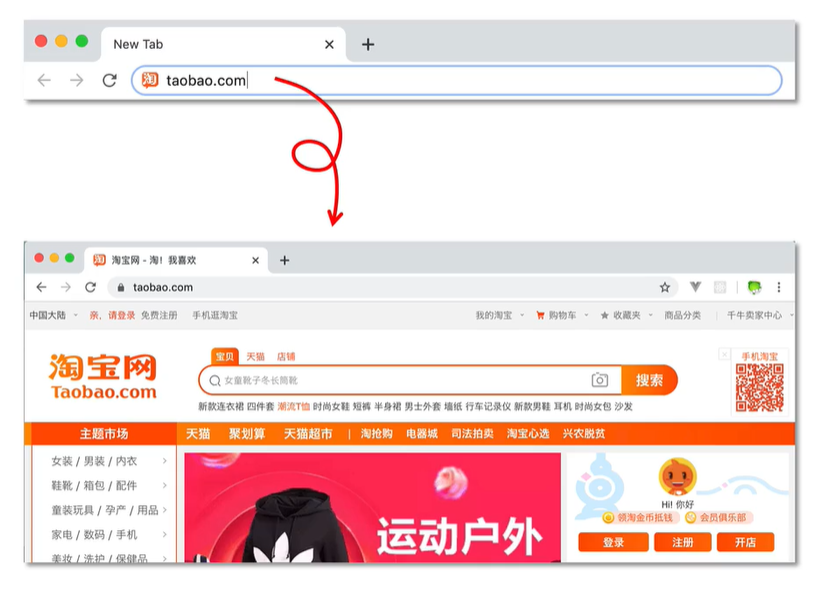
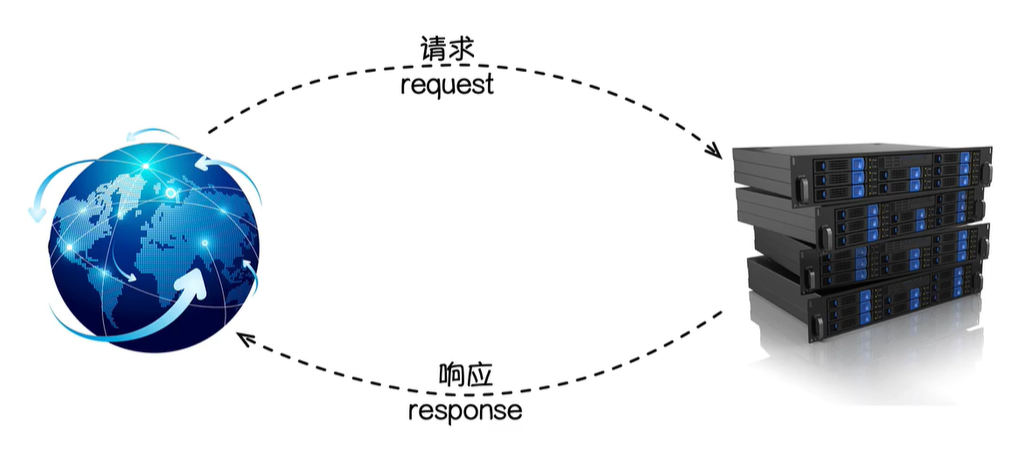 一个请求对应一个响应,以淘宝网为例,我们输入一个url,就会返回一个页面
2: 创建项目
首先我们使用Goland创建一个Go项目
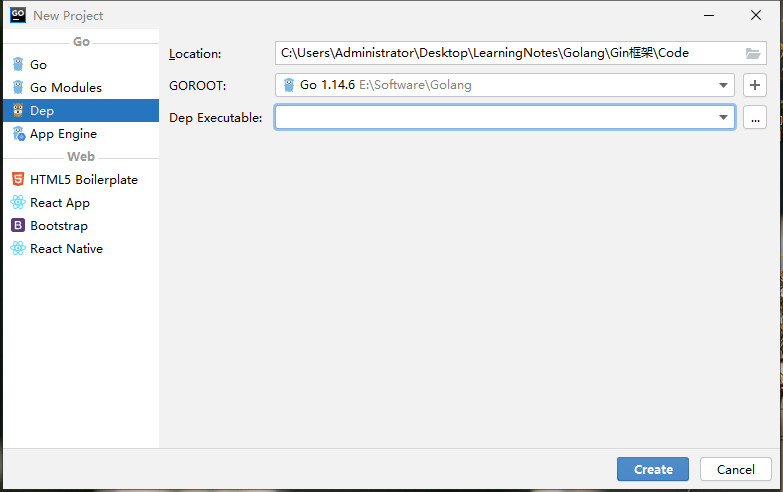
创建完成后,打开命令窗口,输入下面的命令,创建一个依赖管理
go mod init gin_demo
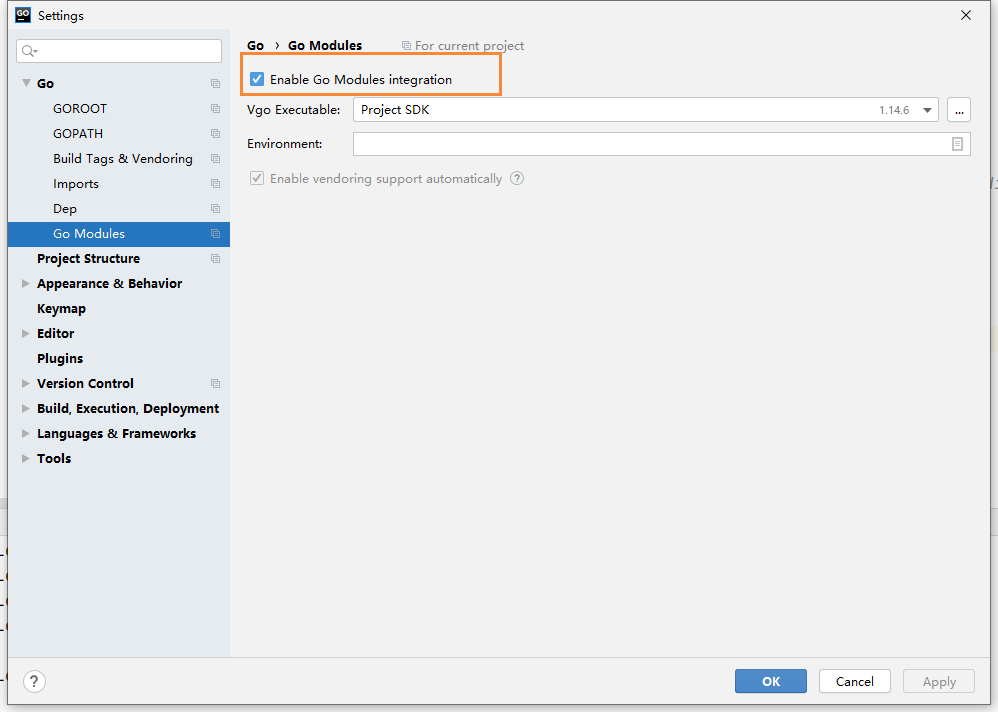
然后打开setting页面,勾选这个选项【不勾选会导致go.mod依赖爆红】
我们创建一个main.go文件,然后使用go代码实现一个请求和响应 Parent:: [[Go语言基础之net, http]]
package main

import (
	"fmt"
	"net/http"
)

// http.ResponseWriter:代表响应,传递到前端的
// *http.Request:表示请求,从前端传递过来的
func sayHello(w http.ResponseWriter, r *http.Request) {
	_, _ = fmt.Fprintln(w, "hello Golang!");
}

func main() {
	http.HandleFunc("/hello", sayHello)
	err := http.ListenAndServe(":9090", nil)
	if err != nil {
		fmt.Println("http server failed, err:%v \n", err)
		return
	}
}
在浏览器访问如下地址
http://localhost:9090/hello
就能打开我们的hello golang页面了

我们可以给文字添加色彩
// http.ResponseWriter:代表响应,传递到前端的
// *http.Request:表示请求,从前端传递过来的
func sayHello(w http.ResponseWriter, r *http.Request) {
	_, _ = fmt.Fprintln(w, "<h1 style='color:red'>hello Golang!<h1>");
}
然后重启后,在刷新

我们还可以把里面的字符串放在一个文件里,我们定义一个 hello.html文件
<html>
    <title>hello golang</title>
    <body>
        <h1 style='color:red'>
            hello Golang!
        </h1>
        <h1>
            hello gin!
        </h1>
        <img src="https://timgsa.baidu.com/timg?image&quality=80&size=b9999_10000&sec=1600011052622&di=9aeee5de695a40c8d469f0c3980c2d48&imgtype=0&src=http%3A%2F%2Fa4.att.hudong.com%2F22%2F59%2F19300001325156131228593878903.jpg">
    </body>
</html>
然后修改刚刚的main.go,使用 ioutil解析文件
package main

import (
	"fmt"
	"io/ioutil" // 解析文件
	"net/http"
)

// http.ResponseWriter:代表响应,传递到前端的
// *http.Request:表示请求,从前端传递过来的
func sayHello(w http.ResponseWriter, r *http.Request) {
	html, _ := ioutil.ReadFile("./template/hello.html")
	_, _ = fmt.Fprintln(w, string(html));
}

func main() {
	http.HandleFunc("/hello", sayHello)
	err := http.ListenAndServe(":9090", nil)
	if err != nil {
		fmt.Println("http server failed, err:%v \n", err)
		return
	}
}
最后刷新我们的页面,就出来这样的效果了,这就是我们通过golang开发的一个Web页面
3: 为什么要用框架
我们通过上面的http包,就能够实现一个web的开发,那为什么还要用gin呢?
其实框架的好处,就是别人帮我们搭建了一个舞台,同时提供了很多现成的轮子,让我们专注于业务的开发,同时让开发效率更高。

