在Vue3 + Vite 环境中
    "@rushstack/eslint-patch": "^1.1.4",
    "@vue/eslint-config-prettier": "^7.0.0",
    "@vue/eslint-config-typescript": "^11.0.0",
    "eslint": "^8.22.0",
    "eslint-plugin-prettier": "^4.2.1",
    "eslint-plugin-vue": "^9.3.0",
    "prettier": "^2.7.1",
require('@rushstack/eslint-patch/modern-module-resolution');
module.exports = {
root: true,
parser: 'vue-eslint-parser',
extends: [
'plugin:vue/vue3-essential',
'plugin:prettier/recommended',
'prettier',
'eslint:recommended',
'@vue/eslint-config-typescript',
'@vue/eslint-config-prettier',
],
plugins: ['prettier'],
parserOptions: {
ecmaVersion: 'latest',
parser: '@typescript-eslint/parser',
},
rules: {
'prettier/prettier': ['warn', { singleQuote: true }],
'no-console': process.env.NODE_ENV === 'production' ? 'warn' : 'off',
'no-debugger': process.env.NODE_ENV === 'production' ? 'warn' : 'off',
'vue/multi-word-component-names': 'off',
'vue/comment-directive': 'off',
},
};
{
  "bracketSameLine": true,
  "singleQuote": true,
  "tabWidth": 2,
  "printWidth": 120,
  "overrides": [
    {
      "files": "*.html",
      "options": {
        "parser": "html"
      }
    }
  ]
}
- VScode 安装
Eslint与Prettier插件
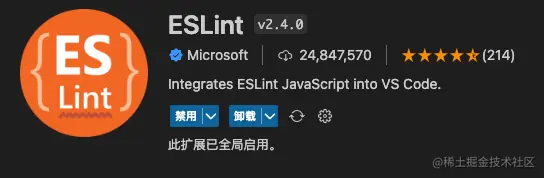
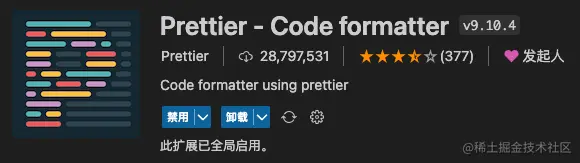
- 可以通过VScode的
Setting.json配置文件配置
{
"eslint.enable": true,
"editor.codeActionsOnSave": {
"source.fixAll.eslint": true
},
}
- 按
F1 输入ESLint 选择Show Output Channel 查看当前ESLint报错信息,从而排查错误



