- 窗口直接透明
setWindowOpacity(0.1);
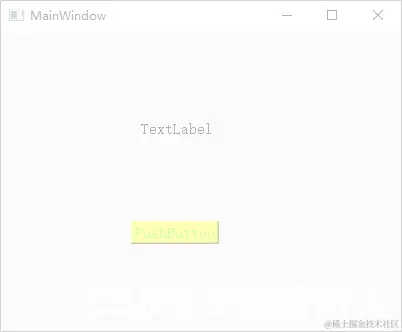
- 部件不透明,窗体背景完全透明,Windows下需要配合无边框风格
setWindowFlags(Qt::FramelessWindowHint);
setAttribute(Qt::WA_TranslucentBackground);
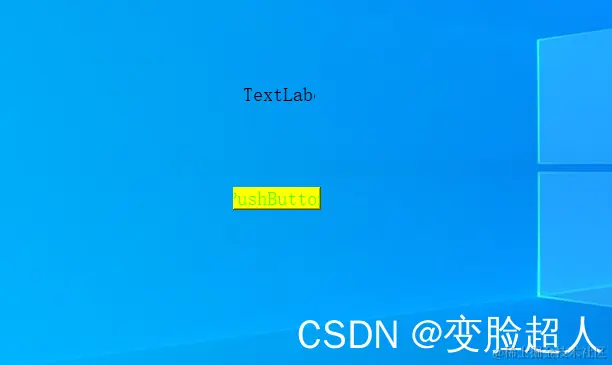
QGraphicsOpacityEffect * opacityEffect = new QGraphicsOpacityEffect;
opacityEffect->setOpacity(0.1);
ui->label->setGraphicsEffect(opacityEffect);
```cpp
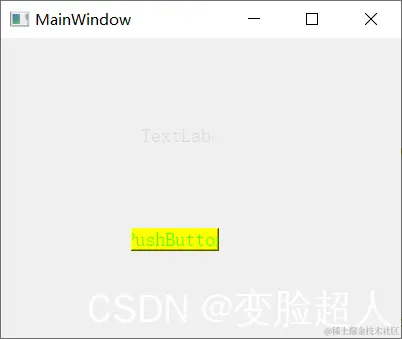
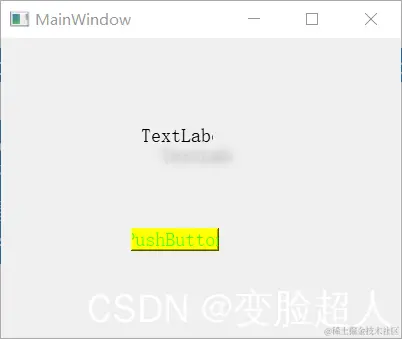
QGraphicsDropShadowEffect* shadowEffect = new QGraphicsDropShadowEffect;
shadowEffect->setColor(QColor(100,100,100));
shadowEffect->setBlurRadius(20);
shadowEffect->setOffset(20);
ui->label->setGraphicsEffect(shadowEffect);
void MainWindow::paintEvent(QPaintEvent* event)
{
QPainter painter(this);
painter.fillRect(rect(),QColor(255,255,255,256));
}
- 找一个PNG,加到资源文件
-
pixmap.load(":/flower.png");
resize(pixmap.size());
setMask(pixmap.mask());
- 重写paintEvent
void Widget::paintEvent(QPaintEvent *event)
{
    QPainter painter(this);
    painter.drawPixmap(0,0,QPixmap(":/flower.png"));
}