主要命令
ng new my-workspace --no-create-application
cd my-workspace
ng generate library my-lib --prefix=iron
ng g application npm-use-test
ng build my-lib
ng build my-lib --watch
修改文件
import { NgModule } from '@angular/core';
import { BrowserModule } from '@angular/platform-browser';

import { AppRoutingModule } from './app-routing.module';
import { AppComponent } from './app.component';
import { MyLibModule } from 'my-lib';

@NgModule({
  declarations: [AppComponent],
  imports: [BrowserModule, AppRoutingModule, MyLibModule],
  providers: [],
  bootstrap: [AppComponent],
})
export class AppModule {}
<iron-my-lib></iron-my-lib>
启动测试
ng serve npm-use-test
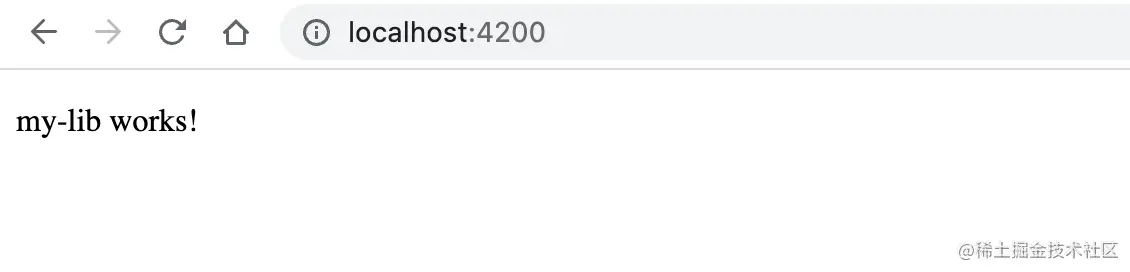
发包
ng build my-lib
cd dist/my-lib
npm publish
使用
ng add package-name
import 方法
import { Component, OnInit } from '@angular/core';
import Engine from 'iron-engine';
@Component({
selector: 'app-welcome',
templateUrl: './welcome.component.html',
styleUrls: ['./welcome.component.less'],
})
export class WelcomeComponent implements OnInit {
birthday: Date | undefined;
constructor() {
this.birthday = new Date(1988, 3, 15);
}
ngOnInit() {
console.log(Engine);
}
}
样式的导入
"styles": [
  "./node_modules/@angular/material/prebuilt-themes/deeppurple-amber.css",
  "src/styles.less",
  "./node_modules/iron-engine/lib/index.css"
],

//	开发时加在 test 的模块下,发布的时候我没有测试过,可能是在 build 下面。