一、创建新工程
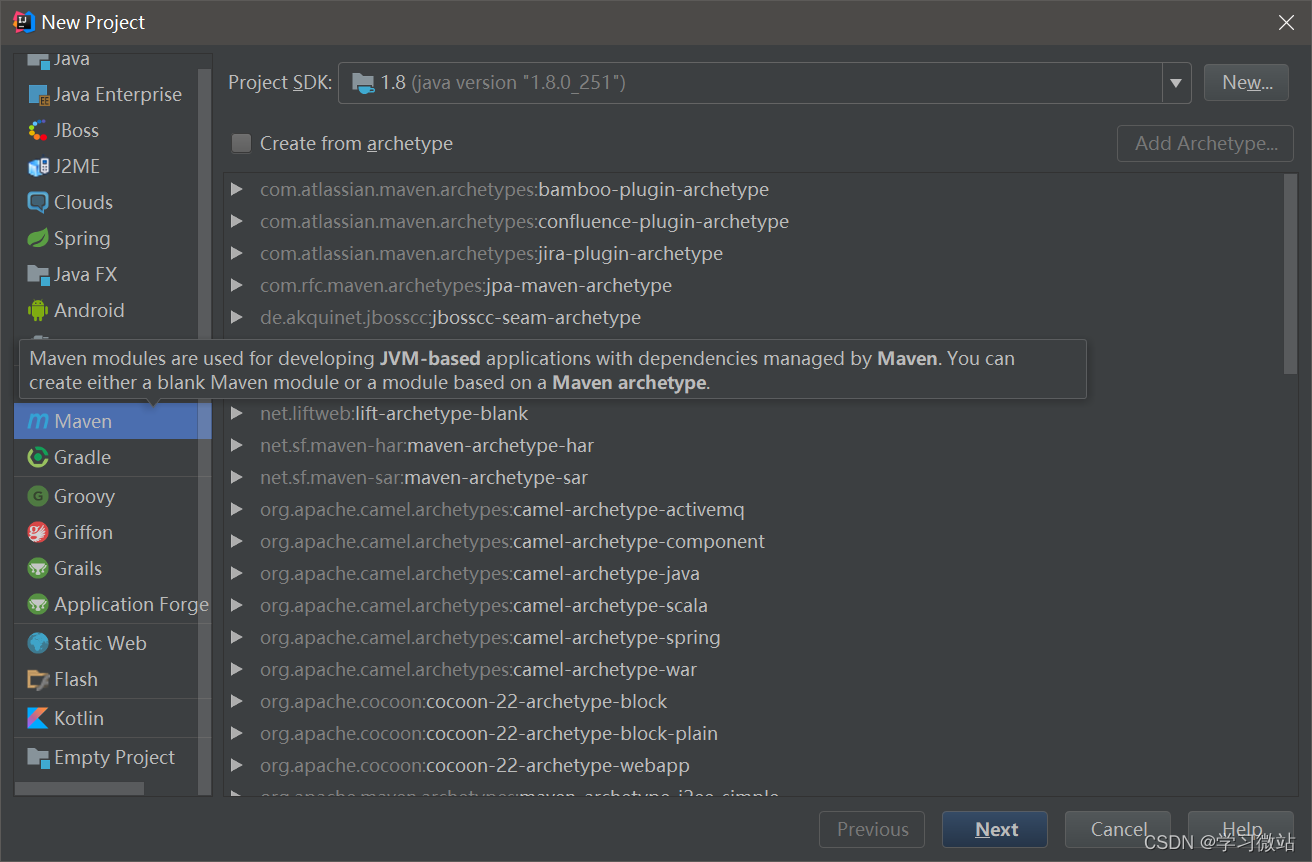
下一步
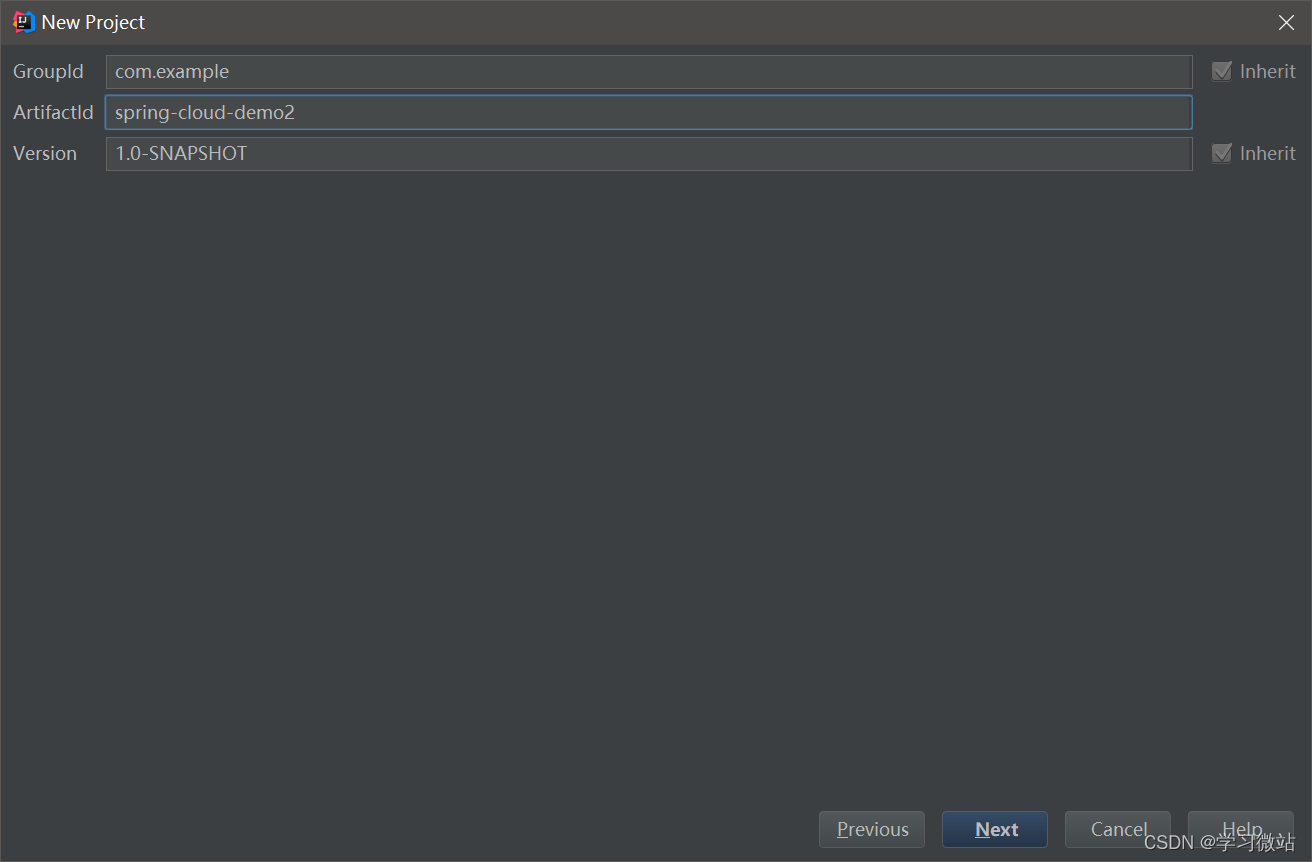
二、在这个项目New Module 添加EurekaServer 子项目
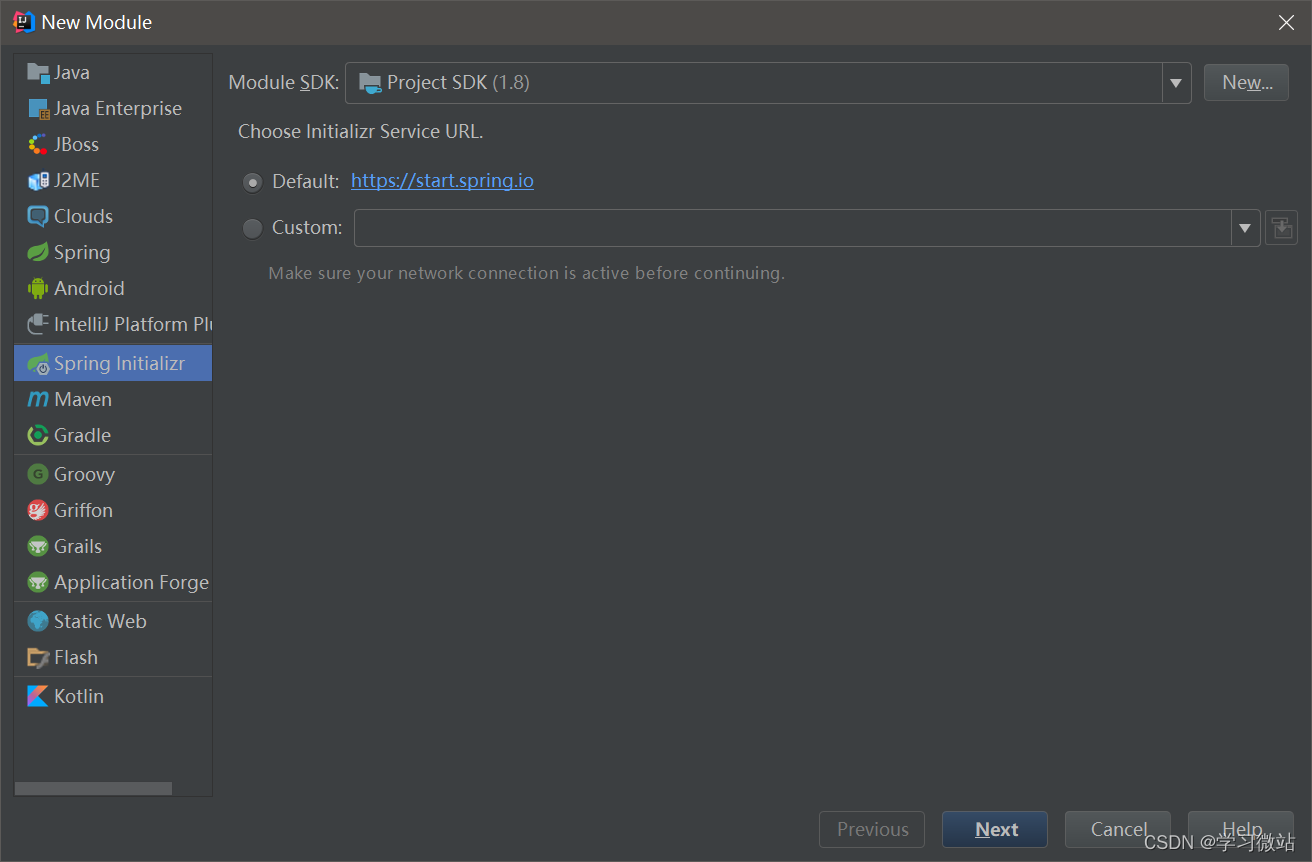
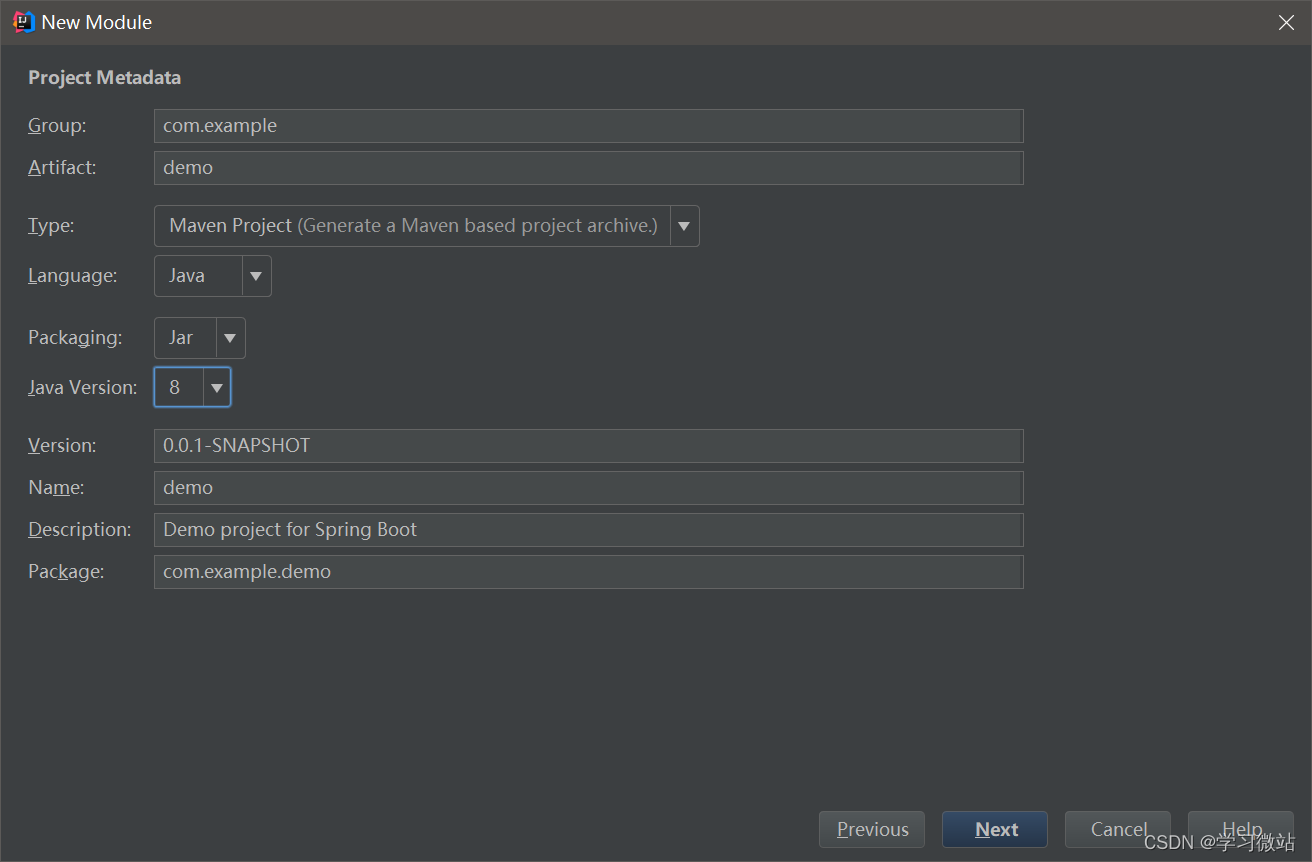
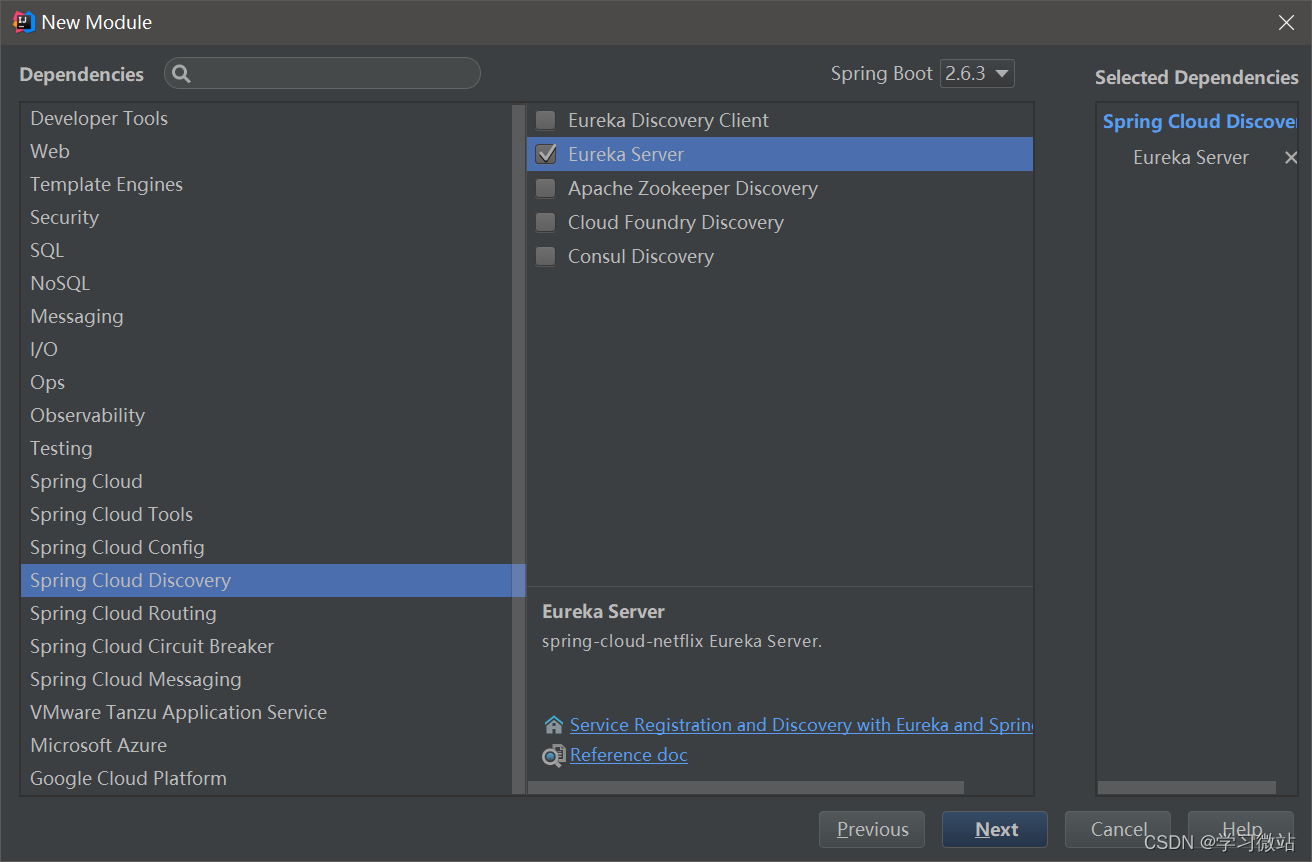
有的时候start.spring.io会超时建不了,可以等一会或者手动建,用阿里url效果最佳 start.aliyun.com/
网上方法
初始化成大概这样
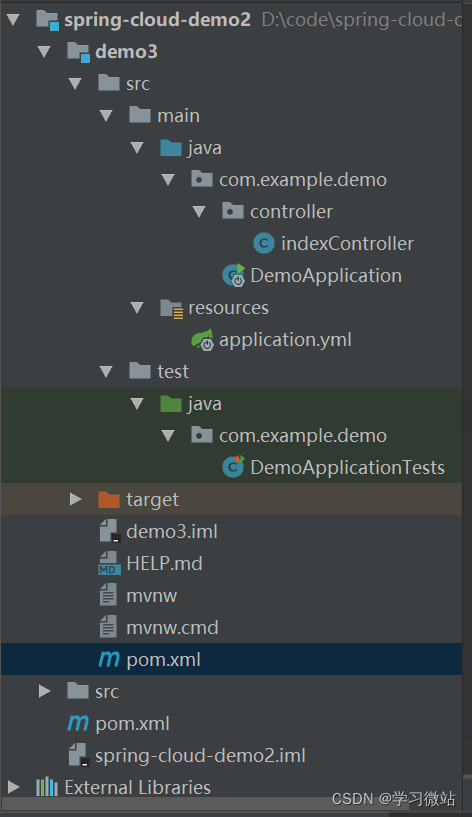
3、application.properties,这里我替换成application.yml
server:
  port: 8761
eureka:
  instance:
    hostname: localhost
  client:
    fetch-registry: false
    register-with-eureka: false
    service-url:

      defaultZone: http://${eureka.instance.hostname}:${server.port}/eureka/
4、加了controller
@RestController
public class indexController {
	@GetMapping("/")
	public String index() {
		return "index";
	}
}
5/输入http://localhost:8761/,它可能没识别到访问[Eureka](so.csdn.net/so/search?q…
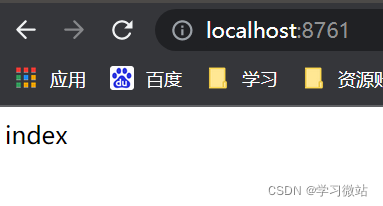
修改一下, 把IndexController全部注释掉
启动类加上注解@EnableEurekaServer
这样就能进入这样的界面
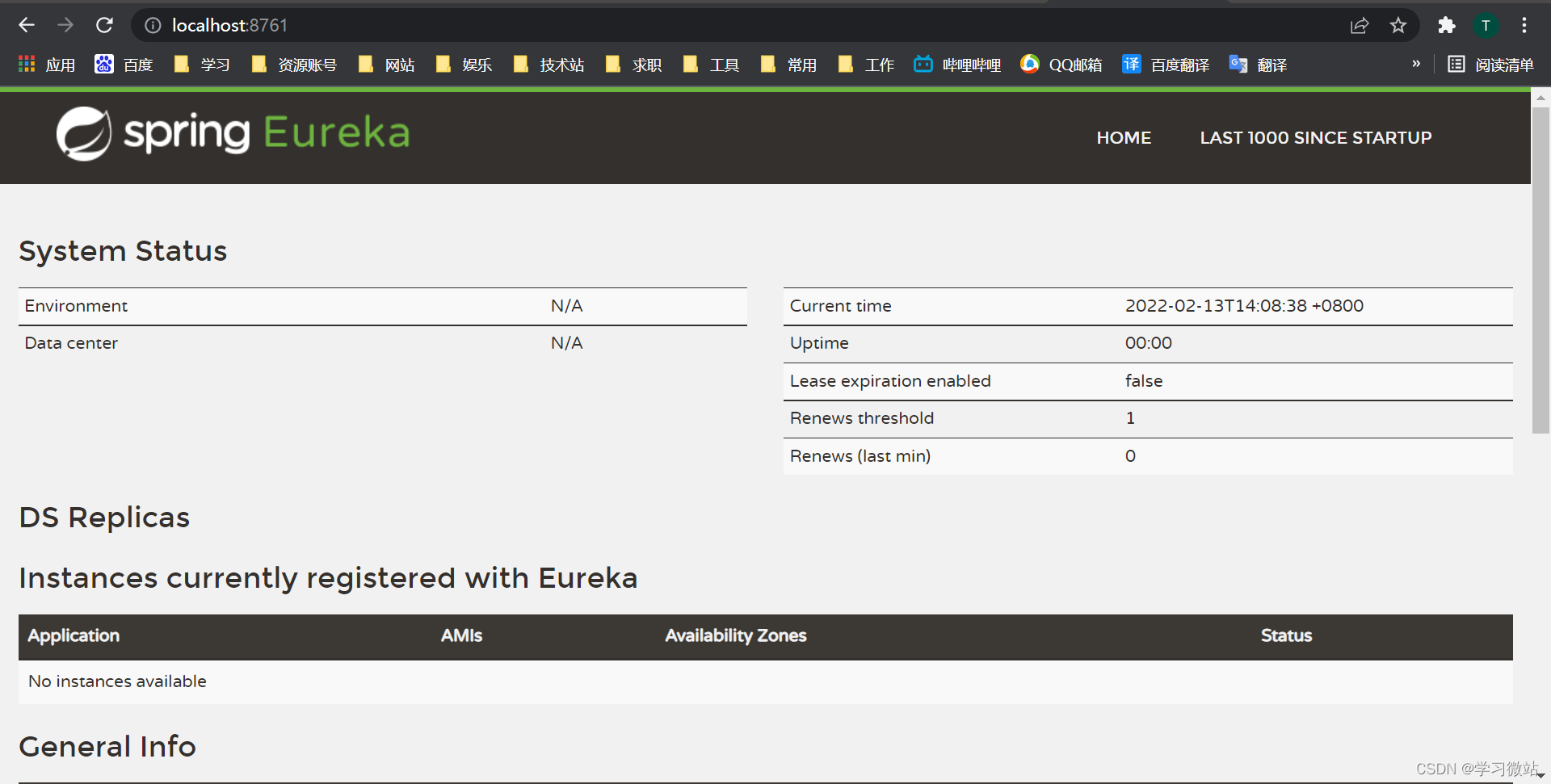
服务正常启动
然后还需要生产者、消费者
三、建生产者module
按照同样的
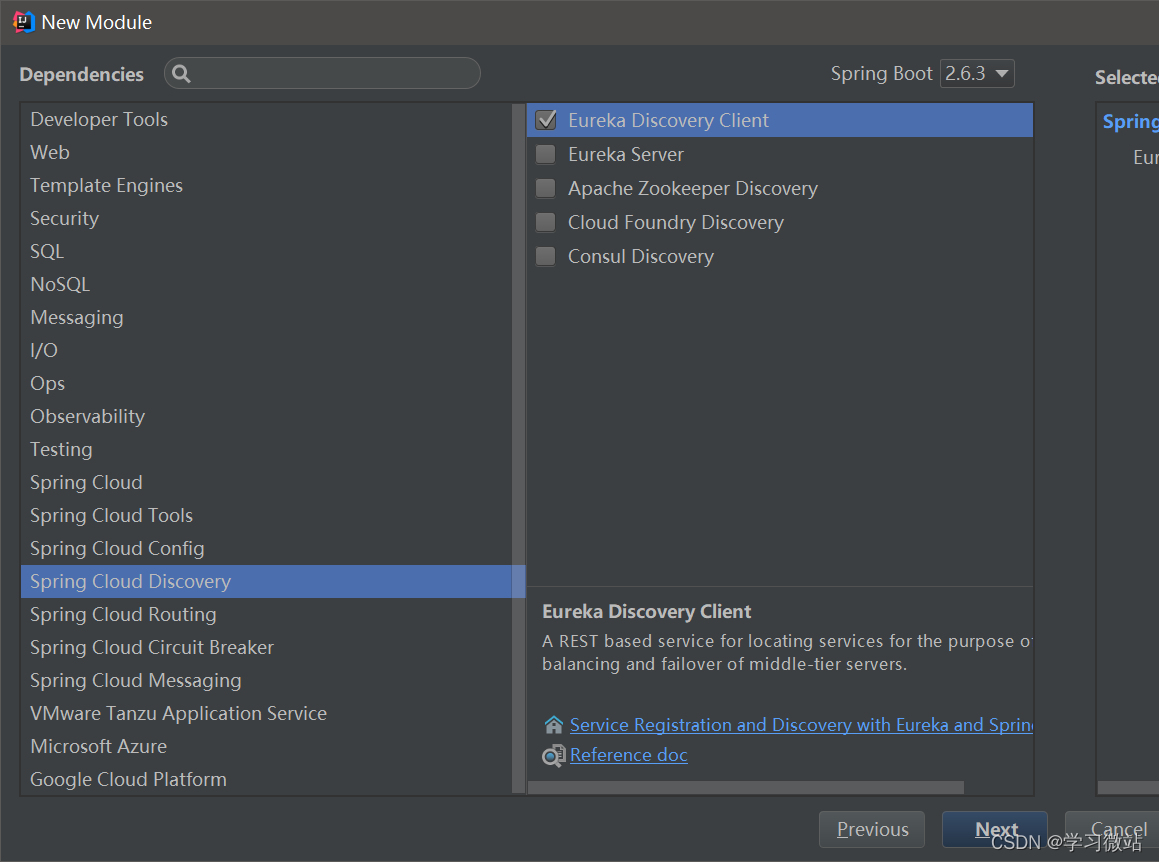
创建时需要勾选 Spring Cloud Discover–> Eureka Discover Client 和 Spring Web 的依赖。
启动类
@SpringBootApplication
@EnableEurekaClient
@RestController
public class EurekaClientApplication {

	public static void main(String[] args) {
		SpringApplication.run(EurekaClientApplication.class, args);
	}

	@RequestMapping("sayHello")
	public String sayHello(String param) {
		return "Hello " + param;
	}
}
application.yml
server:
  port: 8765

spring:
  application:
    name: eureka-client

eureka:
  client:
    service-url:
      defaultZone: http://localhost:8761/eureka
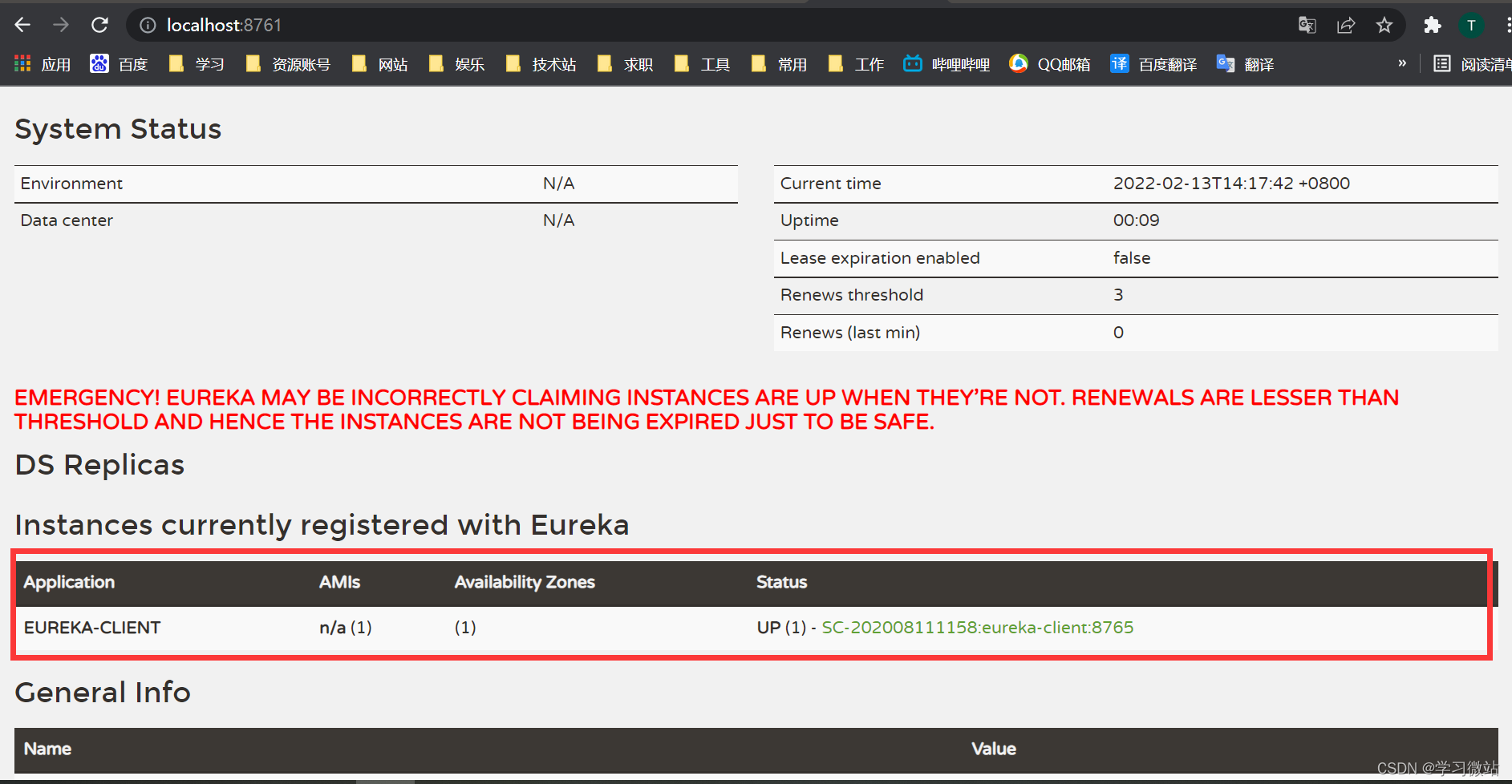
刷新后
四、消费者
按照同样的
创建时需要勾选 Spring Cloud Discover–> Eureka Discover Client 和 Spring Web 的依赖。
启动类
package com.example.eureka_consumer;

import org.springframework.boot.SpringApplication;
import org.springframework.boot.autoconfigure.SpringBootApplication;
import org.springframework.cloud.client.discovery.EnableDiscoveryClient;
import org.springframework.cloud.client.loadbalancer.LoadBalanced;
import org.springframework.context.annotation.Bean;
import org.springframework.web.client.RestTemplate;

/**
 * 在启动类中添加@EnableDiscoveryClient表明标注类是消费者,加入restTemplate来消费相关的服务
 */
@SpringBootApplication
@EnableDiscoveryClient
public class EurekaConsumerApplication {

	public static void main(String[] args) {
		SpringApplication.run(EurekaConsumerApplication.class, args);
	}

	@Bean
	@LoadBalanced
	RestTemplate restTemplate() {
		return new RestTemplate();
	}

}
controller
package com.example.eureka_consumer.controller;

import lombok.extern.slf4j.Slf4j;
import org.springframework.beans.factory.annotation.Autowired;
import org.springframework.web.bind.annotation.RequestMapping;
import org.springframework.web.bind.annotation.RequestParam;
import org.springframework.web.client.RestTemplate;
import org.springframework.web.bind.annotation.RestController;


/**
 * @author samxie
 * @version 1.0
 * @date 2022-2-13 14:28
 */
@RestController
@Slf4j
public class DemoController {
	@Autowired
	RestTemplate restTemplate;

	@RequestMapping("/greet")
	public String sayHello(@RequestParam String name) {
		return restTemplate.getForObject("http://EUREKA-CLIENT/sayHello?param=" + name, String.class);
	}

}
配置文件application.yml
server:
  port: 8763

spring:
  application:
    name: eureka-consumer

eureka:
  client:
    service-url:
      defaultZone: http://localhost:8761/eureka
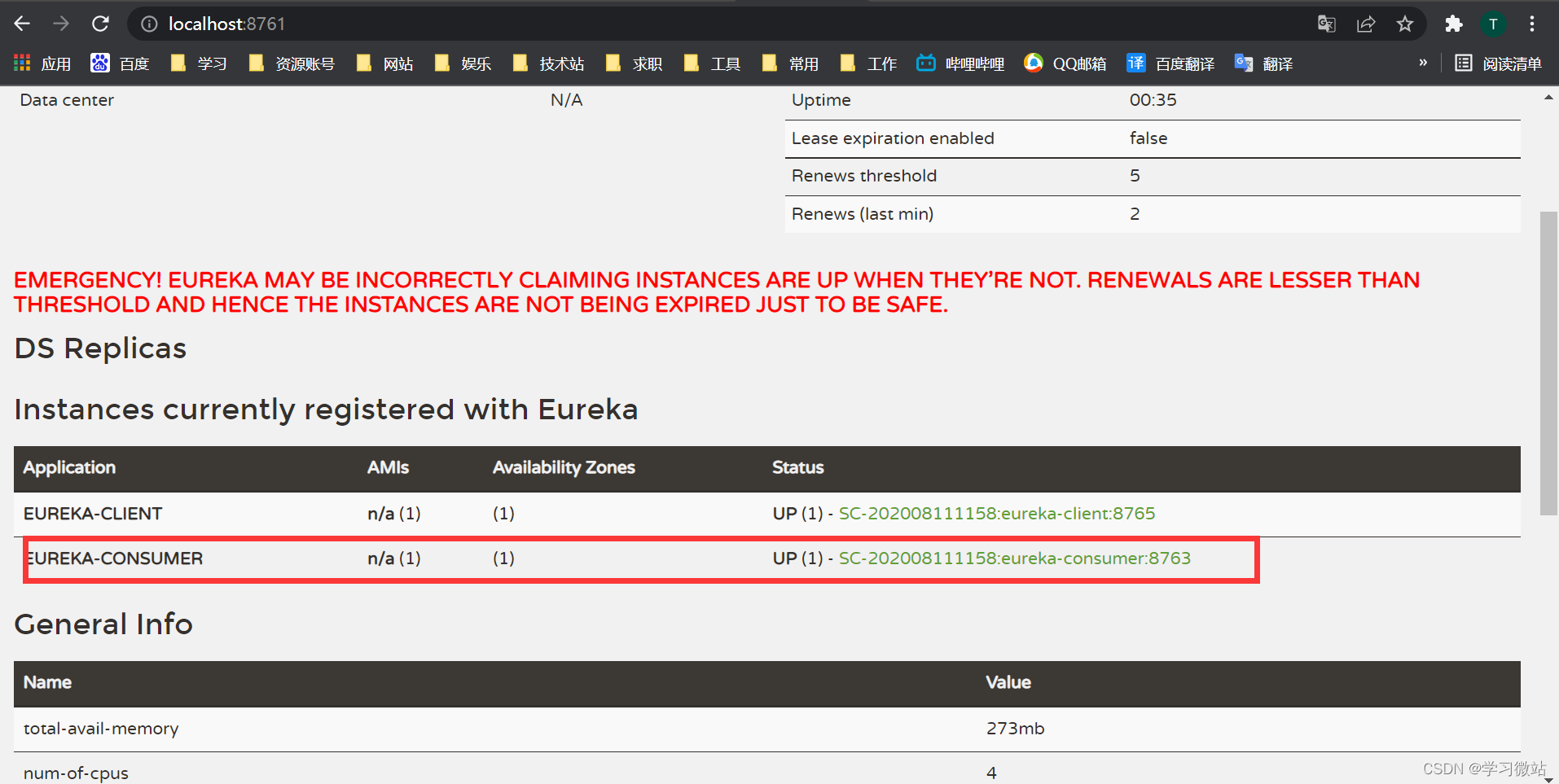
结果看到生成
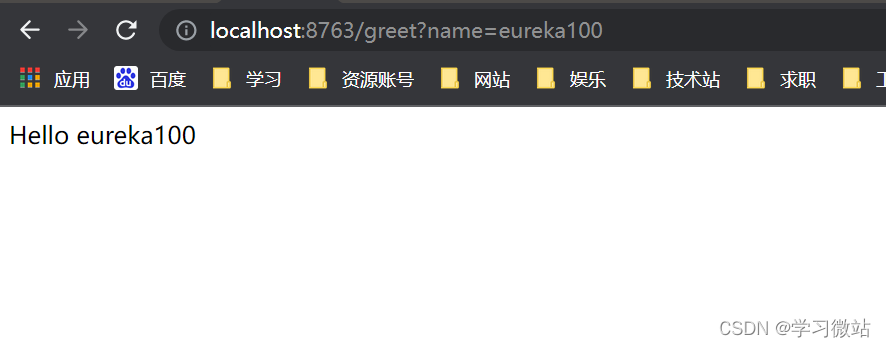
5.打开浏览器输入localhost:{server.port}/path 进行服务调用,
这里我用 http://localhost:8763/greet?name=eureka100 ,可以看到请求正确返回,正确调用了服务提供者。
本文使用 文章同步助手 同步