太极图
示例图
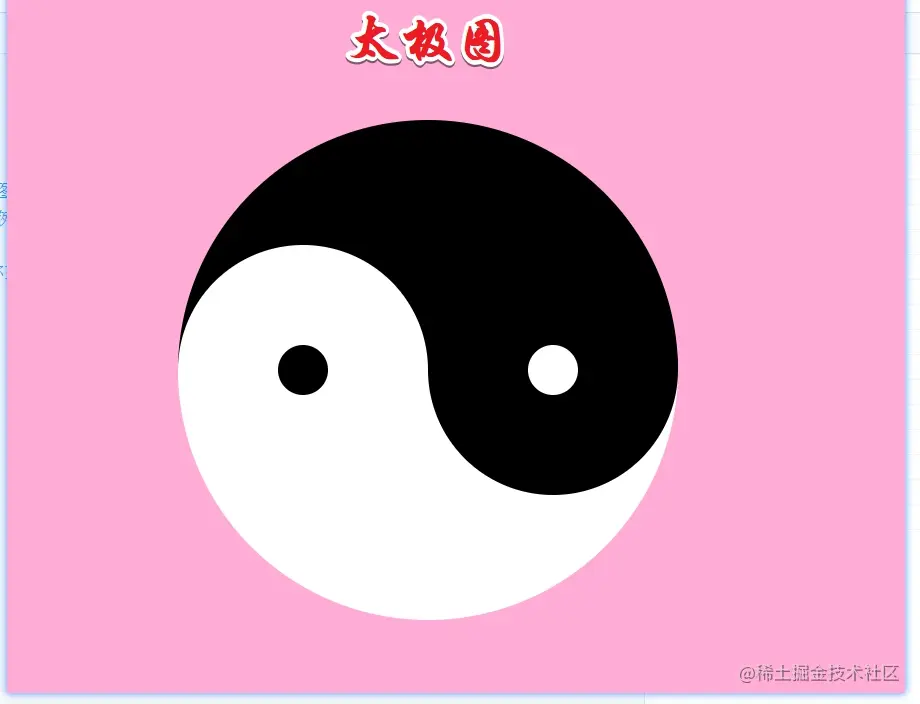
教你如何玩转定位
- 大盒就简单了,线性渐变一半白 一半黑
- 两个left-box和right-box 绝对定位 父盒子相对定位 垂直居中
- 主要还是视觉效果 颜色相同被覆盖了
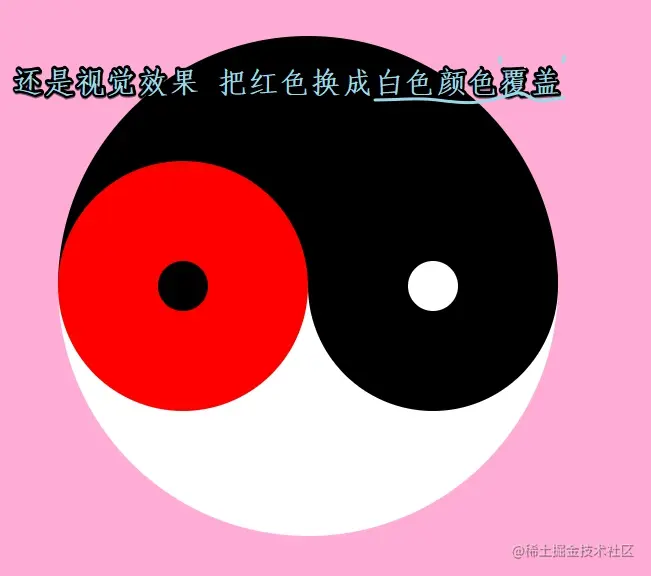
- 左右两个盒子 中小圆点盒子就还是绝对定位 水平 垂直 居中
简介版太极图 代码展示
<!DOCTYPE html>
<html lang="en">
<head>
<meta charset="UTF-8">
<meta http-equiv="X-UA-Compatible" content="IE=edge">
<meta name="viewport" content="width=device-width, initial-scale=1.0">
<title>Document</title>
<style>
.max-box{
position: relative;
width: 400px;
height: 400px;
margin: 150px auto;
background: linear-gradient(to top,#fff 50%,#000 50%);
border-radius: 50%;
}
.left-box{
position: absolute;
left: 0;
top: 50%;
background-color: #fff;
width: 200px;
height: 200px;
transform: translateY(-50%);
border-radius: 50%;
}
.left-dot{
position: absolute;
width: 40px;
height: 40px;
top: 0;
bottom: 0;
left: 0;
right: 0;
margin: auto;
background-color: #000;
border-radius: 50%;
}
.right-box{
position: absolute;
right: 0;
top: 50%;
background-color: #000;
width: 200px;
height: 200px;
transform: translateY(-50%);
border-radius: 50%;
}
.right-dot{
position: absolute;
width: 40px;
height: 40px;
top: 0;
bottom: 0;
left: 0;
right: 0;
margin: auto;
background-color: #fff;
border-radius: 50%;
}
body{
background-color: rgba(255, 105, 180, 0.544);
}
</style>
</head>
<body>
<div class="max-box">
<div class="left-box">
<div class="left-dot"></div>
</div>
<div class="right-box">
<div class="right-dot"></div>
</div>
</div>
</body>
</html>