
<!DOCTYPE html>
<html>
	<head>
		<meta charset="utf-8">
		<title></title>
		<style>
			* {
				padding: 0px;
				margin: 0px;
			}
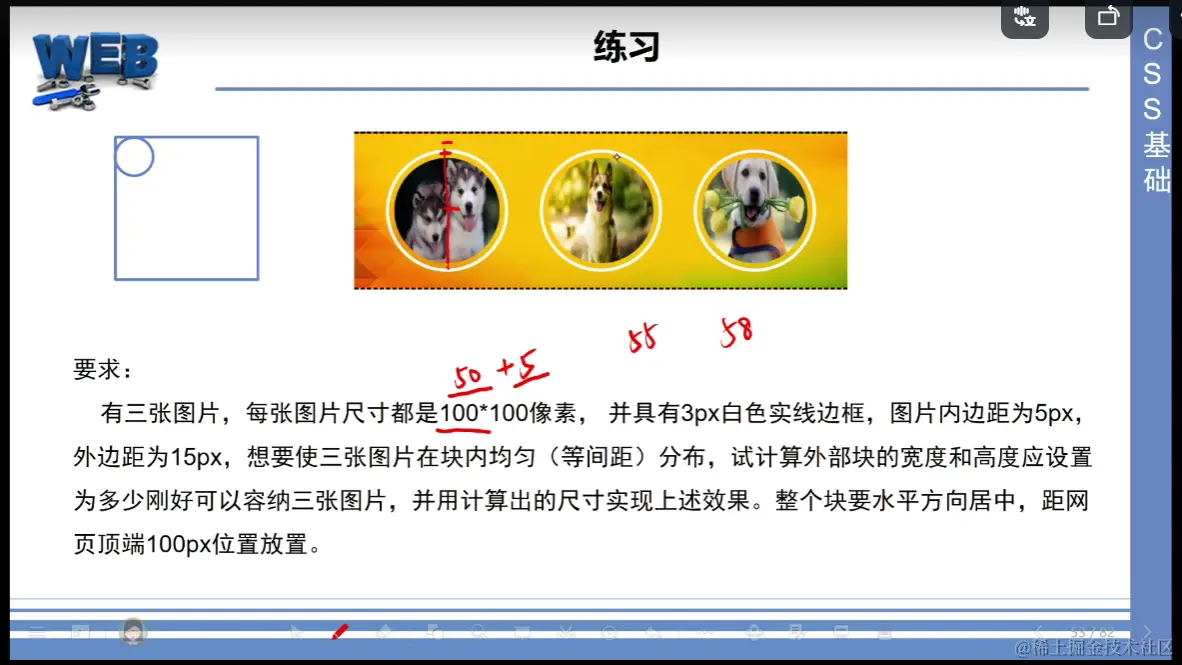
			#box{
				width:468px;
				height:146px;
				background: url(image/bj.jpg);
				background-size: 100% 100%;
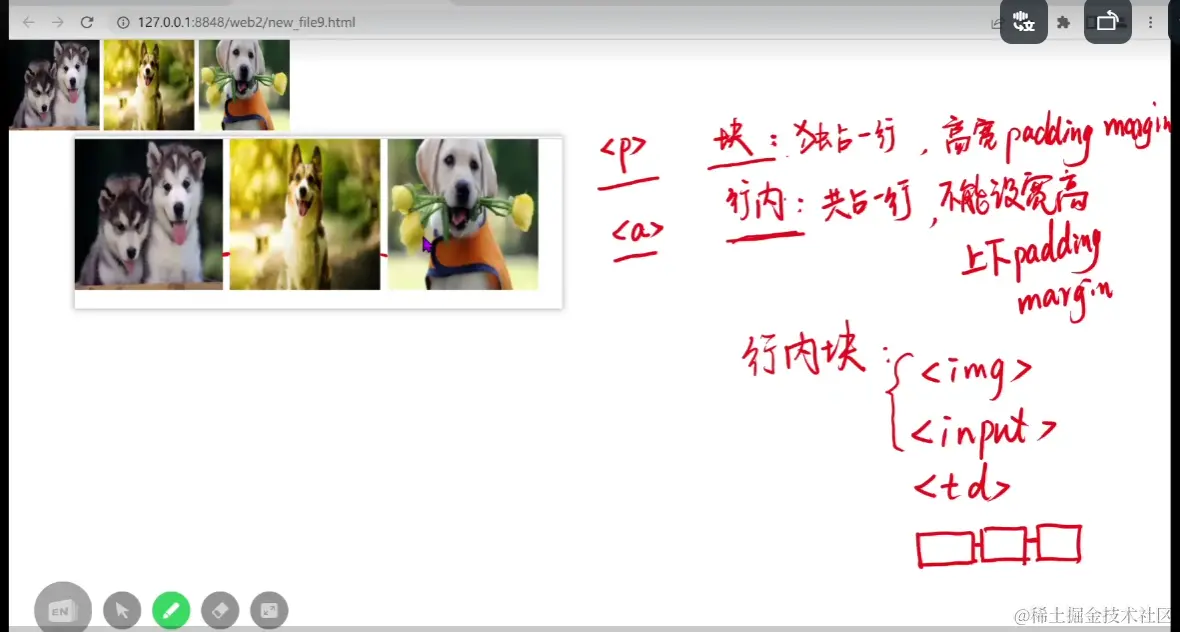
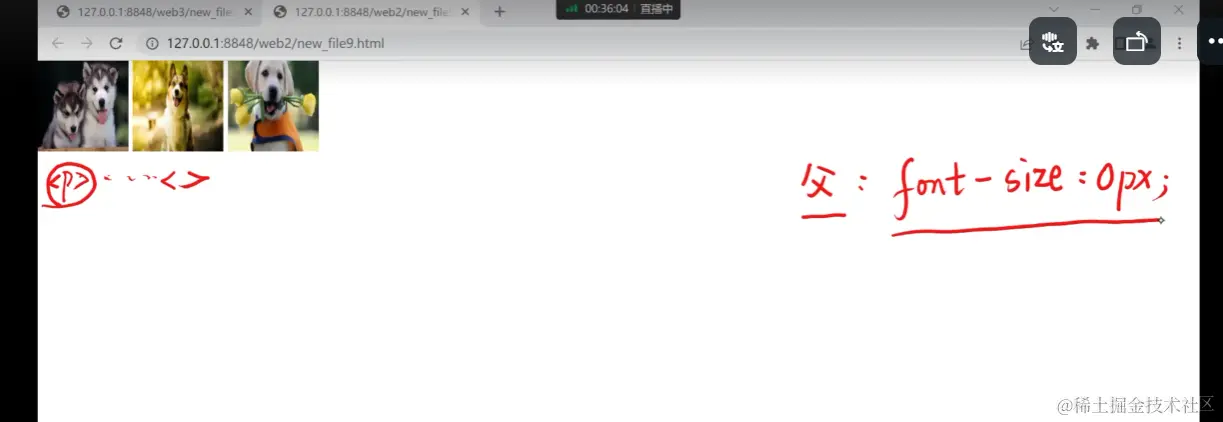
				font-size: 0px;
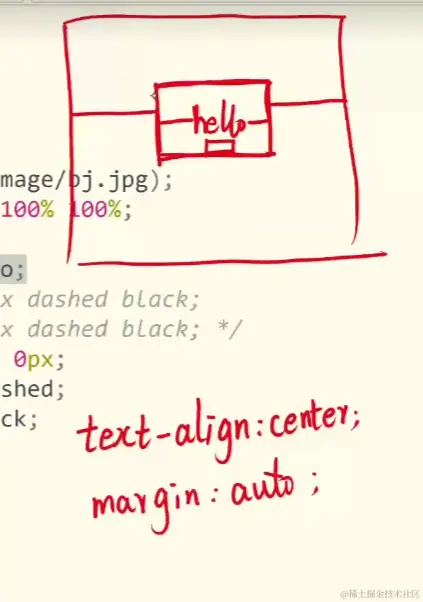
				margin: 100px auto;
				/*
				方法一:
				border-top: 2px dashed black;
				border-bottom: 2px dashed black; */
				/* 方法二: */
				border-width: 2px 0px;
				border-style: dashed;
				border-color: black;

			}
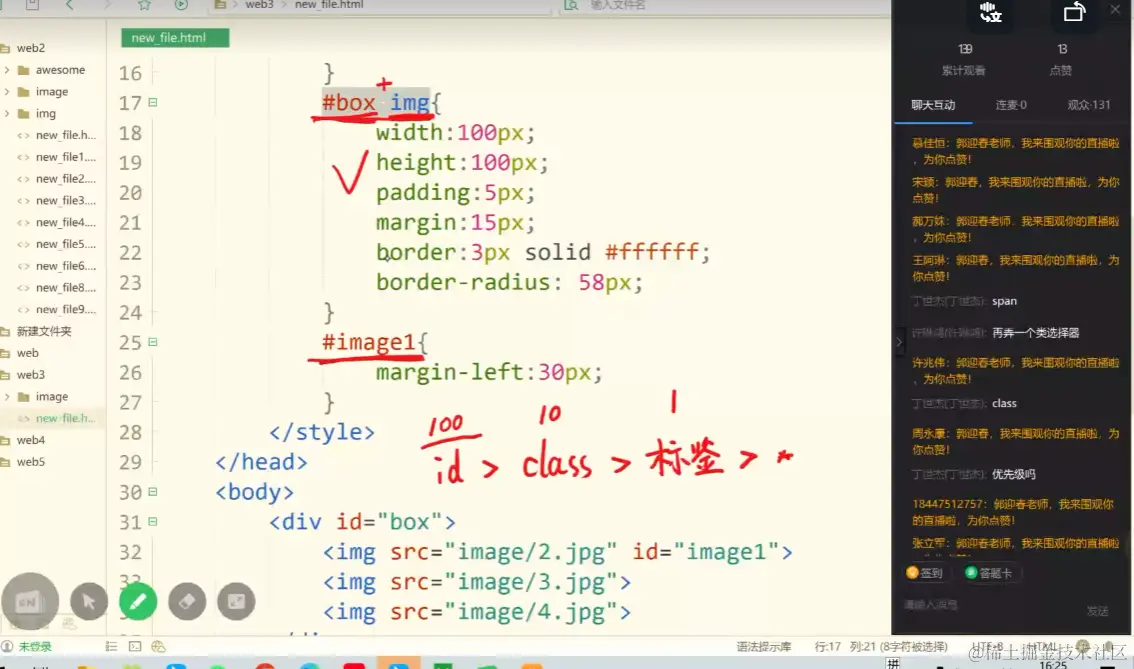
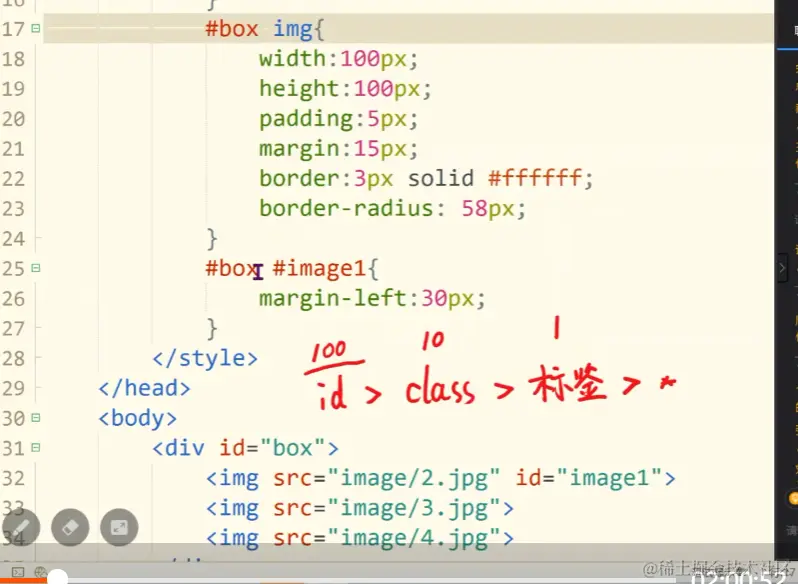
			#box img{
				width:100px;
				height:100px;
				padding: 5px;
				margin: 15px;
				border: 3px solid #ffffff;
				/* 刚才的border-radius,边框比较宽时,
				把边框的宽度也计算进去得出来的圆效果要更好,
				大家可以试下设置为58px */
				/*
				可以改变四个角的弧度,来设计图形
				border-radius: 58px 58px 0px 0px; */
				border-radius: 58px;
			}
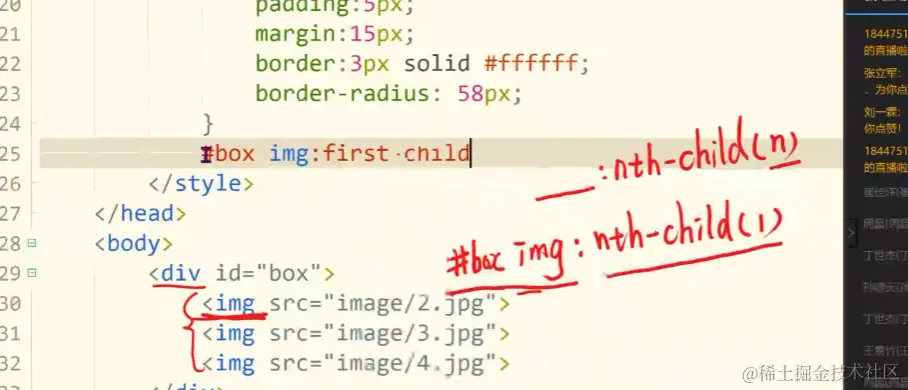
			#box img:first-child{
				margin-left: 30px;
			}
			#box img:nth-child(3){
				margin-right: 30px;
			}
		</style>
	</head>
	<body>
		<div id="box">
			<img src="image/2.jpg">
			<img src="image/3.jpg">
			<img src="image/4.jpg">
		</div>
	</body>
</html>
<!DOCTYPE html>
<html>
	<head>
		<meta charset="utf-8">
		<title></title>
		<!-- 在线 外部式 -->
		<link rel="stylesheet" href="https://cdn.staticfile.org/font-awesome/4.7.0/css/font-awesome.css">
		<!--
		 下载后 外部式
		<link rel="stylesheet" href="awesome/css/font-awesome.css">
		-->
         <style>
		 *{
			 font:16px 华文细黑,宋体;
			 /*
			 一般给所有的内边距和外边距设置为0
			 谁需要边距在单加
			 */
			 /* 外边距 */
			 margin:0px;
			 /* 内边距 */
			 padding:0px;
		 }
		 #nav{
			 width:720px;
			 border:1px solid #e9e9e9;
			 /* border-collapse:collapse; */
		 }
		 #nav h3{
			 color:green;
			 font-weight: bold;
			 background-color: #cbcbcb;
			 height:40px;
			 /*
			 实现单行文本垂直居中
			 单行文本居中,可以设置一下line-height */
			 line-height:40px;
		 }
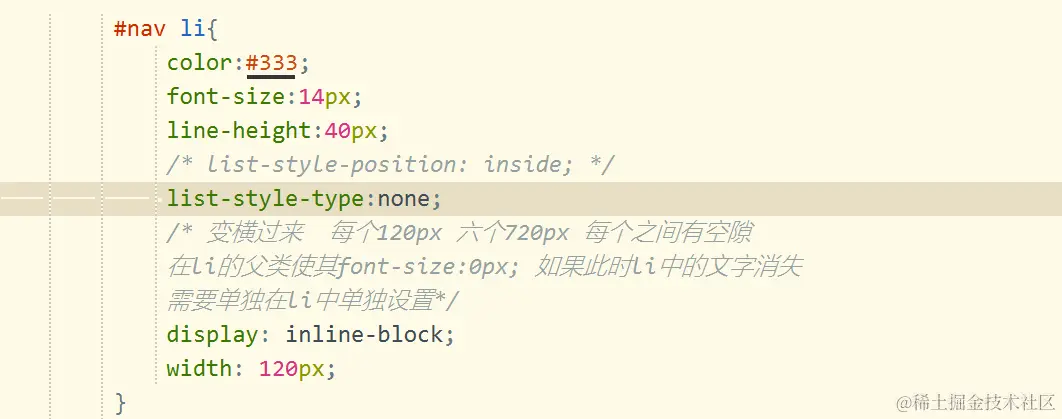
		 #nav li{
			 color:#333;
			 font-size:14px;
			 line-height:40px;
			 /* list-style-position: inside; */
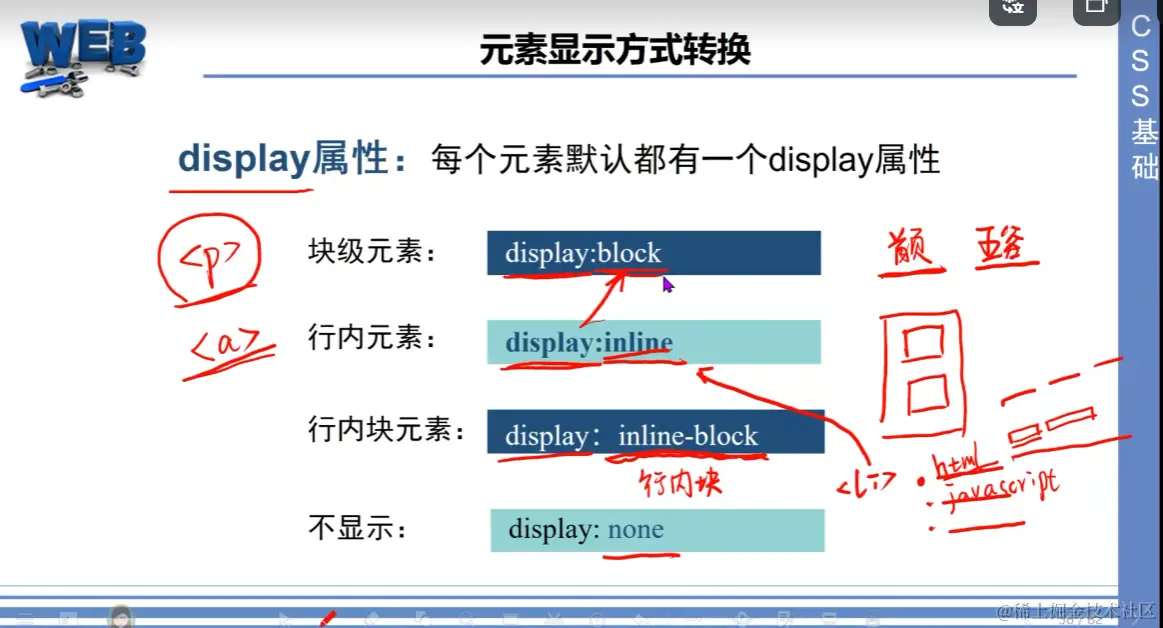
			 list-style-type:none;
			 /* 变横过来  每个120px 六个720px 每个之间有空隙
			 在li的父类使其font-size:0px; 如果此时li中的文字消失
			 需要单独在li中单独设置*/
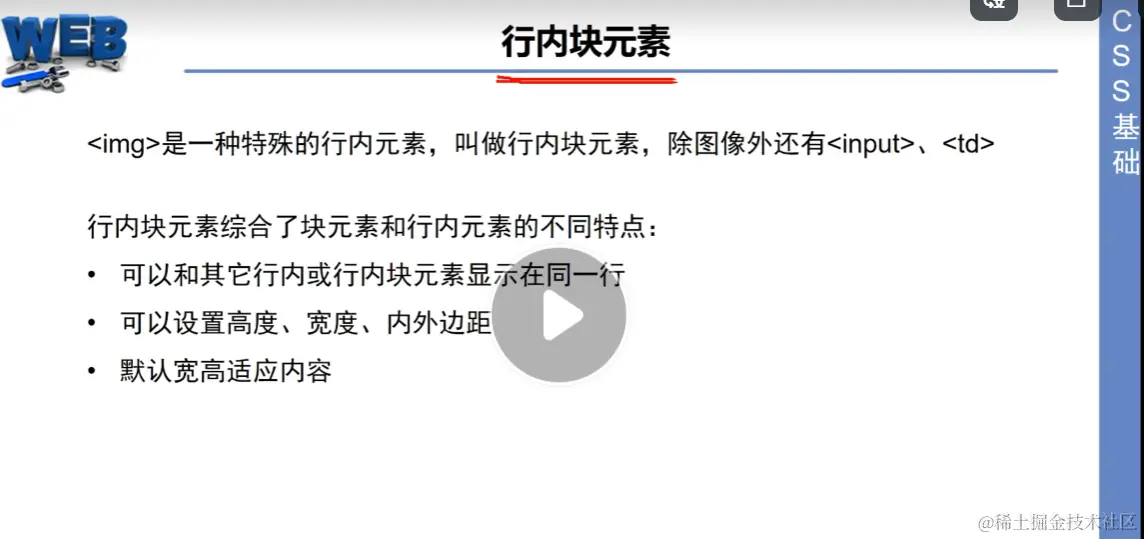
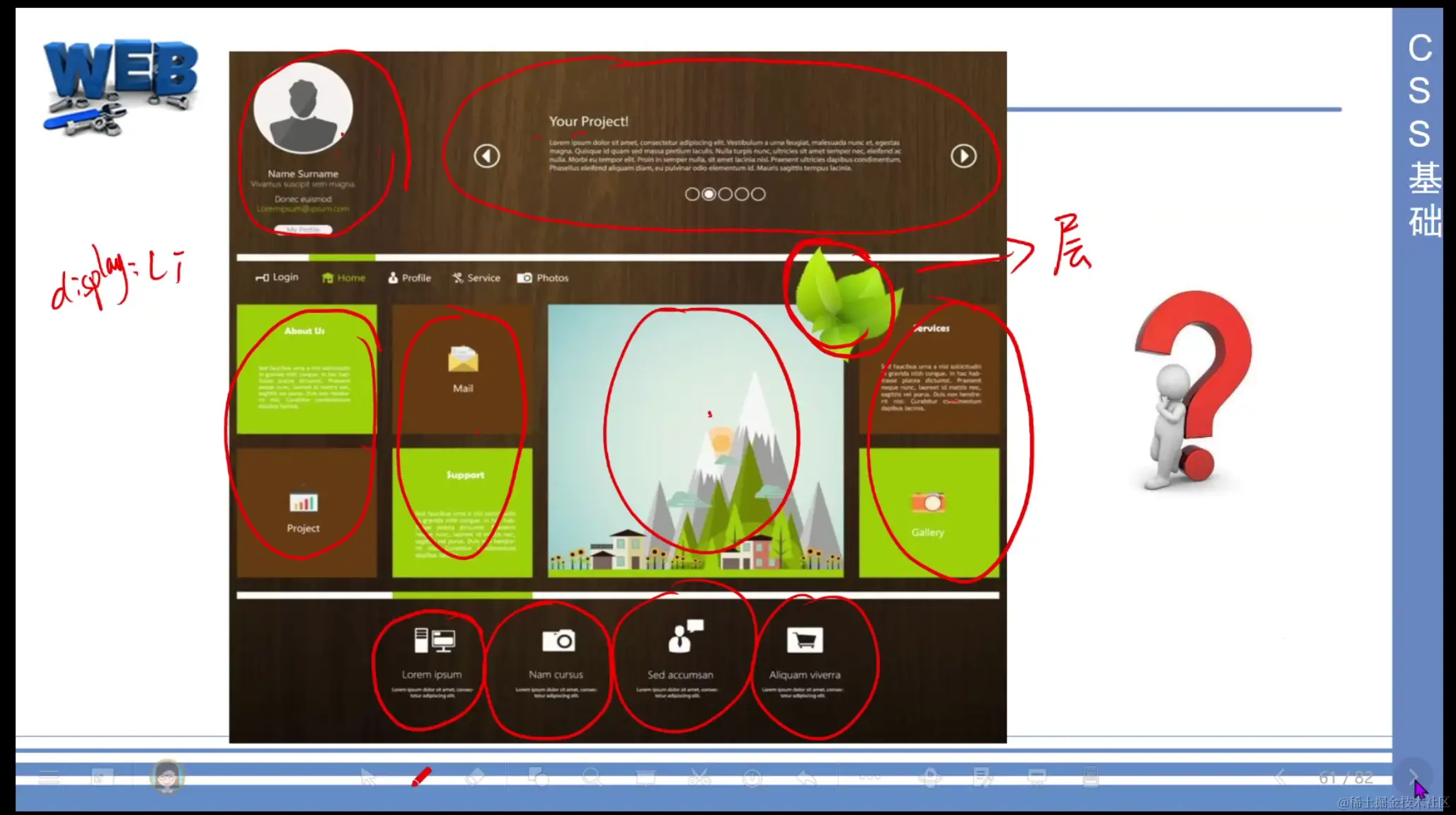
			 display: inline-block;
			 width: 120px;
		 }
		 #nav li:nth-child(even){
		 			 background-color:#ebebeb;
		 }
		 #nav li:hover{
			 background-color: darkorange;
			 /* 移动到此时,鼠标变手型 */
			 cursor: pointer;
		 }
		 #nav a{
			 color:#333;
			 /* 删除下划线 */
			 text-decoration: none;
		 }
		 #nav ul{
			 font-size: 0px;
		 }
		</style>
	</head>
	<body>
		<div id="nav">
			<h3><i class="fa fa-bars"></i>全部教程</h3>
			<ul>
				<!-- 超链接字体为蓝色,应另为a标签设置颜色,删除下划线 -->
				<li><i class="fa fa-external-link"></i> <a href="">html</a></li>
				<li><i class="fa fa-external-link"></i>CSS</li>
				<li><i class="fa fa-external-link"></i>JavaScript</li>
				<li><i class="fa fa-external-link"></i>JQuery</li>
				<li><i class="fa fa-external-link"></i>Ajax</li>
				<li><i class="fa fa-external-link"></i>移动端</li>
			</ul>
		</div>
	</body>
</html>
<!DOCTYPE html>
<html>
<head>
<meta charset="utf-8">
<title></title>
<style>
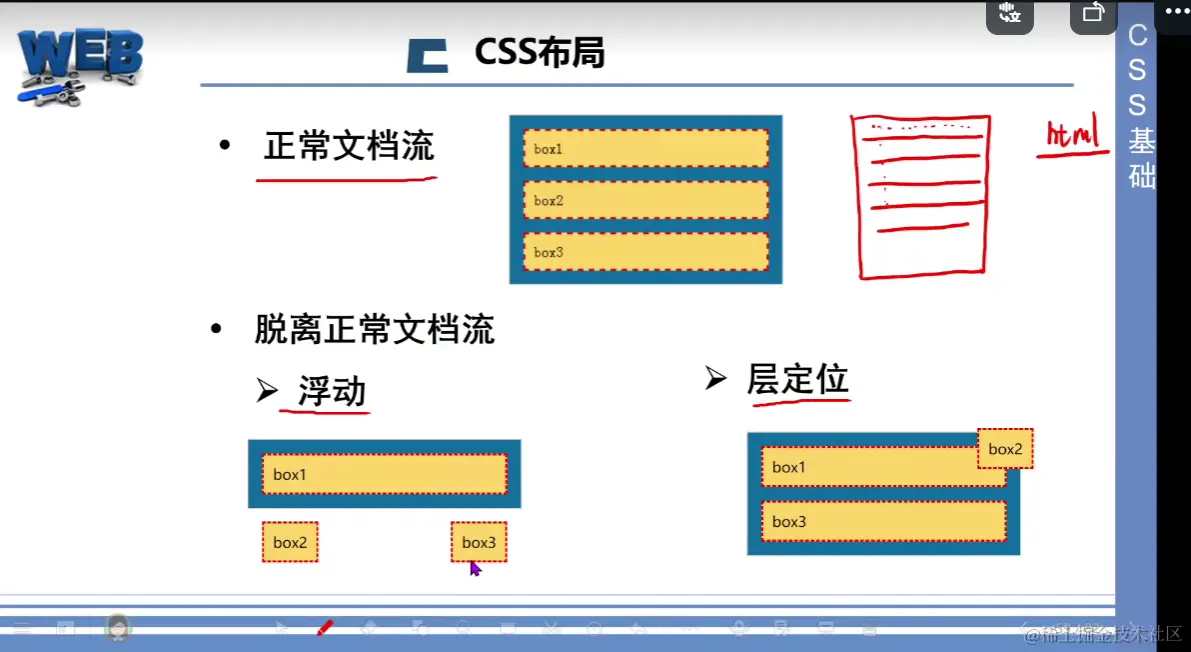
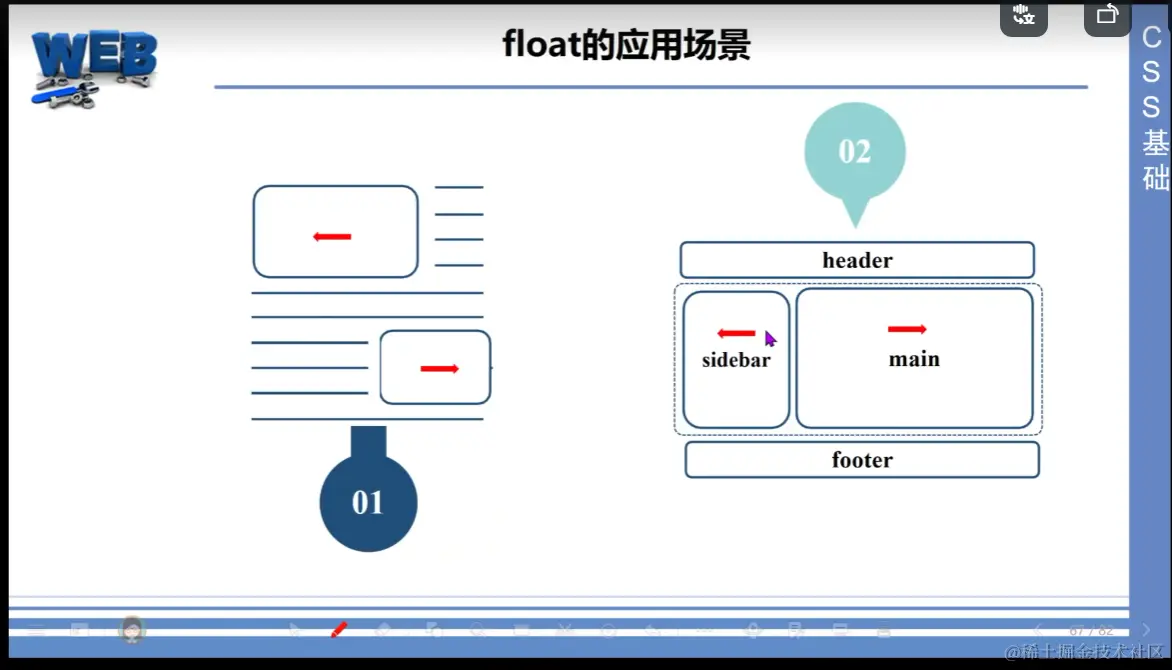
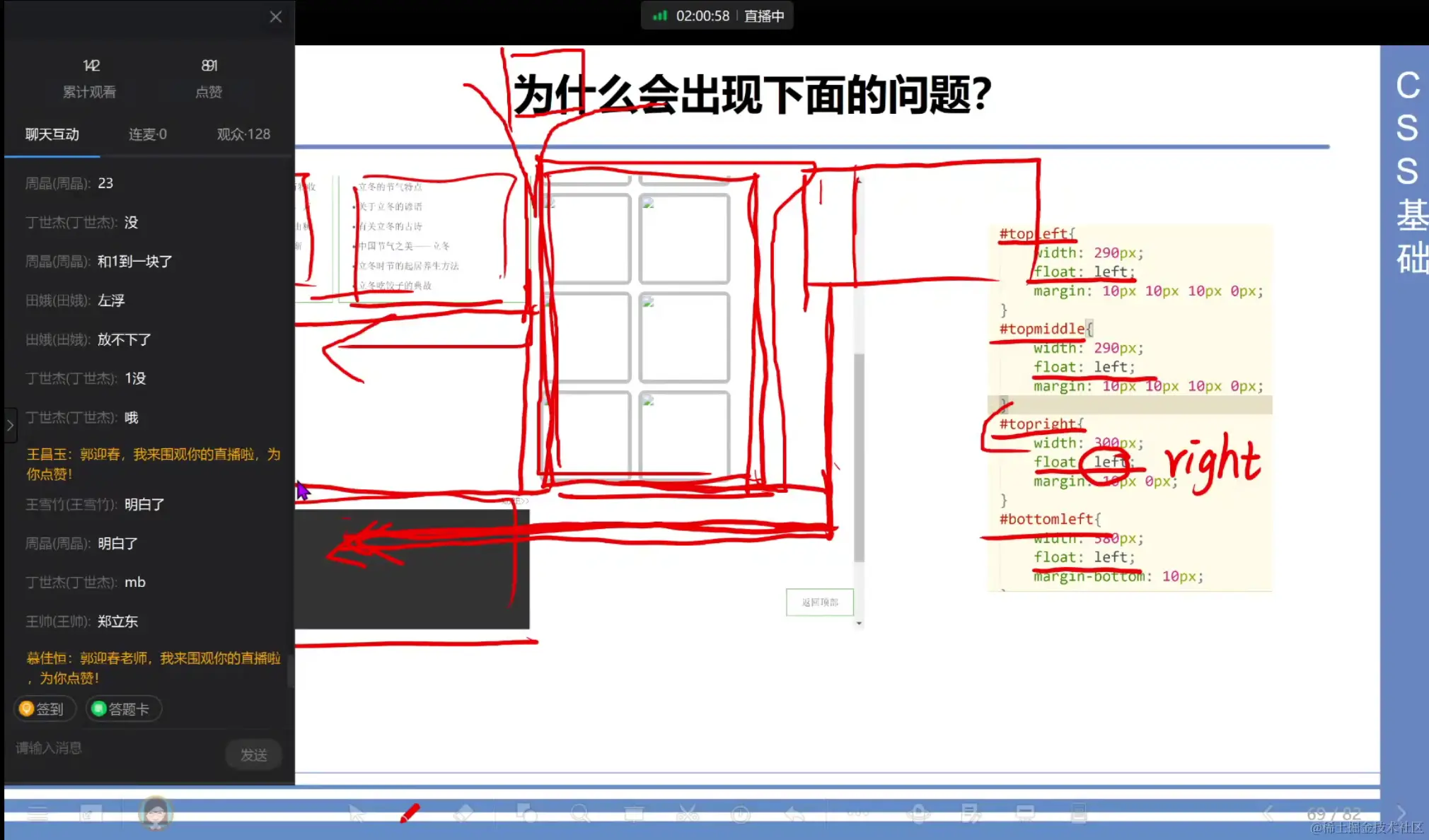
#father {
width: 300px;
background-color: #0C6A9D;
border: 1px solid silver;
}
#father div {
padding: 10px;
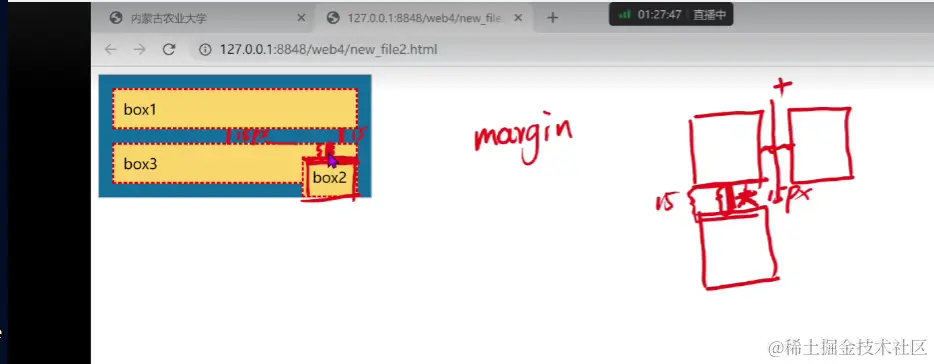
margin: 15px;
border: 2px dashed red;
background-color: #FCD568;
}
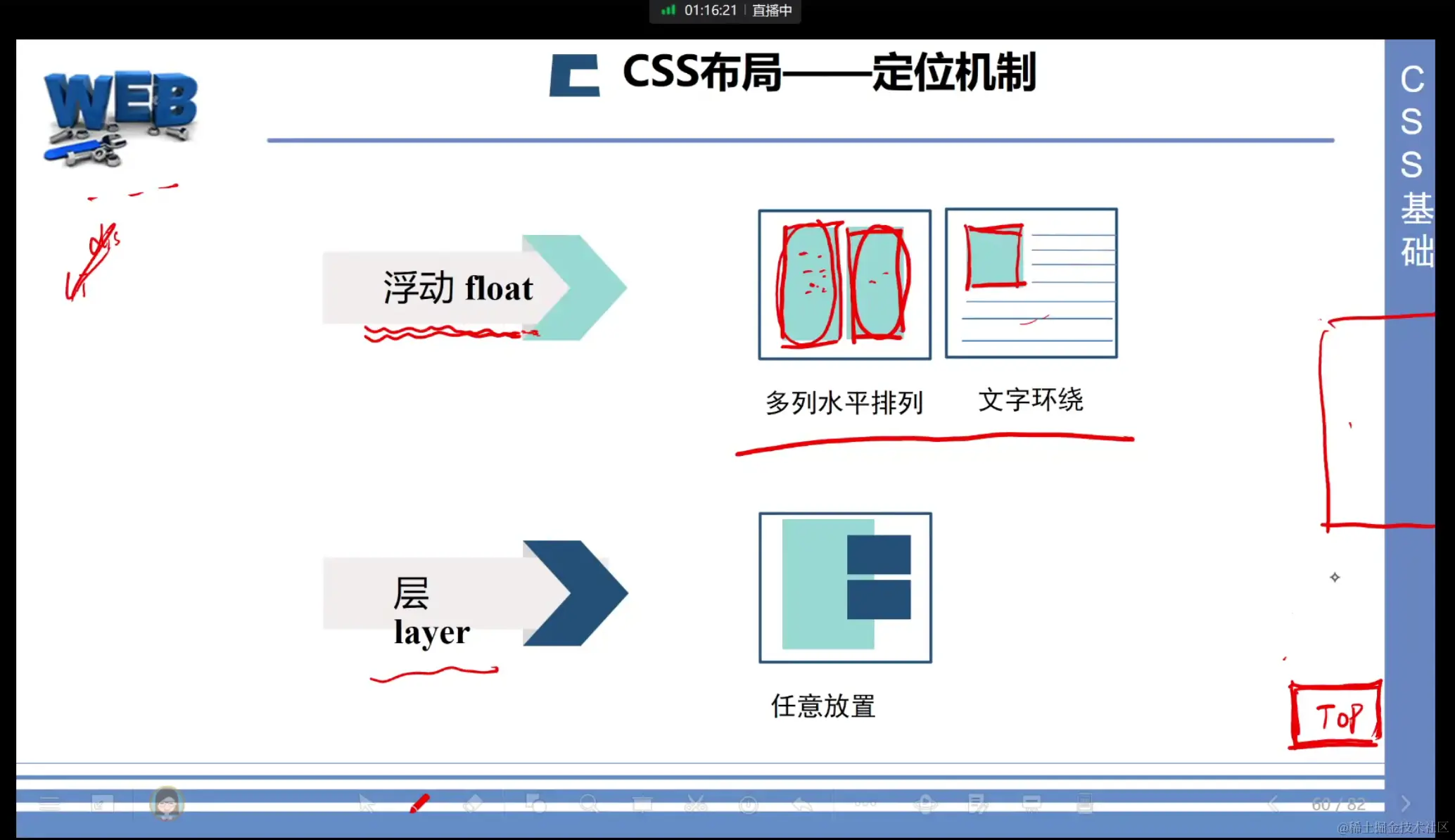
#father #son2{
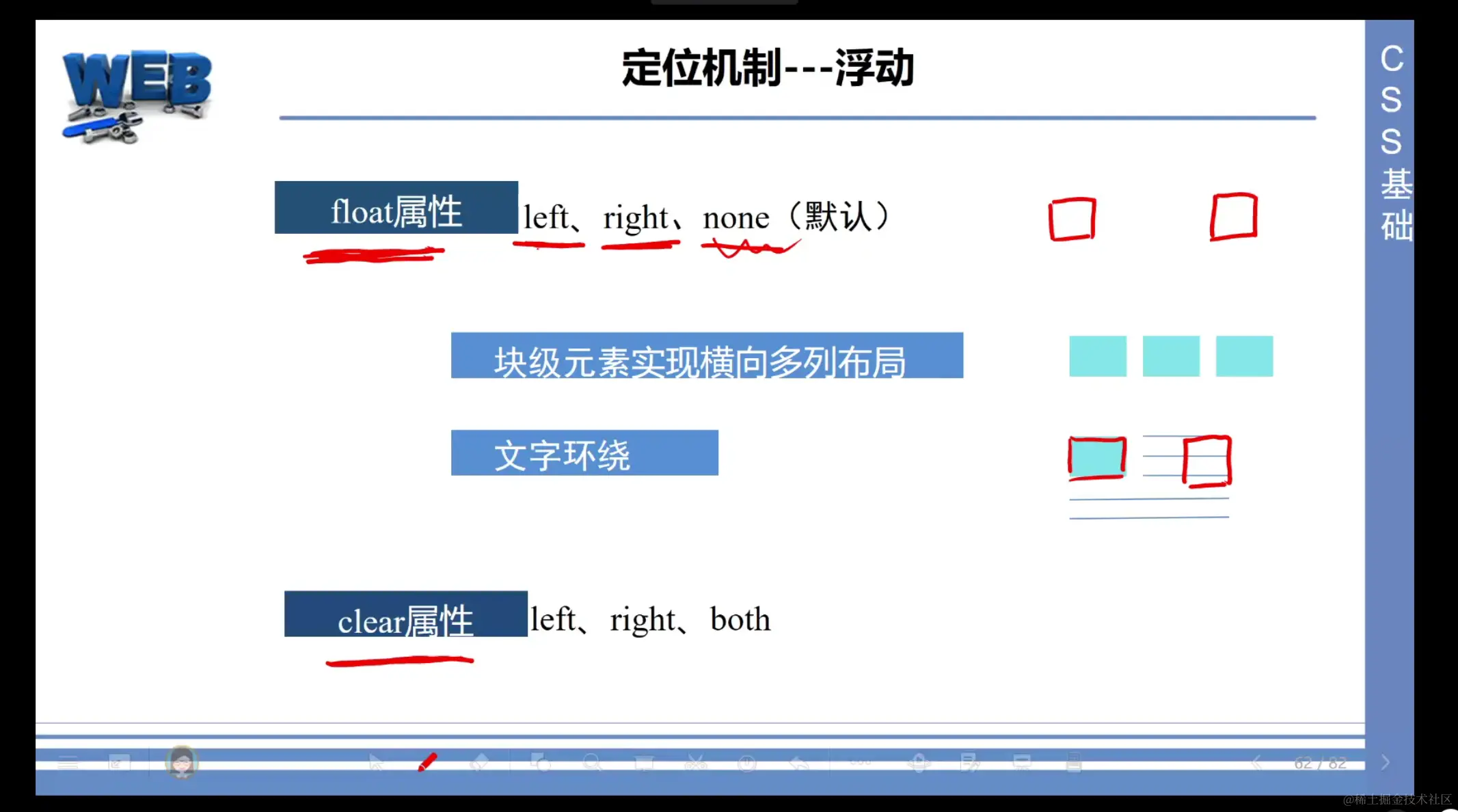
float: left;
}
#father #son3{
float: right;
}
#father #null{
padding: 0px;
margin: 0px;
border: 0px;
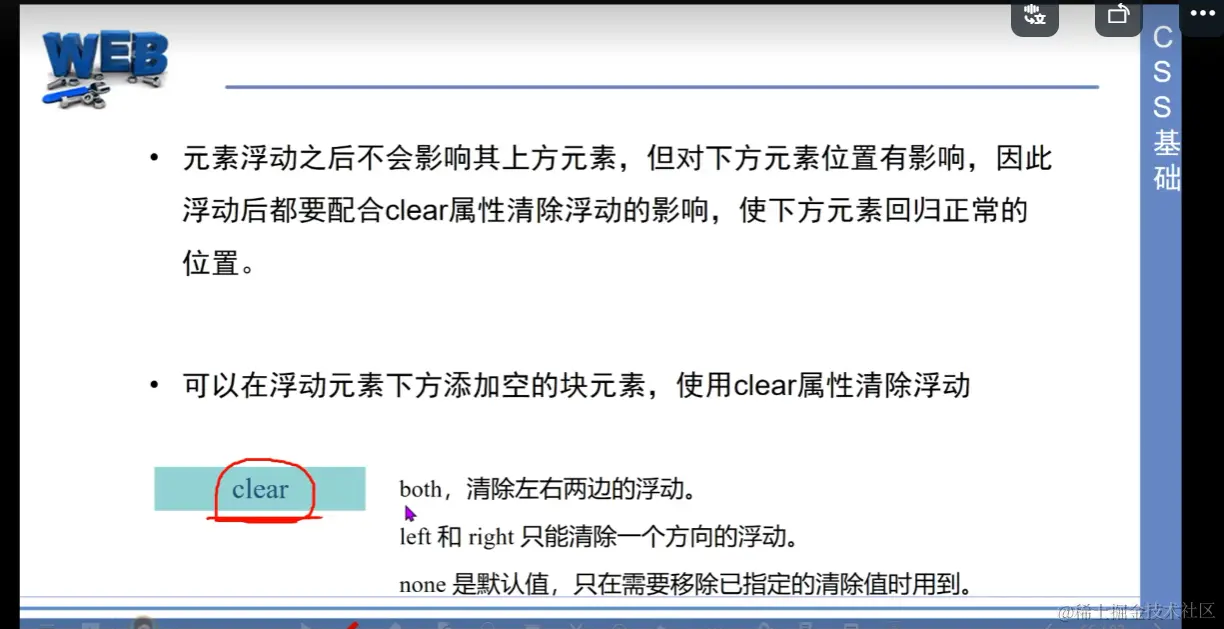
clear: both;
}
</style>
</head>
<body>
<div id="father">
<div id="son1">box1</div>
<div id="son2">box2</div>
<div id="son3">box3</div>
<div id="null"></div>
<div>
内蒙古农业大学是一所以农林为主,以草原畜牧业为特色,具有农、工、理、经、管、文、法、艺等8个学科门类的多科性大学,具备培养高职高专、学士、硕士及博士的完整高等教育体系。2001年成为国家西部大开发“一省一校”重点支持建设的大学,2012年成为国家林业局(现国家林业和草原局)和自治区人民政府“省部共建”高校,2013年进入国家“中西部高等教育振兴计划”支持院校行列。
</div>
</div>
</body>
</html>




