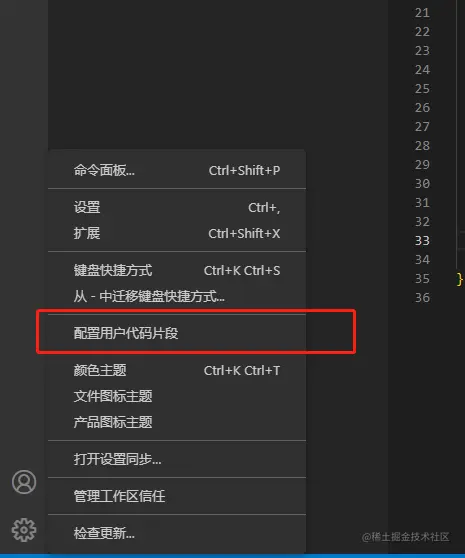
一、首先打开设置里的配置用户代码片段
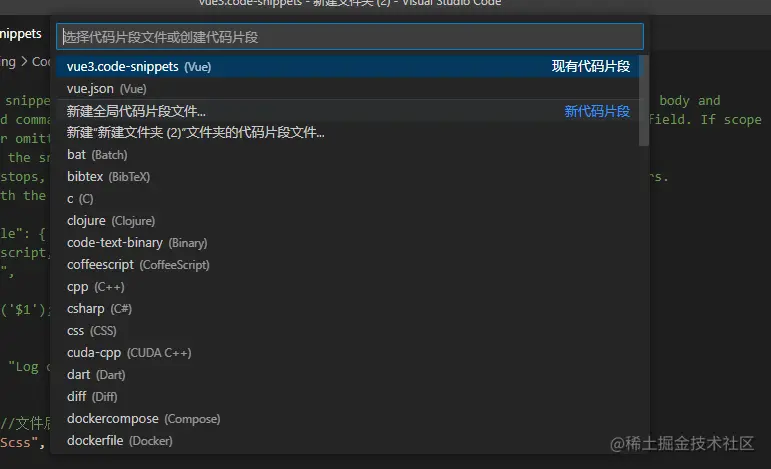
二、选择或新建你要编辑的代码片段配置文件
三、进行代码块预设编辑
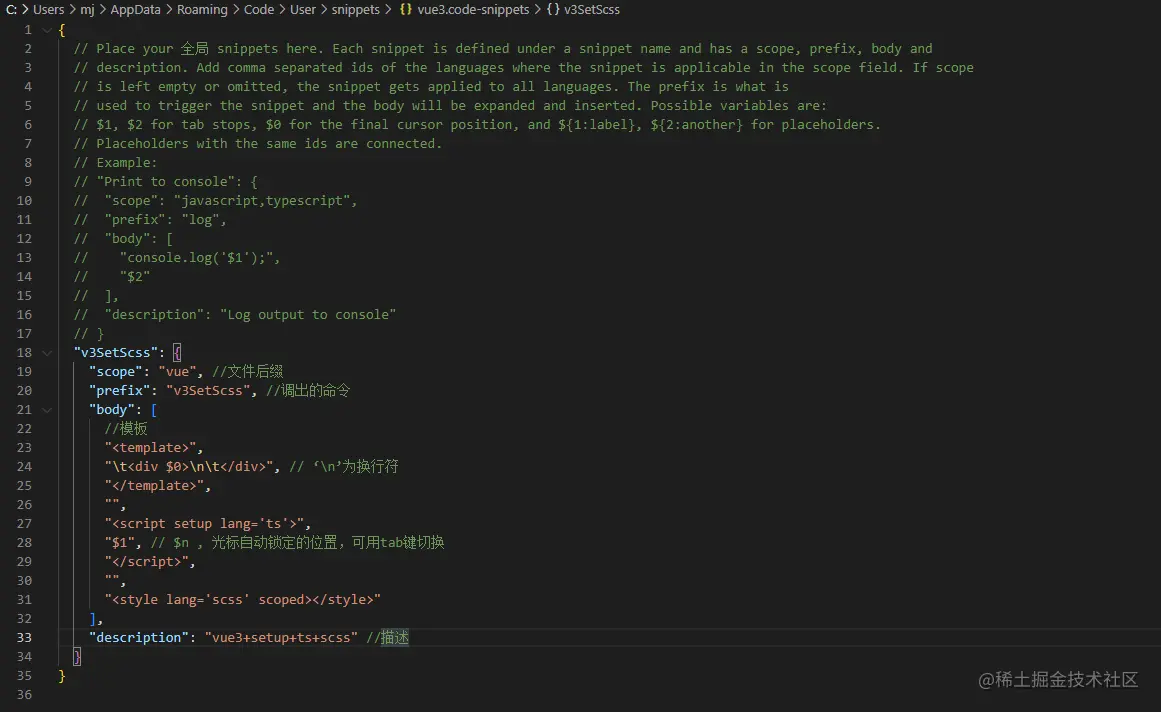
| Attributes | description | Example |
|---|
| scope | 文件后缀 | 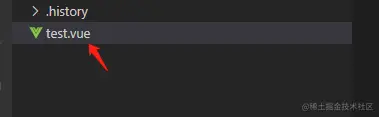 |
| prefix | 呼出的命令 | 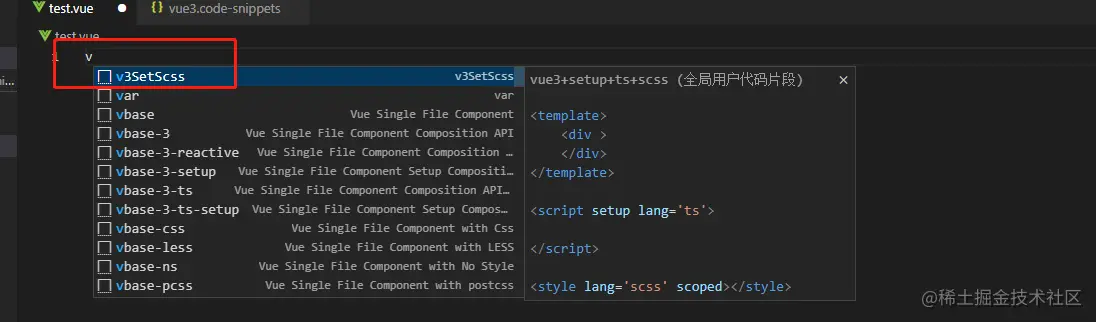 |
| body | 模板 | 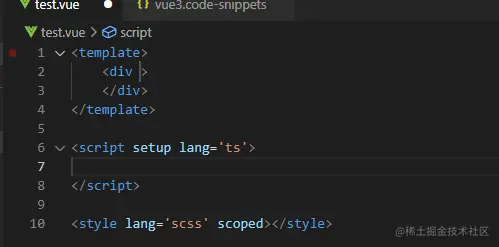 |
| description | 描述 | |
四、代码示例
"v3SetScss": {
    "scope": "vue", //文件后缀
    "prefix": "v3SetScss", //调出的命令
    "body": [
      //模板
      "<template>",
      "\t<div$0>\n\t</div$0>", // '\n'为换行符
      "</template>",
      "",
      "<script setup lang='ts'>",
      "$1", // $n , 光标自动锁定的位置,可用tab键切换
      "</script>",
      "",
      "<style lang='scss' scoped></style>"
    ],
    "description": "vue3+setup+ts+scss" //描述
  }
<template>
    <div>
    </div>
</template>

<script setup lang='ts'>

</script>

<style lang='scss' scoped></style>