具体代码和各个含义如下
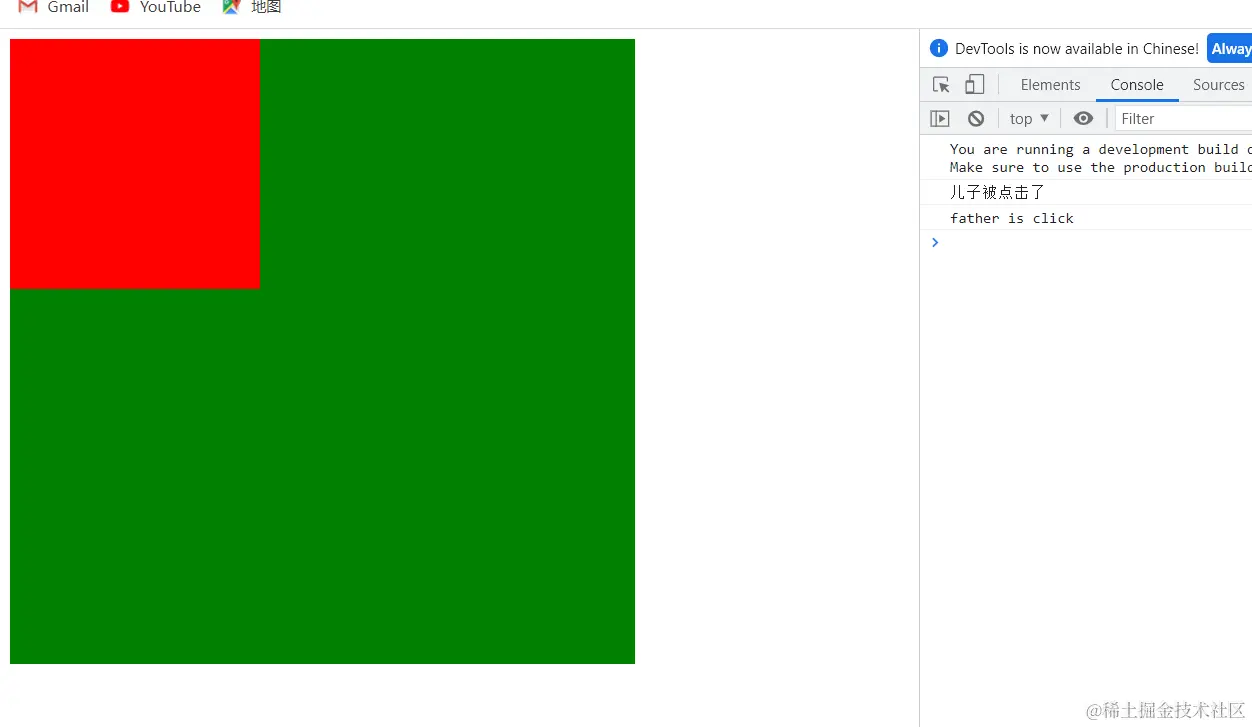
<!DOCTYPE html>
<html lang="en">
<head>
<meta charset="UTF-8" />
<meta http-equiv="X-UA-Compatible" content="IE=edge" />
<meta name="viewport" content="width=device-width, initial-scale=1.0" />
<title>Document</title>
<script src="https://unpkg.com/vue@next"></script>
<style>
.father {
width: 500px;
height: 500px;
background-color: green;
}
.son {
width: 200px;
height: 200px;
background-color: red;
}
</style>
</head>
<body>
<div id="root"></div>
</body>
<script>
const app = Vue.createApp({
methods: {
fatherClick() {
console.log("father is click");
},
sonClick() {
console.log("儿子被点击了");
},
},
template: `
<div class="father" v-on:click="fatherClick">
<div class="son" v-on:click.stop="sonClick"></div>
</div>
`,
});
const vm = app.mount("#root");
</script>
</html>