在cookie.js先封装一个cookie,包括写入,获取,删除
const setCookie = (name,value,maxAge)=>{
let cookieString = `${name}=${value}`
if(typeof maxAge==="number"){
cookieString += `; max-age=${maxAge}`
}
document.cookie=cookieString
}
const getCookie = (name)=>{
const cookieArr = document.cookie.split("; ");
for(const item of cookieArr){
const [cookieName,cookieValue] = item;
if(name===cookieName){
return cookieValue
}
}
return
}
const removeCookie = ()=>{
setCookie(name,"",0)
}
export{setCookie,getCookie,removeCookie}
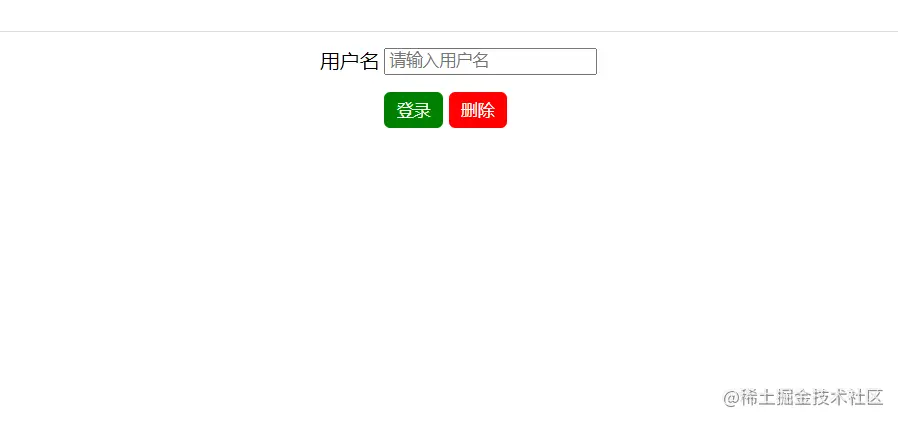
# 点击登录和删除测试封装的效果
```js
<!DOCTYPE html>
<html lang="en">
<head>
<meta charset="UTF-8" />
<meta http-equiv="X-UA-Compatible" content="IE=edge" />
<meta name="viewport" content="width=device-width, initial-scale=1.0" />
<title>Document</title>
<style>
form {
/* text-align: center; */
width: 500px; /* 给一个宽度才能设置外边距 */
margin: 0 auto; /* 页面里面写的都跑到中间 */
}
.red {
background-color: red;
}
.green {
background-color: green;
}
button {
border: none;
border-radius: 5px;
color: #fff;
padding: 5px 10px;
margin-top: 10px;
}
button:hover {
cursor: pointer;
}
.top {
margin-top: 10px;
}
</style>
</head>
<body>
<form action="" method="get">
<table>
<tr>
<td>用户名</td>
<td>
<input type="text" name="username" placeholder="请输入用户名" />
</td>
</tr>
<tr>
<td></td>
<td class="top">
<button class="green">登录</button>
<button class="red">删除</button>
</td>
</tr>
</table>
</form>
</body>
<script type="module">
import { setCookie, getCookie, removeCookie } from "./cookie.js";
// 表单有一个自动提交的功能,提交到form标签里面的action里面去了
/* 阻止表单的默认提交 e.preventDefault(); */
const button1 = document.querySelector("button:nth-of-type(1)");
const button2 = document.querySelector("button:nth-of-type(2)");
// 点击之前,如果input框里面有值,就把这个值当做getCookie里面的参数
if (getCookie("username")) {
input.value = getCookie("username");
}
button1.onclick = function (e) {
e.preventDefault();
// 点击button1的时候,如果input里面有值,就把里面的值传给username
const username = document.querySelector("input").value;
// 现在已经有了username,就可以调用setCookie方法
if (username) {
setCookie("username", username,7*24*3600);
}
};
button2.onclick = function (e) {
e.preventDefault();
// 点击删除的时候,就调用方法删除username
removeCookie("username");
// 点击删除之后,input框里面也没值了
input.value = "";
};
</script>
</html>