问题描述
自从Apple 系统升级到iOS 16后,难免会出现各种各样的兼容问题。
我司的App中有使用 AVSpeechSynthesizer 来实现文字转语音的功能。
这个功能很方便;可以将英文、中文等语言,直接通过库将字符串内容播报出来!
但是在iOS 16中,出现了出乎意料的问题: 当App进入后台还未被系统杀死的时候,当触发了语音播报;那么会高频的闪退。 崩溃日志:
Crashed: com.apple.TextToSpeech.SpeechThread
	0 libobjc.A.dylib 0x3518 objc_release + 16
	1 libobjc.A.dylib 0x3518 objc_release_x0 + 16
	2 libobjc.A.dylib 0x15d8 AutoreleasePoolPage::releaseUntil(objc_object**) + 196
	3 libobjc.A.dylib 0x4f40 objc_autoreleasePoolPop + 256
	4 libobjc.A.dylib 0x329dc objc_tls_direct_base<AutoreleasePoolPage*, (tls_key)3, AutoreleasePoolPage::CatchXViewPageDealloc>::dtor_(void*) + 168
	5 libsystem_pthread.dylib 0x1bd8 _pthread_tsd_cleanup + 620
	6 libsystem_pthread.dylib 0x4674 _pthread_exit + 84
	7 libsystem_pthread.dylib 0x16d8 _pthread_start + 160
	8 libsystem_pthread.dylib 0xba4 thread_start + 8
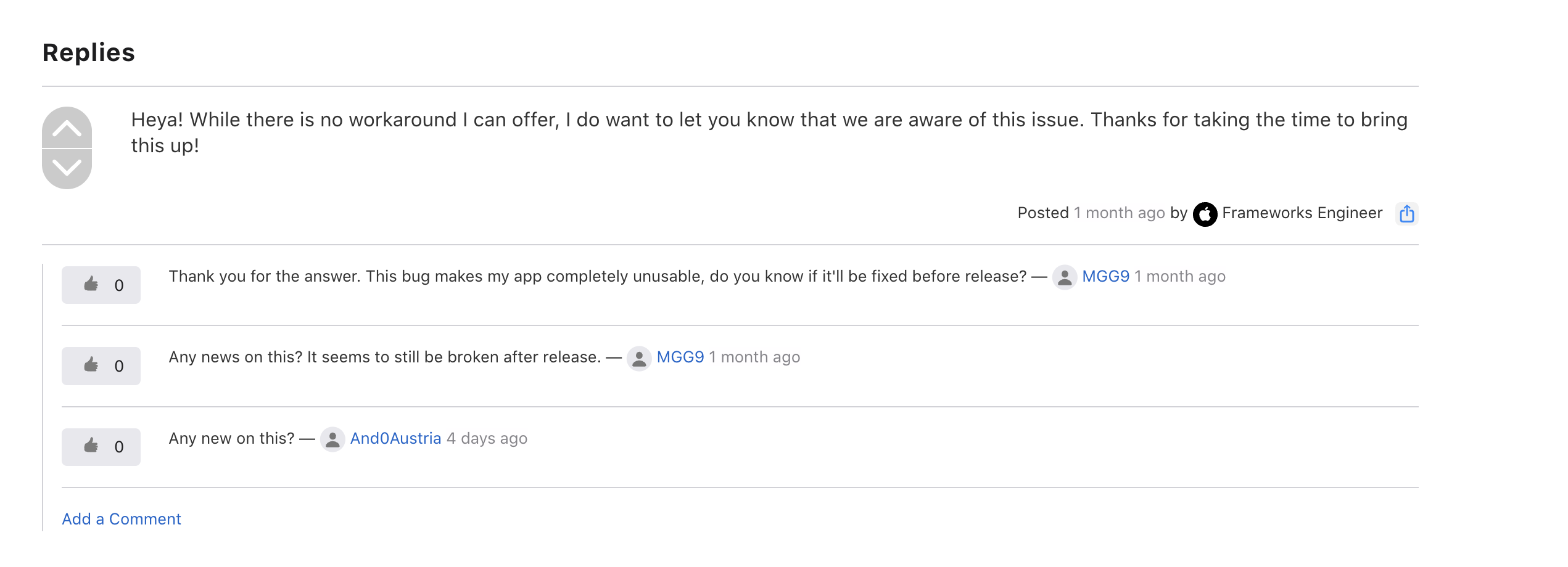
官方并没有一个明确的解决方案,只表示记录了该问题。
没办法,只能自己想办法!
解决方案
查看崩溃堆栈;发现可能是app进入后台,导致播报对象在释放池被释放后;又被调用产生的。 那么解决方案自然顺着这个思路点进行:
- 想办法将App进行后台保活
- 支持后台播发语音
App进行后台保活
后台保活比较好实现;在加上本身就有后台语音播报的功能。 只需要创建一个后台任务,无限播放无声MP3或者是后台定位。
#import "BackRunningManager.h"
#import <UIKit/UIKit.h>
#import <CoreLocation/CoreLocation.h>
#import <AVFoundation/AVFoundation.h>
@interface BackRunningManager ()<CLLocationManagerDelegate>

@property (nonatomic, assign) UIBackgroundTaskIdentifier backgroundTaskIdentifier;
@property (nonatomic, strong) CLLocationManager *locationManager;
@property (nonatomic, strong) AVAudioPlayer *audioPlayer;

@end

@implementation BackRunningManager

+ (instancetype)shareManager {
    static BackRunningManager *manager = nil;
    static dispatch_once_t onceToken;
    dispatch_once(&onceToken, ^{
        manager = [[BackRunningManager alloc] init];
    });
    return manager;
}

- (instancetype)init {
    self = [super init];
    if (self) {
//        [self addNoti];
        // 获取定位权限
        [self.locationManager requestAlwaysAuthorization];
        [self.locationManager requestWhenInUseAuthorization];
    }
    return self;
}
- (void)addNoti {
    [[NSNotificationCenter defaultCenter] addObserver:self selector:@selector(appWillEnterForeground) name:UIApplicationWillEnterForegroundNotification object:nil];
    [[NSNotificationCenter defaultCenter] addObserver:self selector:@selector(appDidEnterBackground) name:UIApplicationDidEnterBackgroundNotification object:nil];
}
- (void)appWillEnterForeground {
    NSLog(@"%@ appWillEnterForeground",NSStringFromClass([self class]));
    [self stopBackRuning];
}

- (void)appDidEnterBackground {
    NSLog(@"%@ appDidEnterBackground",NSStringFromClass([self class]));
    [self startBackRuning];
}
- (void)startBackRuning {
    NSLog(@"%@ startBackRuning",NSStringFromClass([self class]));
    self.backgroundTaskIdentifier = [[UIApplication sharedApplication] beginBackgroundTaskWithExpirationHandler:^{
        [[UIApplication sharedApplication] endBackgroundTask:self.backgroundTaskIdentifier];
        self.backgroundTaskIdentifier = UIBackgroundTaskInvalid;
        [self startDoTask];
    }];
}

- (void)stopBackRuning {
    NSLog(@"%@ stopBackRuning",NSStringFromClass([self class]));
    if (self.backgroundTaskIdentifier) {
        [[UIApplication sharedApplication] endBackgroundTask:self.backgroundTaskIdentifier];
        self.backgroundTaskIdentifier = UIBackgroundTaskInvalid;
    }
    [self stopDoTask];
}

- (void)startDoTask {
    [NSObject cancelPreviousPerformRequestsWithTarget:self selector:@selector(startDoTask) object:nil];
    [self doTask];
    [self performSelector:@selector(startDoTask) withObject:nil afterDelay:10];
}

- (void)doTask {
    if ([CLLocationManager authorizationStatus] == kCLAuthorizationStatusAuthorizedAlways) {
        // 用户允许持续定位,使用定位保活
        [self locationTask];
    }else {
        [self playTask];
    }
}

- (void)stopDoTask {
    [NSObject cancelPreviousPerformRequestsWithTarget:self selector:@selector(startDoTask) object:nil];
}

#pragma mark - Pravite -

- (void)locationTask {
    [self.locationManager requestLocation];
    NSLog(@"%@ locationTask",NSStringFromClass([self class]));
}
- (void)playTask {
    [self setAudioPlaySession];
    [self playSound];
    NSLog(@"%@ playTask",NSStringFromClass([self class]));
}

- (void)setAudioPlaySession {
    AVAudioSession *audioSession = [AVAudioSession sharedInstance];
    if([NSThread mainThread]){
        [audioSession setCategory:AVAudioSessionCategoryPlayback withOptions:AVAudioSessionCategoryOptionMixWithOthers error:nil];
        [audioSession setActive:YES error:nil];
    }else{
        dispatch_async(dispatch_get_main_queue(), ^{
            [audioSession setCategory:AVAudioSessionCategoryPlayback withOptions:AVAudioSessionCategoryOptionMixWithOthers error:nil];
            [audioSession setActive:YES error:nil];
        });
    }
}

- (void)playSound {
    if (!self.audioPlayer) {
        // 播放文件
        NSString *filePath = [[NSBundle mainBundle] pathForResource:@"RunInBackground" ofType:@"mp3"];
        NSURL *fileURL = [[NSURL alloc] initFileURLWithPath:filePath];
        if (!fileURL) {
            NSLog(@"playEmptyAudio 找不到播放文件");
        }
        // 0.0~1.0,默认为1.0
        NSError *error = nil;
        self.audioPlayer = [[AVAudioPlayer alloc] initWithContentsOfURL:fileURL error:&error];
        self.audioPlayer.volume = 0.0;
    }
    [self.audioPlayer play];
    dispatch_after(dispatch_time(DISPATCH_TIME_NOW, (int64_t)(.2 * NSEC_PER_SEC)), dispatch_get_main_queue(), ^{
        [self.audioPlayer pause];
        self.audioPlayer = nil;
    });
}
#pragma mark - property -
- (CLLocationManager *)locationManager {
    if (!_locationManager) {
        _locationManager = [[CLLocationManager alloc] init];
        _locationManager.delegate = self;
        [_locationManager setAllowsBackgroundLocationUpdates:YES];
        [_locationManager requestAlwaysAuthorization];
        [_locationManager requestWhenInUseAuthorization];
    }
    return _locationManager;
}

- (void)locationManager:(CLLocationManager *)manager
     didUpdateLocations:(NSArray<CLLocation *> *)locations {
}

- (void)locationManager:(CLLocationManager *)manager
       didFailWithError:(NSError *)error {
}
@end
支持后台播发语音
在 播报语音的界面中,添加进入后台/返回界面的相关通知方法;然后将AVAudioSession设置为后台播放即可
- (void)apllicationWillResignActiveNotification:(NSNotification *)n {
    NSError *error = nil;
    // 后台播放代码
    AVAudioSession *session = [AVAudioSession sharedInstance];
    [session setActive:YES error:&error];
    if(error) {
        NSLog(@"ListenPlayView background error0: %@", error.description);
    }
    //后台播放
    [session setCategory:AVAudioSessionCategoryPlayback error:&error];
    if(error) {
        NSLog(@"ListenPlayView background error1: %@", error.description);
    }
    //开启后台处理多媒体事件
    [[UIApplication sharedApplication] beginReceivingRemoteControlEvents];
}

- (void)apllicationWillEnterForegroundNotification:(NSNotification *)n {
    // 进前台 设置不接受锁屏页面控制
    [[UIApplication sharedApplication] endReceivingRemoteControlEvents];

}
总结
自此我的闪退修复了,但是我的闪退条件有点局限性:后台播报闪退;
如果出现了在前台交互时出现了同样的闪退情况,那么我的解决方案就不适合此类的问题。