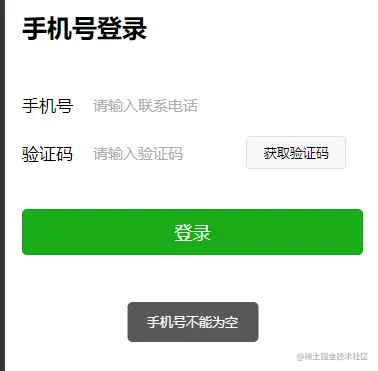
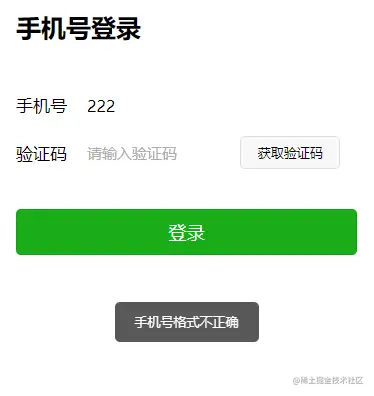
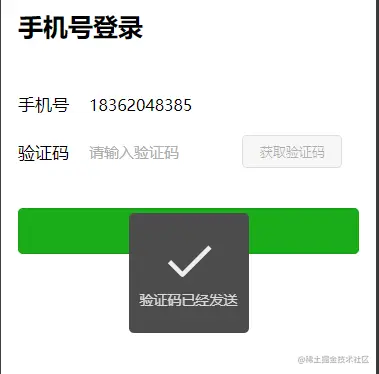
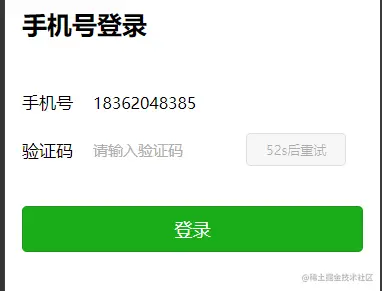
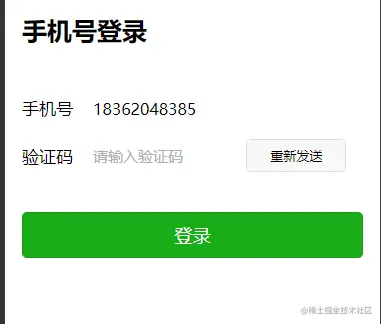
一、实现效果
二、主要功能代码截图
三、完整代码
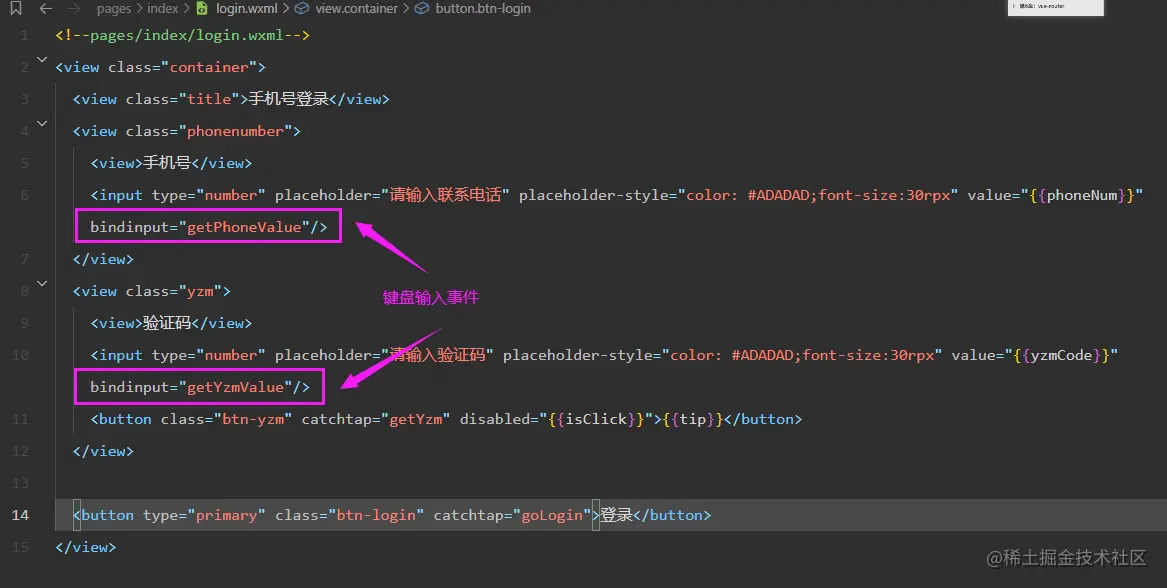
<view class="container">
  <view class="title">手机号登录</view>
  <view class="phonenumber">
    <view>手机号</view>
    <input type="number" placeholder="请输入联系电话" placeholder-style="color: #ADADAD;font-size:30rpx" value="{{phoneNum}}" bindinput="getPhoneValue"/>
  </view>
  <view class="yzm">
    <view>验证码</view>
    <input type="number" placeholder="请输入验证码" placeholder-style="color: #ADADAD;font-size:30rpx" value="{{yzmCode}}" bindinput="getYzmValue"/>
    <button class="btn-yzm" catchtap="getYzm" disabled="{{isClick}}">{{tip}}</button>
  </view>

  <button type="primary" class="btn-login" catchtap="goLogin">登录</button>
</view>
.container{
height: 100vh;
padding: 40rpx 35rpx 26rpx;
background-color: #fff;
}
.title{
font-size: 50rpx;
font-weight: 700;
margin-bottom: 100rpx;
}
.phonenumber{
display: flex;
align-items: center;
margin-bottom: 40rpx;
}
.phonenumber view{
font-size: 35rpx;
margin-right: 40rpx;
}
.yzm{
display: flex;
align-items: center;
margin-bottom: 80rpx;
}
.yzm view{
font-size: 35rpx;
margin-right: 40rpx;
}
.yzm input{
display: inline;
width: 45%;
}
.btn-yzm{
width: 200rpx;
padding: 0 10rpx;
font-size: 26rpx;
}
.btn-login{
width: 100%;
}
Page({
data: {
phoneNum: '',
tip: '获取验证码',
isClick: false,
yzmCode: '',
},
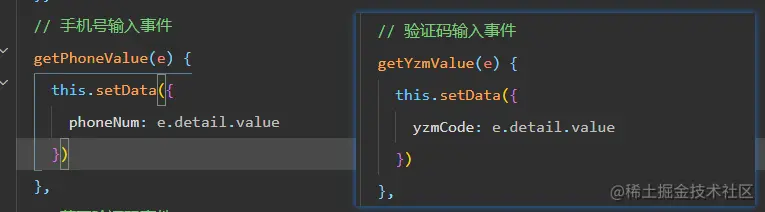
getPhoneValue(e) {
this.setData({
phoneNum: e.detail.value
})
},
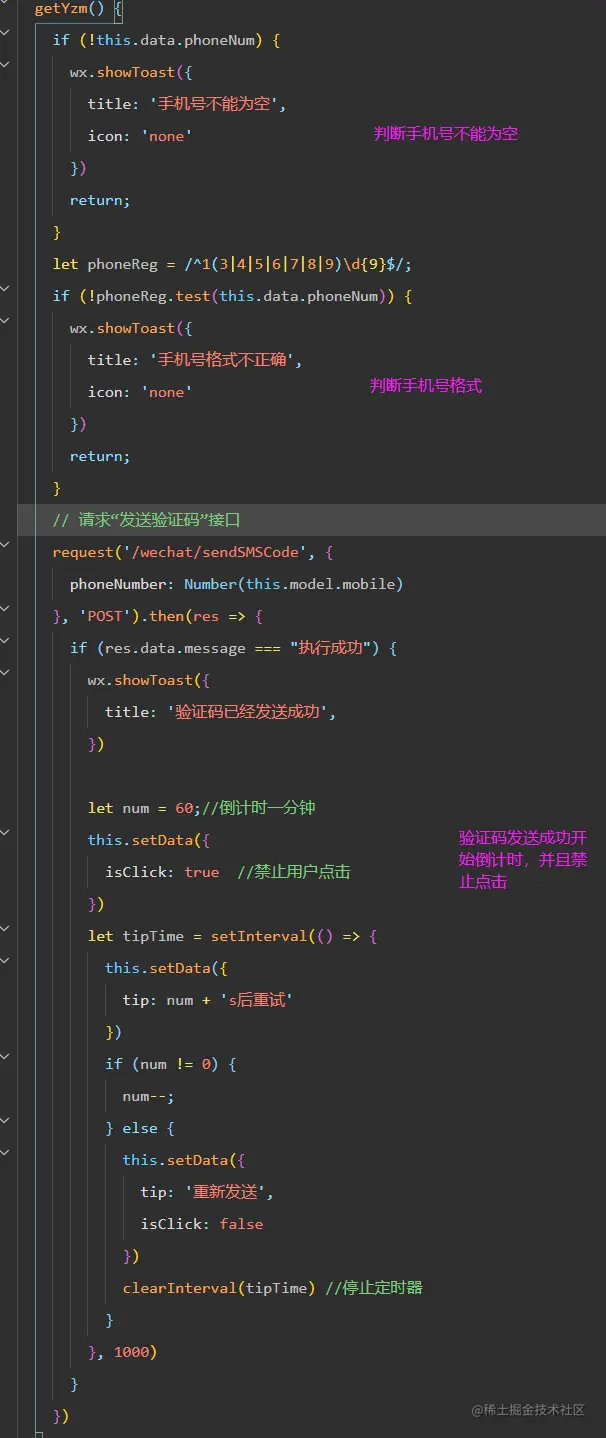
getYzm() {
if (!this.data.phoneNum) {
wx.showToast({
title: '手机号不能为空',
icon: 'none'
})
return;
}
let phoneReg = /^1(3|4|5|6|7|8|9)\d{9}$/;
if (!phoneReg.test(this.data.phoneNum)) {
wx.showToast({
title: '手机号格式不正确',
icon: 'none'
})
return;
}
request('/wechat/sendSMSCode', {
phoneNumber: Number(this.model.mobile)
}, 'POST').then(res => {
if (res.data.message === "执行成功") {
wx.showToast({
title: '验证码已经发送成功',
})
let num = 60;
this.setData({
isClick: true
})
let tipTime = setInterval(() => {
this.setData({
tip: num + 's后重试'
})
if (num != 0) {
num--;
} else {
this.setData({
tip: '重新发送',
isClick: false
})
clearInterval(tipTime)
}
}, 1000)
}
})
},
getYzmValue(e) {
this.setData({
yzmCode: e.detail.value
})
},
goLogin() {
if (this.bizId !== 0) {
let params = {
bizId: this.bizId,
code: this.model.yzm,
phoneNumber: this.model.mobile
}
request('/wechat/loginWithSMS', params, 'POST').then(res => {
console.log(res);
if (res.data.data === "登录成功") {
wx.redirectTo({
url: '../home/home'
})
} else {
wx.showToast({
title: '登录失败,请重新登录',
})
}
})
} else {
wx.showToast({
title: '请先获取验证码',
})
}
},