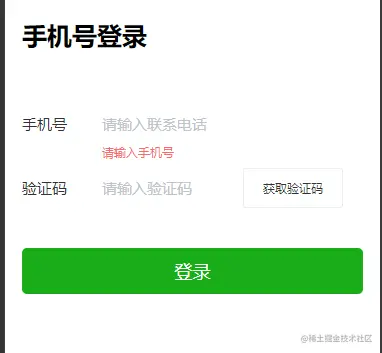
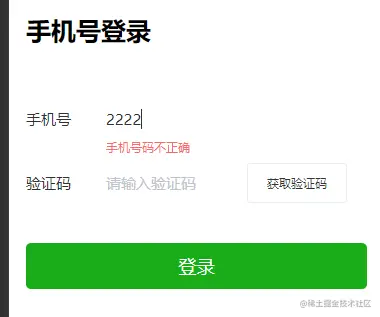
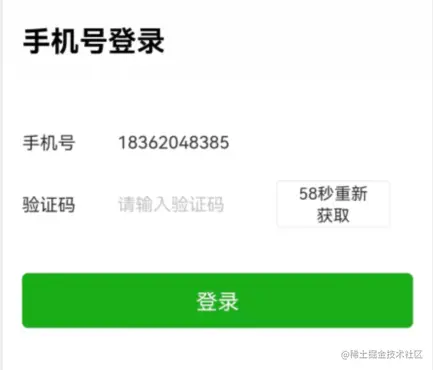
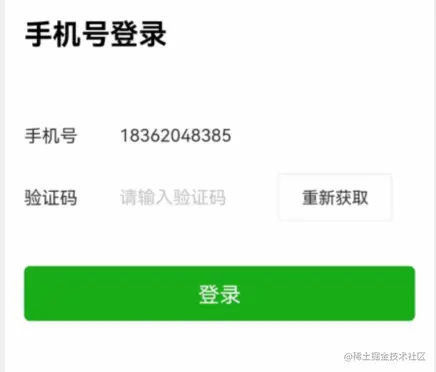
一、效果
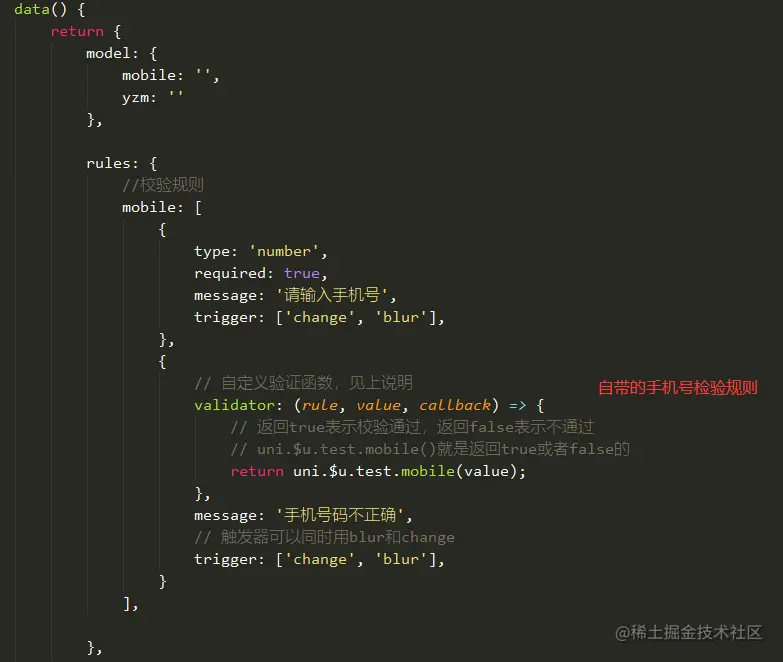
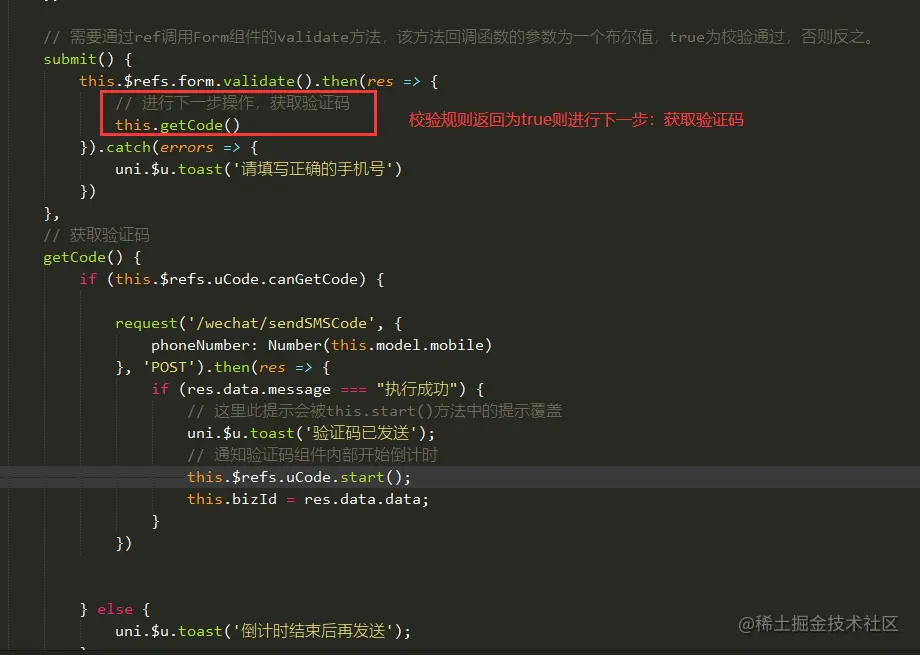
二、主要功能代码截图

三、完整代码
<template>
<view class="form-container">
<h1>手机号登录</h1>
<u-form labelPosition="left" :model="model" :rules="rules" ref="form">
<u-form-item label-width="80" label="手机号" prop="mobile" ref="item">
<u-input v-model="model.mobile" border="none" placeholder="请输入联系电话" maxlength="11" type="number">
</u-input>
</u-form-item>
<u-form-item label-width="80" label="验证码" prop="yzm" ref="item">
<u-input v-model="model.yzm" border="none" placeholder="请输入验证码" class="yzminput" type="number">
</u-input>
<view class="wrap">
<u-toast ref="uToast"></u-toast>
<u-code :seconds="seconds" ref="uCode" @change="codeChange"></u-code>
<u-button @click="submit">{{tips}}</u-button>
</view>
</u-form-item>
</u-form>
<button type="primary" class="btn-login" @click="goLogin">登录</button>
</view>
</template>
<script>
import request from '../../utils/request.js'
export default {
data() {
return {
model: {
mobile: '',
yzm: ''
},
rules: {
mobile: [
{
type: 'number',
required: true,
message: '请输入手机号',
trigger: ['change', 'blur'],
},
{
validator: (rule, value, callback) => {
return uni.$u.test.mobile(value);
},
message: '手机号码不正确',
trigger: ['change', 'blur'],
}
],
},
tips: '',
seconds: 60,
bizId: 0,
};
},
onReady() {
this.$refs.form.setRules(this.rules);
},
methods: {
codeChange(text) {
this.tips = text;
},
submit() {
this.$refs.form.validate().then(res => {
this.getCode()
}).catch(errors => {
uni.$u.toast('请填写正确的手机号')
})
},
getCode() {
if (this.$refs.uCode.canGetCode) {
request('/wechat/sendSMSCode', {
phoneNumber: Number(this.model.mobile)
}, 'POST').then(res => {
if (res.data.message === "执行成功") {
uni.$u.toast('验证码已发送');
this.$refs.uCode.start();
this.bizId = res.data.data;
}
})
} else {
uni.$u.toast('倒计时结束后再发送');
}
},
goLogin() {
if (this.bizId !== 0) {
let params = {
bizId: this.bizId,
code: this.model.yzm,
phoneNumber: this.model.mobile
}
request('/wechat/loginWithSMS', params, 'POST').then(res => {
console.log(res);
if (res.data.data === "登录成功") {
uni.redirectTo({
url: '../home/home'
})
} else {
uni.$u.toast('登录失败,请重新登录')
}
})
} else {
uni.$u.toast('请先获取验证码')
}
}
},
};
</script>
<style lang="scss">
.form-container {
height: 100vh;
padding: 40rpx 35rpx 26rpx;
background-color: #fff;
h1 {
font-size: 50rpx;
font-weight: 700;
margin-bottom: 100rpx;
}
.u-form-item__body__right__content__slot {
flex-direction: row;
}
.wrap {
display: inline-block;
width: 200rpx;
margin-right: 40rpx !important;
.u-button--normal.data-v-2bf0e569 {
font-size: 24rpx;
}
}
.btn-login {
margin-top: 60rpx;
}
}
</style>