本文已参与「新人创作礼」活动,一起开启掘金创作之路。
问题描述
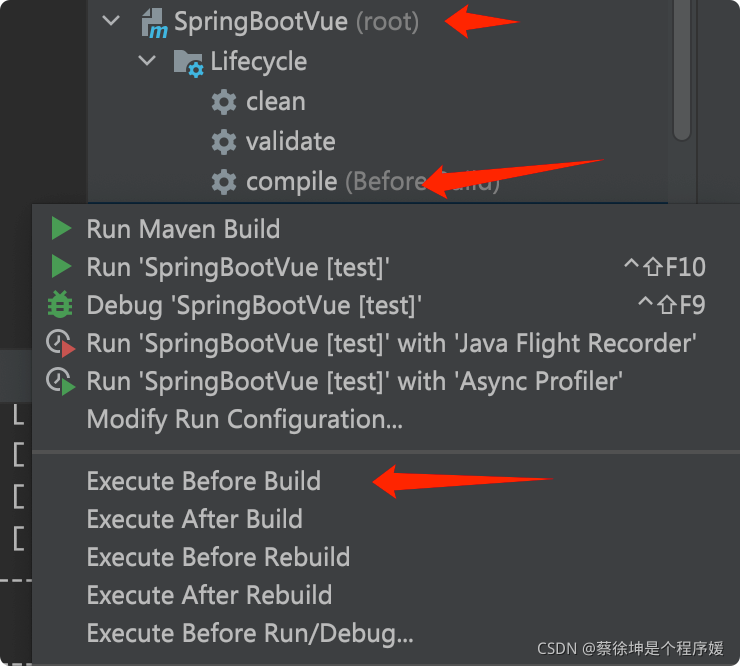
通过测试发现,使用下面两种compile编译方式是有区别的。
 区别:
区别:
- 第一个是idea自带的。
- 第二个是我项目中自行配置的maven-compiler-plugin。
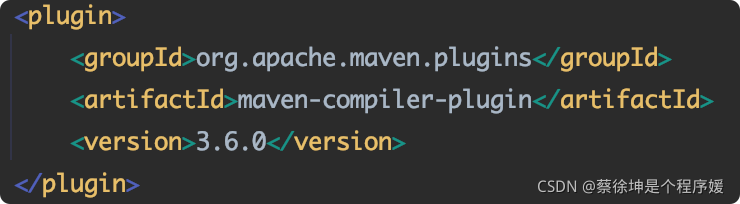
使用区别:
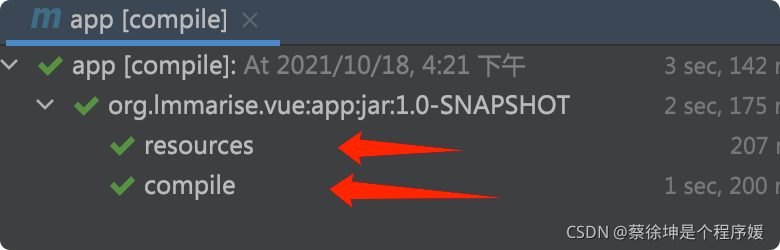
- idea自带compile执行效果:
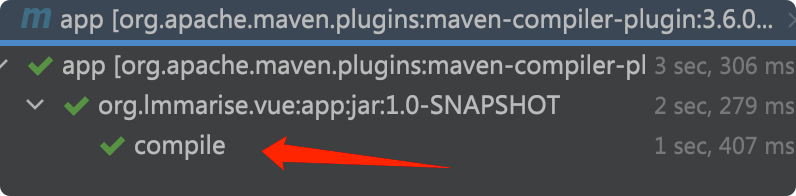
- 手动在maven配置的编译插件执行效果:
综上
- 这就是问题所在 ,maven自带的只对java文件进行编译,对resources资源文件夹不做任何处理。而idea自带的compile会先拷贝resources下的配置文件到target,再进行编译。
解决方法一
通过上述,得出解决方法一:使用idea的compile命令,而不是maven项目插件中的compile命令。
解决方法二
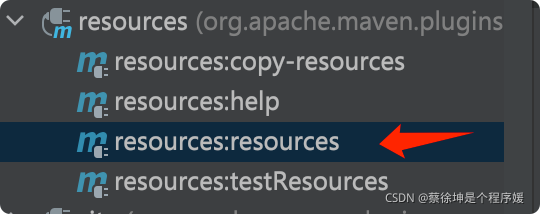
- 点击idea的compile->resources查看其执行log,发现有
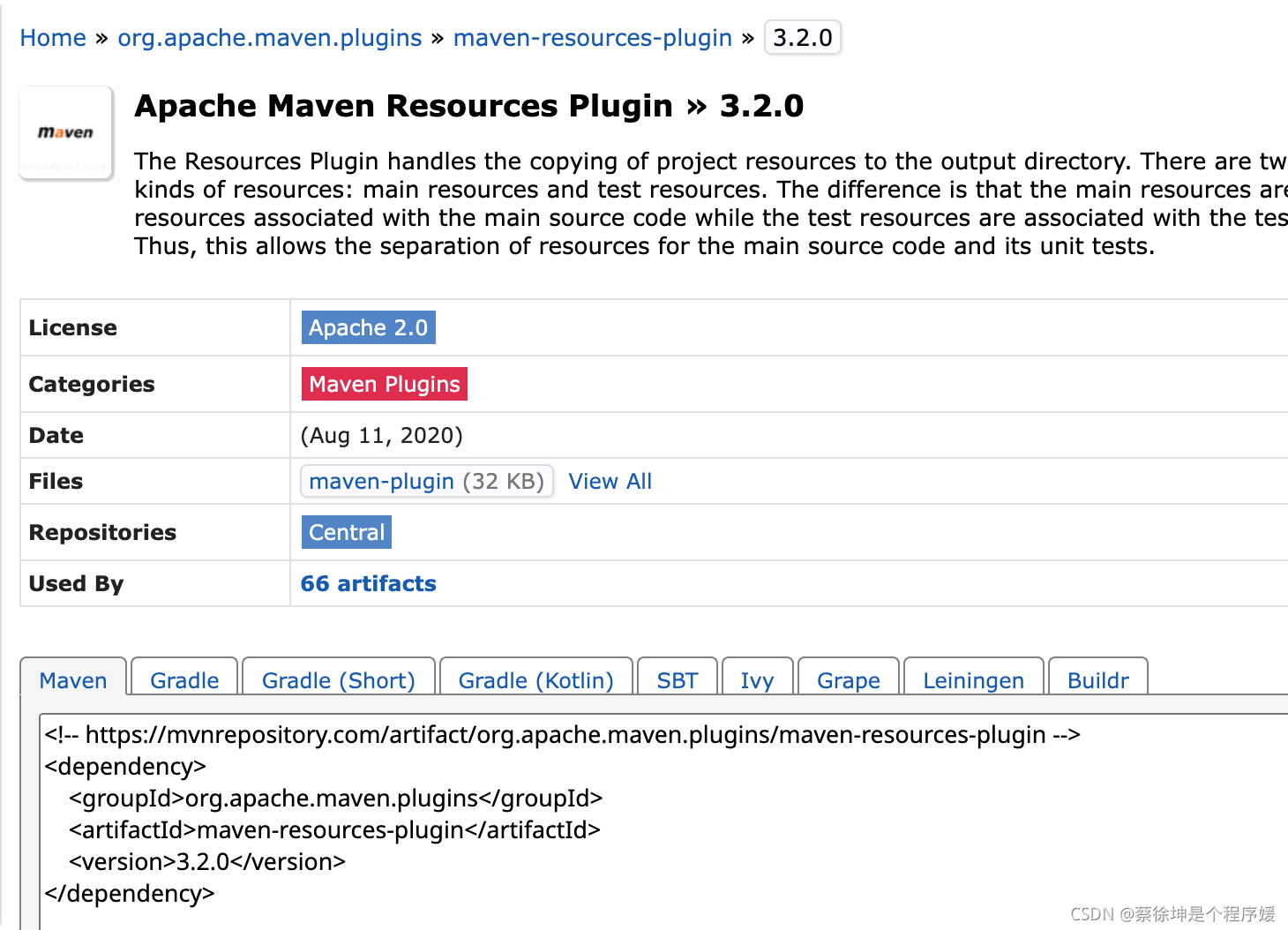
maven-resources-plugin:3.2.0:resources输出记录,因此猜测idea是使用了这个叫maven-resources-plugin插件进行资源拷贝。 - 因此来到maven仓库搜索maven-resources-plugin,将其加入pom.xml配置文件。
- 模仿idea的resource,执行新加入插件的resource命令。
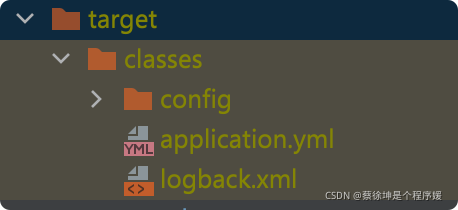
- 查看效果,发现效果不错,同时也验证了我们的猜想,仅仅只拷贝了资源文件。适合资源文件和java文件分开修改的情况分开使用resource和compile命令。
附
如何将一个插件绑定到idea的构建生命周期?
 比如将拷贝resources操作绑定到上图的compile,当点击compile执行时,自动执行资源拷贝。
    <build>
        <plugins>
            <plugin>
                <groupId>org.apache.maven.plugins</groupId>
                <artifactId>maven-resources-plugin</artifactId>
                <version>3.2.0</version>
                <configuration>
                    <resources>
                        <resource>
                            <directory>src/main/resources</directory>
                        </resource>
                    </resources>
                    <outputDirectory>target/classes</outputDirectory>
                </configuration>
                <executions>
                    <execution>
                        <id>my-resources-copy</id>
                        <phase>compile</phase>
                        <goals>
                            <goal>copy-resources</goal>
                        </goals>
                    </execution>
                </executions>
            </plugin>
            <plugin>
                <groupId>org.apache.maven.plugins</groupId>
                <artifactId>maven-compiler-plugin</artifactId>
                <version>3.6.0</version>
                <configuration>
                    <source>1.8</source>
                    <target>1.8</target>
                    <encoding>UTF8</encoding>
                </configuration>
            </plugin>
        </plugins>
    </build>
- configuration:配置输入输出目标。
- phase:绑定到哪个阶段。参考:Maven 构建生命周期。如果是绑定到compile阶段,也可以写成validate,只要在compile阶段之前就行;如果是同一阶段,在pom.xml中插件先定义先执行。
- goal:执行的操作。我们知道,一个插件中可能包含多个操作,例如:编译、测试编译、help。
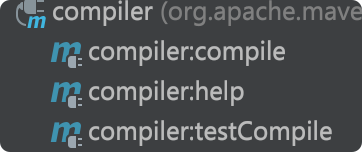 双击Lifecycle下compile执行效果:
 如图便是我们自己加入的插件。
如何解决idea build没有配置文件?
 在理解上述配置后,在build前加入钩子,先执行一次父pom的compile操作。