uniapp中打开第三方应用
- 使用launchApplication方法打开第三方应用
- 以打开谷歌验证器为例
if (this.platform === 'ios') {
plus.runtime.launchApplication({
action: `googleauthenticator://`
}, err => {
this.$u.toast(err)
});
} else {
plus.runtime.launchApplication({
pname: 'com.google.android.apps.authenticator2'
}, err => {
this.$u.toast(err)
});
}
如何寻找一个 App 的 URL Schemes
ios打开appStore,并定位到对应的应用
let appleId = 388497605
plus.runtime.launchApplication({
action: `itms-apps://itunes.apple.com/app/id${appleId}?mt=8`
}, err => {
this.$u.toast(err)
});
如何查找ios应用的appid?
- 打开app store,进入应用详情,点击分享
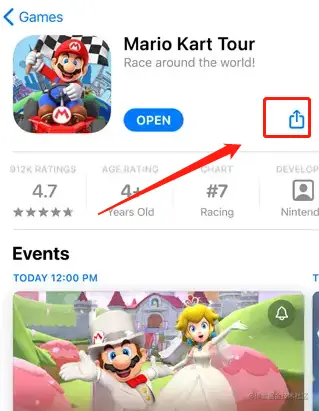
- 拷贝链接,得到类似这样的链接:apps.apple.com/sg/app/mari…
- 其中:1293634699就是该应用的id
Android打开Google Play,并定位到应用详情
- 这里需要使用openURL方法,其第三个参数可以接收一个应用包名:使用该应用打开url
- 这里url设计,参考谷歌商店的文档:(需翻墙)链接到Google Play
const url = 'https://play.google.com/store/apps/details?id=com.google.android.apps.authenticator2'
plus.runtime.openURL(url, err => {
this.$u.toast(err)
}, "com.android.vending");
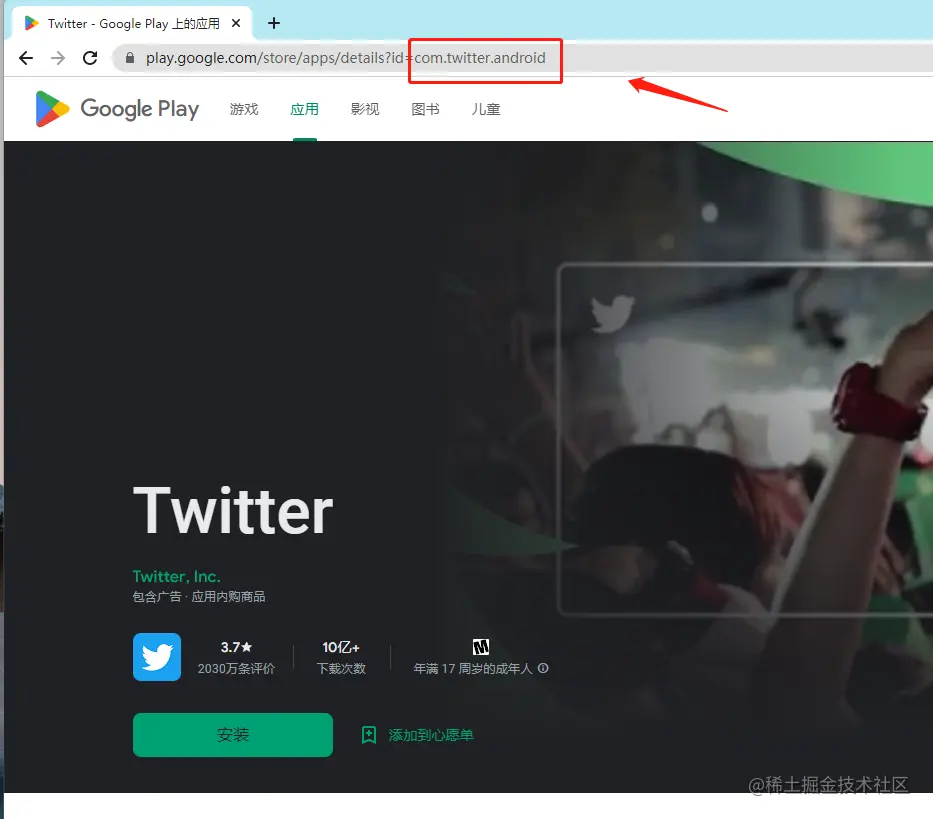
如何查找谷歌商店应用的包名?
- 打开谷歌商店官网(需翻墙)Google Play
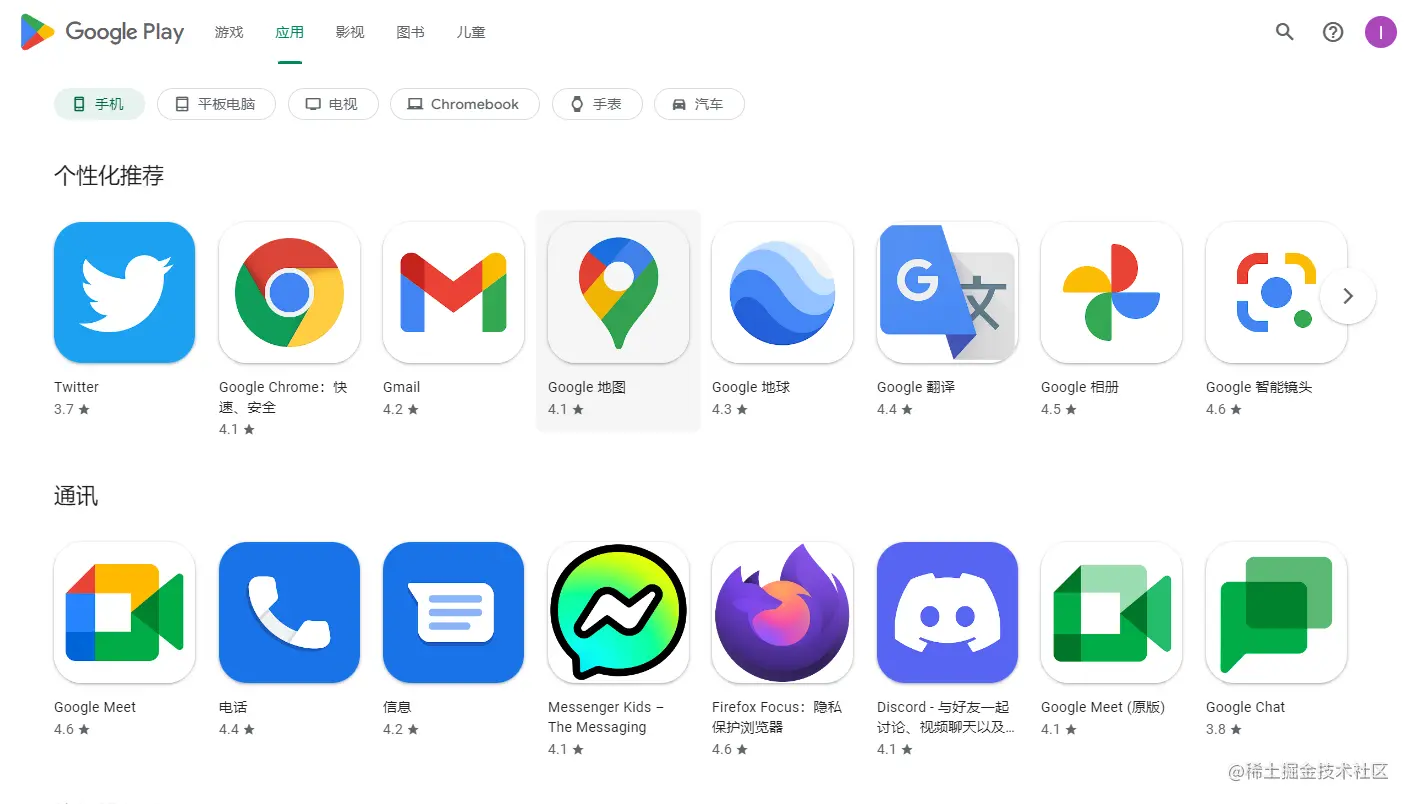
- 搜索,进入应用详情,此时网页的链接中就包含该应用的包名