需要轮播的四张图
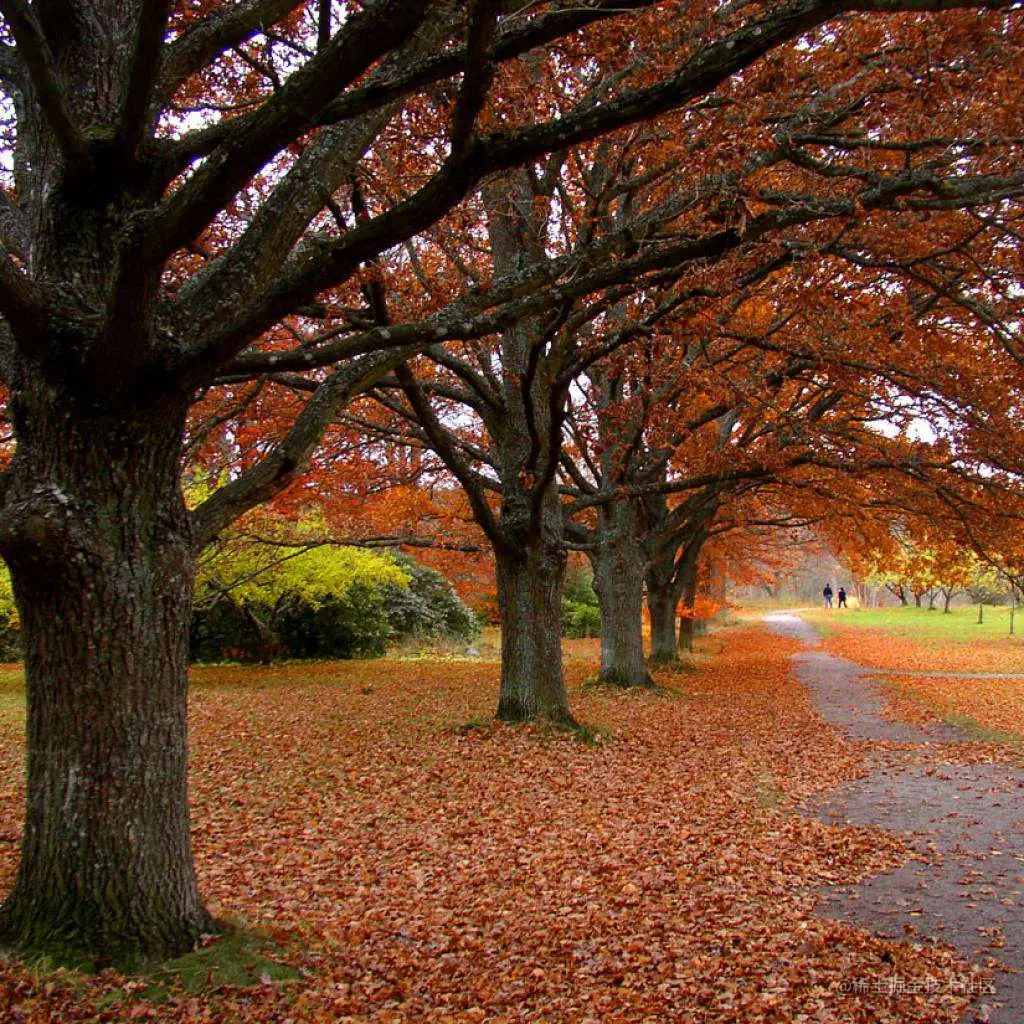
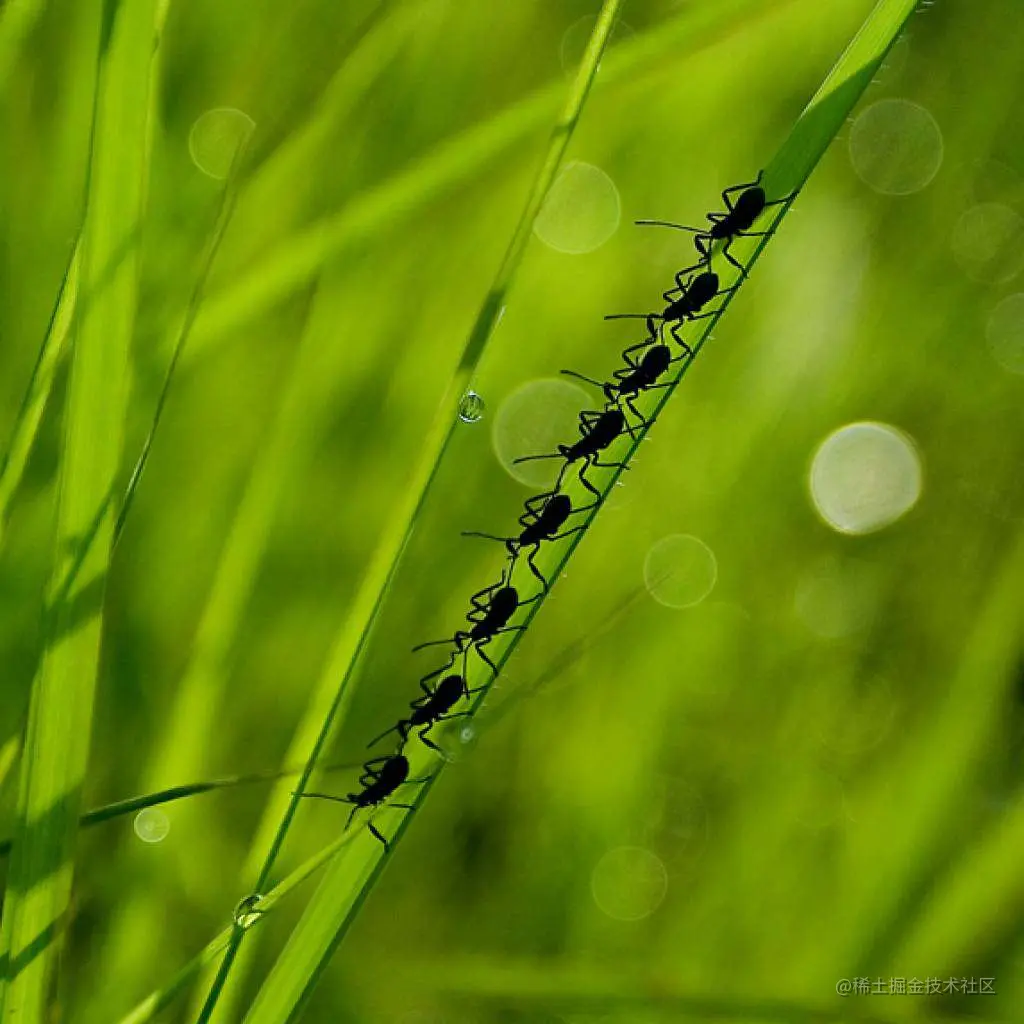

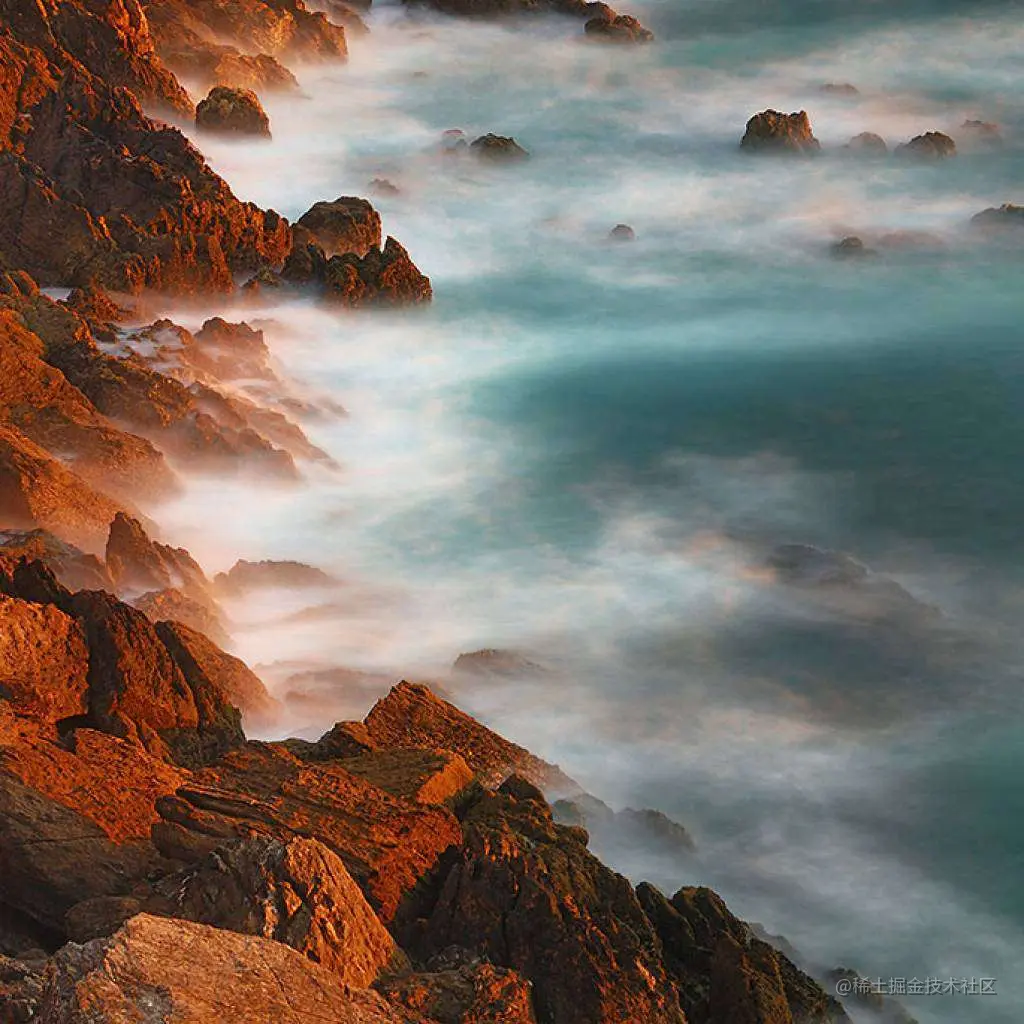
html页面
<!DOCTYPE html>
<html lang="en">

<head>
    <meta charset="UTF-8">
    <meta http-equiv="X-UA-Compatible" content="IE=edge">
    <meta name="viewport" content="width=device-width, initial-scale=1.0">
    <title>Document</title>
    <link rel="stylesheet" href="./css/index.css">
</head>

<body>
    <div id="banner">
        <ul id="imglist">
            <!-- 图片列表 -->
            <li><a href=""><img src="images/nature-1.jpg" alt=""></a></li>
            <li><a href=""><img src="images/nature-2.jpg" alt=""></a></li>
            <li><a href=""><img src="images/nature-3.jpg" alt=""></a></li>
            <li><a href=""><img src="images/nature-4.jpg" alt=""></a></li>
            <li><a href=""><img src="images/nature-1.jpg" alt=""></a></li>
        </ul>
        <ul id="icolist">
            <li>1</li>
            <li>2</li>
            <li>3</li>
            <li>4</li>
        </ul>
        <!-- 左右两边的小按钮 -->
        <div class="prev"><</div>
        <div class="next">></div>
        </div>
        <div id="test"></div>
        <script src="./js/index.js"></script>
</body>

</html>
css样式
* {
margin: 0;
padding: 0;
list-style: none;
text-decoration: none;
}
#banner {
width: 800px;
height: 400px;
overflow: hidden;
border: 2px solid #999;
position: relative;
}
#banner img {
width: 800px;
height: 400px;
}
#imglist {
width: 4000px;
height: 400px;
}
#imglist li {
float: left;
}
#icolist {
position: absolute;
right: 330px;
bottom: 10px;
text-align: center;
}
#icolist li {
float: left;
width: 30px;
height: 30px;
border-radius: 50%;
background: #666;
color: #fff;
margin-left: 5px;
text-align: center;
line-height: 30px;
cursor: pointer;
}
.prev {
background: #666;
opacity: 0.7;
height: 40px;
width: 30px;
position: absolute;
left: 5px;
top: 45%;
color: #fff;
line-height: 40px;
text-align: center;
cursor: pointer;
}
.next {
background: #666;
opacity: 0.7;
height: 40px;
width: 30px;
position: absolute;
right: 5px;
top: 45%;
color: #fff;
line-height: 40px;
text-align: center;
cursor: pointer;
}
实现轮播的js代码
var esico = document.getElementById('icolist').getElementsByTagName('li');
var eicolist = document.querySelector('#icolist');
var eimglist = document.querySelector('#imglist');
var etest = document.querySelector('#test');
var eprev = document.querySelector('.prev');
var enext = document.querySelector('.next');
var left = 0;
var timer;
esico[2].style.backgroundColor = 'red';
run();
function run() {
if (left <= -3200) {
left = 0;
}
var m = Math.floor(-left / 800);
imglist.style.marginLeft = left + 'px';
var n = (left % 800 == 0) ? n = 1200 : n = 6;
left -= 10;
icochange(m);
timer = setTimeout(run, n);
}
function icochange(m) {
for (let index = 0; index < esico.length; index++) {
esico[index].style.backgroundColor = '';
}
if (m < esico.length) {
esico[m].style.backgroundColor = 'red';
}
}
function imgchange(n) {
let lt = - (n * 800)
imglist.style.marginLeft = lt + 'px';
left = lt;
}
eprev.onclick = function () {
let prevgo = Math.floor(-left / 800) - 1;
if (prevgo == -1) {
prevgo = 3;
}
imgchange(prevgo);
icochange(prevgo);
}
enext.onclick = function () {
let nextgo = Math.floor(-left / 800) + 1;
if (nextgo == 4) {
nextgo = 0;
}
imgchange(nextgo);
icochange(nextgo);
}
eicolist.onclick = function () {
var tg = event.target;
let ico = tg.innerHTML - 1;
imgchange(ico);
icochange(ico);
}
eimglist.onmouseover = function () {
clearTimeout(timer);
}
eimglist.onmouseout = function () {
run();
}



