

绘制矩形
核心语法
strokeRect(x, y, w, h)
fillRect(x, y, w, h)
x, y: 矩形左上角的位置
w, h: 矩形的宽高
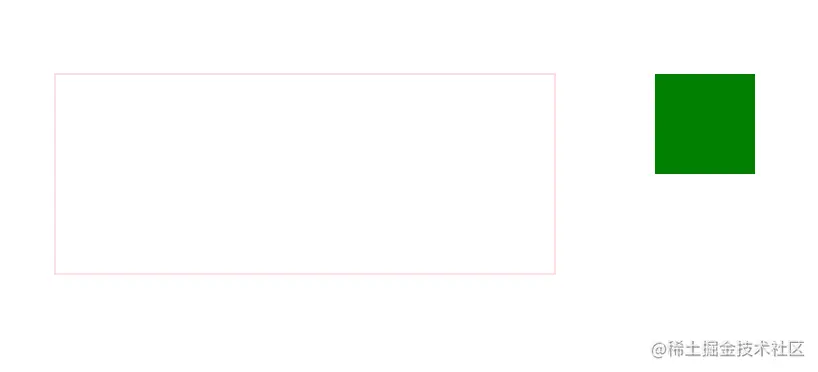 代码如下
代码如下
<!DOCTYPE html>
<html>
	<head>
		<meta charset="UTF-8">
		<title>05_Canvas绘制矩形</title>
		<style type="text/css">
			#Canvas {
				border: 1px solid red;
				display: block;
				margin: 50px auto;
			}
		</style>
	</head>
	<body>
		<canvas id="Canvas" width="1000" height="500">请升级浏览器</canvas>

		<script type="text/javascript">
			var Canvas = document.getElementById("Canvas");

			//1. 设置宽高
			Canvas.width = 1000;
			Canvas.height = 500;

			//2. 获取对象上下文对象(核心), 画笔
			var cxt = Canvas.getContext("2d");

			/*
			 * 3. 绘制矩形
			 * strokeRect(x, y, w, h);
			 * 四个参数:
			 * x, y: 矩形左上角的位置
			 * w, h: 矩形的宽高
			 */
			cxt.strokeStyle = "pink";
			cxt.strokeRect(100, 100, 500, 200);

			/*
			 * 4. fillRect(x, y, w, h);
			 * 四个参数:
			 * x, y: 矩形左上角的位置
			 * w, h: 矩形的宽高
			 */
			cxt.fillStyle = "green";
			cxt.fillRect(700, 100, 100, 100);
		</script>
	</body>
</html>

