目录
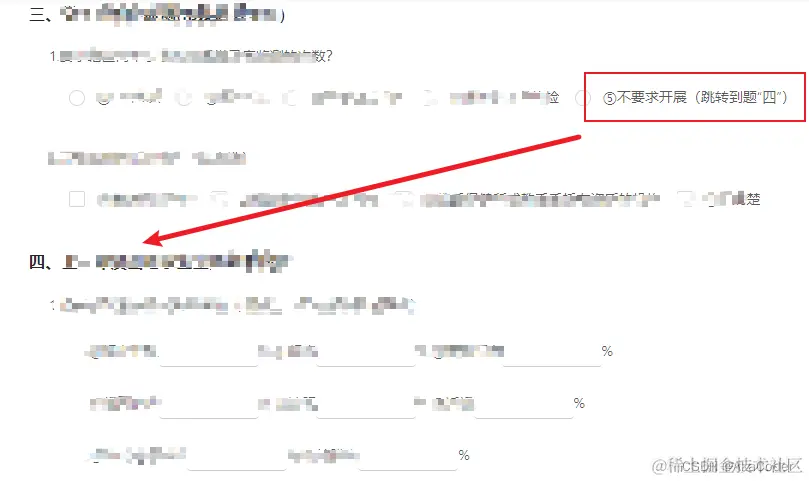
一:表单点击某个选择的时候,锚点定位跳转到其他位置
二:定义change事件
1.分管学校卫生的部门:
        <a-radio-group
          v-model="params.a111"
          @change="ee01Change"
          >
          <a-radio :value="`${index+1}`" v-for="(item,index) in ['①有','②没有']" :key="index">
            {{ item }}
          </a-radio>
        </a-radio-group>
三:绑定需要跳转的位置给id
<div class="issue" id="d03Issue">锚点定位跳转的地方</div>
四:公共的跳转function
anchor (id) {
let element = document.getElementById(id)
if (element) {
element.scrollIntoView({behavior: 'smooth'})
}
},
五:调用function情况
ee01Change () {
      if (this.params.a111 === '2') {
        this.params.a112=''
        this.anchor('d03Issue')
      }
    },
六:vue3里面怎么用
const onClickSidebar= (id) =>{
console.log(id,'id');
curSidebar.value = id
console.log(curSidebar.value ,'curSidebar.value ');
window.scrollTo({
top: document.getElementById(id).offsetTop-70,
behavior: 'smooth'
})
}