什么是keep-alive
keep-alive:vue内置组件,缓存不活动的组件实例,而不是进行销毁
为什么要用keep-alive
- keep-alive有两个属性
-
第一个include:条件匹配的组件都会缓存
-
第二个exclude:条件匹配的组件都不缓存
-
第三个:max : 最多能缓存多少个实例
- include exclude使用方法:
<!-- 逗号分隔字符串 -->

<keep-alive include="a,b">
    <component :is="view"></component>
</keep-alive>

<!-- 正则表达式 (使用 `v-bind`) -->
<keep-alive :include="/a|b/">
    <component :is="view"></component>
</keep-alive>
<!-- 数组 (使用 `v-bind`) -->
<keep-alive :include="['a', 'b']">
    <component :is="view"></component>
</keep-alive>
max使用方法
<keep-alive :max="10"> <component :is="view"></component> </keep-alive>
使用场景
- 跳转到详情页面时,需要保持列表页的滚动条的深度及筛选条件等,
等返回的时候依然在这个位置,这样可以提高用户体验。
在 Vue 中,对于这种“页面缓存”的需求,
我们可以使用 keep-alive 组件来解决这个需求。
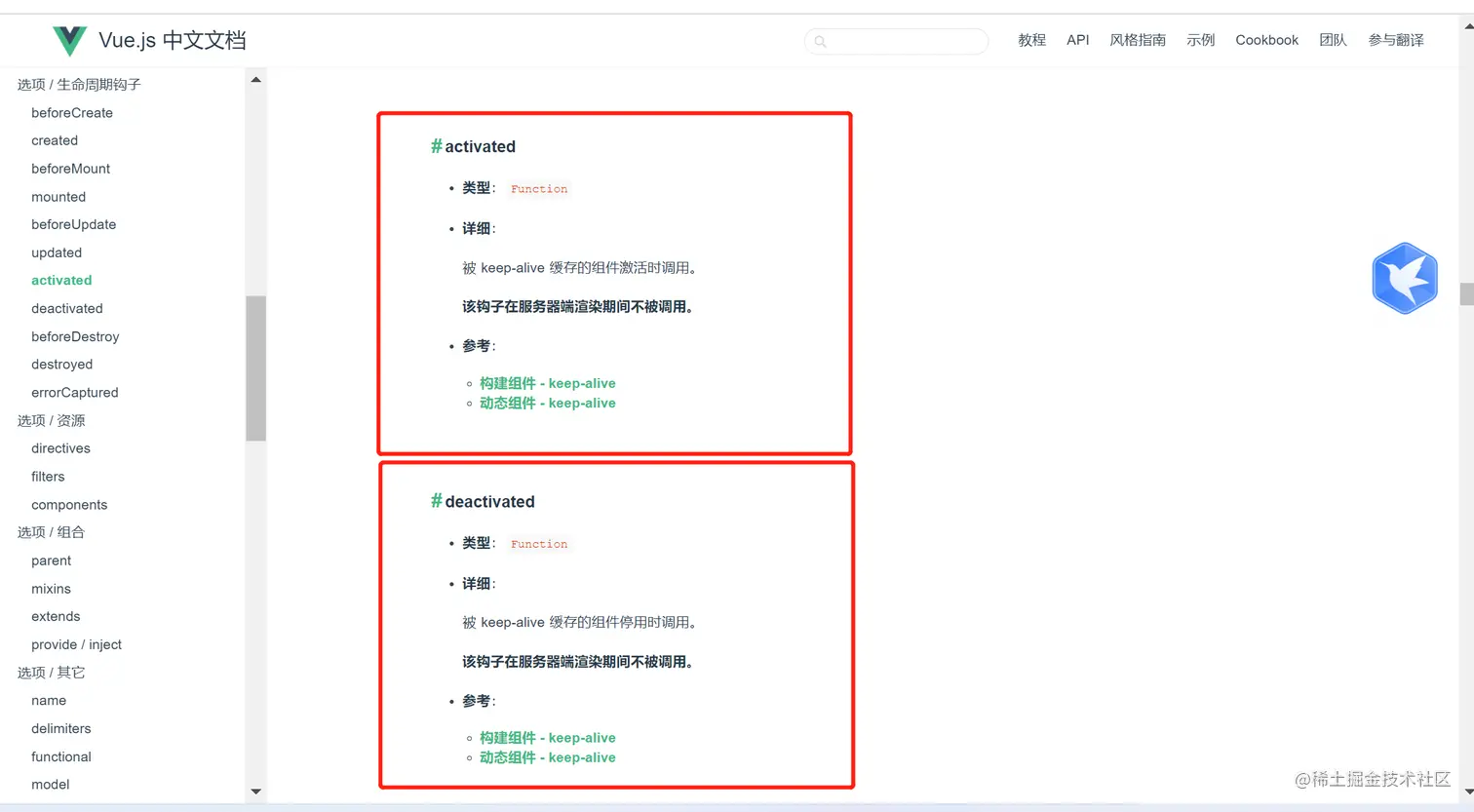
keep-alive生命周期