

0.动机
谷歌分析不再是一种选择,至少在欧盟是如此。关于GDPR,它几乎不合法,我们开始看到公司因为使用它而受到指责。谷歌分析的替代品不是免费的,也不便宜。即使是开源的解决方案也不是那么容易实现的。
1.基于Rails的分析解决方案的优势
第一个优点是,你不需要同意的横幅。没有发送cookies来跟踪用户,用户也不能对跟踪说 "不"。只要保持完全匿名,这就不是一个问题。应用程序日志也可能以某种方式 "跟踪 "对应用程序的访问,但这对非技术人员来说是无法使用的。
第二个优点是它是完全免费的--除了你反正已经在支付的托管费之外。
第三个优点是,你将使用你的Rails技能--除了安装一个gem之外,不需要额外的技能。
2.Rails的主动分析
Rails官方插件(被称为 "宝石")通常以 "Active-"开头。你有时会遇到一些Rails世界之外的宝石,其名称也以 "Active "开头。今天,BaseSecrete推出的Active Analytics就是这种情况。
他们的GitHub repo中提到,你可以了解到.NET技术。
- 来源:什么是带来一些流量的页面和域名。
- 页面浏览量:在你的应用程序中,哪些页面的浏览量最大?
- 下一页/上一页;对于你的应用程序的一个给定的页面,什么是进入和退出页面。
3.为一个新的Rails应用程序添加分析的教程
前提条件
首先确保你的电脑上已经安装了所有的经典程序。
$> ruby -v
ruby 3.1.0p0 // you need at least version 3 here
$> bundle -v
Bundler version 2.2.11
$> npm -v
8.3.0 // you need at least version 7.1 here
$> yarn -v
1.22.10
$> psql --version
psql (PostgreSQL) 13.1 // let's use a production-ready database locally
最小的Rails应用程序
  mkdir railsanalytics && cd railsanalytics
  echo "source 'https://rubygems.org'" > Gemfile
  echo "gem 'rails', '~> 7.0.0'" >> Gemfile
  bundle install
  bundle exec rails new . --force --minimal -d=postgresql
  bundle update
最小的控制器和视图
  # Create a default controller
  echo "class HomeController < ApplicationController" > app/controllers/home_controller.rb
  echo "end" >> app/controllers/home_controller.rb


  # Create another controller
  echo "class OtherController < ApplicationController" > app/controllers/other_controller.rb
  echo "end" >> app/controllers/other_controller.rb

  # Create routes
  echo "Rails.application.routes.draw do" > config/routes.rb
  echo '  get "home/index"' >> config/routes.rb
  echo '  get "other/index"' >> config/routes.rb
  echo '  root to: "home#index"' >> config/routes.rb
  echo 'end' >> config/routes.rb

  # Create a default view
  mkdir app/views/home
  echo '<h1>This is home</h1>' > app/views/home/index.html.erb
  echo '<div><%= link_to "go to analytics", "/analytics" %></div>' >> app/views/home/index.html.erb
  echo '<div><%= link_to "go to other page", other_index_path %></div>' >> app/views/home/index.html.erb

    # Create another view
  mkdir app/views/other
  echo '<h1>This is another page</h1>' > app/views/other/index.html.erb
  echo '<div><%= link_to "go to home page", root_path %></div>' >> app/views/other/index.html.erb


  # Create database and schema.rb
  bin/rails db:create
  bin/rails db:migrate
很好!运行
bin/rails s
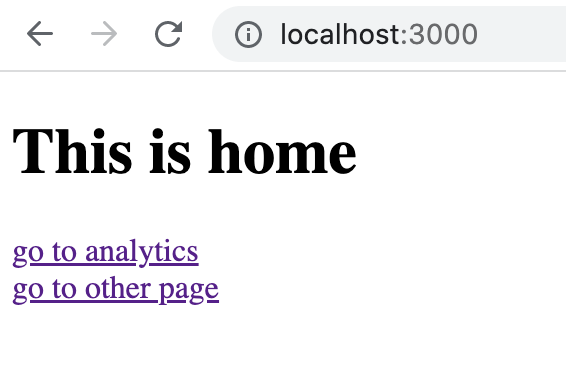
并打开你的浏览器,在本地看到你的应用程序。你应该看到像这样的东西。
localhost
激活ActiveJob和ActionMailer
打开application.rb,解开第6行和第10行,这将是active_analytics需要的。
# inside config/application.rb
require_relative "boot"

require "rails"
# Pick the frameworks you want:
require "active_model/railtie"
require "active_job/railtie" # <== !! Uncomment
require "active_record/railtie"
# require "active_storage/engine"
require "action_controller/railtie"
require "action_mailer/railtie"  # <==  !! Uncomment
# ... everything else remains the same
添加active_analytics
打开你的Gemfile并添加
gem 'active_analytics'
然后停止你的本地Web服务器,并运行
bundle install
安装active_analytics
现在运行:
bin/rails active_analytics:install:migrations
bin/rails db:migrate
题外话:我们经常使用bin/rails ,而不仅仅是rails ,以确保使用的是我们项目的版本,而不是全局安装的Rails版本。
现在在app/controllers/application_controller.rb ,复制/粘贴以下代码。
# inside app/controllers/application_controller.rb
class ApplicationController < ActionController::Base
  before_action :record_page_view

  def record_page_view
    ActiveAnalytics.record_request(request)
  end
end
打开config/routes.rb
# inside config/routes.rb
Rails.application.routes.draw do

  # Add this line
  mount ActiveAnalytics::Engine, at: "analytics"

  get "home/index"
  get "other/index"
  root to: "home#index"
end
检查Rails的分析功能是否正常,在本地进行
运行
bin/rails s
然后打开你的浏览器,http://localhost:3000/analytics
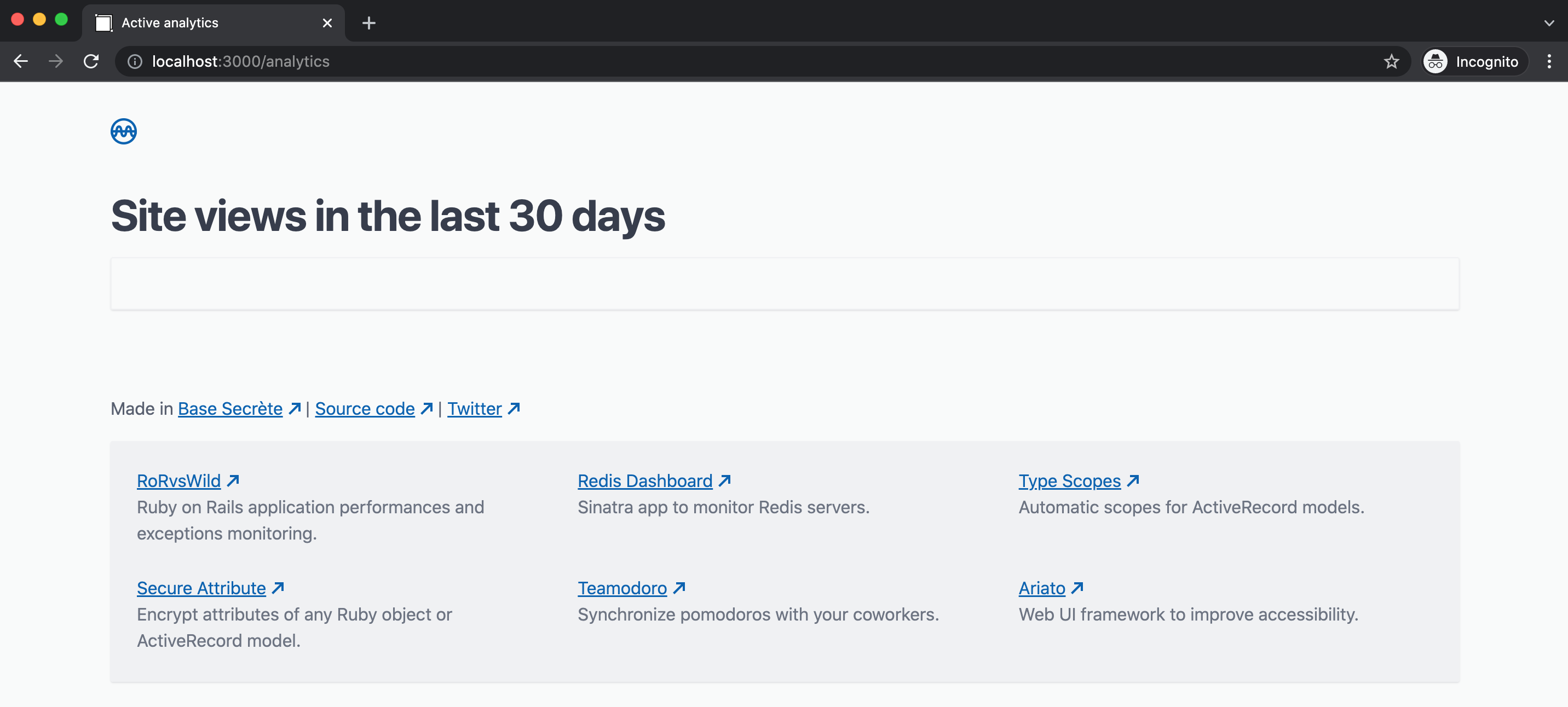
你应该看到这个。
localhost
好的,没有数据(到目前为止)。
现在进入你的Rails应用程序的主页,并点击 "转到其他页面"。然后再一次访问http://localhost:3000/analytics。
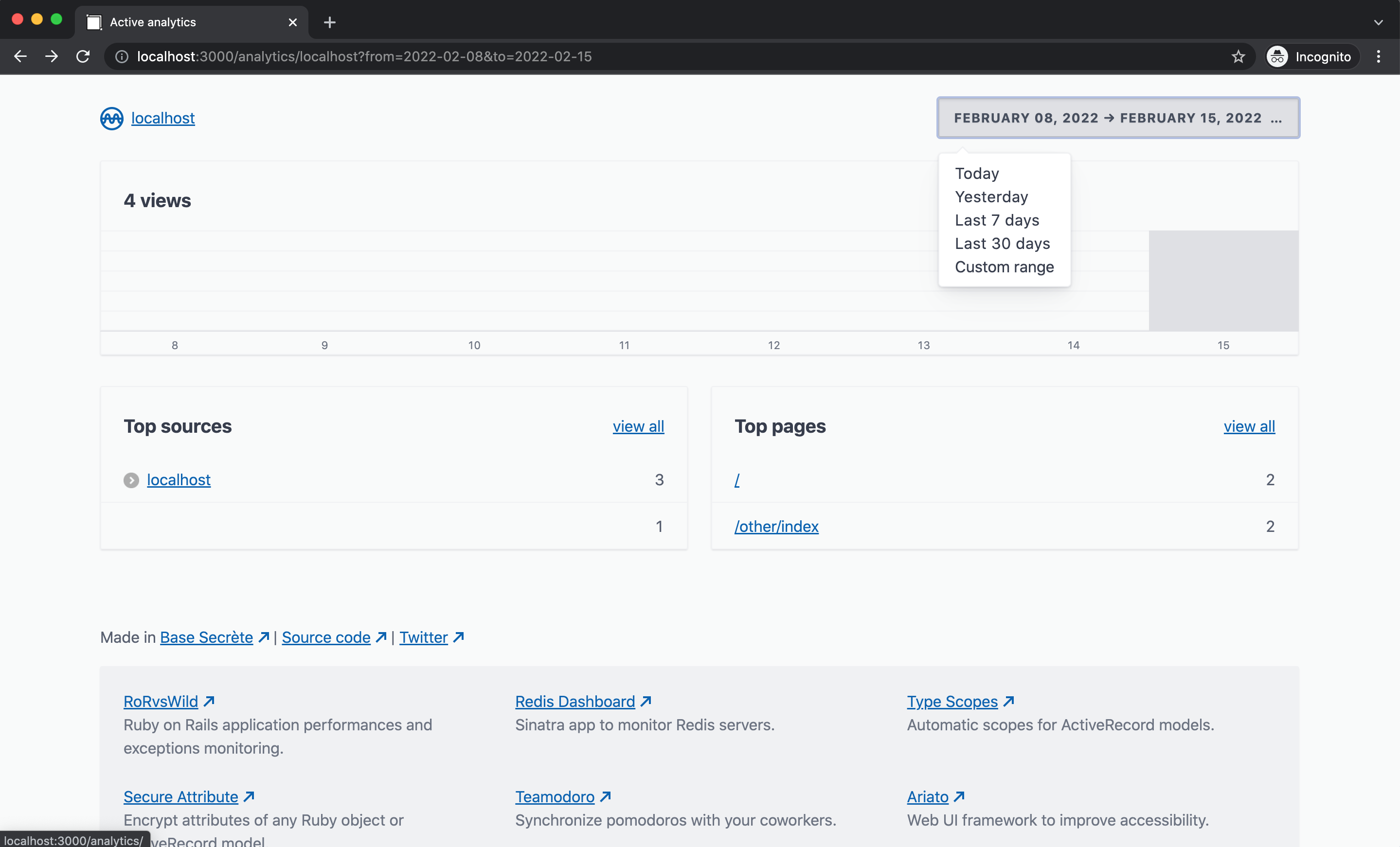
现在应该会出现一些统计信息。
统计数字
很好 !你能够看到一个时期范围内的统计信息。此外,你可以点击任何一个网址,看看用户是从哪里来的。
4.查看生产中的分析结果
第一个步骤,快速检查
现在是时候将你的代码推送到生产中了,比方说heroku。
heroku login
heroku create
bundle lock --add-platform x86_64-linux
heroku addons:create heroku-postgresql:hobby-dev
heroku buildpacks:set heroku/ruby
git add . && git commit -m 'ready for prod'
git push heroku main
heroku run rails db:migrate
Heroku给你一个奇怪的URL,比如 "sleepy-sands-87676.herokuapp.com/"(你的会不同)。 进入这个奇怪的URL,在你的本地浏览器上进行与之前相同的步骤:进入主页,然后点击 "进入其他页面",然后再次检查分析。到目前为止一切正常......但如果有机器人访问这个应用程序呢?
Rails的分析系统能够解决机器人的问题吗?
现在去www.webpagetest.org/,并输入你的webapp的heroku URL。点击 "开始测试!"(或类似的)。等待测试完成,然后访问你的Heroku网站的/analytics URL。
你应该看到访问量增加了,就像 "WebPageTest "刚刚发送了一个机器人,而不是一个真正的访问者。
将此添加到你的Gemfile中。
gem 'crawler_detect'
然后运行
bundle install
然后像这样改变你的主控制器。
# inside app/controllers/application_controller.rb
class ApplicationController < ActionController::Base
  before_action :record_page_view

  def record_page_view
    # This condition should skip bots.
    unless request.is_crawler?
      ActiveAnalytics.record_request(request)
    end
  end
end
像这样改变你的config/application.rb 。
# ...
module Railsanalytics
  class Application < Rails::Application

  # Add this line
    config.middleware.use Rack::CrawlerDetect
# ...
然后在你的控制台中运行
git add . && git commit -m 'detect crawlers'
git push heroku main
现在让WebPageTest再次检查。
分析数字没有变化?
你赢了!🎉

