本文已参与「新人创作礼」活动,一起开启掘金创作之路。
【ios开发/Xcode】使用UITableView完成学生信息及成绩的显示
设计思想
首先创建所有页面的故事版,包括,登录、注册与成绩页面
接着设置故事版的关联代码,如下图所示为用户名与密码UITextField的关联
再进行一些空间的格式类型等设置,如下图所示为TableViewCell单元格属性的设置
最后在增加增删改查的代码,完成设计
实现效果
注册账号:lct,密码:lct,登录系统
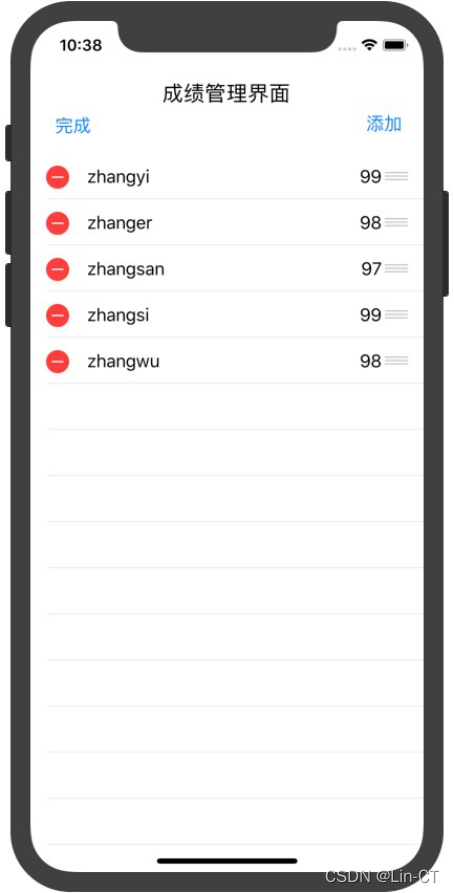
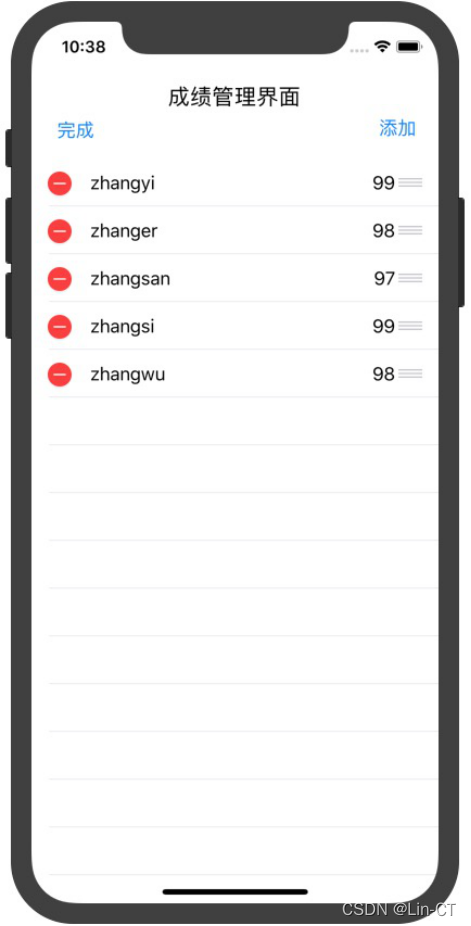
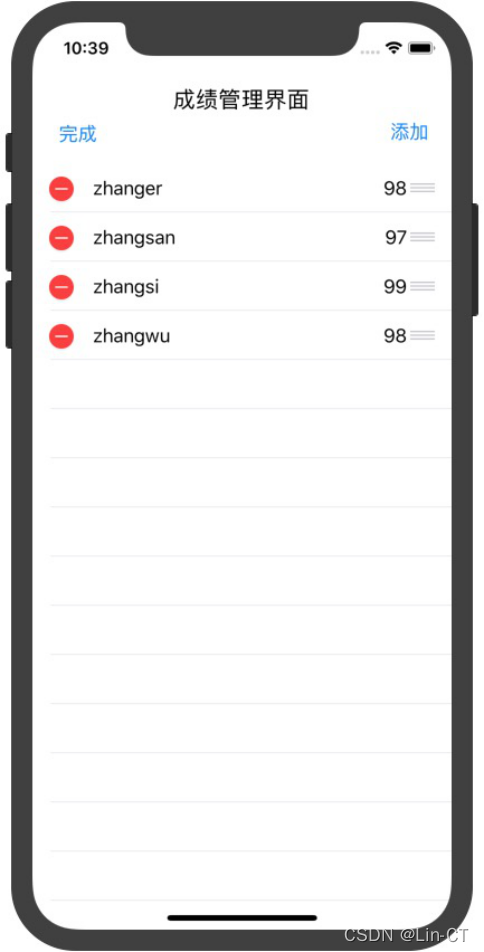
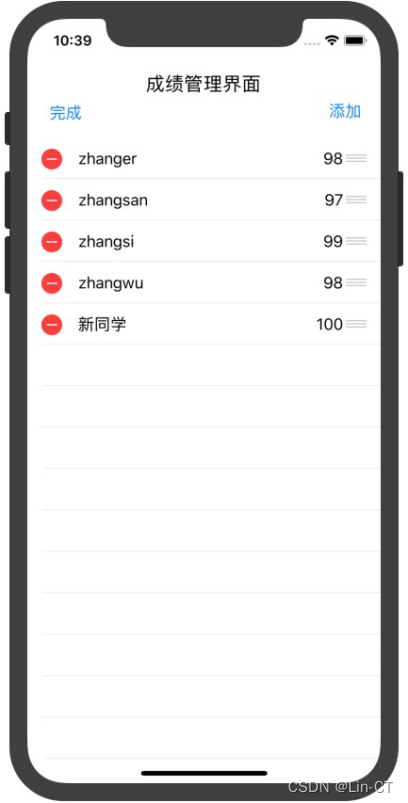
进入系统,看到学生成绩信息,进行编辑操作/删除操作/增加操作
源代码
注:@开头的这些代码都是需要关联控键,都需要自行在故事板中(Storyboards)进行关联
登录界面
//登录界面
import  UIKit

class LoginViewController : UIViewController{
    @IBOutlet weak var userId: UITextField!
    @IBOutlet weak var password: UITextField!
    override func viewDidLoad() {
        super.viewDidLoad()
        NotificationCenter.default.addObserver(self, selector: #selector(autoFillInfomation(_:)), name: Notification.Name(rawValue: "RegisterNotification"), object: nil)
    }
    override func didReceiveMemoryWarning() {
        super.didReceiveMemoryWarning()
        NotificationCenter.default.removeObserver(self)
    }
    @objc func autoFillInfomation(_ notification: Notification)  {
        let userInfo = notification.userInfo!
        let userId1 = userInfo["userId"] as! String
        let password1 = userInfo["password"] as! String
        userId.text = userId1
        password.text = password1
       // users[userId1] = password1
    }
}
注册界面
// 注册界面
import UIKit
class RegisterViewController : UIViewController{
    @IBOutlet weak var userId: UITextField!
    @IBOutlet weak var password: UITextField!
    override func viewDidLoad() {
        super.viewDidLoad()
    }
    override func didReceiveMemoryWarning() {
        super.didReceiveMemoryWarning()
    }
    @IBAction func back(_ sender: Any) {
        self.dismiss(animated: true, completion: nil)
    }

    @IBAction func register(_ sender: Any) {

        self.dismiss(animated: true) { () -> Void in

            let userInfo = ["userId" :
                self.userId.text!, "password": self.password.text!]
            NotificationCenter.default.post(name: Notification.Name(rawValue: "RegisterNotification"),object:nil,userInfo: userInfo)

        }
    }
}
定义数据字段
//定义数据字段
import UIKit
class Student:NSObject{
    var name:String
    var score:Int

    init(name:String,score:Int){
        self.name=name
        self.score=score
        super.init()
    }
}
定义增加、删除、移动等操作
//定义增加、删除、移动等操作
import UIKit

class StudentsInfo{
    var StudentsCollection=[Student]()
    init(){
        let nameOfStudents=["zhangyi","zhanger","zhangsan","zhangsi","zhangwu"]
        let scoreOfStudents=[99,98,97,99,98]
        for i in 0...(nameOfStudents.count-1){
            let theStudent=Student(name:nameOfStudents[i],score:scoreOfStudents[i])
            StudentsCollection.append(theStudent)
        }
    }
    func addStudent() -> Student {
        let theStudent = Student(name: "新同学",score:100)
        StudentsCollection.append(theStudent)
        return theStudent
    }
    func deleteStudent(_ theStudent:Student) {
        if let theIndex = StudentsCollection.index(of: theStudent){
            StudentsCollection.remove(at: theIndex)
        }
    }

    func transferPosition(sourceIndex: Int, destinationIndex: Int) {
        if sourceIndex != destinationIndex {
            let theStudent = StudentsCollection[sourceIndex]
            StudentsCollection.remove(at: sourceIndex)
            StudentsCollection.insert(theStudent, at: destinationIndex)
        }
        return
    }
}