实现方式
- 利用uni-app中的API实现
- 利用小程序原生API实现

效果图
实现步骤
uni-app小程序项目
- 使用uni-app中的轮播图组件
- 给轮播图组件绑定一个点击事件
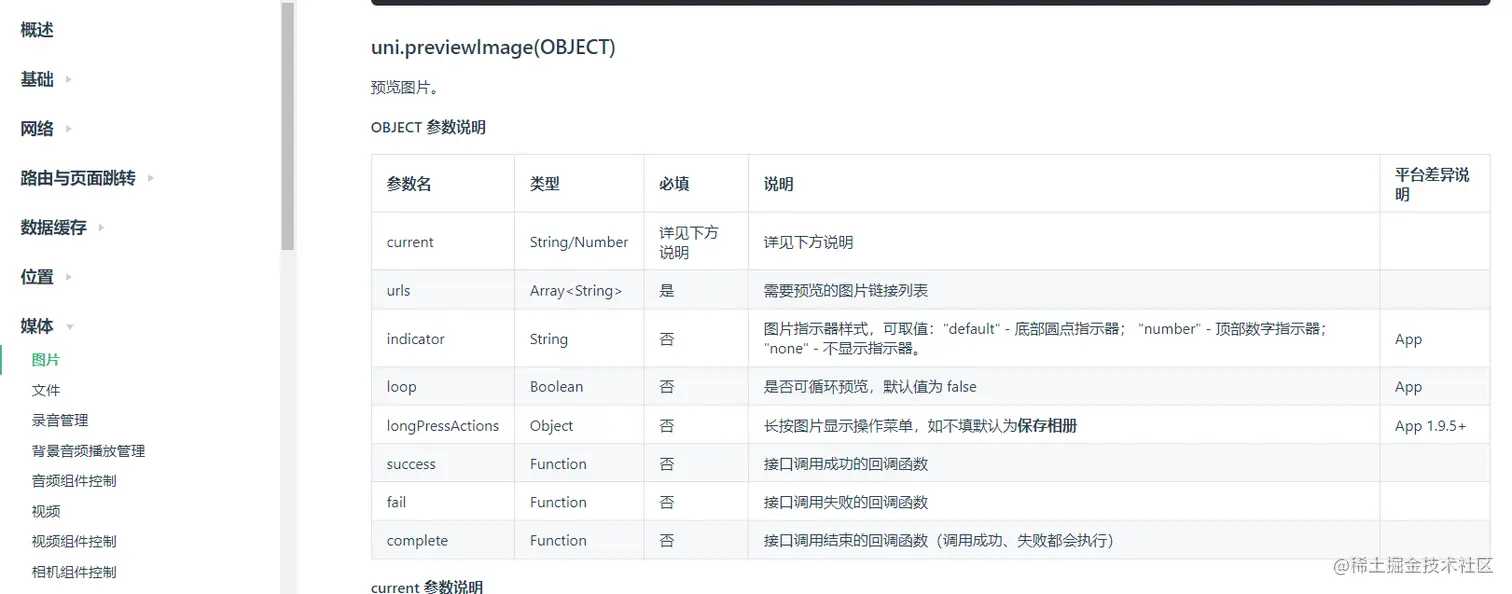
- 在事件处理函数中 使用uni-app API
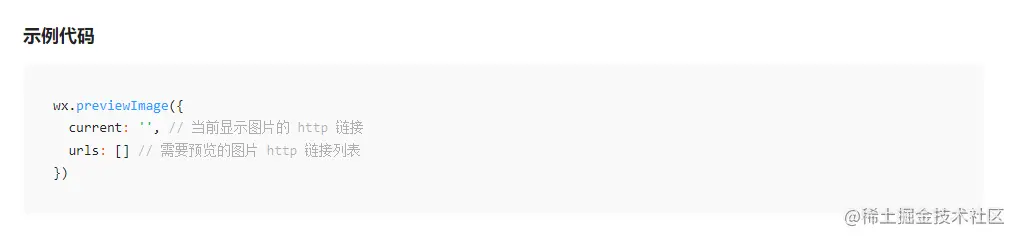
原生示例代码
uni-app项目中实现代码
<template>
  <view>
    <-- uni-app 轮播图组件 -->
    <-- 绑定点击事件 -->
    <u-swiper @click="previewImage" :list="swiperList" height="497" />
  </view>
</template>

<script>
export default {
  data() {
    return {
      swiperList: [], // 轮播图数据
    }
  },
  // 页面级初始化钩子函数
  async onLoad(options) {
    // 发送请求,获取商品详情信息数据
    const { message } = await this.$u.get('/goods/detail', options)
    // 将商品信息存储在this上(降低小程序setData性能消耗)
    this.productInfo = message
    // 拿到轮播图图片数据
    this.swiperList = this.productInfo.pics.map(item => item.pics_mid_url)
  },
  methods: {
    // 点击预览图片
    previewImage(index) {
      // index 为触发点击事件的图片下标
      uni.previewImage({
        current: this.swiperList[index], // 当前显示图片的 http 链接
        urls: this.swiperList // 需要预览的图片 http 链接列表
      })
    }
  }
}
</script>

<style>

</style>