

在HTML中,你不能用空格键在空格()字符后面创建一个额外的空白。如果你想在你的HTML代码中加入10个空白,而你试图用空格键来添加它们,你在浏览器中只能看到一个空格。
而且,一个或多个本应在一起的词可能会断成一个新行。
因此,在这篇文章中,我将向你展示如何在你的代码中创建任何数量的空白,以及如何用 字符实体添加一个非断裂空间。
首先,什么是字符实体?
字符实体是为在浏览器中显示各种字符而保留的。
例如,小于符号 (<) 和大于符号 (>) 是为HTML中的标签保留的。如果你想在你的代码中使用它们,HTML可能会把它们误认为是打开和关闭标签。
如果你想把它们作为 "大于 "和 "小于 "使用,你需要使用它们各自的字符实体(< 和>)。然后你就可以在浏览器中安全地显示它们。
如何在HTML中添加非破折号的空格?
由于浏览器只会显示一个空格,即使你在代码中加入了数百万个空格,所以HTML有一个字符实体 。它使显示多个空格成为可能。
如果没有 字符实体,你的代码会是这样的:
<div>
    <p>
      Lemurs are primates found exclusively in the isolated island of
      Madagascar. Lemurs are primates just like apes and monkeys, but they
      evolved independently and are unique. The numbers of lemurs are
      dwindling due to poaching and other destructive human activities. Lemurs
      are worth more than $2 Trillion. In fact, no amount of money can ever
      buy one. So, protect lemurs!
    </p>
</div>
我添加了一些CSS,使HTML更清晰,也更容易看到我想显示的内容:
body {
     display: flex;
     align-items: center;
     justify-content: center;
     height: 100vh;
     max-width: 800px;
     margin: 0 auto;
     font-size: 2rem;
}

span {
     background-color: #2ecc71;
}
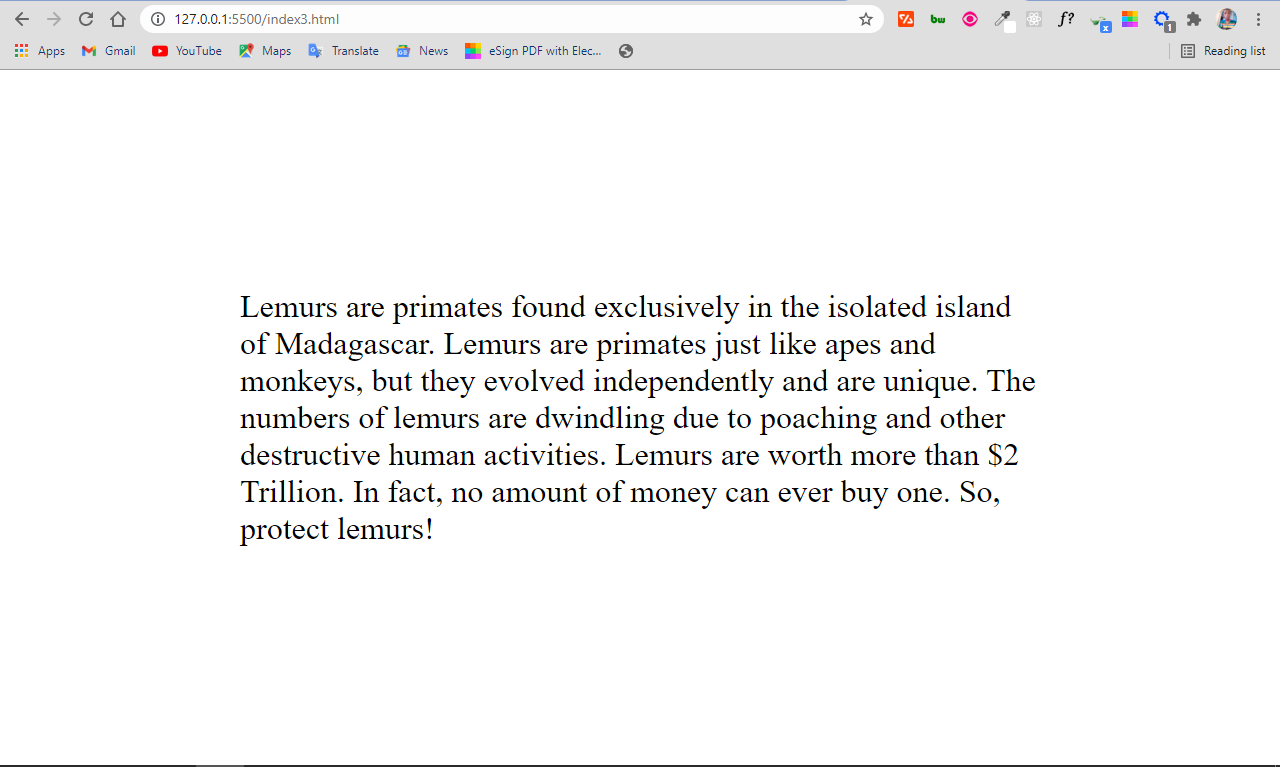
在下面的HTML代码中,我插入了一些 字符实体来创建多个空白。
<div>
<p>
Lemurs are primates found exclusively
in the isolated island of Madagascar. Lemurs are primates just like apes
and monkeys, but they evolved independently and are unique. The numbers
of lemurs are dwindling due to poaching and other destructive human
activities. Lemurs are worth more than $2 Trillion. In fact, no amount
of money can ever buy one. So, protect
lemurs!
</p>
</div>
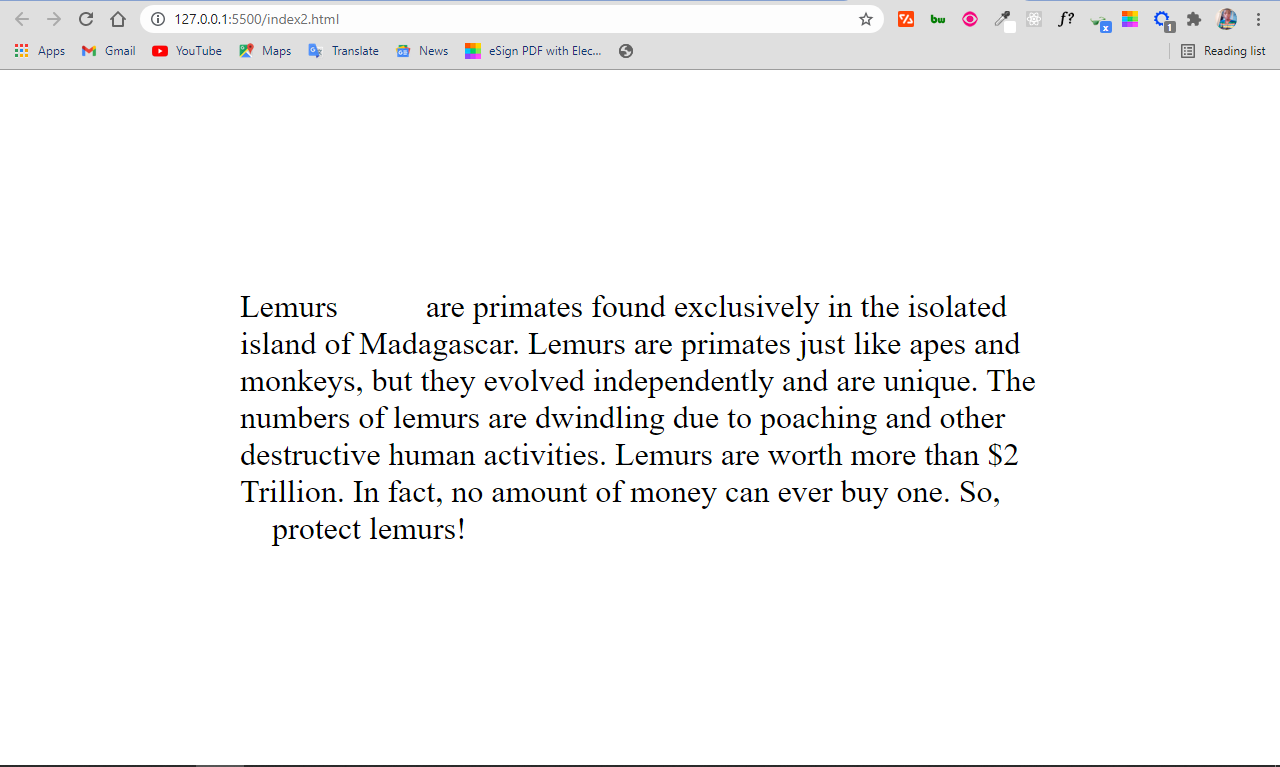
你可以看到在前两个词之间有5个空白,在倒数第二和倒数第二的词之间有4个空白。这是因为我分别插入了5个和4个 字符。
如果没有 字符实体,这就不可能了。
如果你想在你的代码里有一堆空格怎么办?
例如,如果你想在你的代码里有10个空白怎么办?写10次 将是多余的和无聊的。
相反,HTML为2个非断裂空格提供了  字符实体,为4个非断裂空格提供了  :
<div>
<p>
Lemurs   are primates found exclusively in the isolated
island of Madagascar. Lemurs are primates just like apes and monkeys,
but they evolved independently and are unique. The numbers of lemurs are
dwindling due to poaching and other destructive human activities. Lemurs
are worth more than $2 Trillion. In fact, no amount of money can ever
buy one. So,     protect lemurs!
</p>
</div>
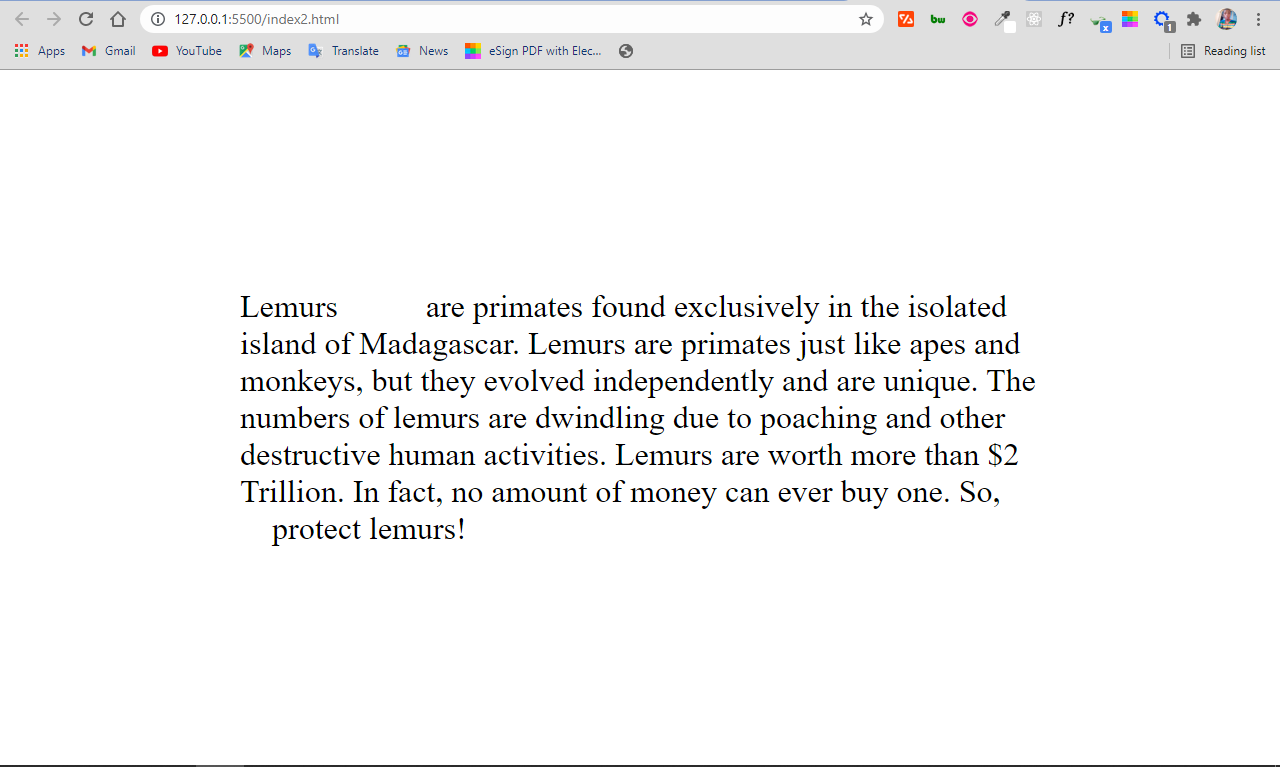
在上面的代码中,我通过使用一次  (4个空格)和一次 (1个空格),在前两个词之间插入了5个空白空格。然后,我在前倒数第二和倒数第二的单词之间使用了2个&ensp 实体。因此,空白处的数量与第一个例子中的相同:
为什么在代码中需要一个非断裂的空格?
有时,HTML可能会把本应在一起的词拆开到另一行--例如,首字母、单位、日期、金额等等。
字符实体可以防止这种情况的发生。当你在这些词之间插入 字符时,它将呈现一个空格,绝不会让任何一个词分成新的一行。
在下面的HTML代码中,我有一些关于狐猴的信息--在马达加斯加发现的美丽灵长类动物:
 <div>
    <p>
      Lemurs are primates found exclusively in the isolated island of
      Madagascar. Lemurs are primates just like apes and monkeys, but they
      evolved independently and are unique. Th numbers of lemurs are dwindling
      due to poaching and other destructive human activities. Lemurs are worth
      more than <span>$2 Trillion.</span> In fact, no amount of money can ever
      buy one. So, protect lemurs!
    </p>
</div>
我有一些CSS,以使其更清晰,并显示我想显示的内容:
body {
    display: flex;
    align-items: center;
    justify-content: center;
    height: 100vh;
    max-width: 800px;
    margin: 0 auto;
    font-size: 2rem;
}

span {
    background-color: #2ecc71;
}
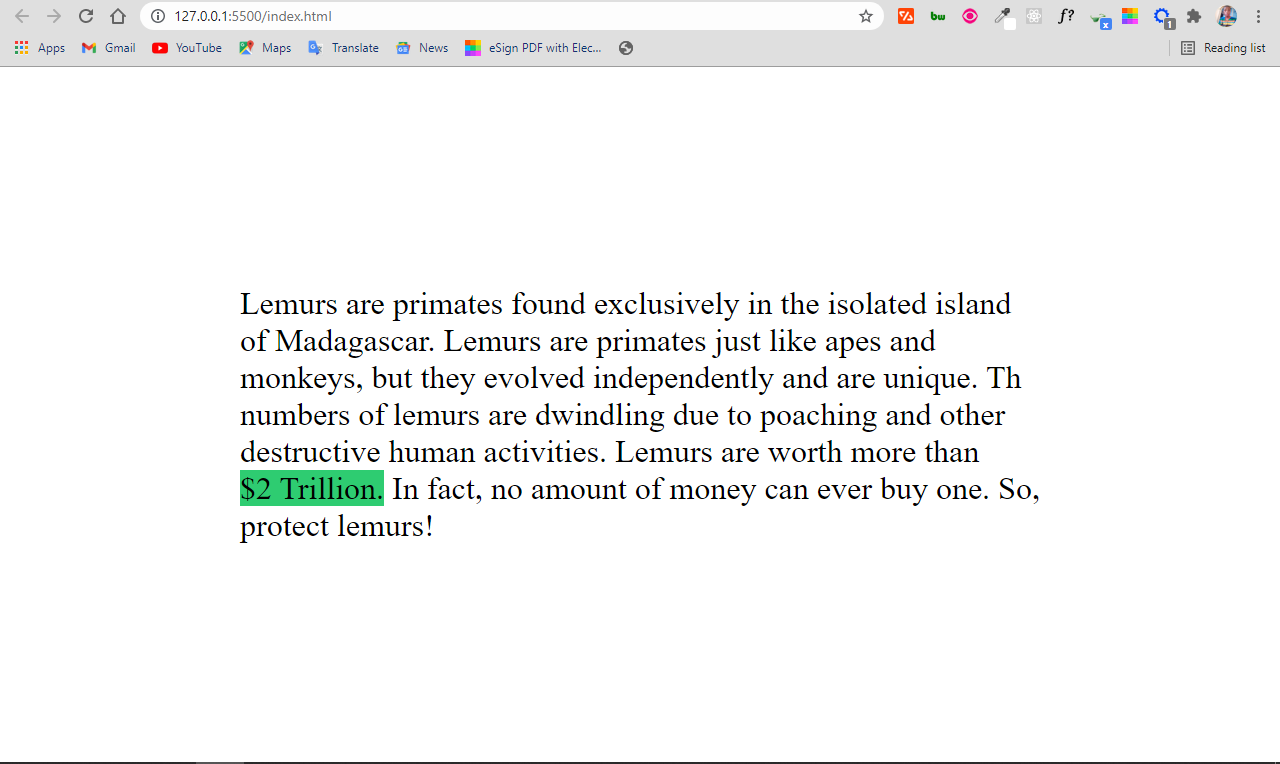
结果看起来是这样的:
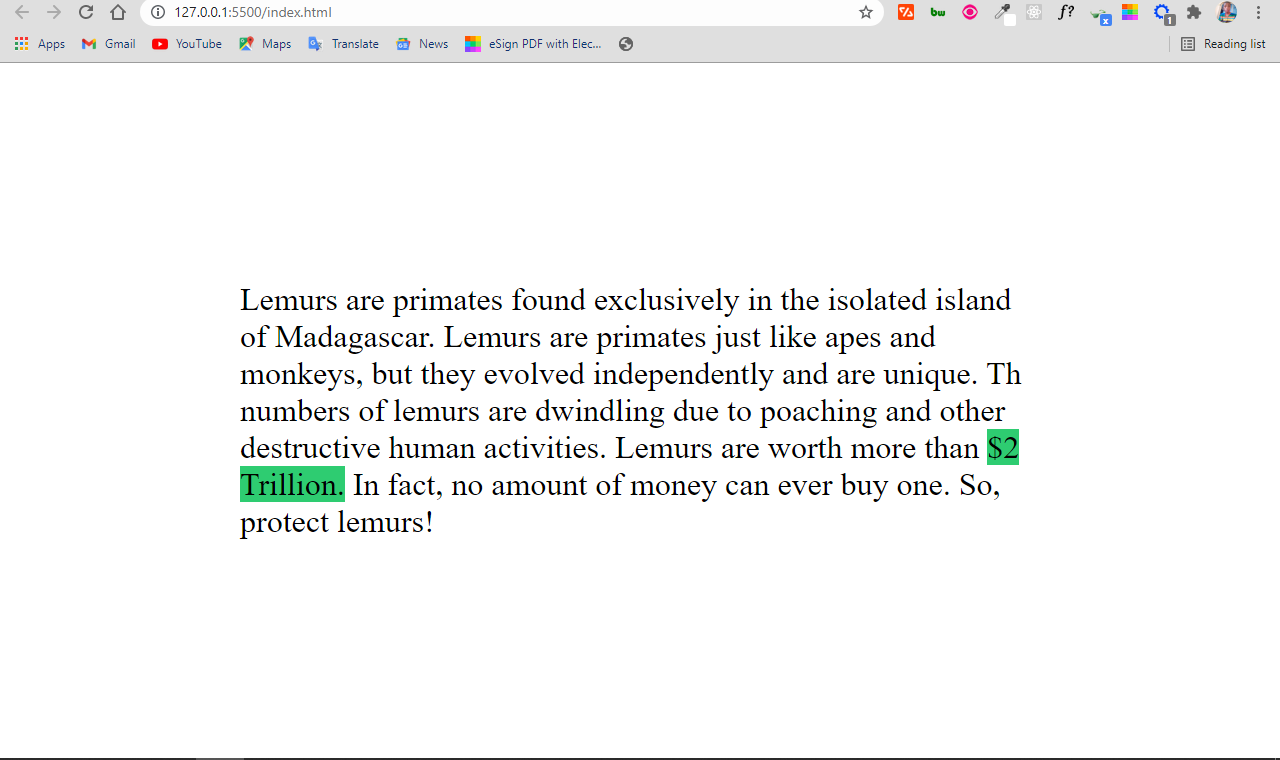
你可以看到,2万亿美元断裂了,这看起来并不好,因为它可能使读者感到困惑。
字符实体将这两个字强制放在一起:
<div>
<p>
Lemurs are primates found exclusively in the isolated island of
Madagascar. Lemurs are primates just like apes and monkeys, but they
evolved independently and are unique. Th numbers of lemurs are dwindling
due to poaching and other destructive human activities. Lemurs are worth
more than <span>$2 Trillion.</span> In fact, no amount of money can
ever buy one. So, protect lemurs!
</p>
</div>
这多酷啊
结论
你已经看到,通过 、  和  字符实体,你可以在浏览器中显示空白。这不可能仅仅使用空格键。
你还可以在特定的地方使用 字符实体,以防止本应呆在一起的单词闯入下一行。
谢谢你的阅读,并继续编码。
