

password_verify()函数用于匹配散列密码和原始密码。另一个函数 password_hash() 用于根据散列算法、成本和盐值生成散列值。password_verify()函数包含所有的散列信息,以验证散列与密码的关系。在本教程中,通过使用多个实例展示了该函数的用途。
语法
该函数有两个参数,成功时返回真,失败时返回假。该函数的语法如下。
password_verify ( string $password , string $hash ) : bool
第一个参数包含将被检查的密码。第二个参数包含哈希值,用于检查密码是否有效。这个哈希值是通过使用 password_hash() 函数生成的。
不同类型的算法可用于生成任何密码的哈希值。password_hash()函数的第二个参数包含一个表示散列算法的常量值。password_hash()函数可以使用的常数如下。
| 常数名称 | 说明 |
|---|---|
| password_default | 它使用默认算法来生成密码的散列值。 |
| password_bcrypt | 它使用CRYPT_BLOWFISH算法来生成密码的哈希值。 |
| password_argon2i | 它使用Argon2i算法生成密码的哈希值。 |
| password_argon2id | 它使用Argon2id算法来生成密码的哈希值。 |
password_verify()函数的用途
本教程的这一部分介绍了根据不同散列算法生成的哈希值来验证密码的方法。
例1:用PASSWORD_DEFAULT生成的哈希值验证密码
创建一个PHP文件,其中包含以下脚本,将显示一个表单让用户提供密码,当按下提交按钮时,密码将被password_verify()函数检查是否有效。
在password_hash()函数中使用了常量值PASSWORD_DEFAULT,以生成特定密码的哈希值。接下来,password_verify()函数用来检查用户给出的密码值是有效还是无效的。
<html>

<head>

 <title>Password Verification</title>

</head>

<body>

<br/><br/>

<center>

 <form method="post" action="#">

 <input type="password" name="pass" />

 <input type="submit" name="sub" value="Verify Password" />

 </form>

</center>

</body>

</html>

<?php

//Generate the hash value of the password

$hash = password_hash('secretpass456', PASSWORD_DEFAULT);

//Check the password value is submitted by the user or not

if(isset($_POST['pass']))

{

 //Read the password submitted by the user

 $password = $_POST['pass'];

 //Check the password is valid or invalid

 if (password_verify($password, $hash)) {

 echo '<center>Password is valid!</center>';

 } else {

 echo '<center>Password is invalid.</center>';

 }

}

?>
输出
如果用户给出了有效的密码,执行上述脚本后会出现以下输出。
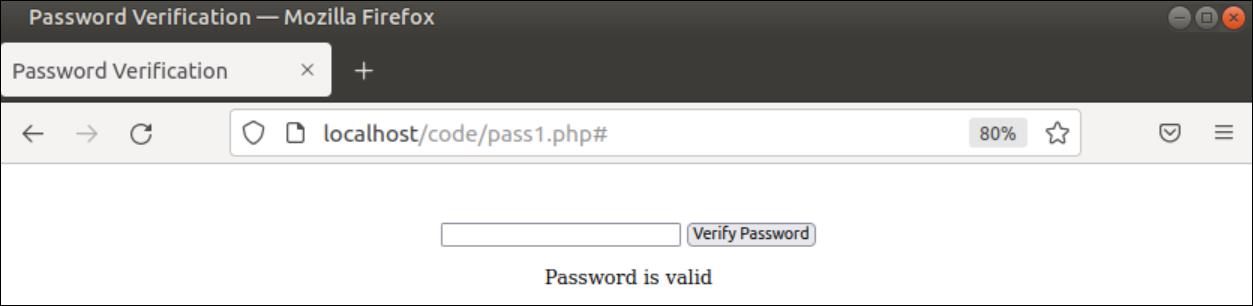
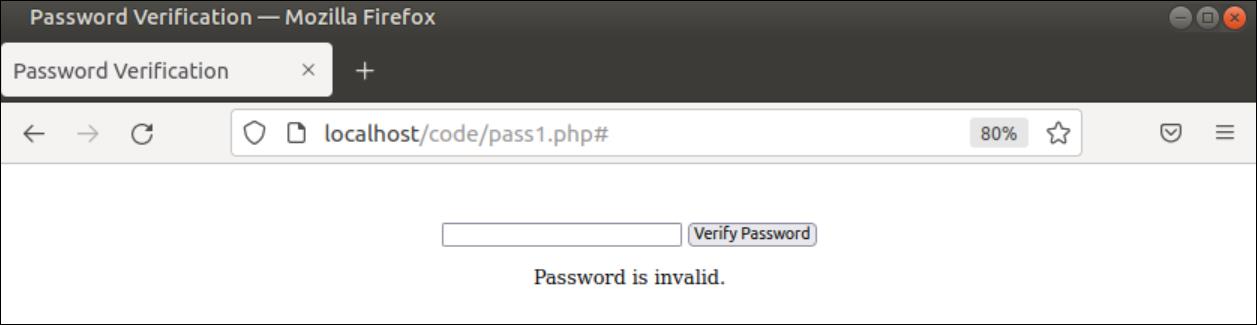
如果用户给出了无效的密码,在执行上述脚本后会出现以下输出。
例2:用PASSWORD_BCRYPT生成的哈希值验证密码
创建一个PHP文件,其中包含以下脚本,将显示一个表单让用户提供密码,当按下提交按钮时,密码将被password_verify()函数检查验证,就像前面的例子。
常量值PASSWORD_BCRYPT和成本值已被用于password_hash()函数,以生成特定密码的哈希值。接下来,password_verify()函数用来检查用户给出的密码值是有效还是无效的。
<html>

<head>

 <title>Password Verification</title>

</head>

<body>

<br/><br/>

<center>

 <form method="post" action="#">

 <input type="password" name="pass" />

 <input type="submit" name="sub" value="Verify Password" />

 </form>

</center>

</body>

</html>

<?php


//Set the password value

$password = "secretpass";

//Set the cost value

$options = [ "cost" =>15 ];

//Generate the hash value of the password and cost value

$hash = password_hash($password, PASSWORD_BCRYPT, $options);


//Check the password value is submitted by the user or not

if(isset($_POST['pass']))

{

 //Read the password submitted by the user

 $password = $_POST['pass'];

 //Check the password is valid or invalid

 if (password_verify($password, $hash)) {

 echo '<center>Password is valid.</center>';

 } else {

 echo '<center>Password is invalid.</center>';

 }

}

?>
输出
如果用户给出了有效的密码,执行上述脚本后会出现以下输出。
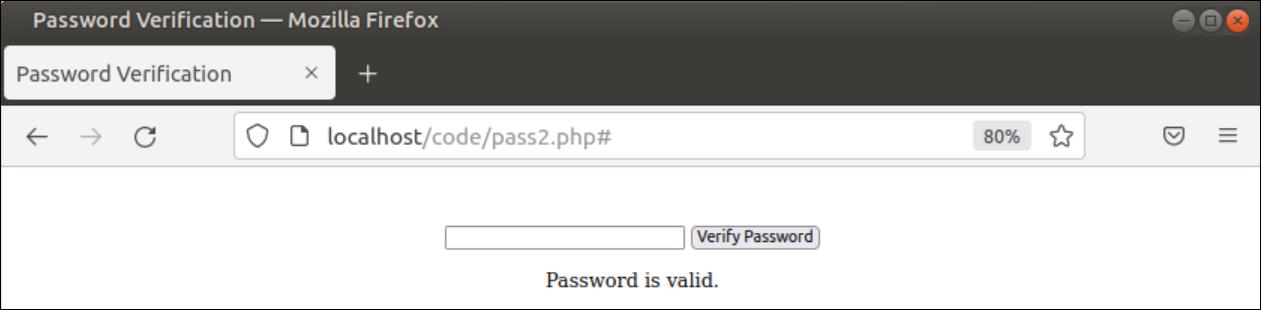
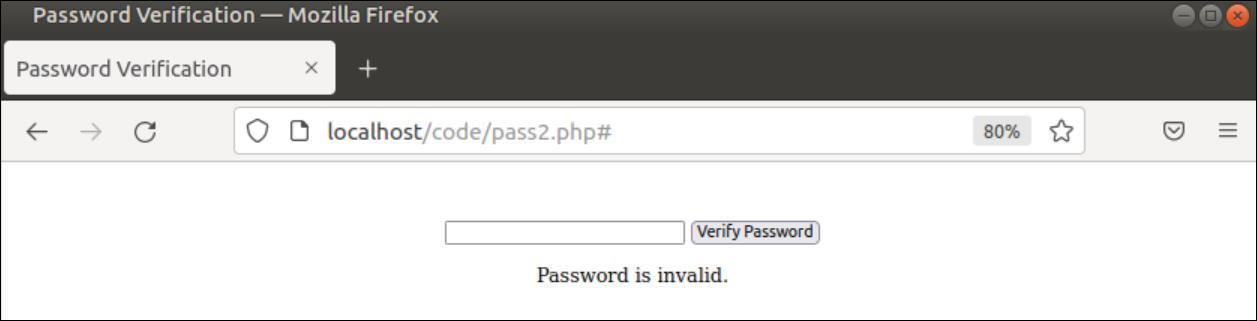
如果用户给出了无效的密码,在执行上述脚本后将会出现以下输出。
例3:用PASSWORD_ARGON2I生成的哈希值验证密码
创建一个PHP文件,其中包含以下脚本,将显示一个表单让用户提供密码,当按下提交按钮时, password_verify()函数将检查密码是否有效。
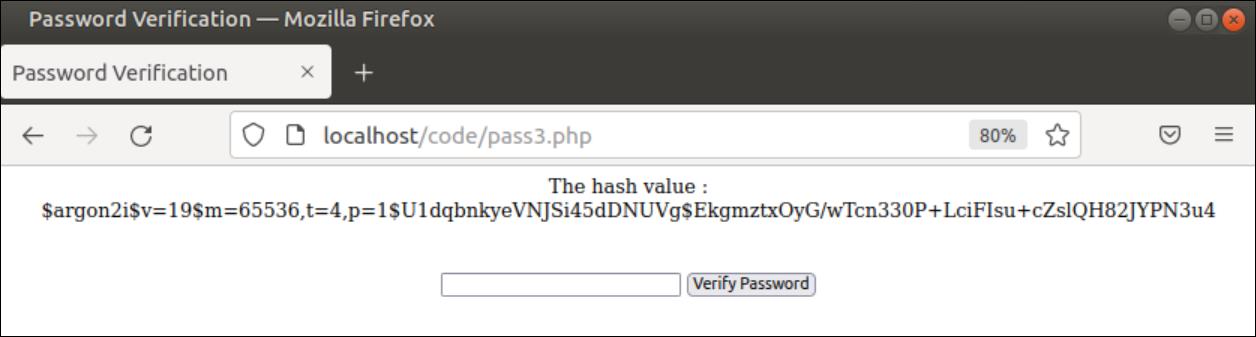
常量值PASSWORD_ARGON2I和成本值已被用于password_hash()函数中,以生成特定密码的哈希值。密码的哈希值将被打印在输出中。接下来,password_verify()函数用来检查用户给出的密码值是有效还是无效的。
<?php

//Set the password value

$password = "secretpass";

//Generate the hash value of the password

$hash = password_hash($password, PASSWORD_ARGON2I, [ "cost" =>15]);

echo "<center>The hash value :<br/>$hash</center>";

?>

<html>

<head>

 <title>Password Verification</title>

</head>

<body>

<br/><br/>

<center>

 <form method="post" action="#">

 <input type="password" name="pass" />

 <input type="submit" name="sub" value="Verify Password" />

 </form>

</center>

</body>

</html>

<?php


//Check the password value is submitted by the user or not

if(isset($_POST['pass']))

{

 //Read the password submitted by the user

 $password = $_POST['pass'];

 //Check the password is valid or invalid

 if (password_verify($password, $hash)) {

 echo '<center>Password is valid.</center>';

 } else {

 echo '<center>Password is invalid.</center>';

 }

}

?>
输出
执行上述脚本后,将出现以下输出。
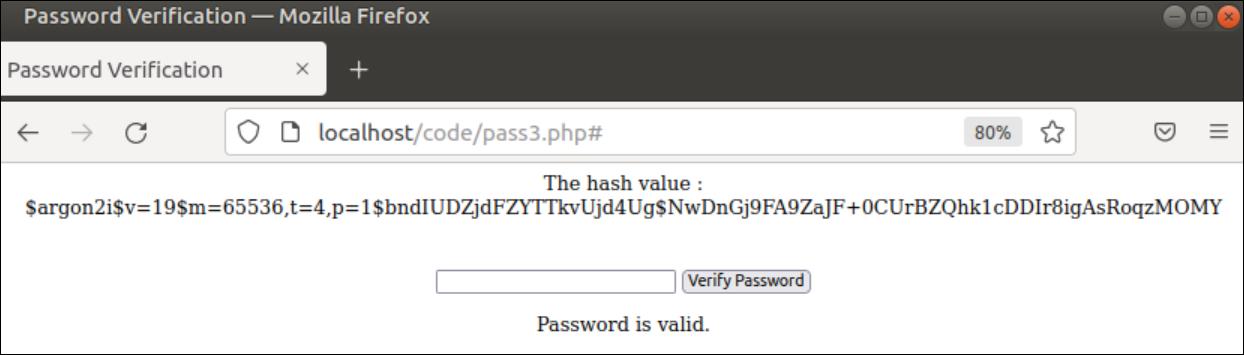
如果用户给出了有效的密码,执行上述脚本后会出现以下输出。
结论
密码验证是用来验证用户身份的,它是任何网站的一项基本任务。在本教程中,我们通过使用HTML表格,展示了基于不同哈希值的密码验证函数的用途。

