1.npm install pinia -S
2.main.ts引入挂载
import { createPinia } from "pinia"
const store = createPinia()
let app = createApp(App)
app.use(store)
app.mount('#app')
3.src新建store文件夹和ts文件
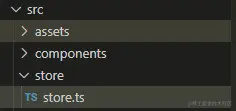
4.store.ts内容
import { defineStore } from "pinia"
export const useStore = defineStore('info', {
state: () => ({
name: '阿毛子',
}),
getters: {
},
actions: {
async changNameAction(name: string) {
this.name = name
},
}
})
5.app.vue调用
import { useStore } from "./store/store";
const store = useStore();
const username = computed(() => store.name);
setTimeout(() => {
  store.changNameAction("张三");
}, 2000);
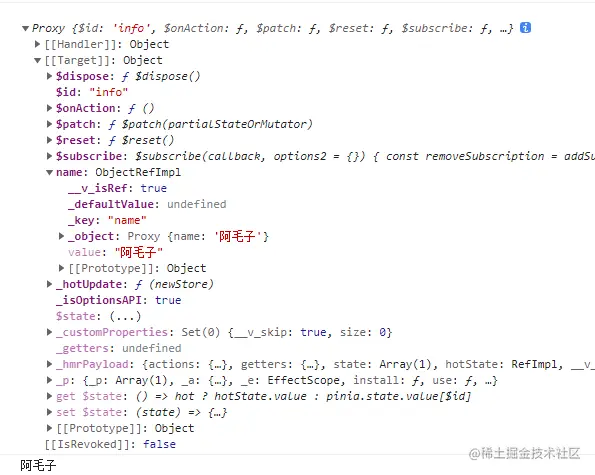
console.log(store);
6.效果图