

安装Turtle模块
Logo是作为Python的turtle 包提供的。要使用它,你必须先安装Python。Python已经安装在Linux和BSD上,而且在MacOS和Windows上也很容易安装。
一旦你安装了Python,安装Turtle模块。
pip3 install turtle
鲍勃画一个正方形
安装了turtle 包后,你可以画一些基本的形状。
要画一个正方形,想象一只乌龟(叫它 Bob)在你的屏幕中间,用它的尾巴拿着一支笔。每当Bob移动时,他就在身后画一条线。鲍勃必须如何移动才能画出一个正方形?
- 向前移动100步。
- 向右转90度。
- 往前走100步。
- 右转90度。
- 前进100步。
- 右转90度。
- 前进100步。
现在用Python编写上述算法。创建一个名为logo.py 的文件,并在其中放置以下代码。
import turtle
if __name__ == '__main__':
    turtle.title('Hi! I\'m Bob the turtle!')
    turtle.setup(width=800, height=800)
    bob = turtle.Turtle(shape='turtle')
    bob.color('orange')
    # Drawing a square
    bob.forward(100)
    bob.right(90)
    bob.forward(100)
    bob.right(90)
    bob.forward(100)
    bob.right(90)
    bob.forward(100)
    turtle.exitonclick()
将上述内容保存为logo.py ,并运行它。
$ python3 logo.py
鲍勃在屏幕上画一个正方形。
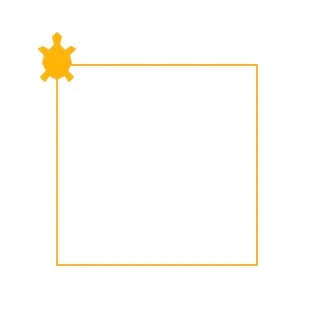
鲍勃画出一个六边形
为了画一个六边形,鲍勃必须这样移动。
- 向前移动150步。
- 向右转60度。
- 前进150步。
- 右转60度。
- 前进150步。
- 右转60度。
- 前进150步。
- 右转60度。
- 前进150步。
- 右转60度。
- 前进150步。
在Python中,你可以用一个for 循环来移动Bob。
import turtle
if __name__ == '__main__':
    turtle.title('Hi! I\'m Bob the turtle!')
    turtle.setup(width=800, height=800)
    bob = turtle.Turtle(shape='turtle')
    bob.color('orange')
    # Drawing a hexagon
    for i in range(6):
        bob.forward(150)
        bob.right(60)
    turtle.exitonclick()
再次运行你的代码,看鲍勃画一个六边形。
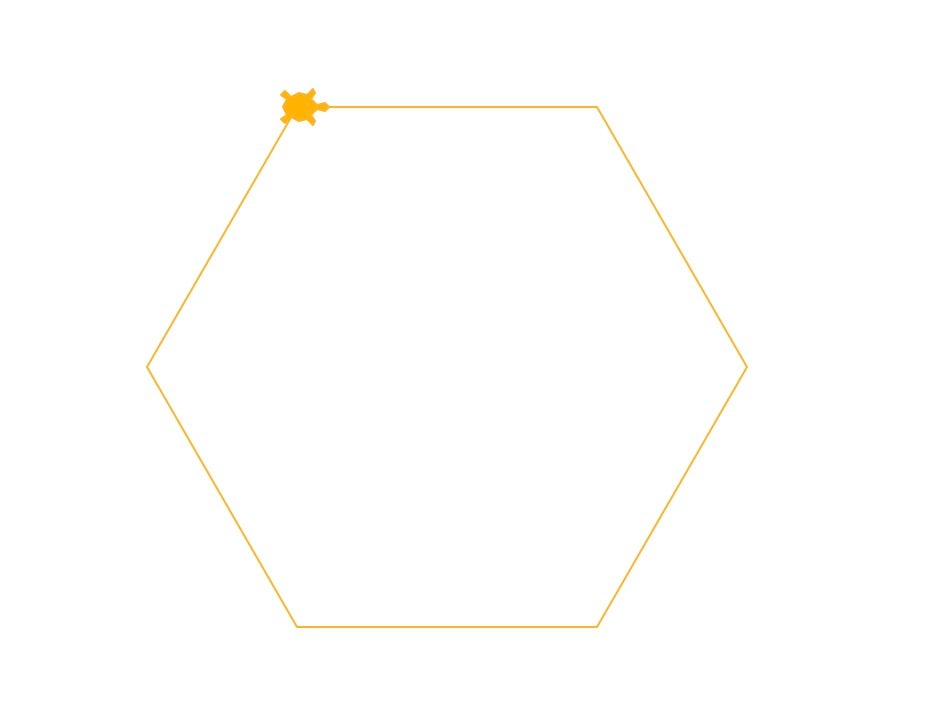
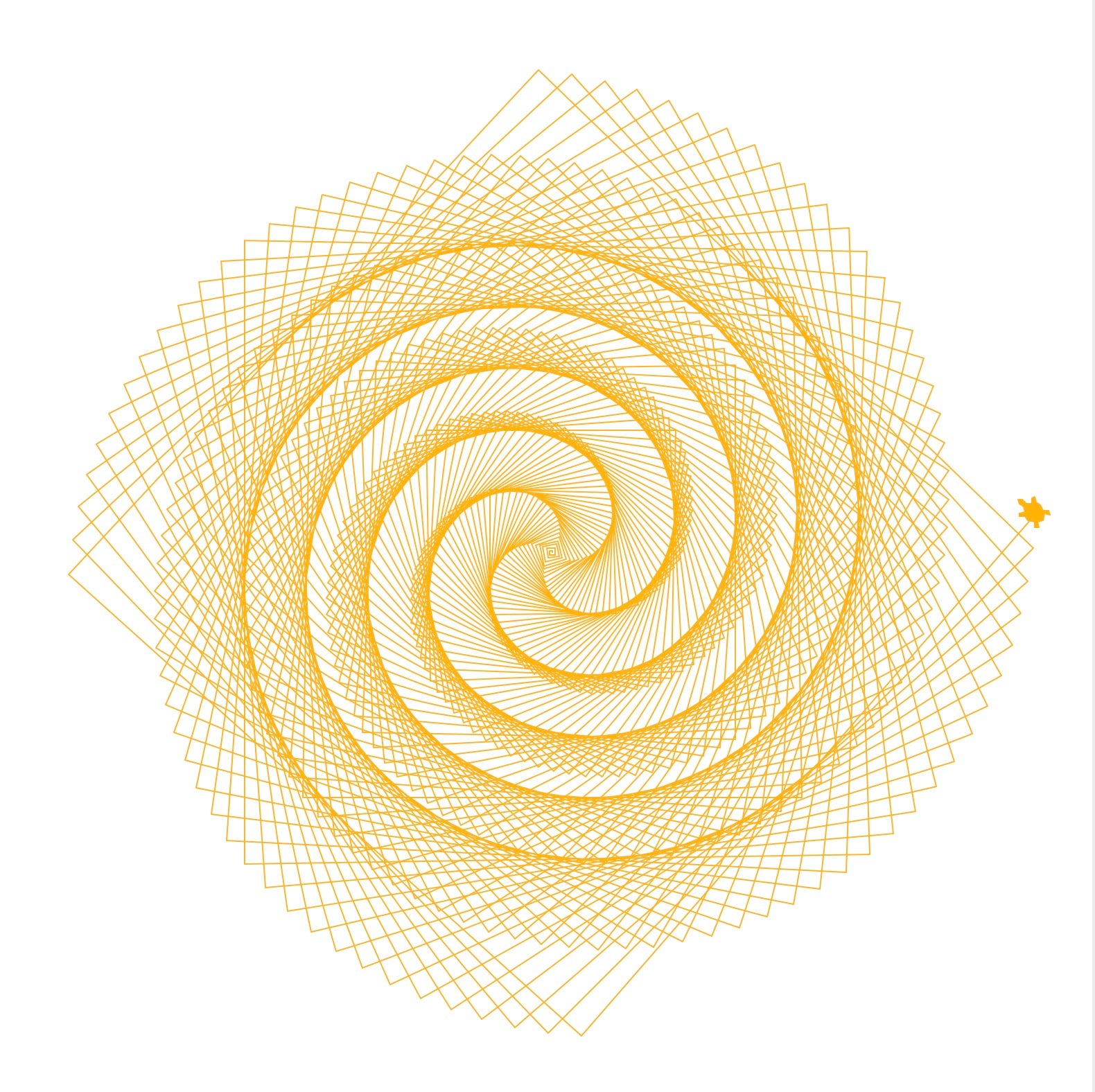
鲍勃画了一个正方形的螺旋线
现在试着画一个正方形的螺旋线,但这次你可以把速度加快一点。你可以使用speed ,并设置bob.speed(2000) ,这样Bob就会移动得更快。
import turtle
if __name__ == '__main__':
    turtle.title('Hi! I\'m Bob the turtle!')
    turtle.setup(width=800, height=800)
    bob = turtle.Turtle(shape='turtle')
    bob.color('orange')
    # Drawing a square spiral
    bob.speed(2000)
    for i in range(500):
        bob.forward(i)
        bob.left(91)
    turtle.exitonclick()
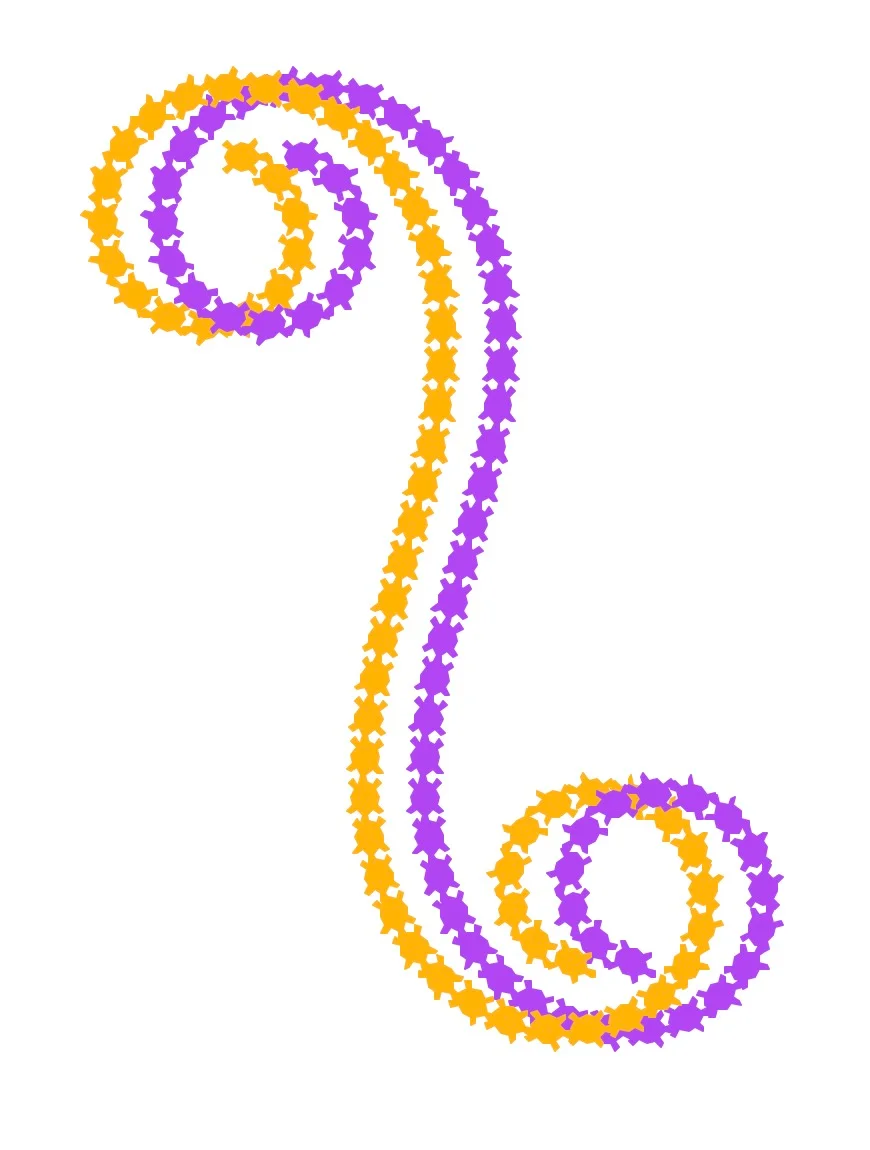
鲍勃和拉里画了一个奇怪的蛇状物
在上面的例子中,你把Bob 初始化为Turtle 类的一个对象。不过,你并不局限于只有一只乌龟。在下一个代码块中,创建第二个乌龟,叫做Larry ,和Bob一起画。
penup() 函数使乌龟抬起它们的笔,所以它们在移动时不会画任何东西,而stamp() 函数每当被调用时就会放置一个标记。
import turtle
if __name__ == '__main__':
    turtle.title('Hi! We\'re Bob and Larry!')
    turtle.setup(width=800, height=800)
    bob = turtle.Turtle(shape='turtle')
    larry = turtle.Turtle(shape='turtle')
    bob.color('orange')
    larry.color('purple')
    bob.penup()
    larry.penup()
    bob.goto(-180, 200)
    larry.goto(-150, 200)
    for i in range(30, -30, -1):
        bob.stamp()
        larry.stamp()
        bob.right(i)
        larry.right(i)
        bob.forward(20)
        larry.forward(20)
    turtle.exitonclick()
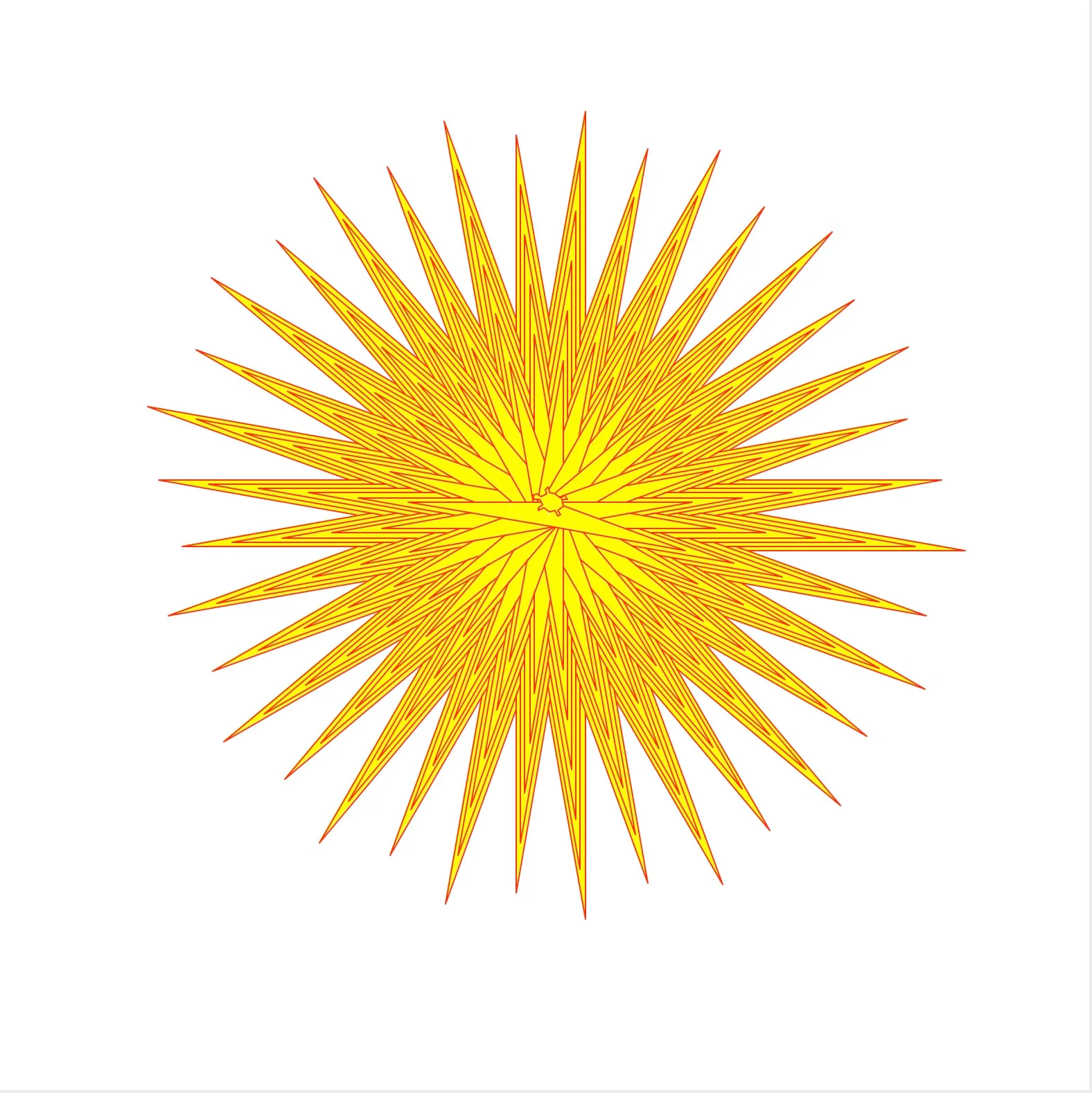
鲍勃画了一个太阳花
鲍勃也可以画简单的线条,然后用颜色填满它们。函数begin_fill() 和end_fill() 允许Bob用fillcolor() 设置的颜色来填充一个形状。
import turtle
if __name__ == '__main__':
    turtle.title('Hi! I\'m Bob the turtle!')
    turtle.setup(width=800, height=800)
    bob = turtle.Turtle(shape='turtle')
    bob.color('orange')
    # Drawing a filled star thingy
    bob.speed(2000)
    bob.fillcolor('yellow')
    bob.pencolor('red')
    for i in range(200):
        bob.begin_fill()
        bob.forward(300 - i)
        bob.left(170)
        bob.forward(300 - i)
        bob.end_fill()
    turtle.exitonclick()
拉里画了一个西尔宾斯基三角形
鲍勃和下一只乌龟一样喜欢用尾巴拿着笔画简单的几何图形,但他最喜欢的是画分形。
其中一个形状是西尔宾斯基三角形,它是一个被递归地细分为更小的等边三角形的等边三角形。它看起来像这样。
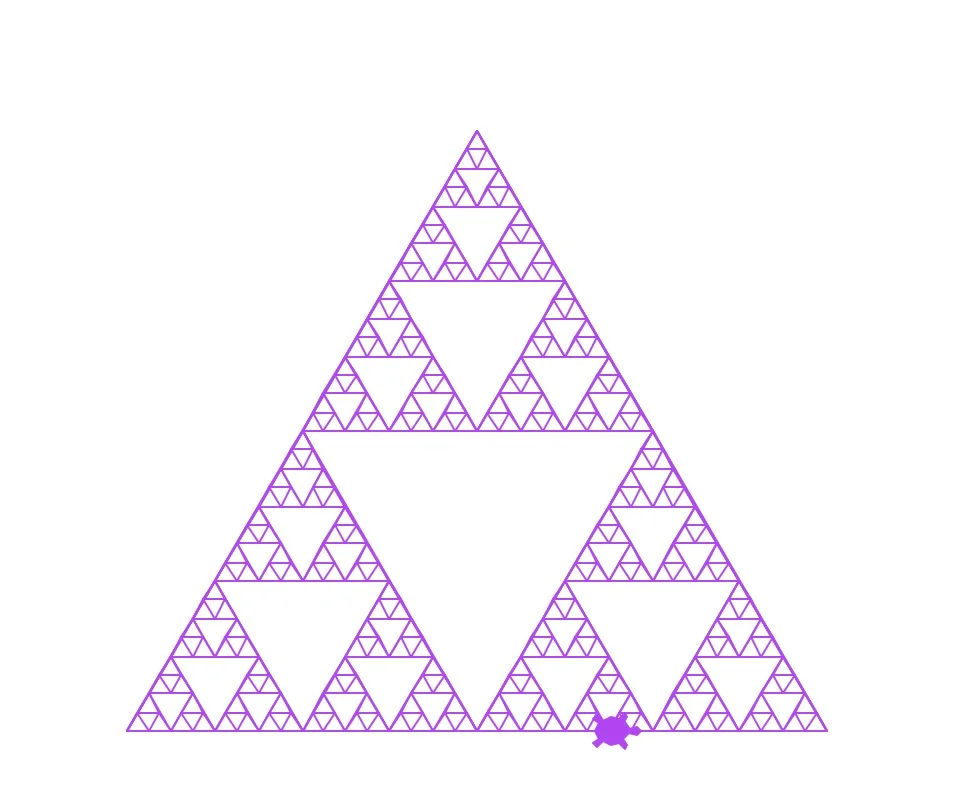
要画出上面的西尔宾斯基三角形,鲍勃必须要付出更多的努力。
import turtle
def get_mid_point(point_1: list, point_2: list):
    return ((point_1[0] + point_2[0]) / 2, (point_1[1] + point_2[1]) / 2)
def triangle(turtle: turtle, points, depth):
    turtle.penup()
    turtle.goto(points[0][0], points[0][1])
    turtle.pendown()
    turtle.goto(points[1][0], points[1][1])
    turtle.goto(points[2][0], points[2][1])
    turtle.goto(points[0][0], points[0][1])
    if depth > 0:
        triangle(turtle, [points[0], get_mid_point(points[0], points[1]), get_mid_point(points[0], points[2])], depth-1)
        triangle(turtle, [points[1], get_mid_point(points[0], points[1]), get_mid_point(points[1], points[2])], depth-1)
        triangle(turtle, [points[2], get_mid_point(points[2], points[1]), get_mid_point(points[0], points[2])], depth-1)
if __name__ == '__main__':
    turtle.title('Hi! I\'m Bob the turtle!')
    turtle.setup(width=800, height=800)
    larry = turtle.Turtle(shape='turtle')
    larry.color('purple')
    points = [[-175, -125], [0, 175], [175, -125]]  # size of triangle
    triangle(larry, points, 5)
    turtle.exitonclick()
总结
Logo编程语言是教授基本编程概念的好方法,例如,计算机如何执行一组命令。另外,由于该库现在可以在Python中使用,它可以用来将复杂的想法和概念可视化。
