环境
"swiper": "^8.2.2",
"vue": "^3.2.25",
代码
<swiper
:grabCursor="true"
:modules="modules"
:effect="'cards'"
>
<swiper-slide v-for="(i, index) in imgs" :key="i.id">
...
</swiper-slide>
</swiper>
import { Swiper, SwiperSlide } from "swiper/vue";
import { EffectCards } from "swiper";
import "swiper/less";
import "swiper/css/effect-cards";
const modules: Array<any> = [EffectCards];
.swiper {
width: 300px;
height: 450px;
}
.swiper-slide {
display: flex;
align-items: center;
justify-content: center;
border-radius: 18px;
}
最终效果
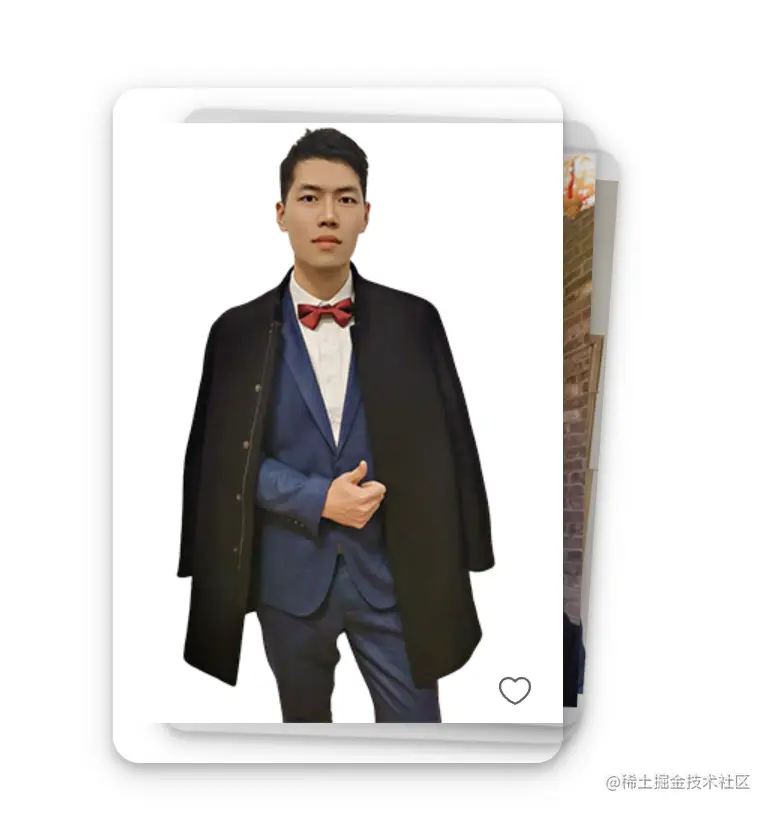
参考地址
个人博客