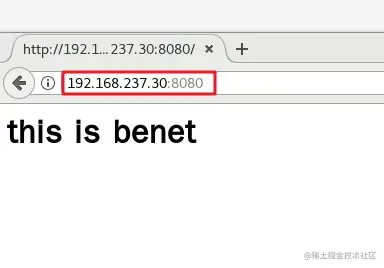
一、基于域名的 Nginx 虚拟主机
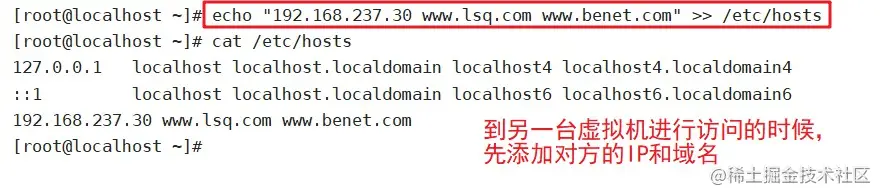
1、为虚拟主机提供域名解析
echo "192.168.80.10 www.kgc.com www.benet.com" >> /etc/hosts
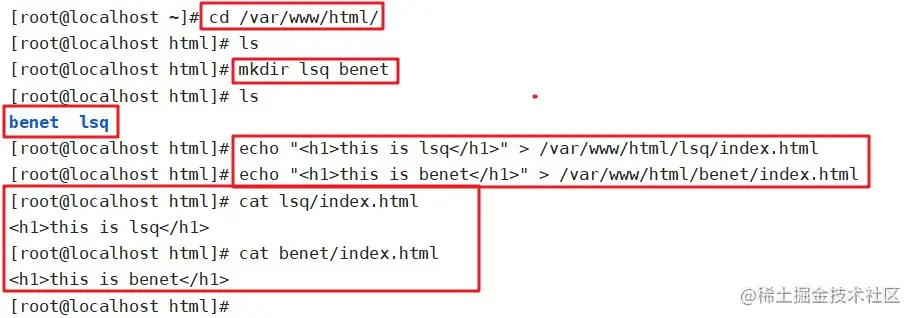
2、为虚拟主机准备网页文档
mkdir -p /var/www/html/benet
mkdir -p /var/www/html/kgc
echo"<h1>www.kgc.com</h1>" > /var/www/html/kgc/index.html
echo "<h1>www.benet.com</h1>" > /var/www/html/benet/index.html
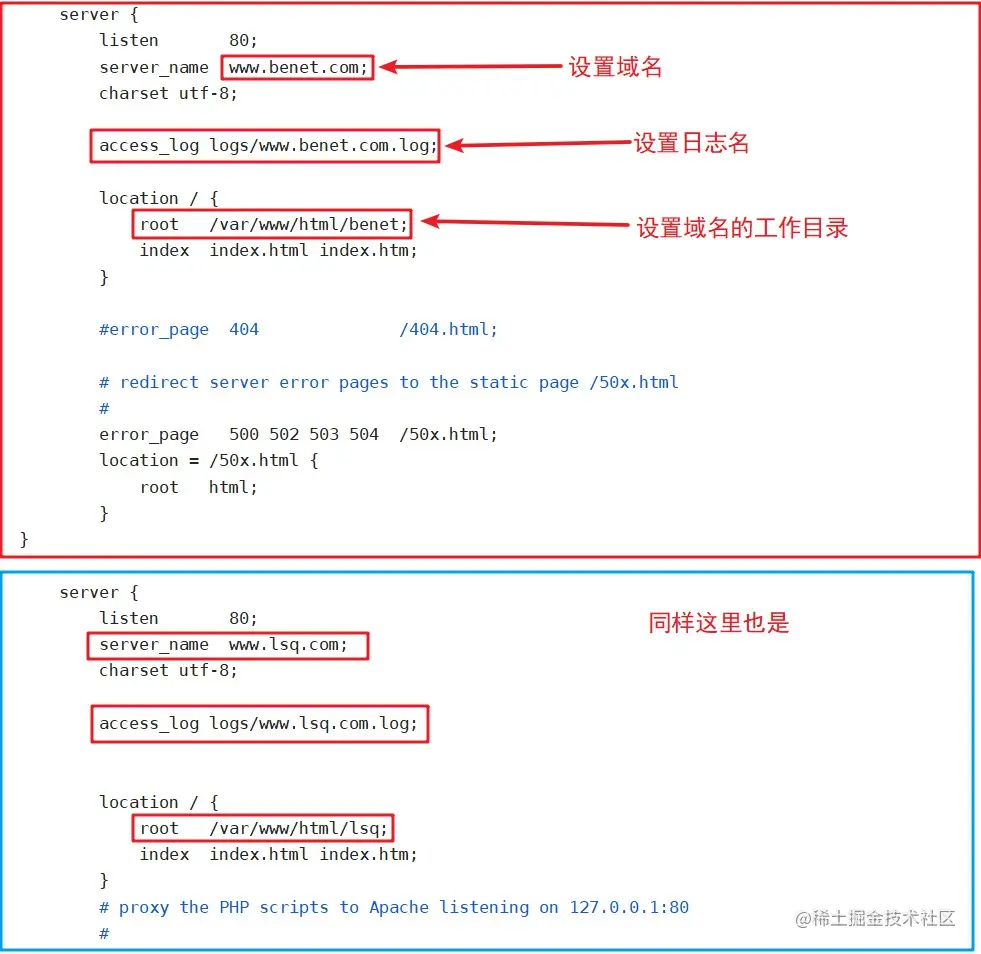
3、修改Nginx的配置文件
vim /usr/local/nginx/conf/nginx.conf
....
http {
.....
server {
listen 80
server_name www.kgc.com
charset utf-8
access_1og logs/www.kgc.access.log
location / {
root /var/www/html/kgc
index index.html index.php
}
error_page 500 502 503 504 /50x.html
location = 50x.html{
root html
}
}
server
listen 80
server_name www.benet.com
charset utf-8
access_log logs/www.benet.access.1og
location / {
root /var/www/html/benet
index index.html index.php
}
error_page 500 502 503 504 /50x. html
location = 50x.html{
root html
}
}
}


4、重启服务,访问测试
systemctl restart nginx
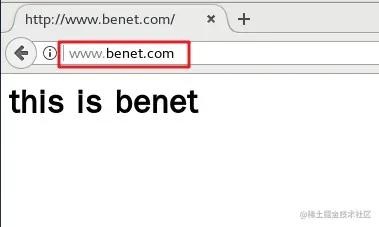
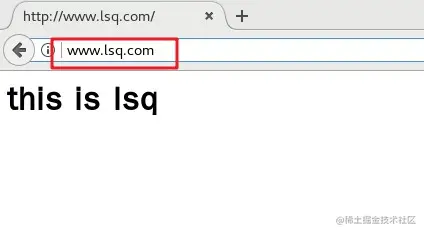
浏跑器访问
http:
http:

二、基于IP的 Nginx 虚拟主机
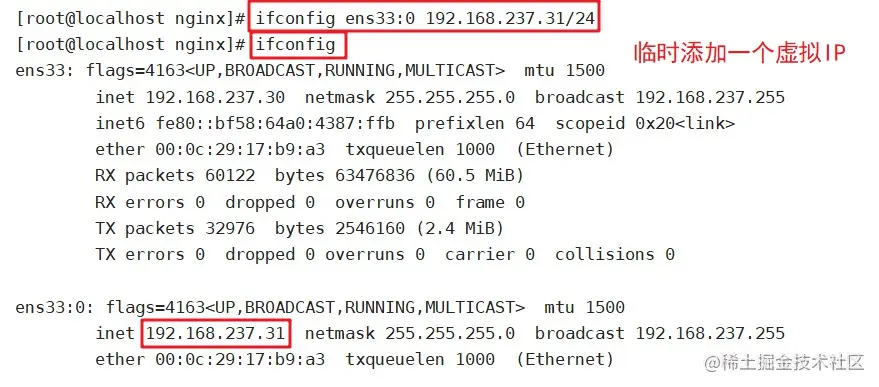
iflconfig ens33:0 192.168.80.11 netmask 255.255.255.0
vim /usr/local/nginx/conf/nginx.conf
....
http {
.....
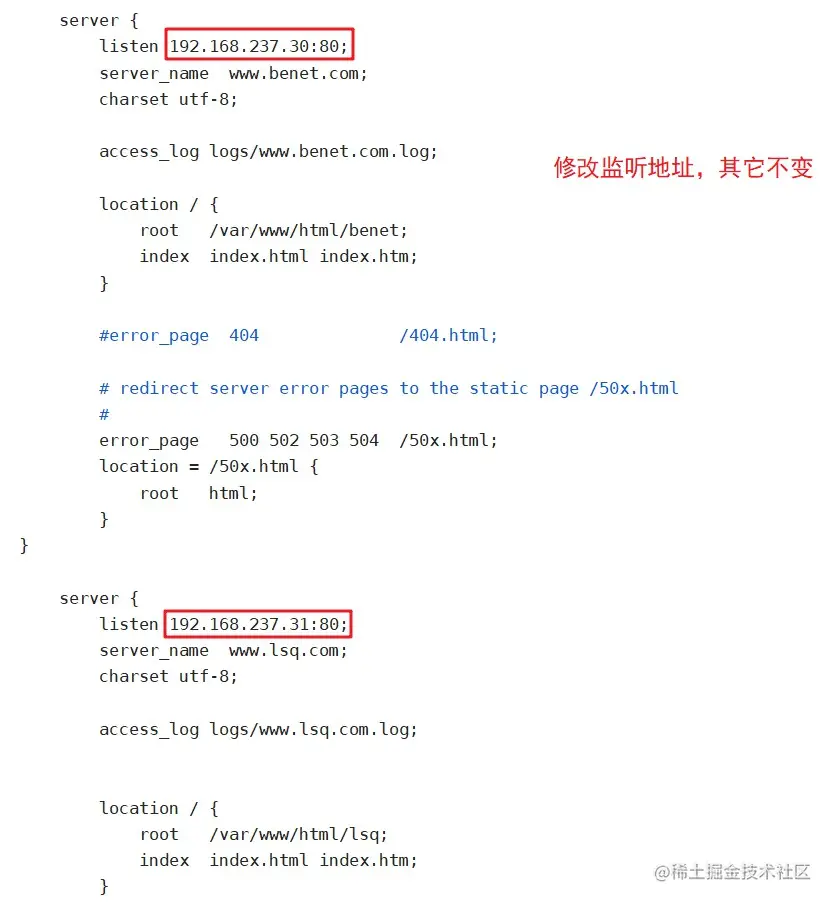
server {
listen 192.168.237.31:80
server_name www.lsq.com
charset utf-8
access_log logs/www.lsq.access.log
location / {
root /var/www/html/lsq
index index.html index.htm
}
error_page 500 502 503 504 /50x.html
location = 50x.html {
root html
}
}
server
listen 192.168.237.30:80
server_name www.benet.com
charset utf-8
access_log logs/www.benet.access.1og
location / {
root /var/www/html/benet
index index.html index.htm
}
error_page 500 502 503 504 /50x. html
location = 50x.html{
root html
}
}
}

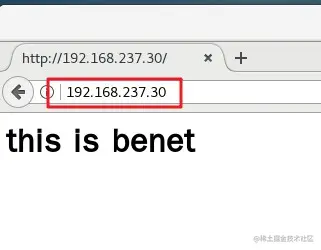
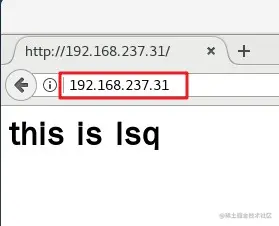
4、重启服务,访问测试
systemctl restart nginx
浏览器访问
http:
http:
三、基于端口的 Nginx 虚拟主机
vim /usr/local/nginx/conf/nginx.conf
....
http {
.....
server {
listen 192.168.116.90:8888
server_name www.lsq.com
charset utf-8
access_log logs/www.lsq.acess.1og
location / {
root /var/www/html/lsq
index index.html index.htm
}
error_page 500 502 503 504 /50x. html
location = 50x. html{
root html
}
}
server
listen 192.168.237.30:8080
server_name www.benet.com
charset utf-8
access_log logs/www.benet.access.1og
location / {
root /var/www/html/benet
index index.html index.htm
}
error_page 500 502 503 504 /50x. html
location = 50x.html{
root html
}
}
}

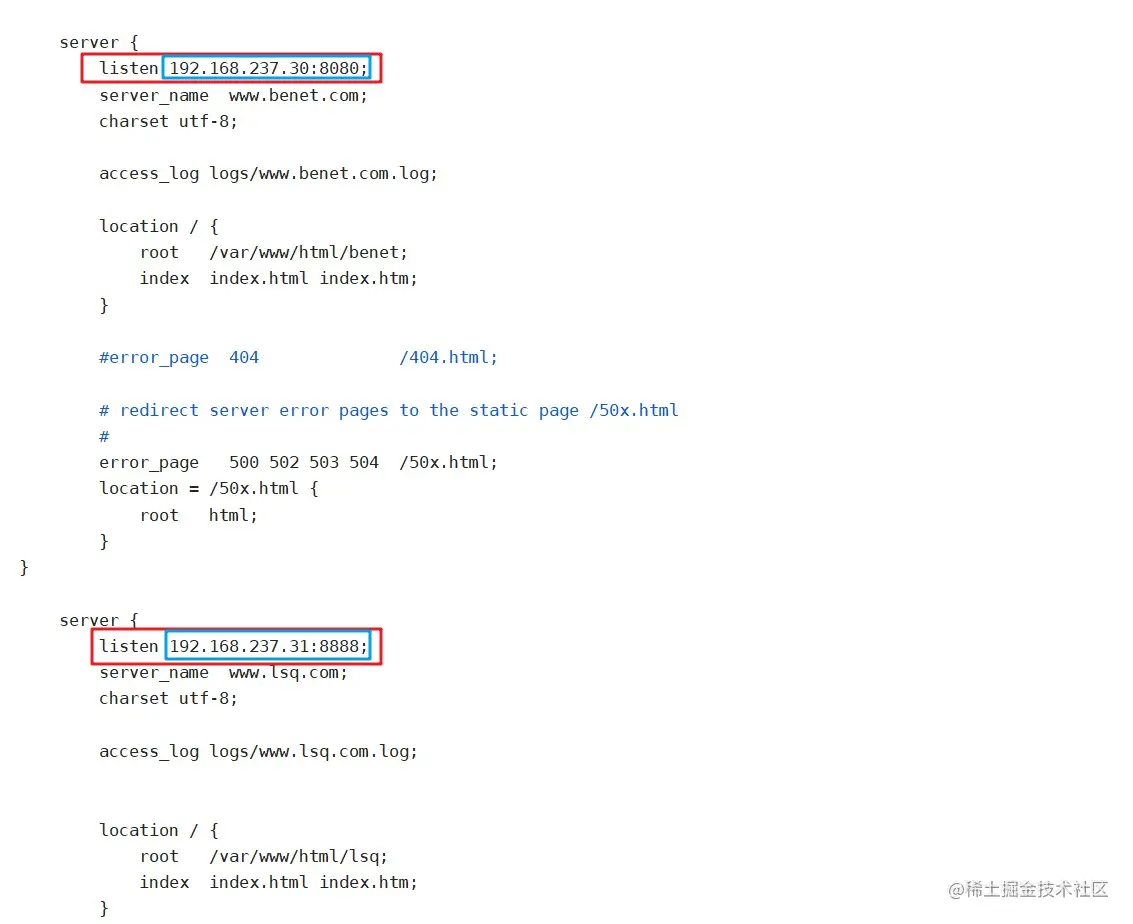
重启服务,Q访问测试
systemctl restart nginx
浏览器访问
http:
http: