classNames 的用法
支持的参数类型
export type Value = string | number | boolean | undefined | null;
export type Mapping = Record<string, unknown>;
export interface ArgumentArray extends Array<Argument> {}
export type Argument = Value | Mapping | ArgumentArray;
classNames('a', 0, null, undefined, true, 1, 'b')   // => 'a 1 b'
classNames({a: true}, 'b', 0)  // => 'a b'
classNames(['a', 'b'])   // => 'a b'
- 为了能绑定 css-module 的样式表的动态 class names
var classNames = require('classnames/bind')
var styles = { foo: 'abc', bar: 'def', baz: 'xyz' }
var cx = classNames.bind(styles)
var className = cx('foo', ['bar'], { baz: true })
// => "abc def xyz"
支持自定义 toString()
classNames({
toString: function () { return 'classFromMethod'; }
})
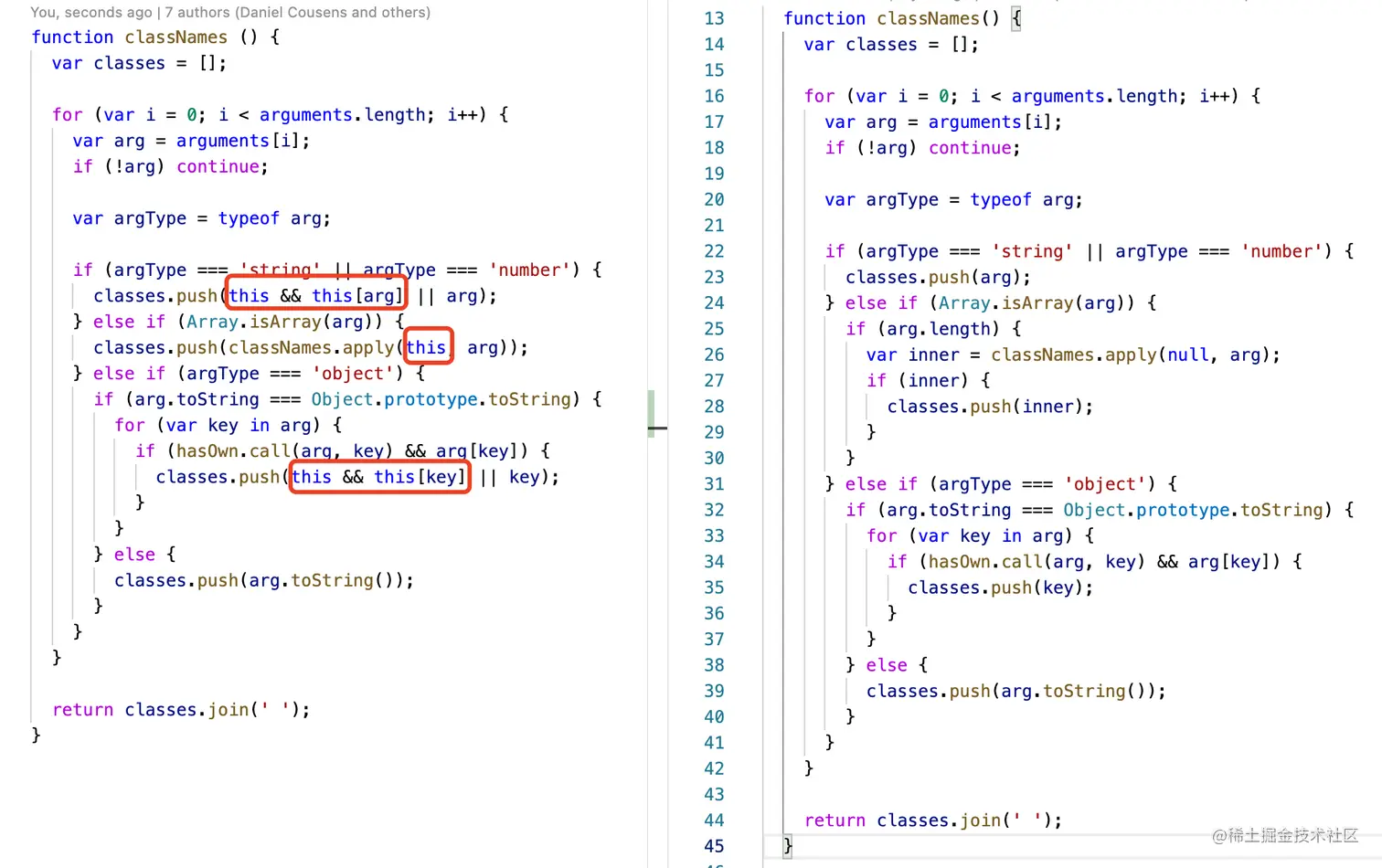
解读源码思想
- 动态类型的参数解析
- 动态参数使用
arguments,遍历 arguments 取出参数
- 判断参数类型
typeof , Array.isArray
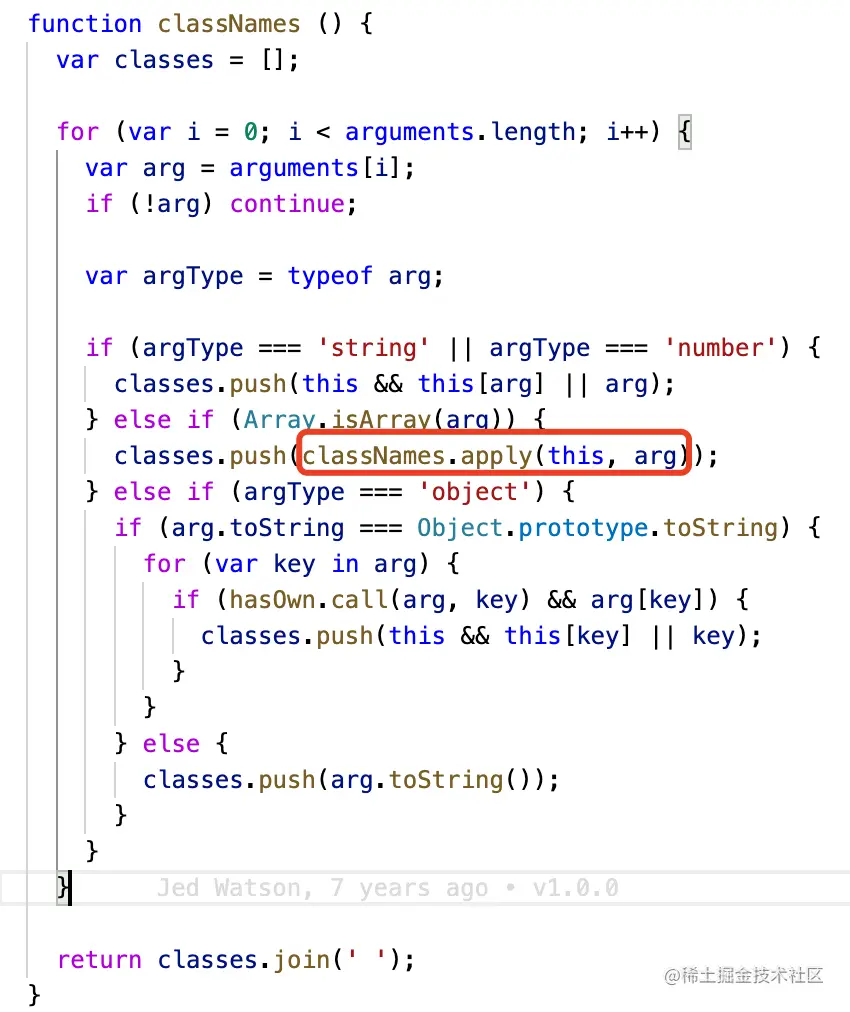
- 如果是数组类型,用
classNames.apply 递归,直到解析到原始值类型string||number
- 如果是对象,使用
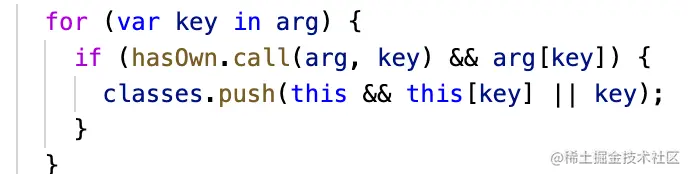
for...in 遍历对象,会把对象自身的和继承的可枚举的属性遍历出来,所以还要用hasOwnProperty来判断是不是自身的属性
- 这里的
for...in可以用Object.keys代替,遍历所有自身的可枚举属性,就可以不用再用hasOwnProperty来判断了。参考属性的可枚举性和遍历