盒子居中的几种方法
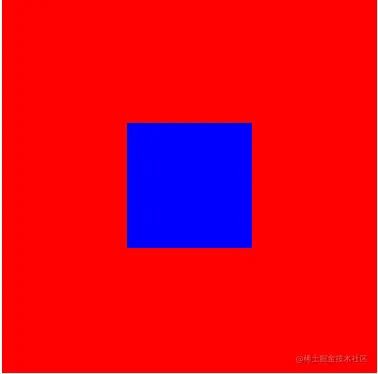
方法一:弹性布局
 .box {
      width: 500px;
      height: 500px;
      background-color: red;
      display: flex;   //设置弹性布局
      justify-content: center;   //水平居中
      align-items: center;    //垂直居中
    }

    .box1 {
      width: 100px;
      height: 100px;
      background-color: blue;
    }
方法二:display:table-cel方法
 .box {
      width: 300px;
      height: 300px;
      background-color: red;
      display: table-cell;
      vertical-align: middle;    //垂直居中
    }

    .box1 {
      width: 100px;
      height: 100px;
      background-color: blue;
      margin: auto;     //水平居中
    }
方法三:绝对定位
  .box {
      width: 300px;
      height: 300px;
      background-color: red;
      position: relative;
    }

    .box1 {
      width: 100px;
      height: 100px;
      background-color: blue;
      position: absolute;
      left: 0;
      top: 0;
      bottom: 0;
      right: 0;
      margin: auto;
    }
方法四:绝对定位+位移
 .box {
      width: 300px;
      height: 300px;
      background-color: red;
      position: relative;
    }

    .box1 {
      width: 100px;
      height: 100px;
      background-color: blue;
      position: absolute;
      left: 50%;   //子盒子向右移动父盒子的一半距离
      top: 50%;    //子盒子向下移动父盒子的一半距离
      transform: translate(-50px,-50px);   //子盒子向左上方移动自身一半距离
    }