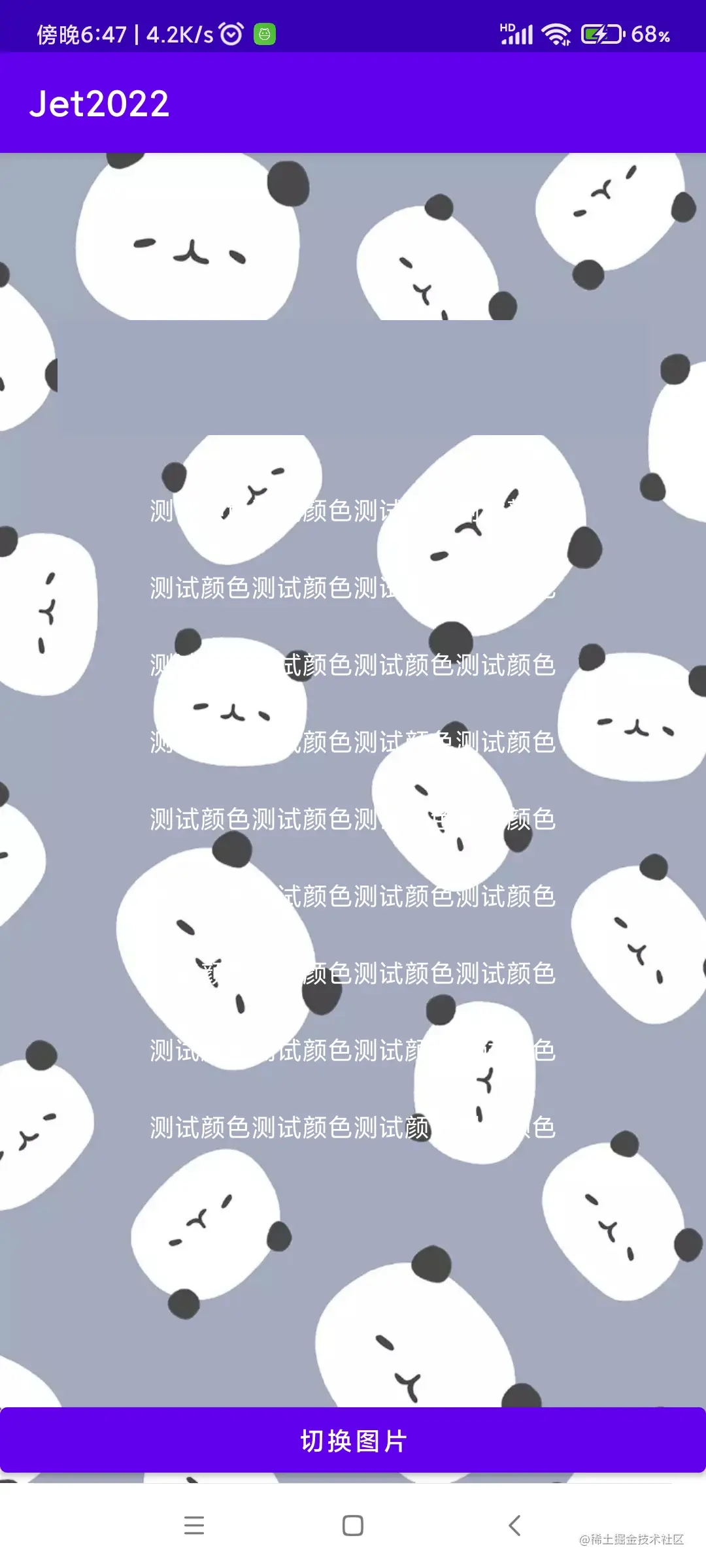
1. 对Bitmap进行取色
2. 色彩模式理论
3. 判断颜色是深色还是浅色
public boolean isLightColor(int color) {
double darkness = 1 - (0.299 * Color.red(color) + 0.587 * Color.green(color) + 0.114 * Color.blue(color)) / 255;
if (darkness < 0.5) {
return true;
} else {
return false;
}
}
4. 判断一张图片是浅色还是深色
public static boolean isLockWpLight(Context context) {
    Palette p = getStatusBarPalette(context);
    if(null == p) {
    return false;
    }
    return !isLegibleOnWallpaper(Color.WHITE, p.getSwatches());
}

private static Palette getStatusBarPalette(Context context) {
    WallpaperManager wallpaperManager = WallpaperManager.getInstance(context);
    int statusBarHeight = context.getResources ().getDimensionPixelSize (R.dimen.status_bar_height);
    try (ParcelFileDescriptor fd = wallpaperManager
            .getWallpaperFile(WallpaperManager.FLAG_LOCK)) {
        BitmapRegionDecoder decoder = BitmapRegionDecoder
                .newInstance(fd.getFileDescriptor(), false);
        Rect decodeRegion = new Rect(0, 0,
        decoder.getWidth(), statusBarHeight);
        Bitmap bitmap = decoder.decodeRegion(decodeRegion, null);
        decoder.recycle();
        if (bitmap != null) {
            return Palette.from(bitmap).clearFilters().generate();
        }
    } catch (IOException | NullPointerException e) {
        Log.e(TAG, "Fetching partial bitmap failed, trying old method", e);
    }
    Bitmap wallpaper = ((BitmapDrawable) wallpaperManager.getDrawable()).getBitmap();
    return Palette.from(wallpaper)
            .setRegion(0, 0, wallpaper.getWidth(), statusBarHeight)
            .clearFilters()
            .generate();
}

private static boolean isLegibleOnWallpaper(int color, List<Palette.Swatch> wallpaperSwatches) {
    int legiblePopulation = 0;
    int illegiblePopulation = 0;
    for (Palette.Swatch swatch : wallpaperSwatches) {
        if (isLegible(color, swatch.getRgb())) {
            legiblePopulation += swatch.getPopulation();
        } else {
            illegiblePopulation += swatch.getPopulation();
        }
    }
    return legiblePopulation > illegiblePopulation;
}

private static boolean isLegible(int foreground, int background) {
    background = ColorUtils.setAlphaComponent(background, 255);
    return ColorUtils.calculateContrast(foreground, background) >= 2;
}
5. 小米手机验证,设置壁纸后,实际对Bitmap的颜色进行了调整.以避免壁纸颜色和文字颜色过于接近.
- 小米手机桌面壁纸,颜色被'调暗'.
小米手机桌面:
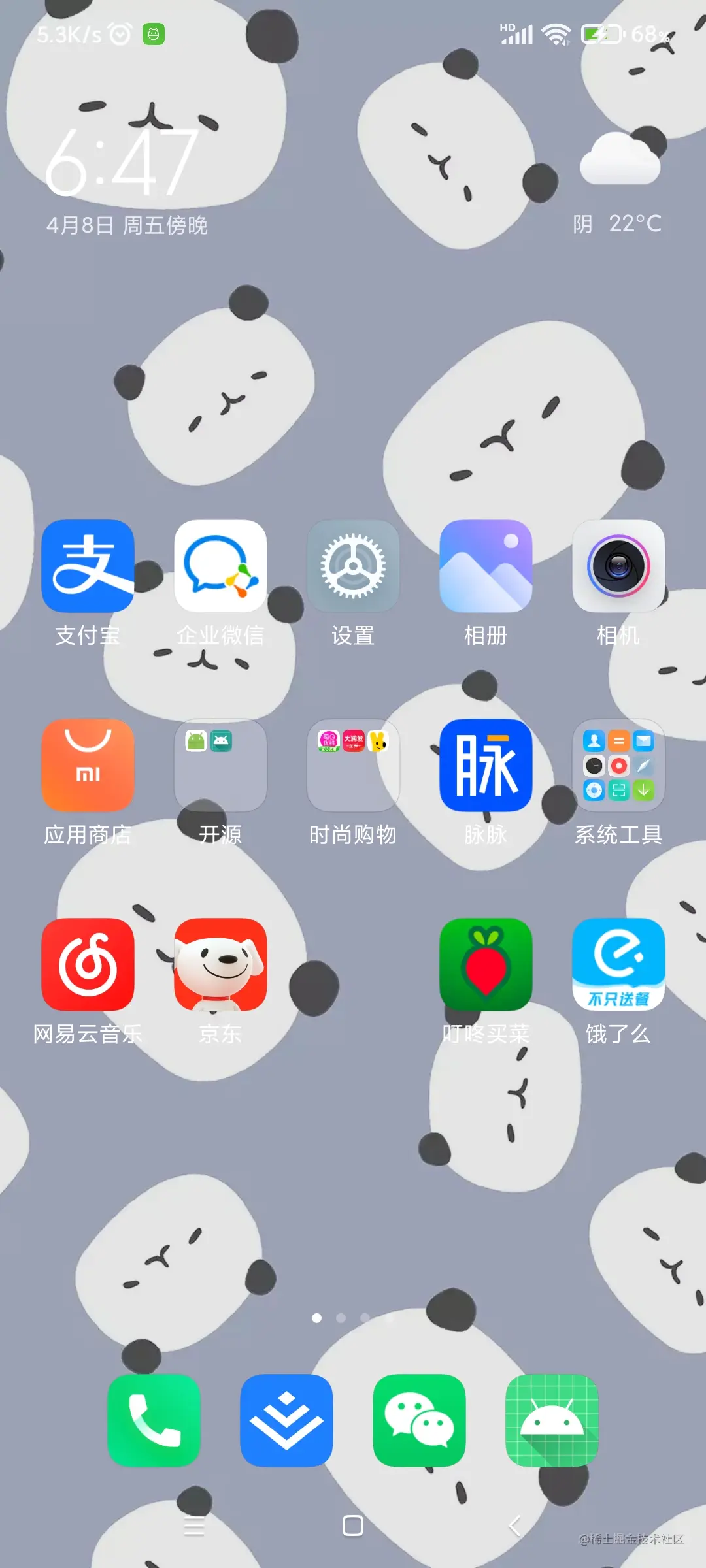 原始图片颜色: