- 创一个文件夹 导入导出axios
- 导入axios封装对的方法
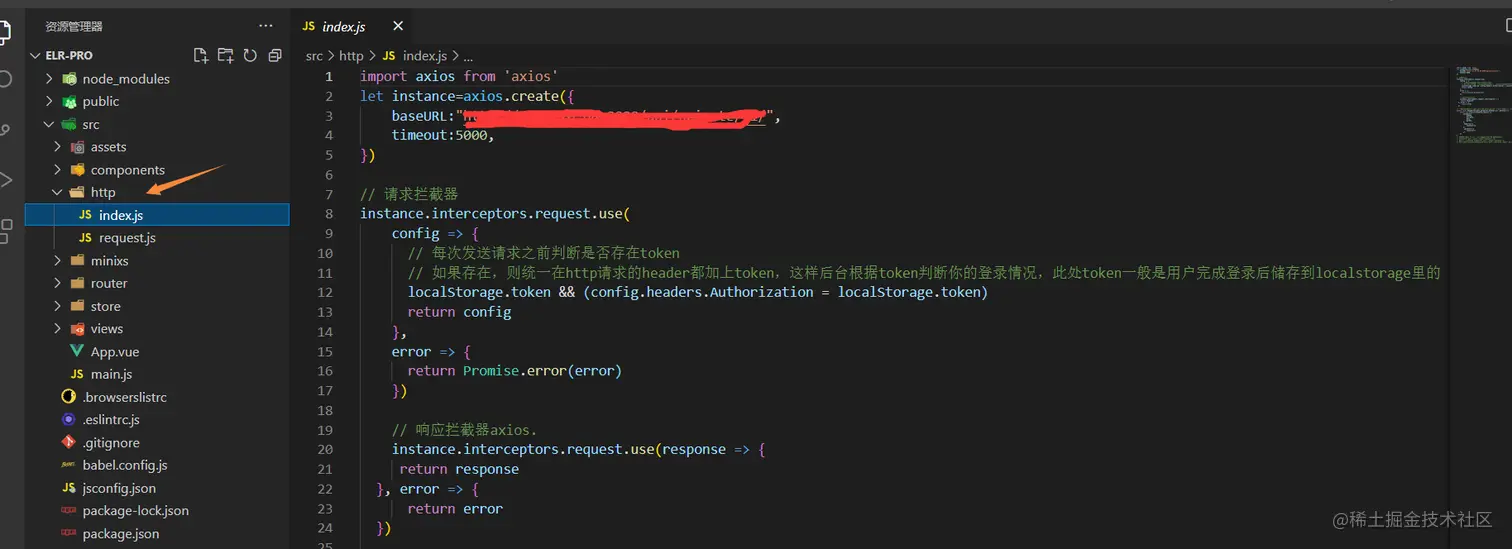
import axios from 'axios'
let instance=axios.create({
baseURL:"",
timeout:5000,
})
instance.interceptors.request.use(
config => {
localStorage.token && (config.headers.Authorization = localStorage.token)
return config
},
error => {
return Promise.error(error)
})
instance.interceptors.request.use(response => {
return response
}, error => {
return error
})
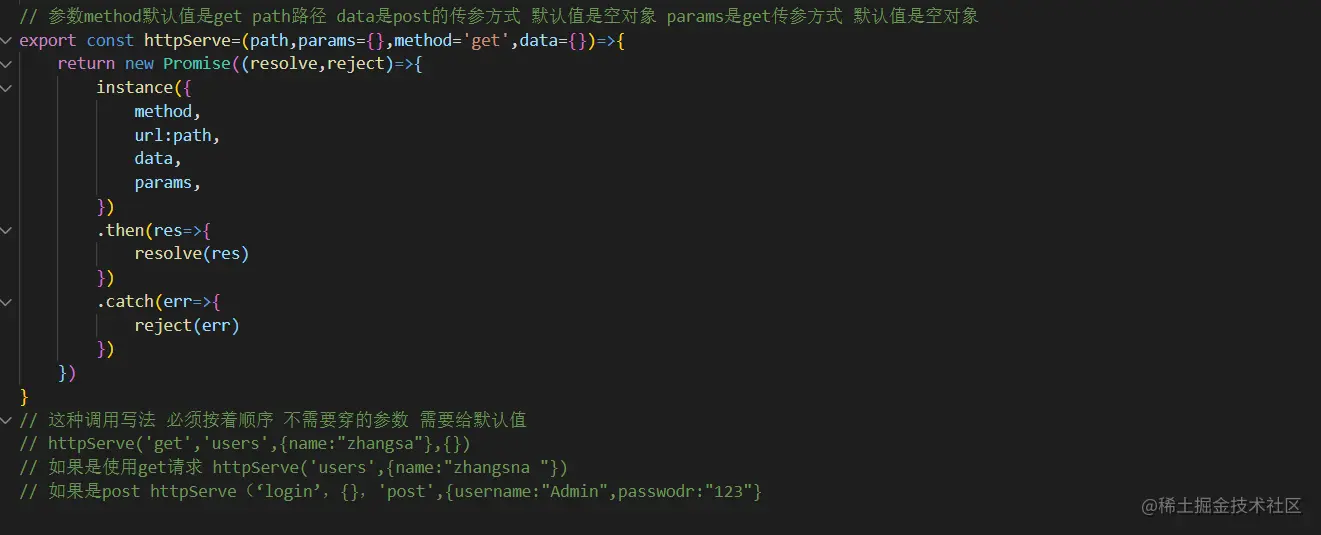
export const httpServe=(path,params={},method='get',data={})=>{
return new Promise((resolve,reject)=>{
instance({
method,
url:path,
data,
params,
})
.then(res=>{
resolve(res)
})
.catch(err=>{
reject(err)
})
})
}
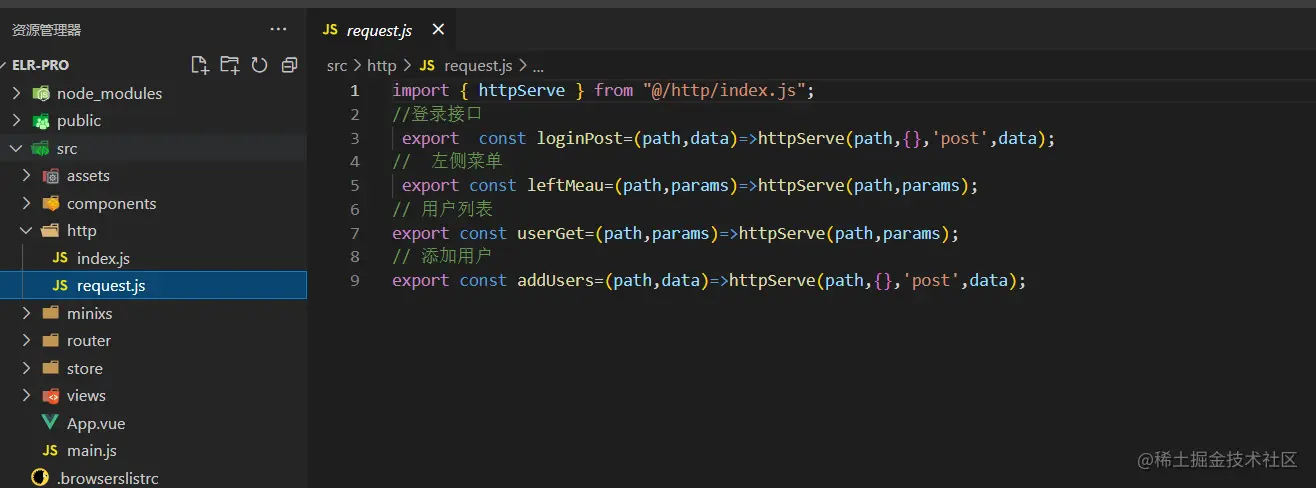
import { httpServe } from "@/http/index.js";
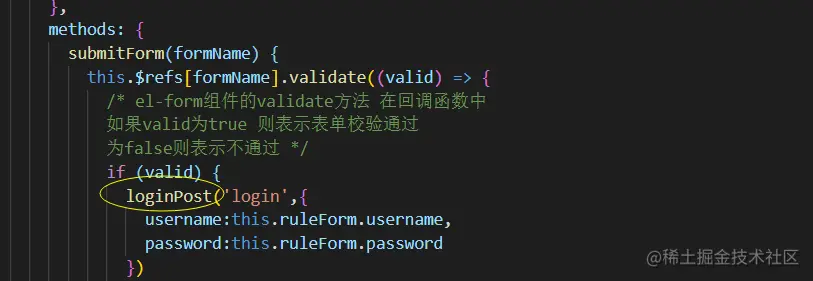
export const loginPost=(path,data)=>httpServe(path,{},'post',data);
export const leftMeau=(path,params)=>httpServe(path,params);
export const userGet=(path,params)=>httpServe(path,params);
export const addUsers=(path,data)=>httpServe(path,{},'post',data);



